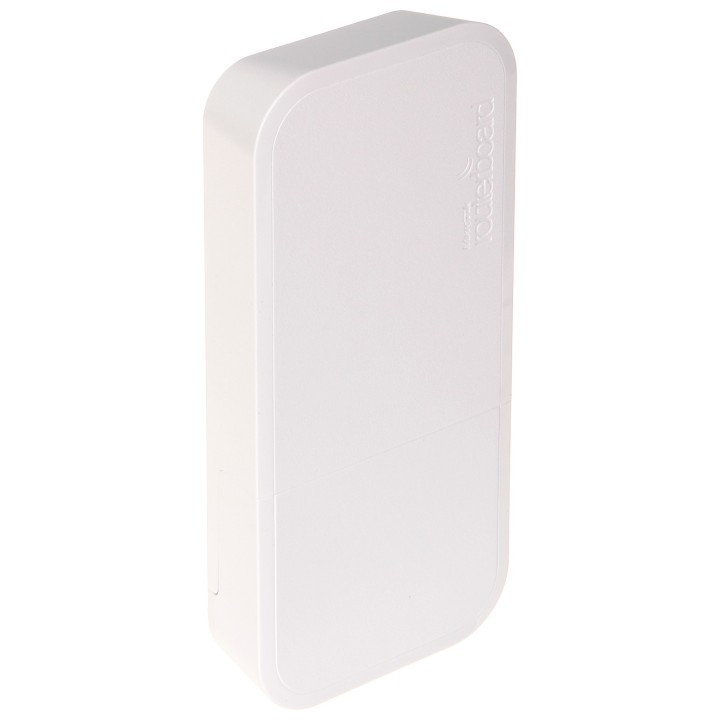
MikroTik wAP R | Punkt dostępowy | RBwAPR-2nD, 2,4GHz, miniPCI-e, 1x RJ45 100Mb/s

Cena: 365,99 zł
Brutto
Dostępność produktu: Dostępny 2 szt.
Czas dostawy Wysyłka w ciągu 3 dni roboczych
Koszt dostawy Bezpłatna dostawa od 250 zł.

Opis produktu

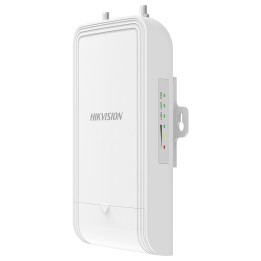
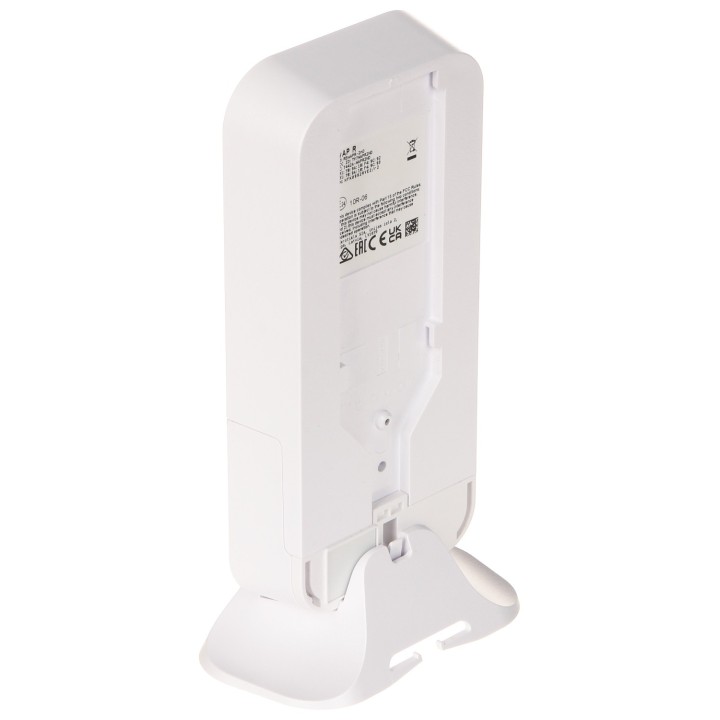
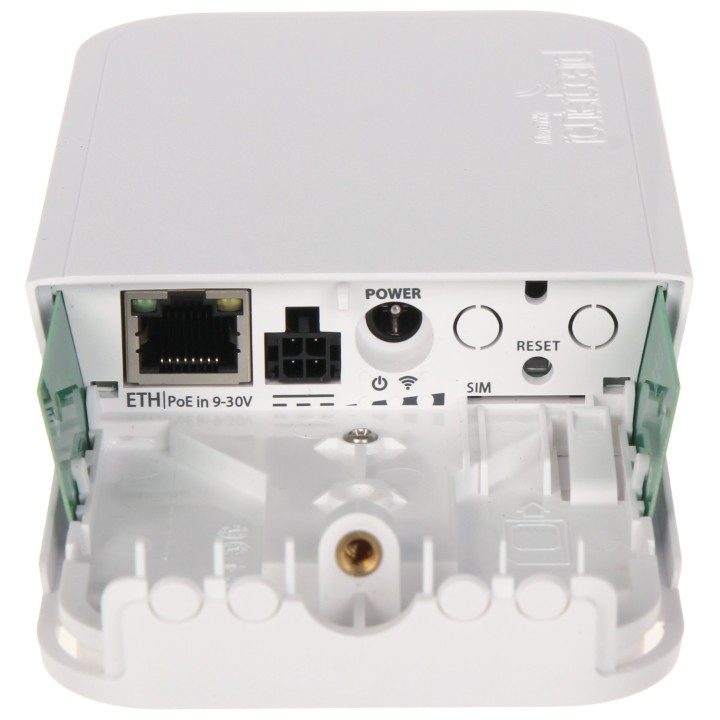
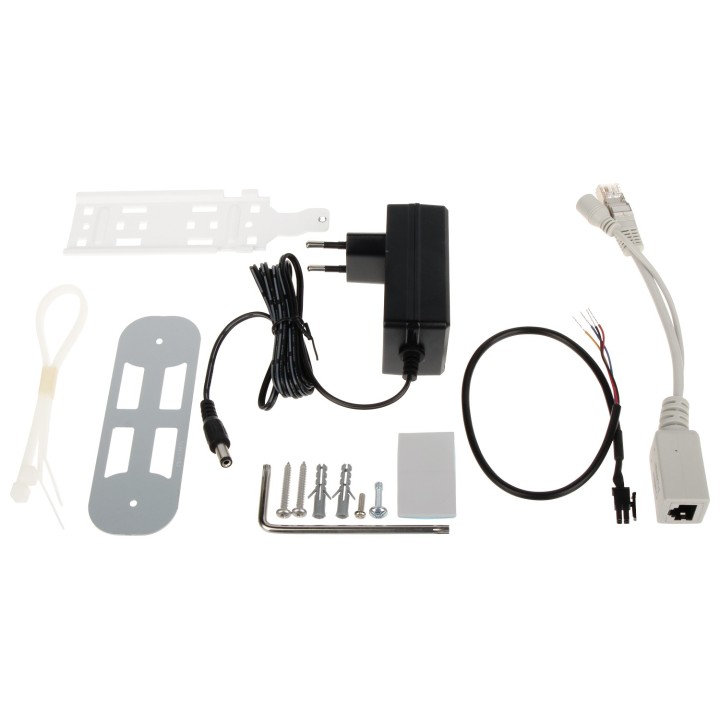
RBWAPR-2ND to mały, odporny na warunki atmosferyczne bezprzewodowy punkt dostępowy 2.4 GHz ze złączem miniPCI-e (możliwość użycia własnej karty LTE) i antenami LTE Urządzenie jest wyposażone w jeden port Ethernet LAN 10/100 Mb/s do podłączania urządzeń przewodowych Punkt dostępowy może być zamontowany na zewnątrz domu, w pojeździe lub w dowolnym innym miejscu, w którym istnieje potrzeba bezprzewodowego dostępu do Internetu z telefonu lub komputera W zestawie znajduje się również podstawka, dzięki której można postawić urządzenie wewnątrz budynku, w pobliżu okna Urządzenie posiada kilka opcji zasilania: PoE-IN 9-30 V przez port Ethernet, gniazdo zasilania DC i złącze samochodowe, co jest bardzo przydatne w przypadku urządzeń do zastosowań mobilnych np. w samochodzie, autobusie lub pociągu Uwaga! Ten model urządzenie nie posiada wbudowanego modemu LTE, slot na kartę SIM można wykorzystać tylko wtedy, gdy zainstalowany jest modem LTE (nie jest dołączony do produktu)

Szczegóły produktu

  • Marka Mikrotik
  • Kod produktu 66436df9c70920e45284785f
  • Dostępność 2 Przedmioty
  • EAN13 4752224004956
  • MPN RBWAPR-2ND

Specyfikacja

  • Liczba portów LAN (szt.) 1 szt.

Producent

Producent

Mikrotikls SIA

Ūnijas iela 2 LV-1039 Rīga Latvia

E-mail: support@mikrotik.com

Formularz kontaktowy: https://mikrotik.com/support

Telefon: +371 67317700

Bezpieczeństwo

Informacje o bezpieczeństwie

List of safety warnings for WiFi and Access Point Routers based on the requirements of Regulation (EU) 2023/988 on General Product Safety (GPSR) 1. Risk of electric shock: * Make sure that the device is connected to a working socket with grounding. * Do not touch the plug or cable with wet hands. * Avoid using the device in places with high humidity. 2. Risk of overheating: * Provide adequate ventilation while maintaining at least 5 cm of free space around the device. * Do not block ventilation openings. 3. Fire risk: * Use only original power supplies and accessories recommended by the manufacturer. * Do not leave the device on unattended near flammable materials. 4. Hazards at high temperatures: * Do not expose the device to direct sunlight. * Avoid using the router at temperatures above the recommended range (usually 5-35°C). 5. Risk of damage during cleaning: * Before cleaning, disconnect the device from the power supply and use a soft, slightly damp cloth. * Avoid using strong detergents that can damage the surface of the device. 6. Warnings for children: * Keep power cables out of reach of children. * Make sure that children do not play with the device or accessories that can be dangerous. 7. Regularly check the technical condition of the device: * Check the condition of the device regularly for mechanical damage, cracks or other defects. * Do not use the device if it has visible mechanical damage. 8. Use in humid environments * Avoid using your router in the bathroom, in the rain or in other humid environments 9. Interference with other devices * Using a router near medical devices such as pacemakers can cause electromagnetic interference. * Keep a distance of at least 15 cm between your router and medical devices. 10. Regular maintenance * Failure to regularly clean ports and sockets can lead to damage or failure. * Clean ports and sockets regularly using a dry and clean cloth, avoiding moisture input. 11. Risk of loss of water resistance * Do not immerse in water if it is not waterproof. 12. Electromagnetic interference * Smartwatches can interfere with medical devices such as pacemakers. 13. Small parts: * Components of the device, can be swallowed by children. * Keep your device and its accessories out of reach of children. Do not allow children to use the device themselves without supervision. 14. Risk of battery damage * Improper use, such as overheating or using a non-original charger, can lead to battery damage and, in extreme cases, to battery explosion. * Charge your device at room temperature and use only original accessories. Do not expose your smartwatch to high temperatures. 15. Maintenance and cleaning * Impurities such as sweat or dirt can cause discomfort and damage to materials. * Clean your smartwatch and strap regularly with a soft, damp cloth. Avoid using harsh chemicals.

Ładowanie...
Wróć na górę