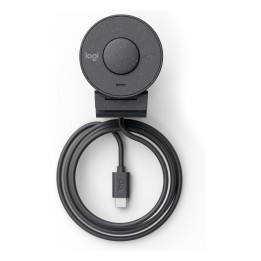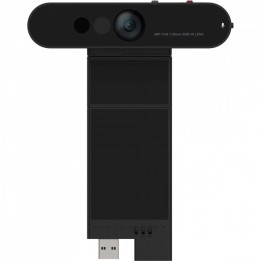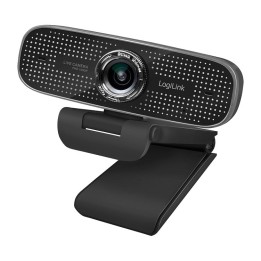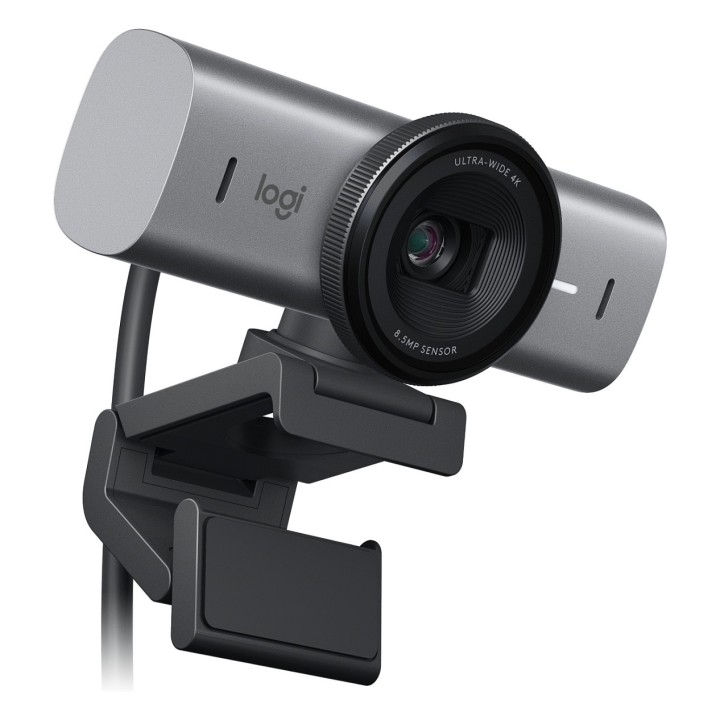
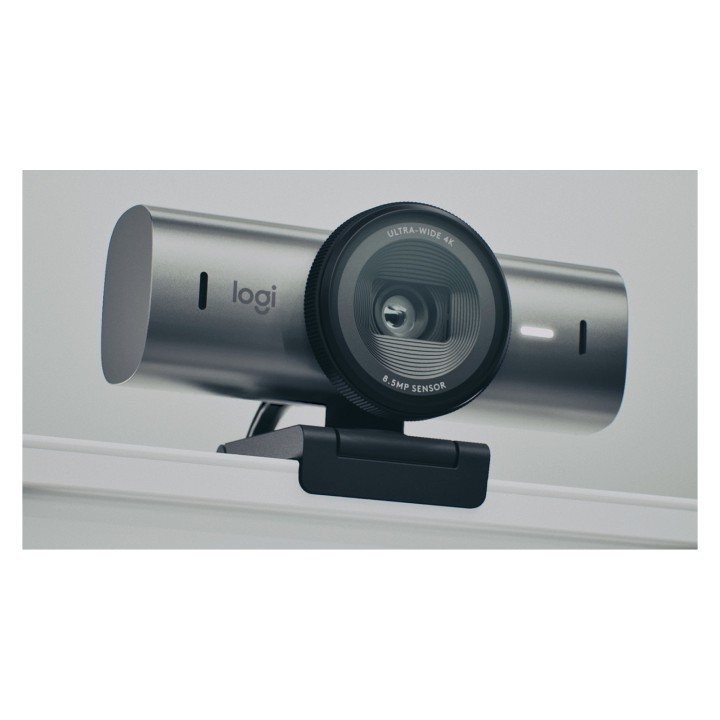
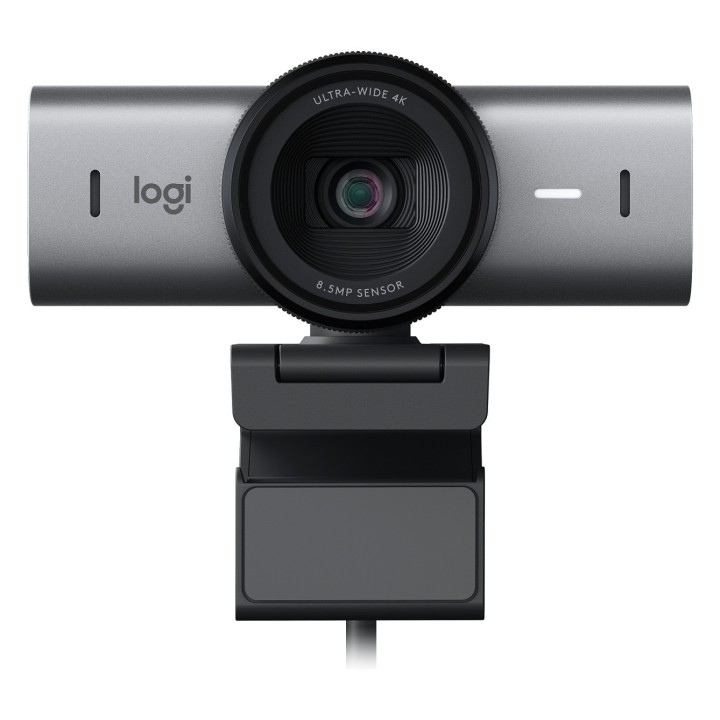
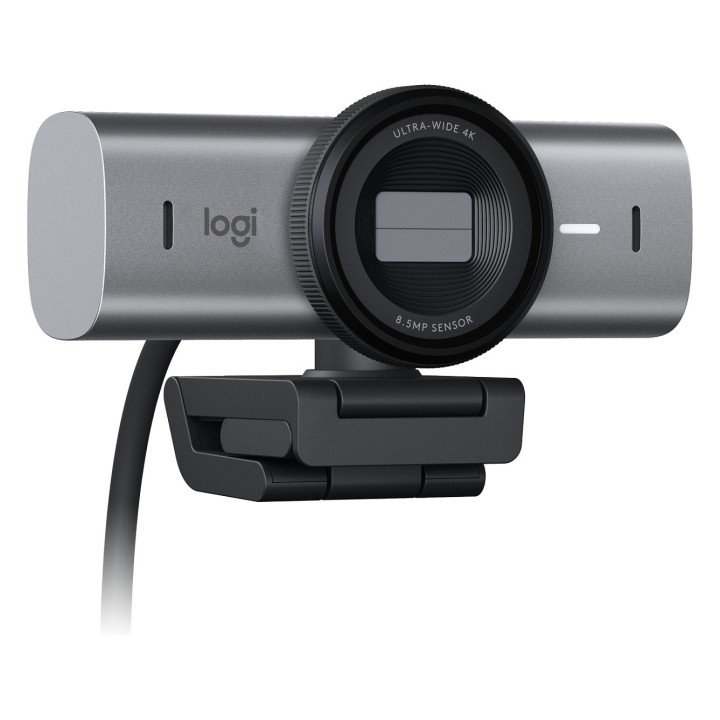
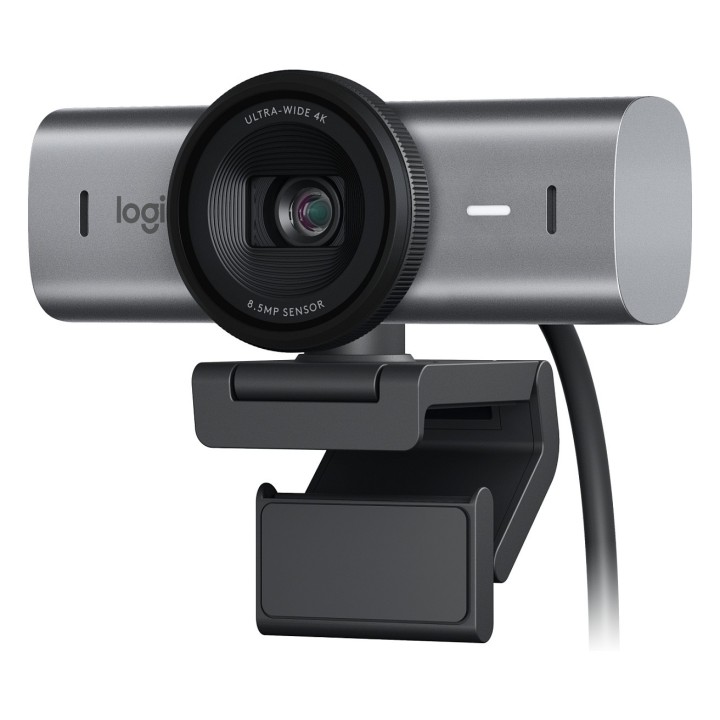
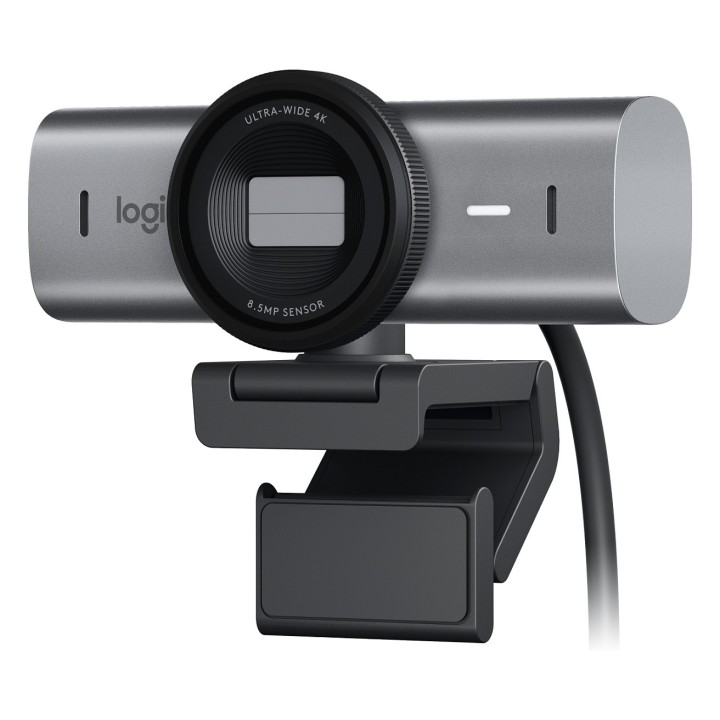
Logitech MX Brio 705 for Business kamera internetowa 8,5 MP 4096 x 2160 px USB 3.2 Gen 1 (3.1 Gen 1) Aluminium, Czarny

Cena: 829,99 zł
Brutto
Dostępność produktu: Dostępny 43 szt.
Czas dostawy Wysyłka w ciągu 3 dni roboczych
Koszt dostawy Bezpłatna dostawa od 250 zł.

Opis produktu

Logitech MX Brio 705 for Business - Kamerka internetowa - kolor - 8,5 MP - 4096 x 2160 - audio - USB-C

Specyfikacja

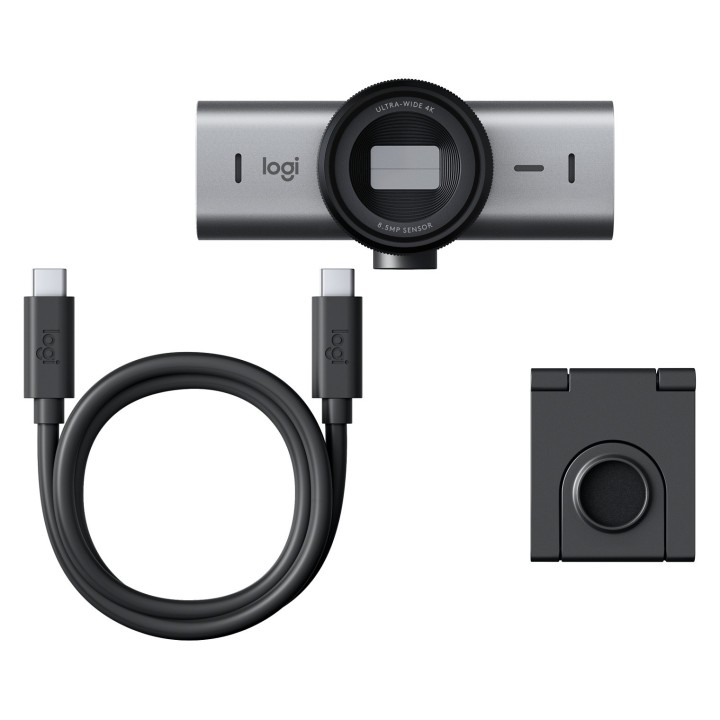
  • Zawartość opakowania: Kamera internetowa MX Brio 705 dla biznesu Kabel USB-C 3.0 Zaczep montażowy z wyjmowanym adapterem uchwytu Dokumentacja użytkownika

Szczegóły produktu

  • Marka Logitech
  • Kod produktu 66437b270c243f133c2997e3
  • Dostępność 43 Przedmioty
  • EAN13 5099206109346
  • MPN 960-001530

Specyfikacja

  • Obsługiwane systemy Chrome OS
    macOS
    Windows
  • Mikrofon Tak
  • Maksymalna rozdzielczość wideo 3840 × 2160
  • Autofokus Tak

Producent

Producent

Logitech Europe S.A.

Catharijnesingel 47 3511GC Utrecht Netherlands

Telefon: +41 0 21 863 55 11

Osoba odpowiedzialna w UE

Logitech Europe S.A.

Catharijnesingel 47 3511GC Utrecht Netherlands

Telefon: +41 0 21 863 55 11

Bezpieczeństwo

Informacje o bezpieczeństwie

List of webcam safety warnings based on the requirements of General Product Safety Regulation (GPSR) 2023/988 1. Privacy Risk: * Make sure your webcam is turned off or obscured when not in use to prevent unauthorized access and potential privacy violations. 2. Security Risk: * Update your webcam software to the latest version to protect against known vulnerabilities. * Change your webcam passwords regularly to prevent unauthorized access. 3. Risk of equipment damage: * Do not place the webcam in places with high humidity or temperature to avoid damage to the equipment. * Protect your webcam from drops or bumps that can cause mechanical damage. 4. Risk for children: * Keep small webcam accessories out of reach of children to avoid the risk of ingestion. * Do not allow children to install the webcam themselves. 5. Connection risk: * Make sure your webcam cables are properly connected to avoid short circuits or other power problems. 6. Hygiene risk: * Clean your webcam regularly to prevent dust and dirt from accumulating. * Do not use harsh cleaning agents that can damage the lens or housing. 7. Risk of ergonomics: * Place the webcam on a stable surface to avoid accidental tipping over. * Set the camera at the right height and angle for comfortable use. 8. Risk of fire: * Do not place the webcam near flammable materials. 9. Health Risk: * Avoid prolonged use of the webcam in dark rooms to reduce eye strain. 10. Legal Risk: * Make sure that video and audio recording using your webcam complies with local privacy laws.

Ładowanie...
Wróć na górę