- Nowy
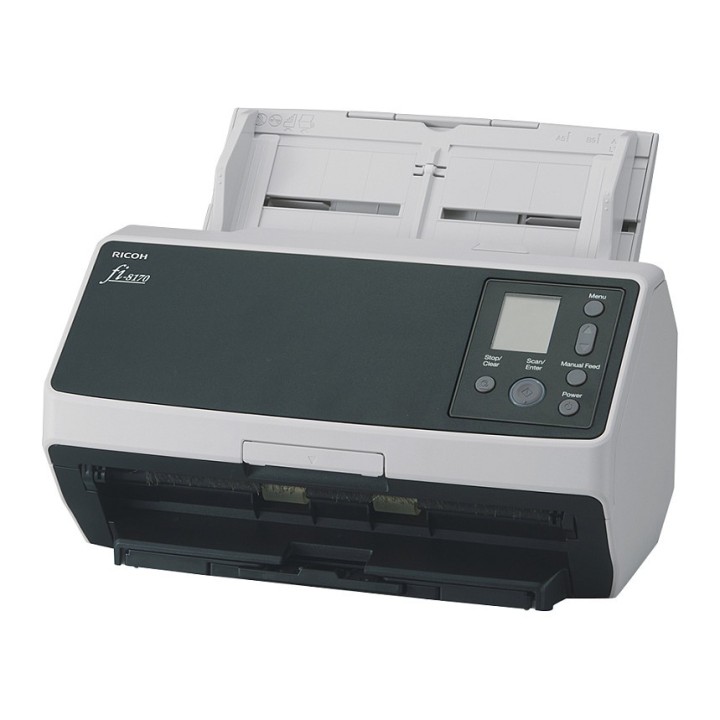
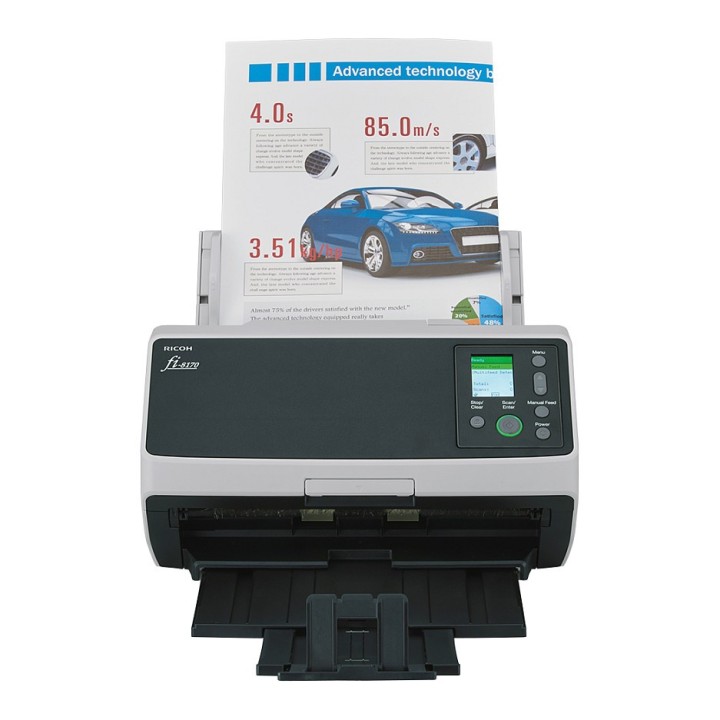
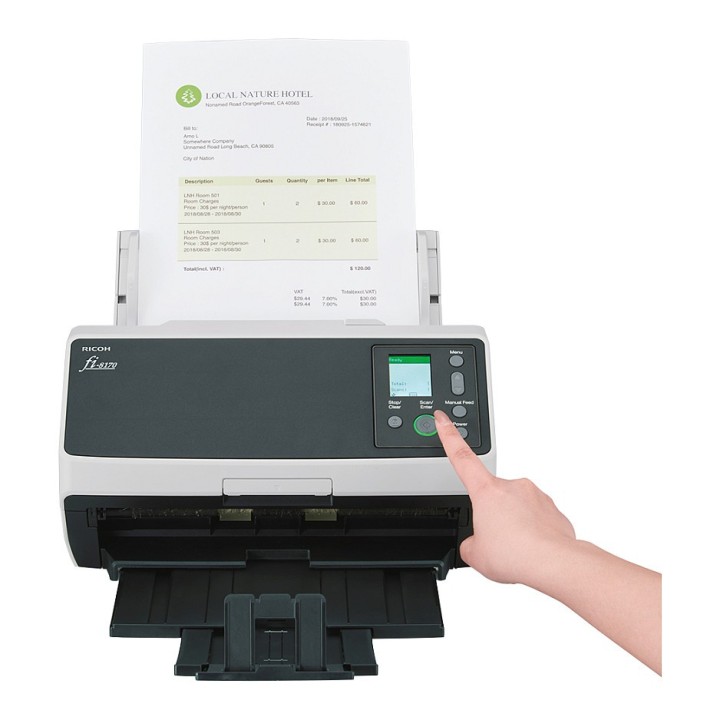
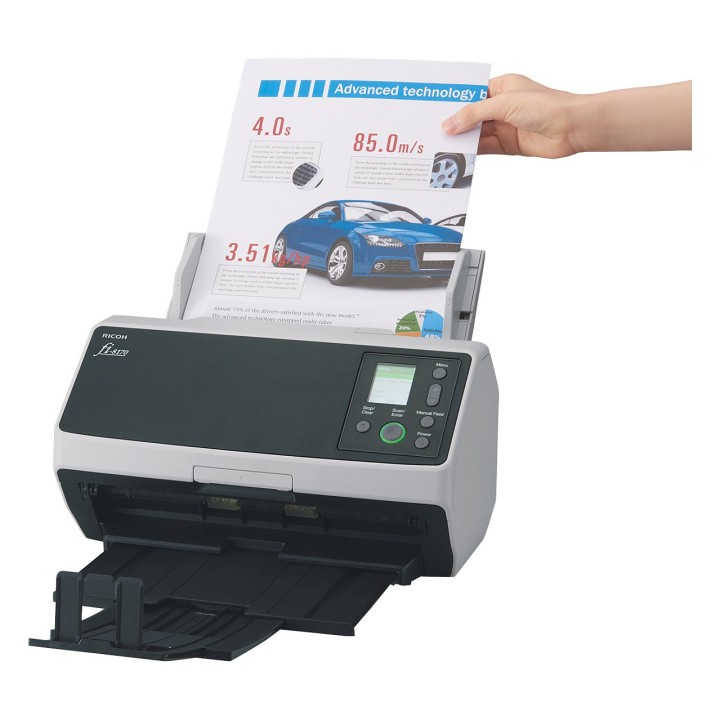


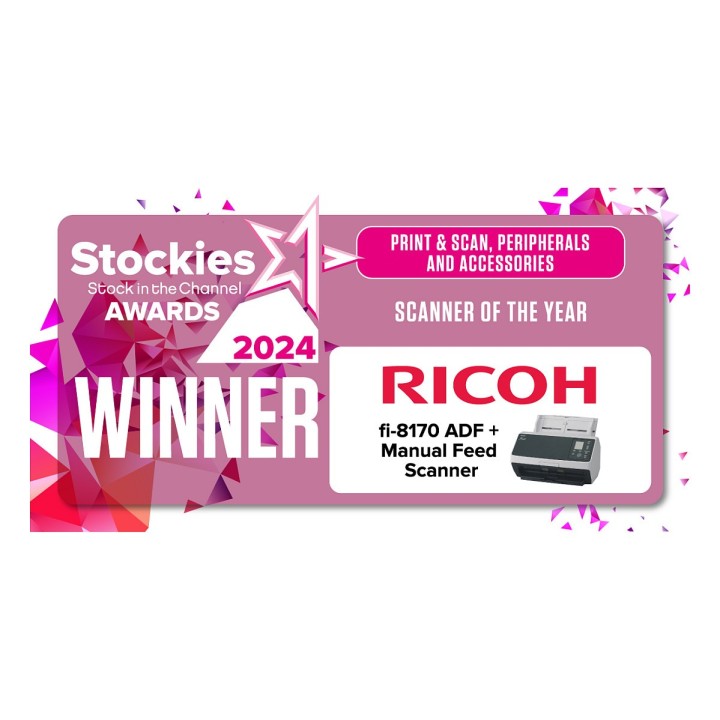
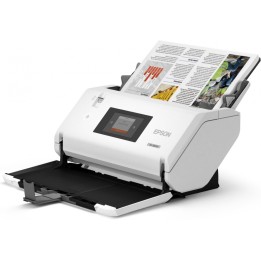
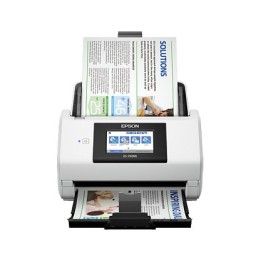
Ricoh fi-8170. Maksymalny format skanowania: 216 x 355,6 mm, Optyczna rozdzielczość skanowania: 600 x 600 DPI, Prędkość skanowania ADF (cz/b, A4): 70 stron/min. Typ skanera: ADF+Ręczny skaner pobierający, Kolor produktu: Czarny, Szary, Typ kontroli: Przyciski. Typ przetwornika obrazu: Dual CIS, Źródło światła: LED, Formaty plików (scanner): JPEG, PDF, PNG, TIFF. Pojemność automatycznego podajnika papieru: 100 ark.. Maksymalny rozmiar papieru ISO (seria A): A4, Obsługiwane nośniki skanowania: Karta biznesowa, Post Card(JPN), Rozmiary seri A ISO (A0…A9): A4, A5, A6
List of safety warnings for scanners based on the requirements of General Product Safety Regulation (EU) 2023/988 (GPSR): 1. Risk of electric shock: * Make sure the scanner is connected to a working grounded outlet. * Do not touch the plug or cable with wet hands. * Avoid using the scanner in places with high humidity. 2. Risk of overheating: * Provide adequate ventilation while maintaining at least 5 cm of free space around the scanner. * Do not block ventilation openings. 3. Fire risk: * Use only original power supplies and accessories recommended by the manufacturer. * Do not leave the scanner on unattended near flammable materials. 4. Risk of personal injury: * Use the scanner on a stable surface to minimize the risk of falling. 5. Hazards at high temperatures: * Do not expose the scanner to direct sunlight. * Avoid using the scanner at temperatures exceeding the recommended range (usually 5-35°C). 6. Risk of damage during cleaning: * Before cleaning, disconnect the scanner from the power supply and use a soft, slightly damp cloth. * Avoid using strong detergents that can damage the surface of the scanner. 7. Warnings for children: * Make sure that children do not play with the scanner or accessories that can be dangerous. 8. Regular maintenance: * Failure to regularly clean ports and sockets can lead to damage or failure. * Clean ports and sockets regularly using a dry and clean cloth, avoiding moisture input.
Produkty, które ostatnio zwróciły Twoją uwagę.