- Nowy
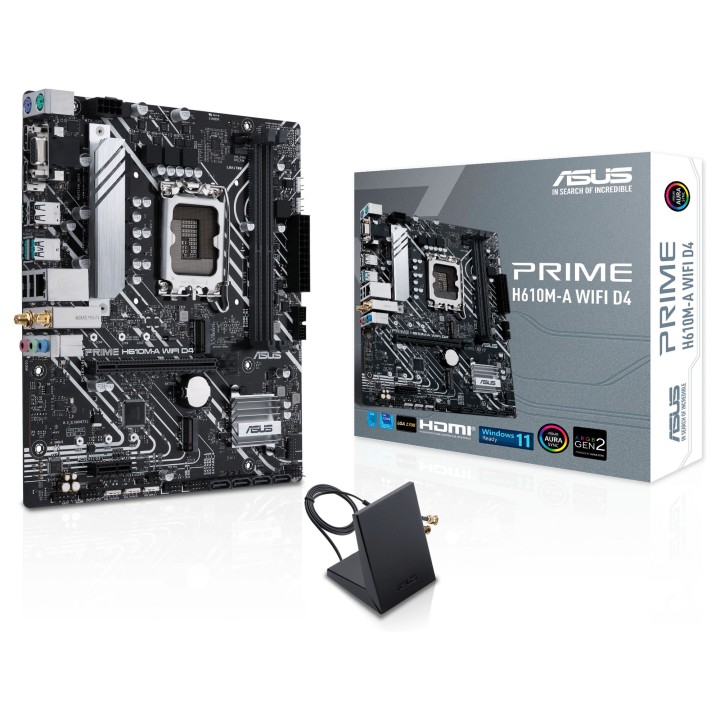
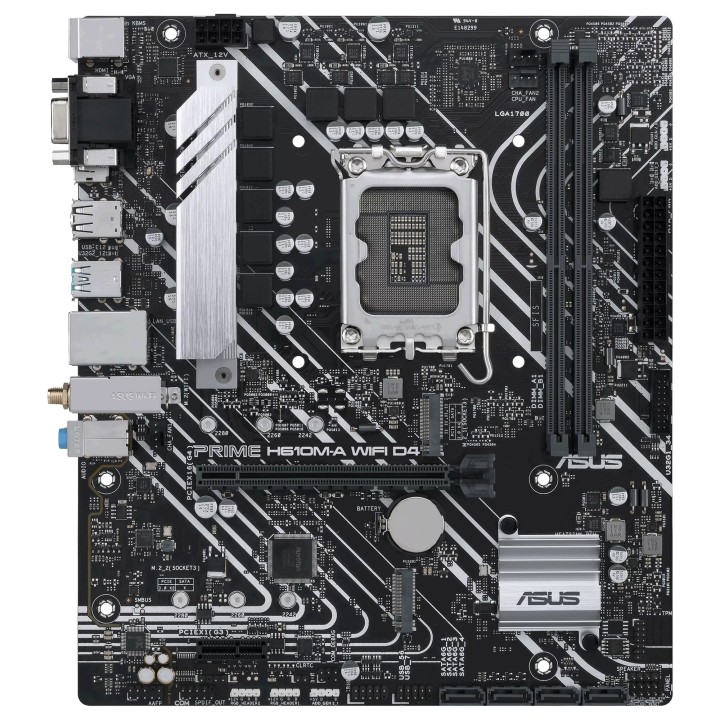
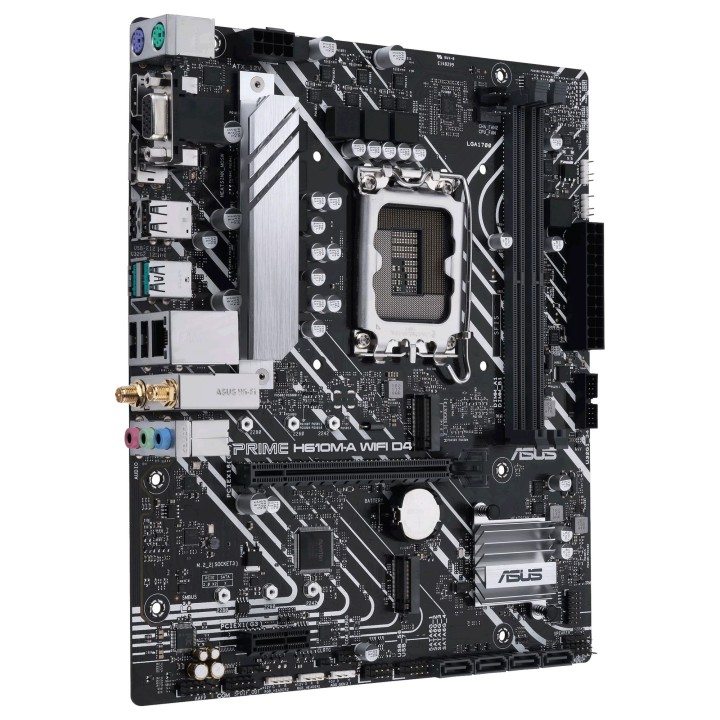
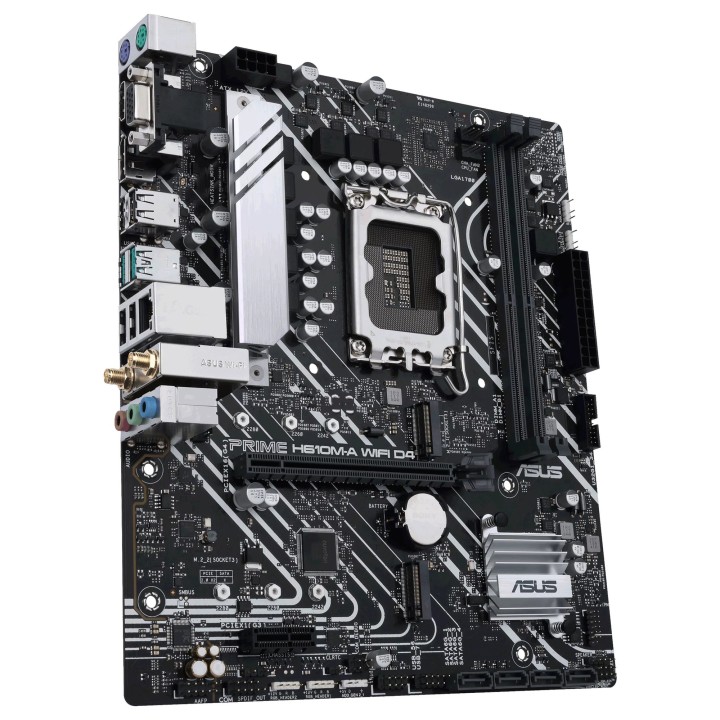
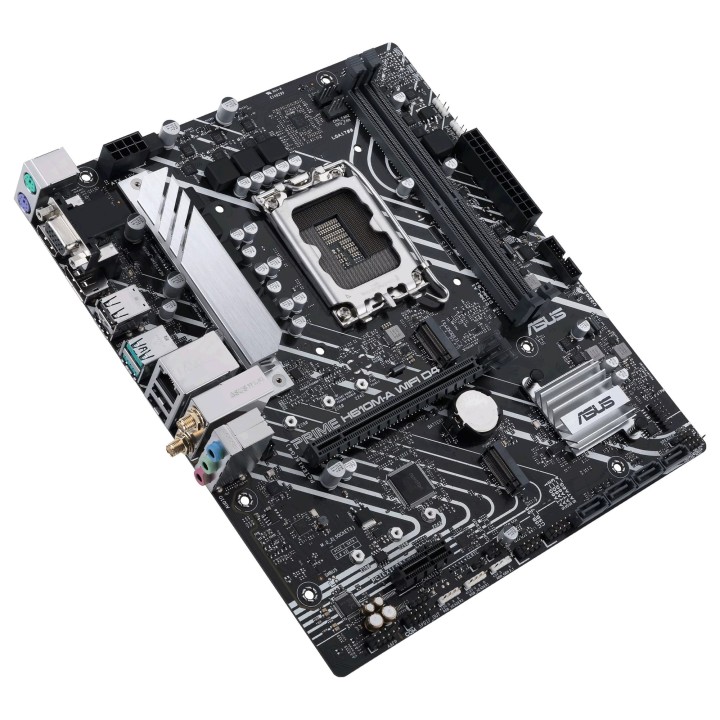
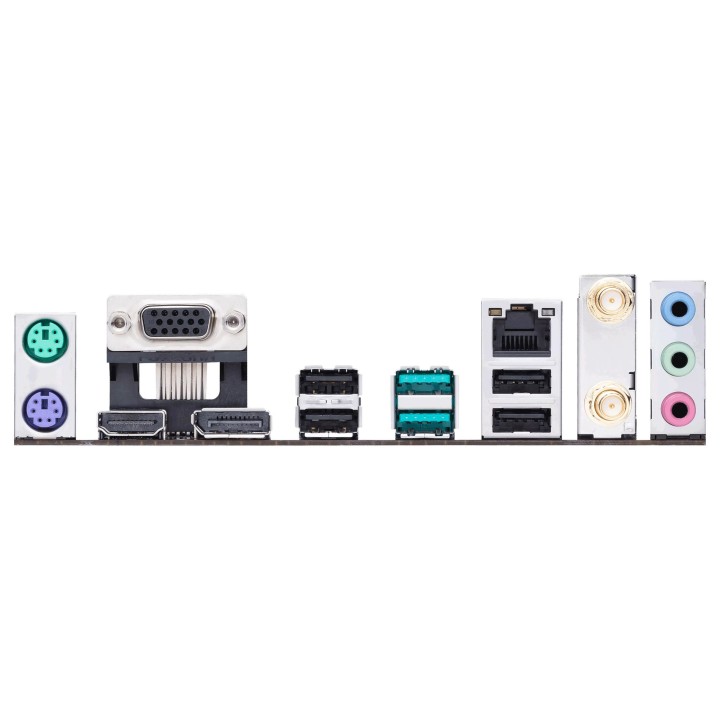
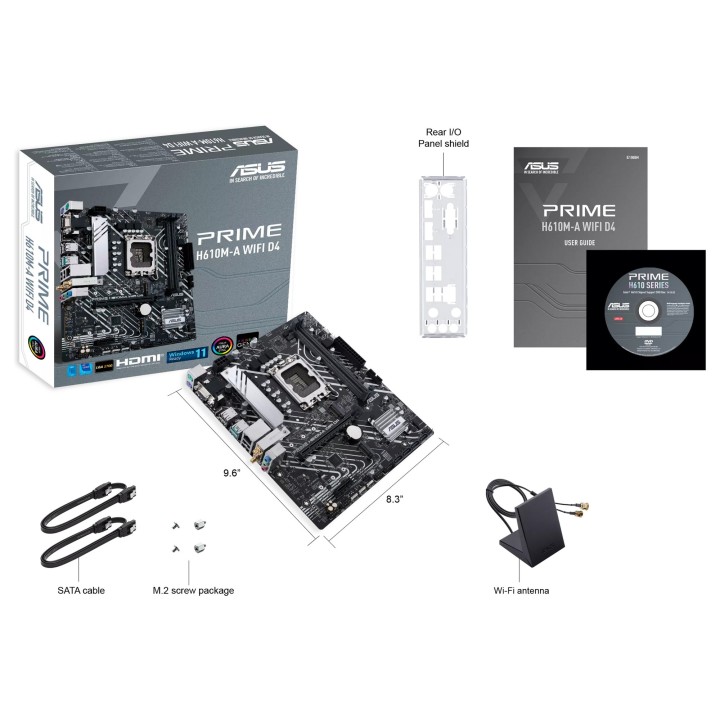
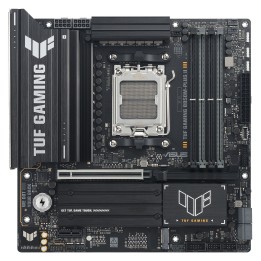
Asus H610M-A WIFI D4 to kompaktowa płyta główna w formacie mATX zaprojektowana do systemów opartych na gnieździe LGA1700. Umożliwia montaż procesorów Intel obsługiwanych przez to gniazdo oraz współpracę z pamięcią DDR4 zamontowaną w dwóch gniazdach DIMM.
Układ oferuje obsługę dysków zarówno w standardzie SATA, jak i w postaci nośników M.2, co pozwala na łączenie tradycyjnych dysków talerzowych lub SSD SATA z szybszymi dyskami M.2. Model wyposażony jest również w zintegrowany moduł Wi‑Fi, ułatwiający bezprzewodową łączność sieciową bez konieczności stosowania dodatkowych kart.
Dzięki konstrukcji mATX płyta nadaje się do kompaktowych obudów, gdzie liczy się ograniczona przestrzeń, zachowując jednocześnie podstawową funkcjonalność niezbędną do budowy typowego komputera stacjonarnego.
ASUS Polska SP. z o.o.
Cybernetyki 9 02-677 Warszawa Polska
E-mail: sales@asus-polska.pl
ASUS Polska Sp. z o.o.
Harkort str 21-23 40880 Ratingen Germany
E-mail: sales@asus-polska.pl
Telefon: 22 571 80 00
List of motherboard safety warnings based on the requirements of General Product Safety Regulation (EU) 2023/988 (GPSR): * Risk of electric shock: Make sure the power supply is disconnected before installing or disassembling any components. Do not touch pins, connectors or paths on the board with wet hands or in humid environments. * Short-circuit risk: Be careful that no metal objects come into contact with the plate during installation or use. * Risk of Electrostatic Damage (ESD): Use an antistatic band when working with the motherboard to avoid damage to sensitive components. * Risk of injury: Sharp edges and small elements on the board can pose a risk of injury. Be careful when manipulating. * Fire risk: Incorrect connection of power supply or overheating of components can lead to fire. Make sure all connections are correct and cooling is adequate. * Risk of component damage: Do not use excessive force when installing components to avoid damaging the board or the component itself. * Compatibility: Make sure that all components (processor, RAM, graphics card) are compatible with your motherboard. * Stability: Place the motherboard on a stable, flat surface to prevent mechanical damage. * Overheating: Provide adequate cooling to prevent the motherboard and its components from overheating. Clean radiators and fans regularly. * Kids: Keep the motherboard and small items out of reach of children to avoid the risk of ingestion or other accidents. * Installation: Disconnect the motherboard from power before any interference.