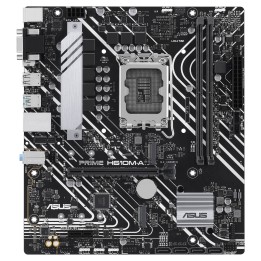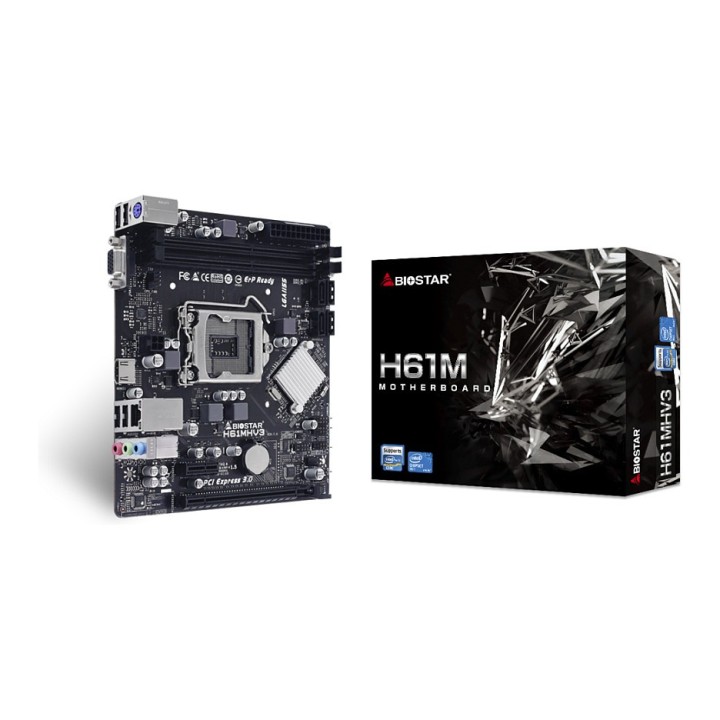
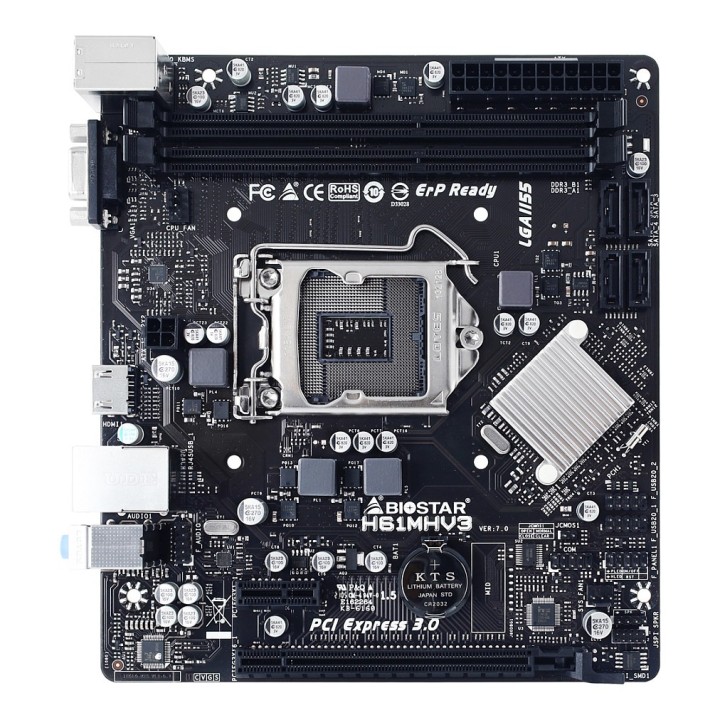
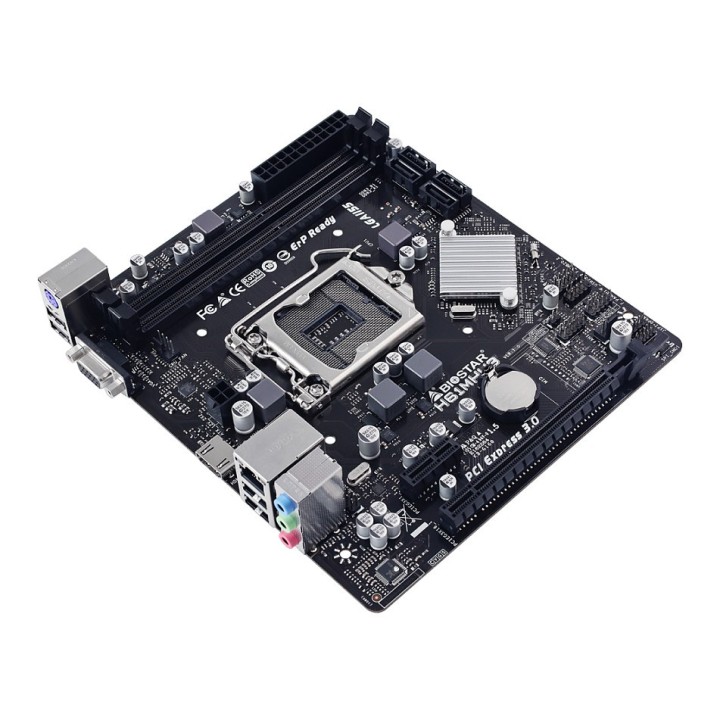
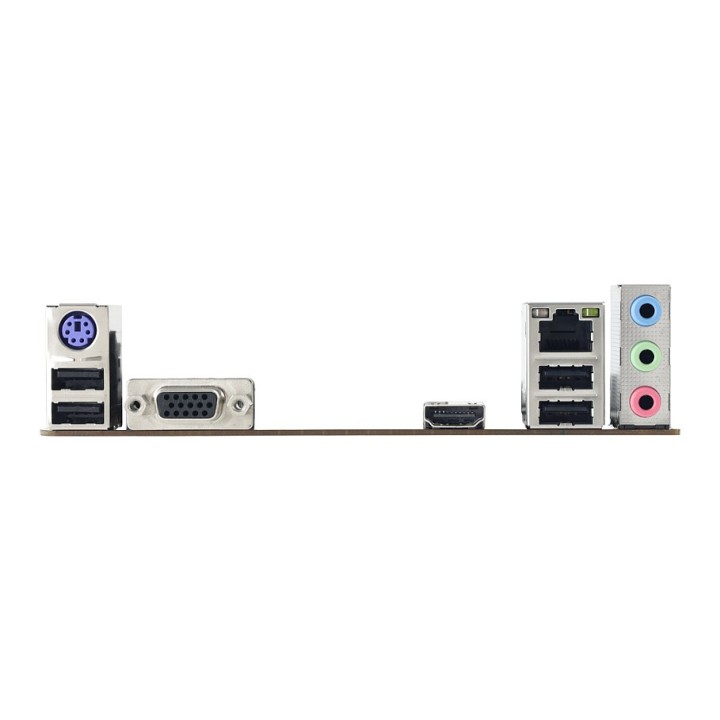
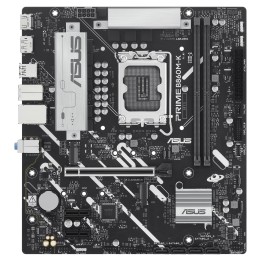
Płyta główna BIOSTAR H61MHV3
Opis produktu
Biostar H61MHV3. Producent procesora: Intel. Gniazdo procesora: LGA 1155 (Socket H2). Procesor: Intel® Celeron®. Intel® Core™ i3. Intel® Core™ i5. Intel® Core™ i7. Intel® Pentium®. Obsługiwane rodzaje pamięci: DDR3-SDRAM. Maksymalna pojemność pamięci: 32 GB. Typ slotów pamięci: DIMM. Wspierane interfejsy dysków twardych: SATA II. Rodzaj interfejsu sieci Ethernet: 10 Gigabit Ethernet. 100 Gigabit Ethernet. Kontroler LAN: Realtek RTL8111H. Przeznaczenie: PC. Rodzaj płyty: micro ATX. Rodzina płyt z chipsetami: Intel
Szczegóły produktu
- Marka BIOSTAR
- Kod produktu 66437b400c243f133c29fa63
- Dostępność 26 Przedmioty
- EAN13 4712960685208
- MPN H61MHV3
Specyfikacja
- Gniazdo procesora LGA1155
- Maksymalna pojemność RAM (GB) 32 GB
- Liczba slotów RAM (szt.) 2 szt.
Producent
Producent
Biostar Technology s.r.o
Tlumačovská 2766/26 155 00 Stodůlky (Praha 13) Czechy
Formularz kontaktowy: https://www.biostar.com.tw/app/en/support/support.php
Osoba odpowiedzialna w UE
Biostar Microtech Netherlands B.V.
Willem Barentszweg 2 A 5928 LM Venlo Holandia
E-mail: sales@biostar-europe.com
Formularz kontaktowy: https://www.biostar-europe.com/app/de/support/support.php
Telefon: +31 85 877 0228
Bezpieczeństwo
Informacje o bezpieczeństwie
List of motherboard safety warnings based on the requirements of General Product Safety Regulation (EU) 2023/988 (GPSR): * Risk of electric shock: Make sure the power supply is disconnected before installing or disassembling any components. Do not touch pins, connectors or paths on the board with wet hands or in humid environments. * Short-circuit risk: Be careful that no metal objects come into contact with the plate during installation or use. * Risk of Electrostatic Damage (ESD): Use an antistatic band when working with the motherboard to avoid damage to sensitive components. * Risk of injury: Sharp edges and small elements on the board can pose a risk of injury. Be careful when manipulating. * Fire risk: Incorrect connection of power supply or overheating of components can lead to fire. Make sure all connections are correct and cooling is adequate. * Risk of component damage: Do not use excessive force when installing components to avoid damaging the board or the component itself. * Compatibility: Make sure that all components (processor, RAM, graphics card) are compatible with your motherboard. * Stability: Place the motherboard on a stable, flat surface to prevent mechanical damage. * Overheating: Provide adequate cooling to prevent the motherboard and its components from overheating. Clean radiators and fans regularly. * Kids: Keep the motherboard and small items out of reach of children to avoid the risk of ingestion or other accidents. * Installation: Disconnect the motherboard from power before any interference.
Płyty główne
Ostatnio oglądane
Produkty, które ostatnio zwróciły Twoją uwagę.