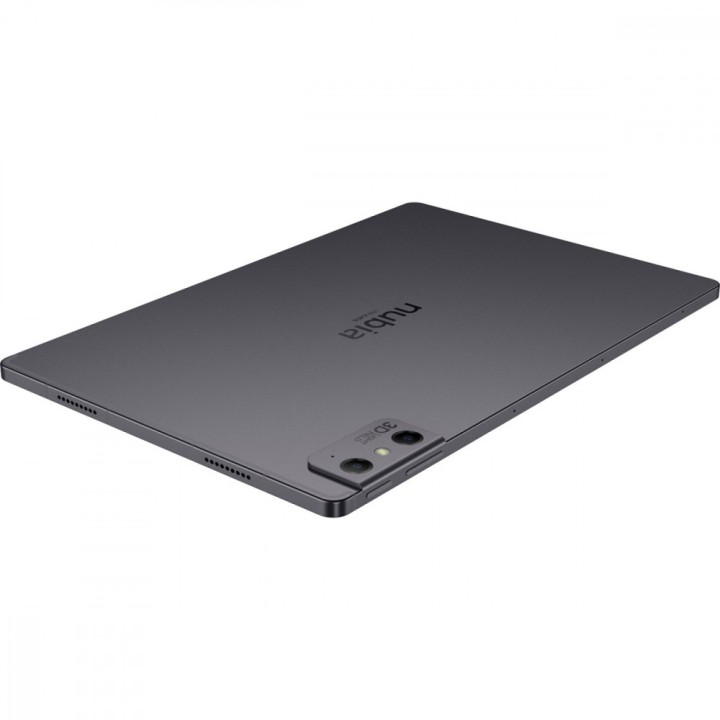
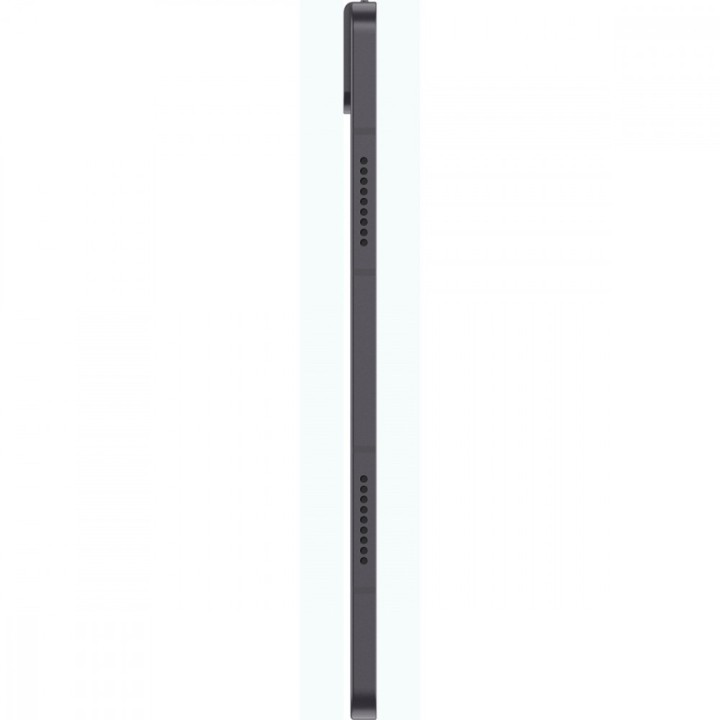
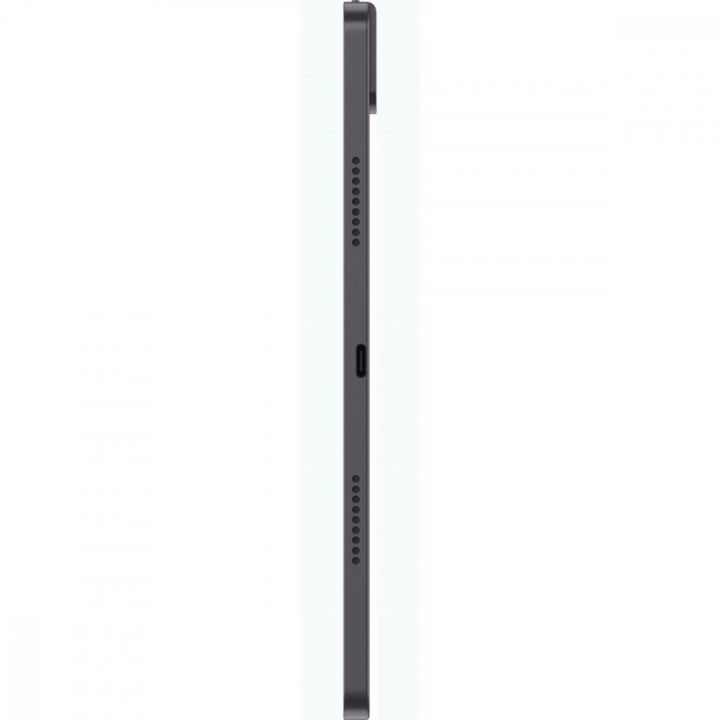
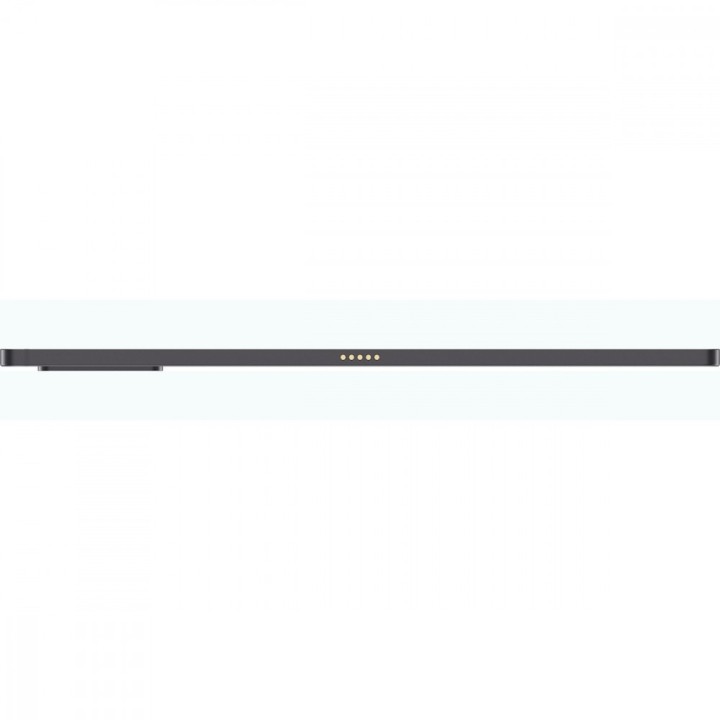
Nubia Pad 3D 12,4" 8/128 GB Czarny
Opis produktu
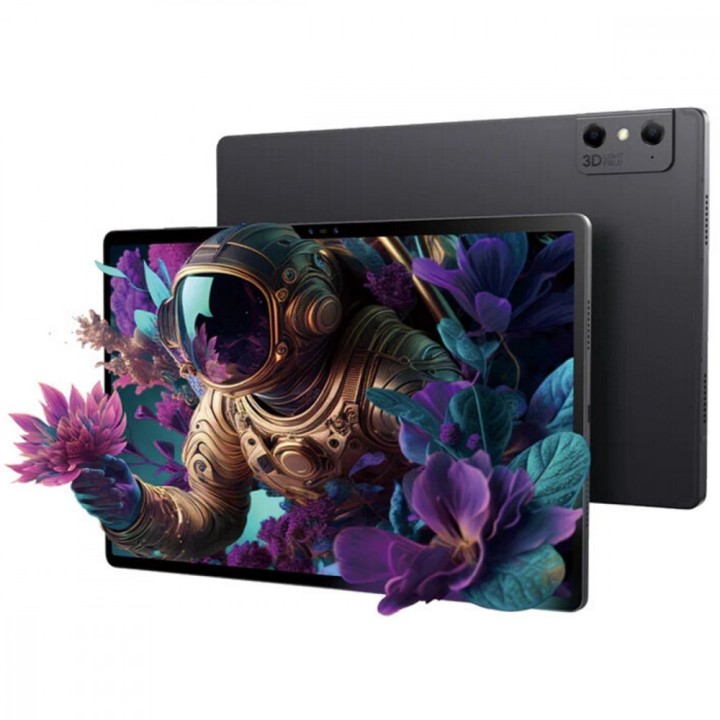
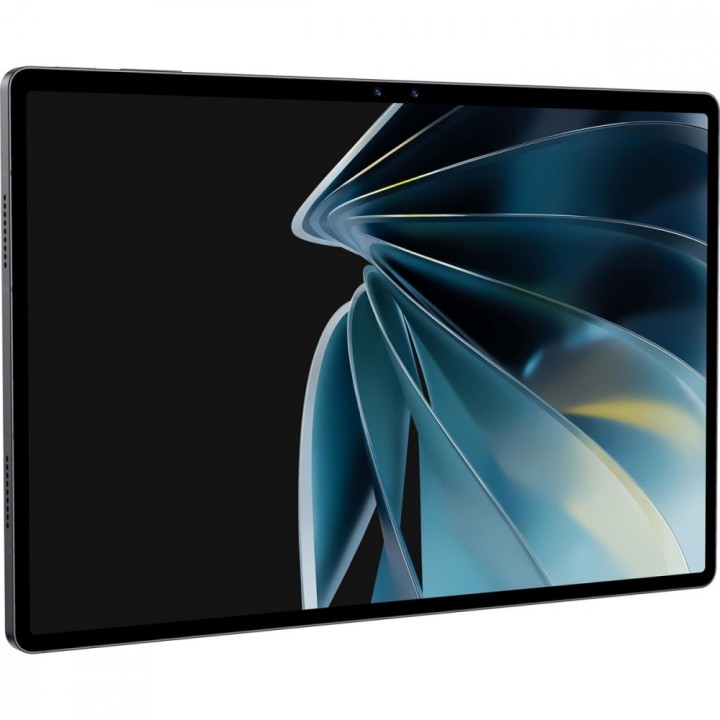
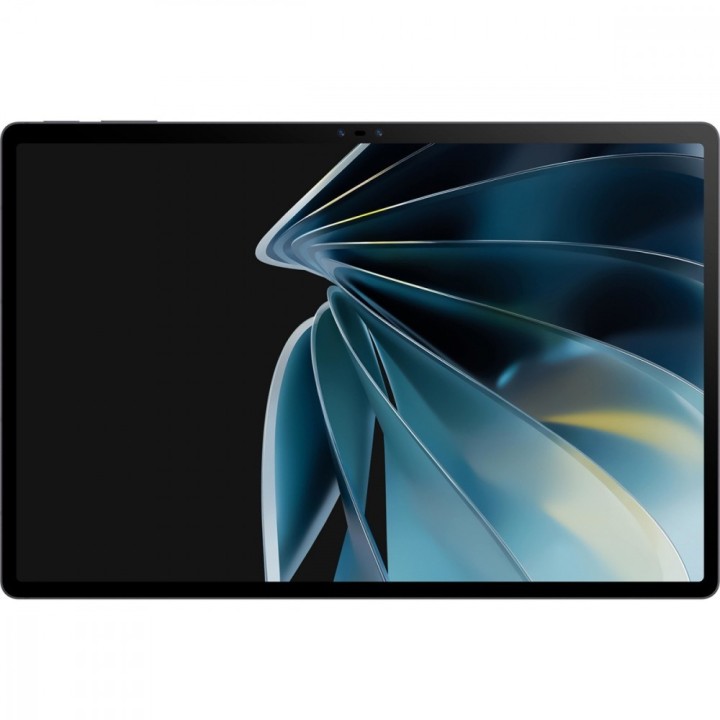
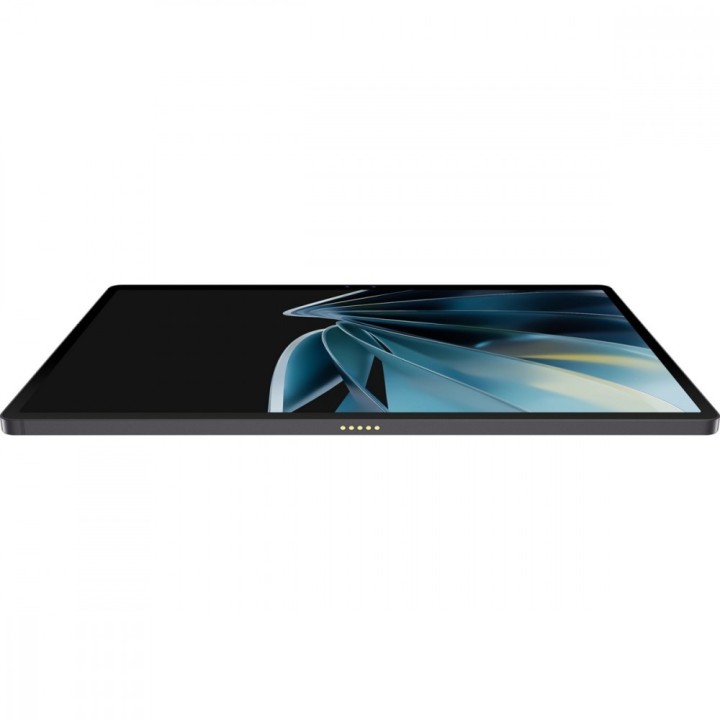
Nubia Pad 3D to multimedialny tablet z dużym 12,4-calowym ekranem IPS o rozdzielczości 2560 x 1600 px i odświeżaniu 120 Hz, zapewniającym płynność obrazu oraz gęstość pikseli około 243 PPI. Ekran wyposażono w warstwę DLB (Leia 3D Lightfield), która umożliwia wyświetlanie treści 3D bez użycia okularów oraz konwersję obrazów 2D do 3D w czasie rzeczywistym z wykorzystaniem śledzenia twarzy wspomaganego sztuczną inteligencją. Format obrazu 16:10 i cienkie ramki podkreślają kinowe doznania wizualne.
Urządzenie napędza chipset Qualcomm SM8350 Snapdragon 888 z układem graficznym Adreno 660, wyposażony w konfigurację CPU octa-core (m.in. rdzeń Cortex‑X1 i Cortex‑A78). Do dyspozycji użytkownika są 8 GB pamięci RAM oraz 128 GB pamięci wewnętrznej z możliwością rozbudowy kartą microSD (standard SDXC). System operacyjny to Android 12.
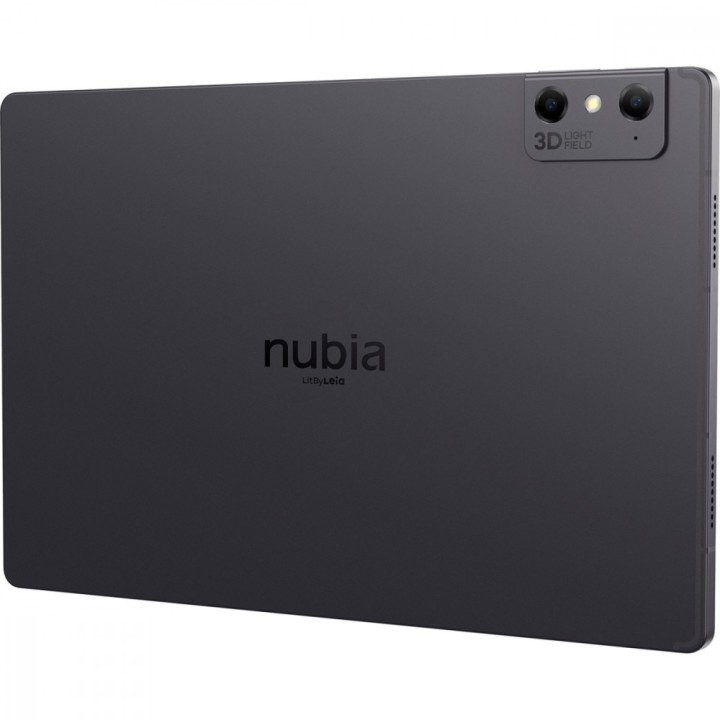
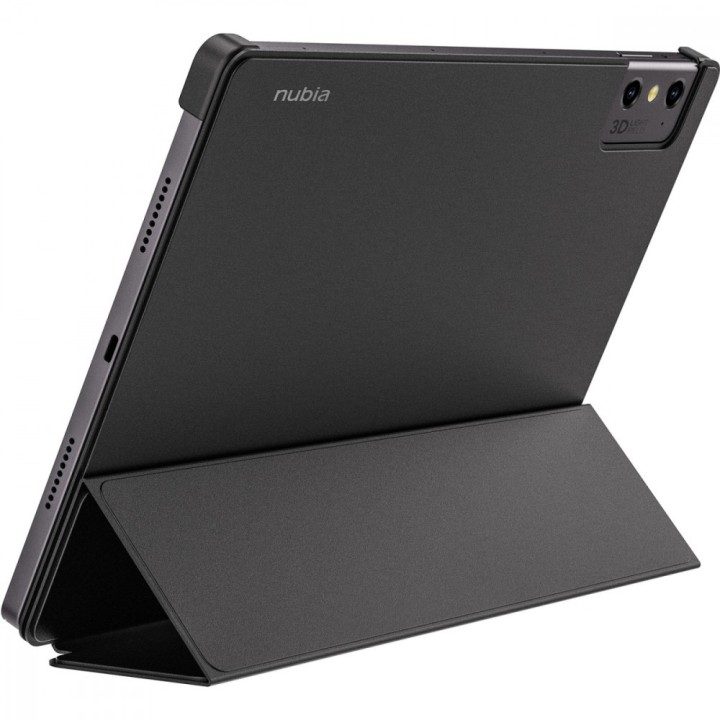
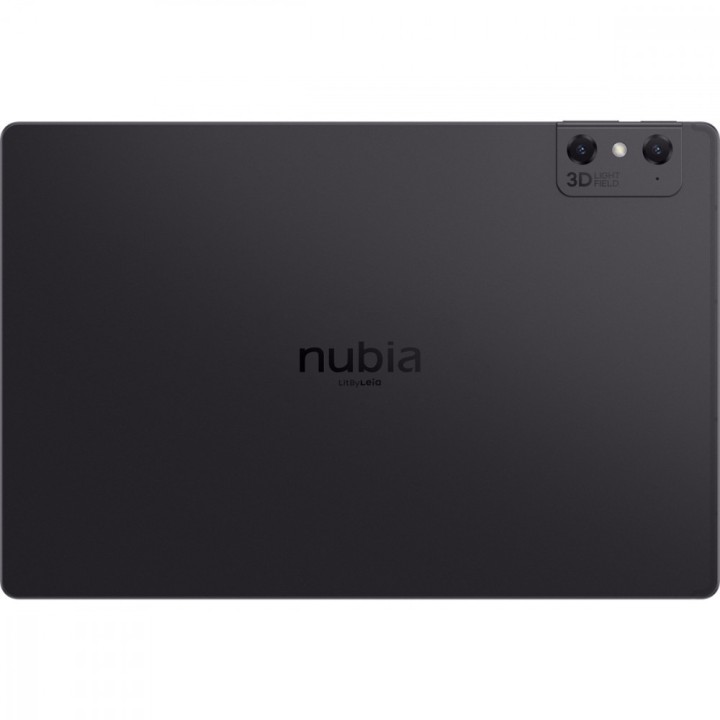
Nubia Pad 3D oferuje rozbudowane możliwości multimedialne: poczwórne głośniki stereo ze wsparciem Dolby Atmos, zestaw podwójnych aparatów z tyłu (16 MP + 16 MP) oraz podwójnych kamer przednich (8 MP + 8 MP) umożliwiających nagrywanie i zapisywanie obrazów 3D. Tablet ma pojemny akumulator 9070 mAh (ogniwo Li‑poly), port USB Type‑C, złącze dla stacji dokującej oraz zestaw czujników obejmujący akcelerometr, czujnik światła, żyroskop, magnetometr i czujnik Halla. Urządzenie pracuje w sieci Wi‑Fi 802.11ax i obsługuje łączność Bluetooth.
Specyfikacja
- Model: Tablet Pad 3D
- Kolor: Czarny
- Przekątna ekranu: 12,4"
- Rozdzielczość ekranu: 2560 x 1600
- Matryca: IPS
- Odświeżanie ekranu: 120 Hz
- Gęstość pikseli (PPI): 243 PPI
- Format obrazu: 16:10
- Technologia 3D: Warstwa DLB (Leia 3D Lightfield) bez okularów
- Konwersja 2D do 3D: Tak, w czasie rzeczywistym (AI)
- Śledzenie twarzy: Tak, wspomagane sztuczną inteligencją
- Chipset: Qualcomm SM8350 Snapdragon 888 (5 nm)
- CPU: Octa‑core (m.in. Cortex‑X1, Cortex‑A78) — konfiguracja rdzeni i częstotliwości zgodnie z chipsetem
- GPU: Adreno 660
- Pamięć RAM: 8 GB
- Pamięć wewnętrzna: 128 GB
- Czytnik kart pamięci: Tak (microSD, SDXC)
- System operacyjny: Android 12
- Aparat tylny: 16 MP + 16 MP
- Aparat przedni: 8 MP + 8 MP
- Parametry przedniego aparatu: 8 MP, 1.12 µm, pole widzenia 105°, przysłona f/2.2
- Maksymalna rozdzielczość wideo: 1920 x 1080 px
- Głośniki: Poczwórne głośniki stereo ze wsparciem Dolby Atmos
- Czujniki: Akcelerometr, Czujnik światła, Żyroskop, Magnetometr, Czujnik Halla
- Łączność Wi‑Fi: 802.11ax
- Bluetooth: Tak
- Funkcja telefonu: Nie
- Karta SIM: Nie dotyczy
- GPS: Nie
- Złącza: 1 x USB Type‑C; 1 x złącze stacji dokującej
- Pojemność baterii: 9070 mAh
- Typ ogniwa: Li‑poly (bateria wewnętrzna)
- Wysokość: 285 mm
- Szerokość: 189 mm
- Głębokość: 8.4 mm
- Waga: 780 g
- Obsługiwane formaty wideo: 3GP/MP4/MOV/FLV/MKV/AVI
- Obsługiwane formaty audio: MP3/AMR/AAC/FLAC/MID/MKA/M4A/OGG/MP2
- Obsługiwane formaty zdjęć: BMP/GIF/JPG/PNG
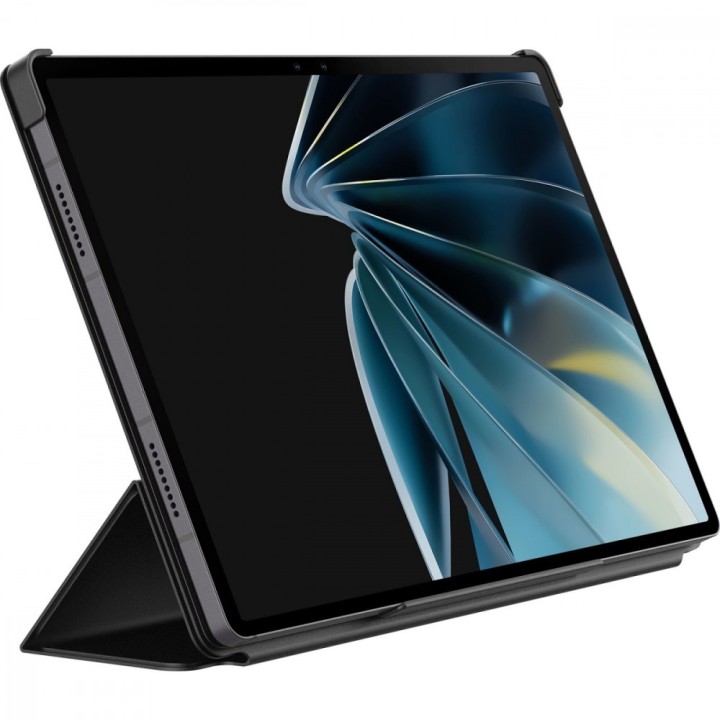
- Wyposażenie: Ładowarka, Kabel USB, Instrukcja obsługi
- Certyfikaty: CE

Szczegóły produktu
- Marka Nubia
- Kod produktu 66437b9a0c243f133c2b4cbe
- Dostępność 2 Przedmioty
- EAN13 6974608315498
- MPN NP3D
Bezpieczeństwo
Informacje o bezpieczeństwie
List of safety warnings for graphics tablets based on the requirements of General Product Safety Regulation (EU) 2023/988 (GPSR): * Power supply risks: * Use only power supplies and cables supplied by the manufacturer or compliant with the technical specifications of the device. Using inadequate power supplies can lead to tablet damage, fire or electric shock. * Do not use damaged power cables or power supplies. Damaged components may pose a risk of electric shock or fire. * Connect your graphics tablet only to electrical outlets with proper grounding. Lack of grounding increases the risk of electric shock. * Disconnect the graphics tablet from power before cleaning or maintenance. This will ensure safety when performing these activities. * Risks associated with long-term use: * Take regular breaks when working with a graphics tablet. Long-term, steady movements can lead to overloads and injuries, e.g. carpal tunnel syndrome. * Maintain proper posture when working with your tablet. Improper posture can cause back, neck and shoulder pain. * Risk of hearing damage: * If your graphics tablet has audio features, use headphones in moderation and set the appropriate volume level. Too loud sound can damage your hearing. * Battery risk (if applicable): * Do not expose the battery to high temperatures, e.g. direct sunlight or fire. Batteries may explode or become damaged. * Do not mechanically damage the battery, e.g. by piercing, striking or crushing. Damaged batteries can be dangerous. * In case of leakage from the battery, avoid skin or eye contact with the leaking liquid. In case of contact, wash your skin or eyes with plenty of water and contact your doctor. * Batteries must be disposed of in accordance with local regulations. Do not throw them in ordinary garbage cans. * Cleaning warnings: * Disconnect the graphics tablet from power before cleaning. * Use a soft, slightly damp cloth to clean your tablet. Avoid using strong detergents, solvents or other chemicals that can damage the surface of the device. * Be careful that moisture does not get inside the tablet. * Protection against moisture and extreme temperatures: * Do not use the graphics tablet in damp or wet conditions. Moisture can cause damage to the device or electric shock. * Protect your graphics tablet from extreme temperatures. Both too high and too low temperature can negatively affect the operation of the device. * Safe storage: * Store your graphics tablet in a dry and clean place, away from direct sunlight and heat sources. * Make sure the cables are properly secured to avoid tripping or other accidents. * Children's warnings: * The graphics tablet is not a toy and should be used under adult supervision. * Small components, such as stylus tips, can pose a choking hazard to young children. Keep them out of reach of children. * Repair Warnings: * Do not attempt to repair a damaged graphics tablet yourself. Have a repair done to a qualified service technician. * Unauthorized repairs can lead to damage to your device and loss of warranty. * Disposal: * Dispose of your graphics tablet in accordance with local electronics disposal regulations. * Use under specific conditions: * Do not use the graphics tablet while driving. This can be distracting and lead to an accident. * Make sure the graphics tablet is stably positioned during use. Failure of the device may cause damage.
Tablety graficzne
Ostatnio oglądane
Produkty, które ostatnio zwróciły Twoją uwagę.