- Nowy
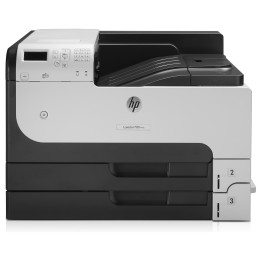
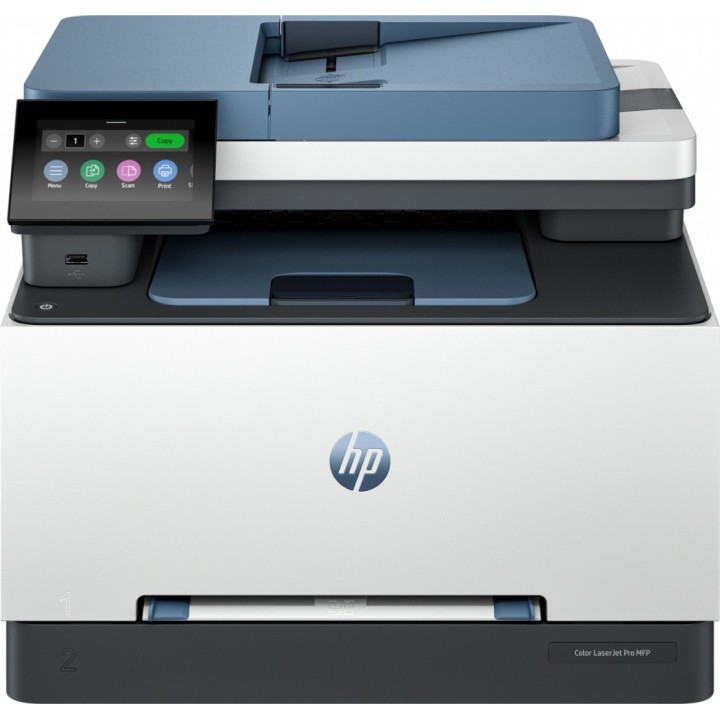
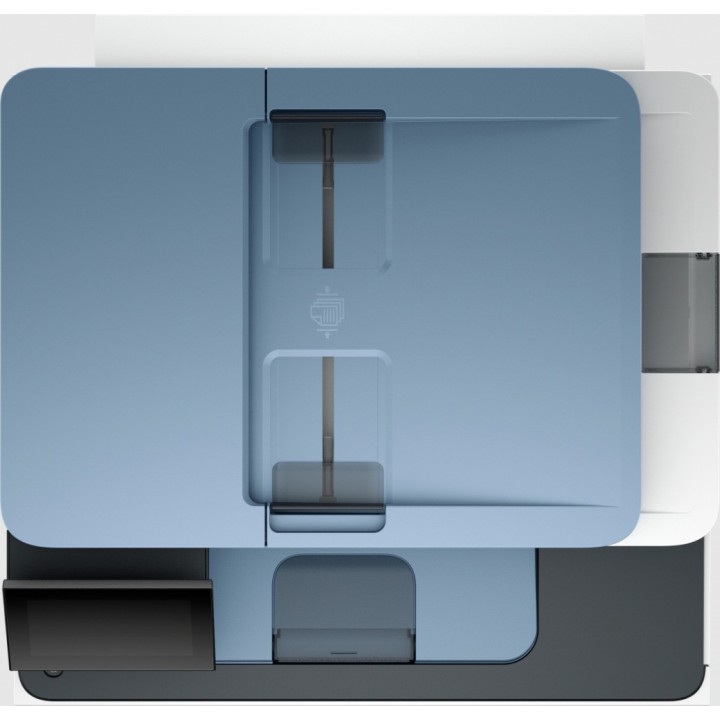
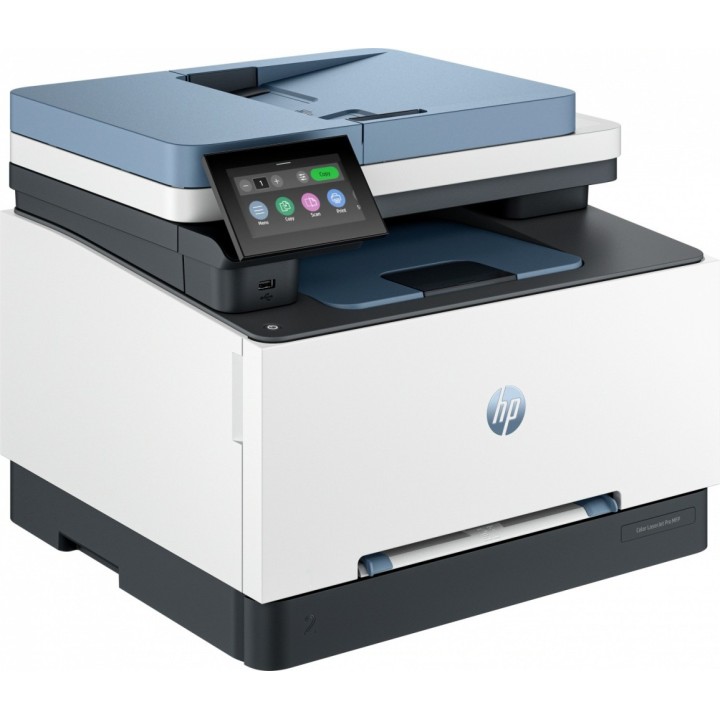
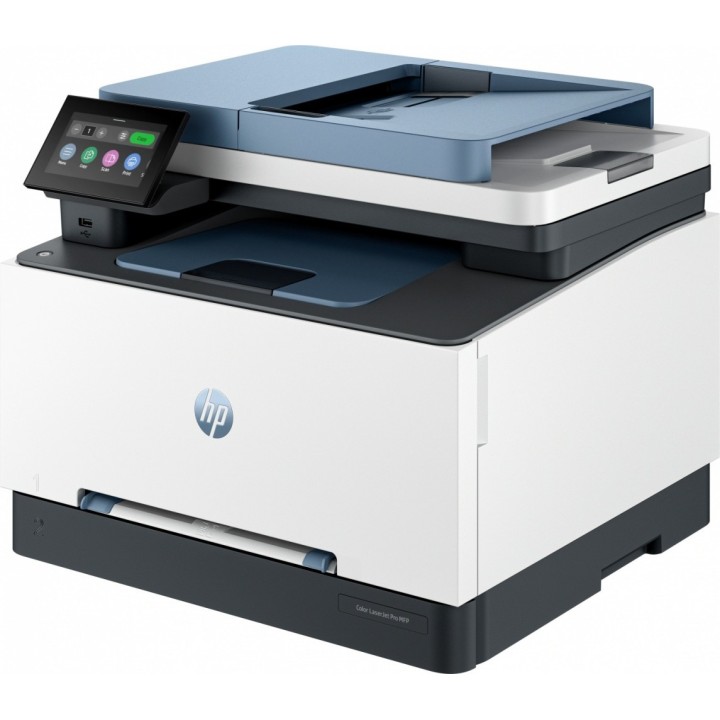
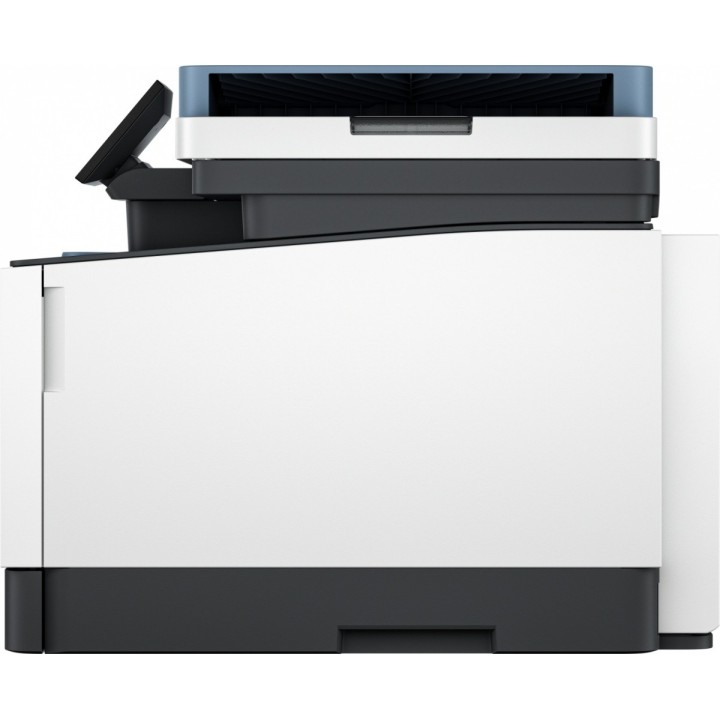
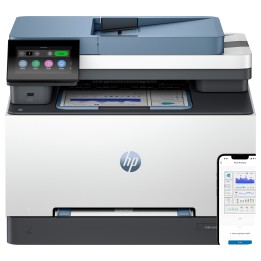
Urządzenie wielofunkcyjne HP Color LaserJet Pro 3302sdw (499Q6F)
Zaprojektowany z myślą o zespołach, które potrzebują profesjonalnej wydajności oraz szybkiego drukowania, skanowania i kopiowania w kolorze oraz nagradzanej niezawodności w kompaktowej konstrukcji.
Profesjonalne kolory i szybkość
Szybkie, automatyczne dwustronne drukowanie w kolorze z prędkością 25 str./min.
Profesjonalne zabezpieczenia, które pomagają chronić Twoją firmę
Chroń swoją firmę dzięki proaktywnym, wbudowanym zabezpieczeniom gotowym do pracy zaraz po podłączeniu oraz tonerem odpornym na manipulacje.
Komfort pracy dzięki nagradzanej niezawodności
Wielokrotnie nagradzana niezawodność zapewnia wydajność, na którą możesz liczyć strona po stronie.
Kompaktowa i energooszczędna konstrukcja
Niewielkie wymiary i technologia HP AutoOn/Auto-Off pozwalają zoptymalizować zużycie energii przez drukarkę.
HP Inc Polska Sp. z o.o.
ul. Szturmowa 2a 02-678 Warszawa Polska
E-mail: support@hp.com
Formularz kontaktowy: https://www.hp.com/us-en/contact-hp/contact.html
Telefon: +1 650-857-1501
HP Inc Polska sp. z o.o
Plac marsz. Józefa Piłsudskiego 1 00-078 Warszawa Polska
E-mail: support@hp.com
List of safety warnings for inkjet and laser printers based on the requirements of Regulation (EU) 2023/988 on General Product Safety (GPSR): 1. Risk of electric shock: * Make sure that the printer is connected to an outlet with grounding. * Do not touch the power cable with wet hands. 2. Risk of burns: * Wait for the printer to cool down before replacing consumables. 3. Risk to vision (laser printers): * Avoid looking at the laser beam while the printer is running. 4. Risk of fire: * Do not place the printer near flammable materials. * Regularly clean the inside of your printer to remove accumulated dust and paper debris. 5. Risk of hearing damage (needle printers): * Use the printer in a quiet environment or use protective headphones. 6. Risk for children: * Place the printer out of reach of children. * Do not allow children to play with consumables. 7. Risk of cuts: * Beware of sharp edges inside the printer. * Use protective gloves when replacing consumables. 8. Risk of poisoning: * Do not inhale toner fumes. * Dispose of used consumables in accordance with local regulations. 9. Risk of injury: * Place the printer on a stable surface to prevent it from tipping over. * Do not put heavy objects on the printer. 10. Maintenance risk: * Disconnect the printer from the power supply before cleaning. * Use only the intended cleaning products. 11. Warnings on battery (if applicable): * Do not throw the battery into the fire. * Keep batteries out of reach of children. 12. Allergy risk: * Use protective gloves when replacing toner.
Produkty, które ostatnio zwróciły Twoją uwagę.