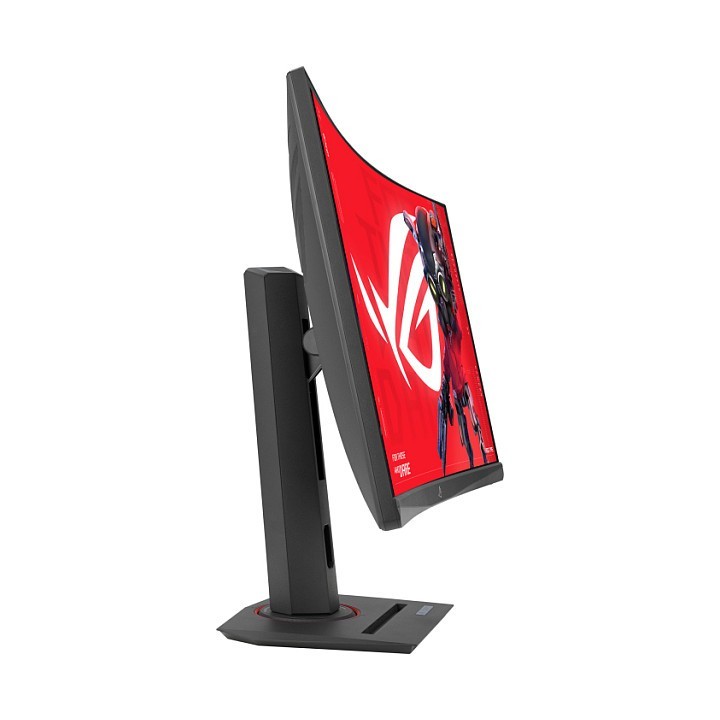
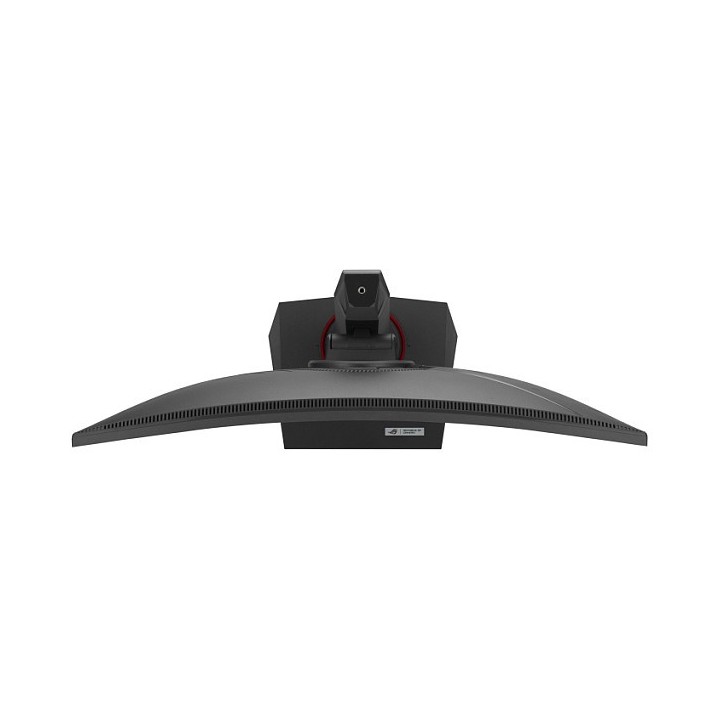
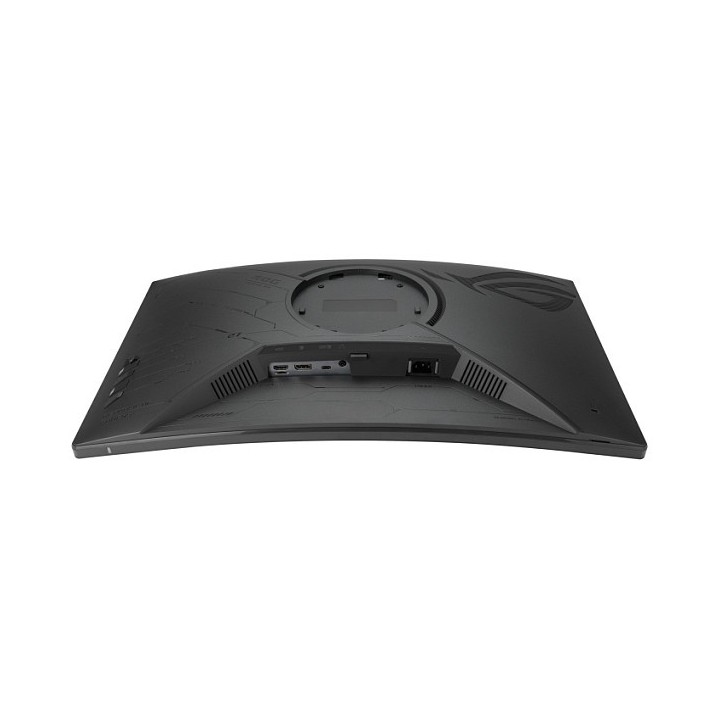
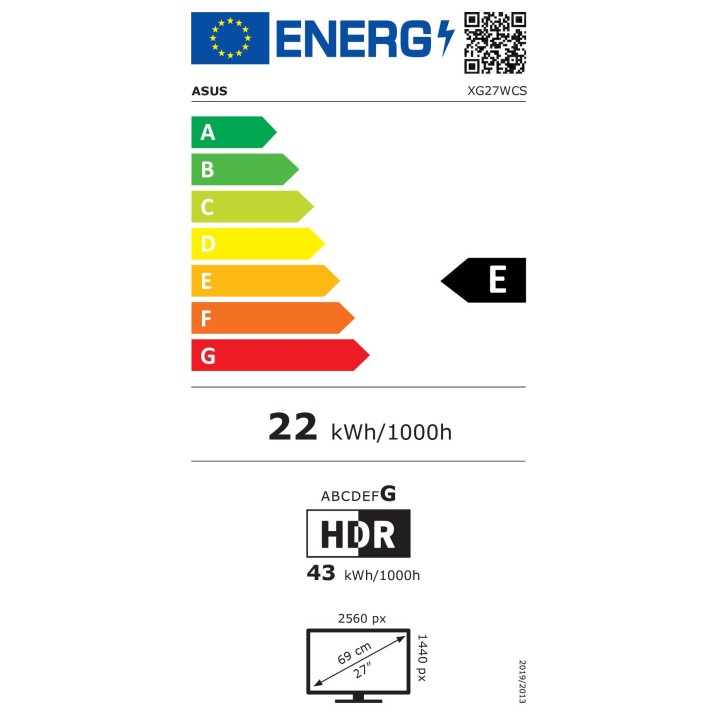
Monitor 27 cali XG27WCS DP+HDMI+TYPE C

Cena: 1 108,99 zł
Brutto
Dostępność produktu: Dostępny 100 szt.
Czas dostawy Wysyłka w ciągu 7 dni roboczych
Koszt dostawy Bezpłatna dostawa od 250 zł.

Opis produktu

ROG Strix XG27WCS

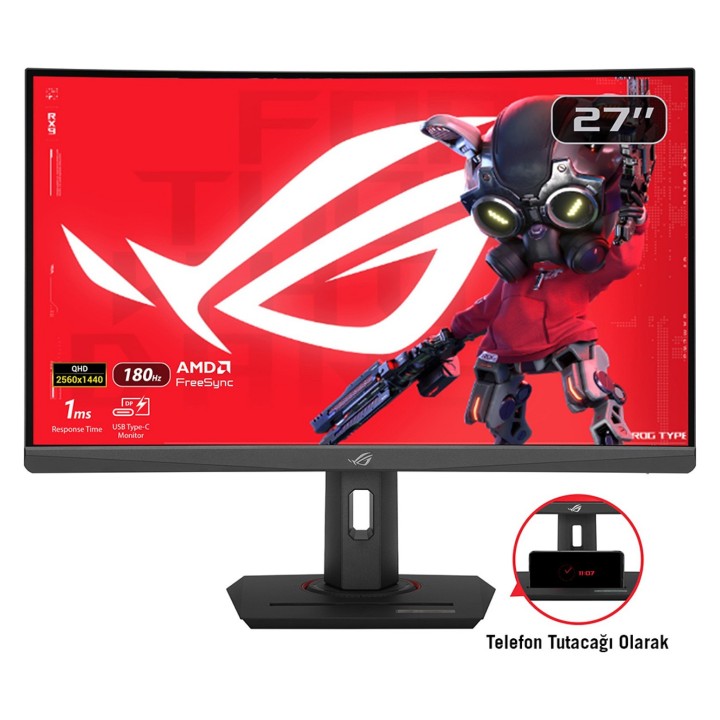
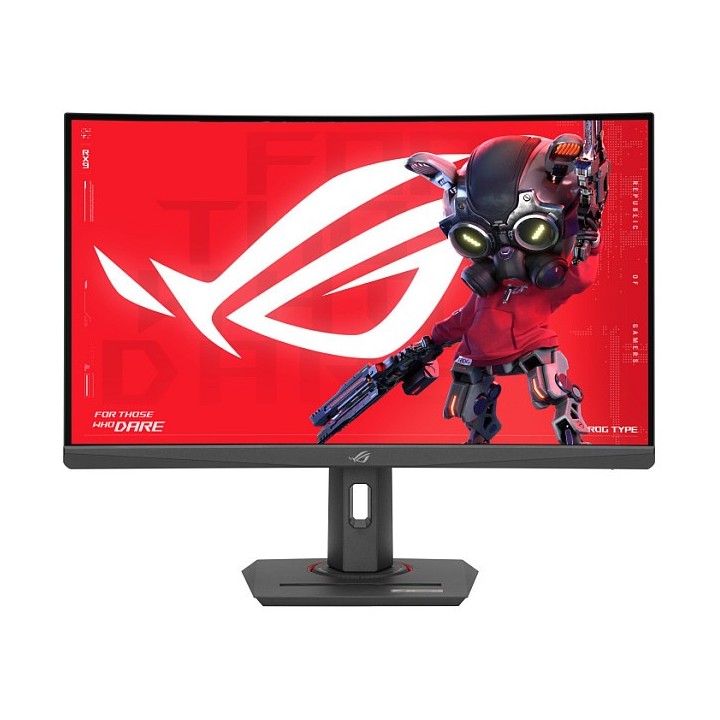
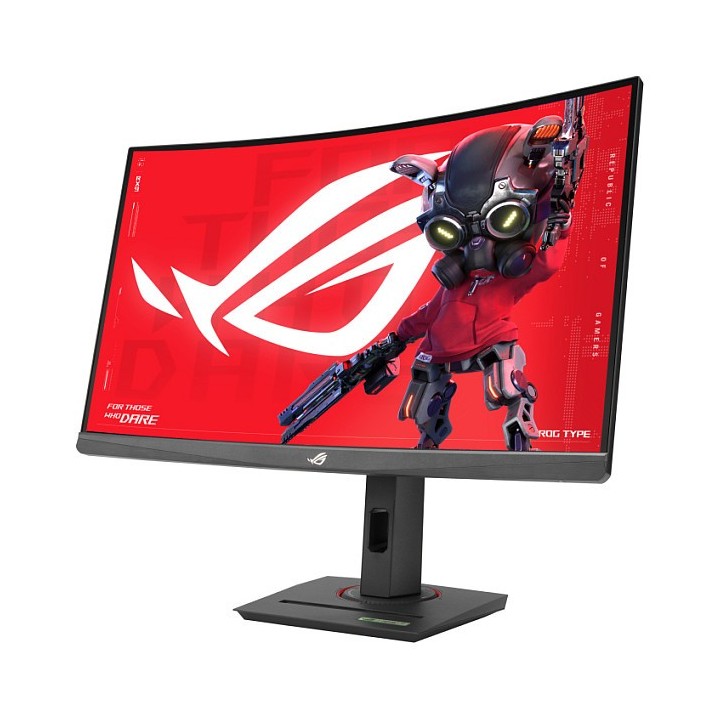
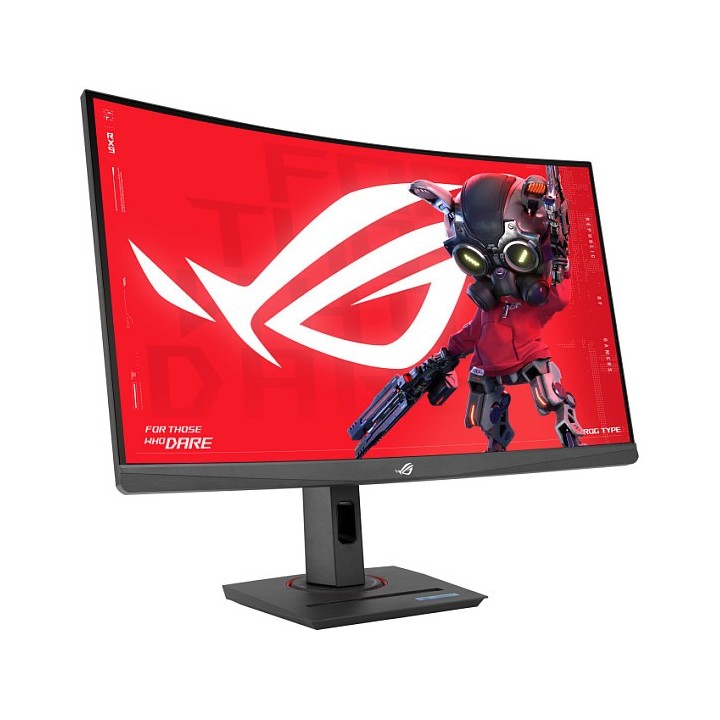
ROG Strix XG27WCS Monitor do gier z USB Type-C, 27 cali 2560x1440, zakrzywiony, 180 Hz (powyżej 144 Hz), 1 ms (GTG), Fast VA, Extreme Low Motion Blur Sync, USB Type-C, FreeSync, DisplayWidget Center, gniazdo statywu, HDR

  • 27-calowy zakrzywiony monitor do gier HDR o rozdzielczości 2560 x 1440 i ultraszybkiej częstotliwości odświeżania 180 Hz, przeznaczony dla profesjonalnych graczy i wciągającej rozgrywki
  • Technologia ASUS Fast VA zapewnia czas reakcji 1 ms (GTG) dla ostrej grafiki w grach i dużej liczby klatek na sekundę
  • Technologia ASUS Extreme Low Motion Blur Sync (ELMB SYNC) umożliwia ELMB wraz ze zmienną częstotliwością odświeżania, eliminując ghosting i rozrywanie obrazu, zapewniając ostry obraz w grach przy dużej liczbie klatek na sekundę
  • Gama kolorów DCI-P3 w 95% z zaawansowaną technologią śledzenia skali szarości firmy ASUS zapewnia płynniejszą i jednolitą gradację kolorów
  • DisplayWidget Center umożliwia łatwą regulację ustawień monitora za pomocą myszy
  • Dzięki USB typu C z trybem DP Alt, możesz podłączyć swoje urządzenie w sposób uporządkowany

Szczegóły produktu

  • Marka Asus
  • Kod produktu 6646cd6b83aa5f79e9b80426
  • Dostępność 100 Przedmioty
  • EAN13 4711387400265
  • MPN XG27WCS

Specyfikacja

  • Przekątna ekranu (cal) 27 cal
  • Rozdzielczość natywna 2560 × 1440
  • Częstotliwość odświeżania (Hz) 180 Hz
  • Ekran dotykowy Nie
  • Zakrzywiony ekran Tak
  • Standard VESA 100 × 100
  • USB-C z obrazem Tak

Producent

Producent

ASUS Polska SP. z o.o.

Cybernetyki 9 02-677 Warszawa Polska

E-mail: sales@asus-polska.pl

Osoba odpowiedzialna w UE

ASUS Polska Sp. z o.o.

Harkort str 21-23 40880 Ratingen Germany

E-mail: sales@asus-polska.pl

Telefon: 22 571 80 00

Bezpieczeństwo

Informacje o bezpieczeństwie

List of computer monitor safety warnings based on the requirements of General Product Safety Regulation (EU) 2023/988 (GPSR): * Risk to vision: Long-term gazing at the monitor screen may cause eye strain, dry eyes or headaches. * Limit the working time with the monitor. * Take regular breaks. * Maintain proper distance from the screen. * Ensure proper lighting in the room. * Set the brightness and contrast of the monitor to a comfortable level. * Ergonomics: Incorrect position when working with the monitor can lead to back, neck, and shoulder pain. * Set the monitor to the correct height so that the top edge of the screen is at eye level or slightly below. * Use an adjustable chair and desk to ensure an ergonomic position. * Maintain proper posture while sitting. * Risk of electric shock: Improper use or damage to the monitor can lead to electric shock. * Do not use the monitor in humid environments. * Do not touch the monitor with wet hands. * Do not put any items inside the monitor. * If the power cable is damaged, replace it with a new one. * Disconnect the monitor from power before cleaning. * Fire risk: Overheating or short circuiting in the monitor can cause a fire. * Do not cover the ventilation holes of the monitor. * Do not place the monitor near heat sources. * Use only the original power supply that came with your monitor. * If the monitor overheats, disconnect it from power immediately. * Mechanical damage: The fall of the monitor can cause damage and pose a threat to the user. * Set the monitor on a stable surface. * Secure cables to avoid accidental tripping. * For monitor transport, use appropriate protective packaging. * Cleaning: Improper cleaning of the monitor can damage the screen or cause other problems. * Use only a soft, dry cloth to clean the screen. * Do not use cleaning products containing alcohol, ammonia or other corrosive substances. * Disconnect the monitor from power before cleaning. * Disposal: Incorrect disposal of the monitor can pose a threat to the environment. * Return the used monitor to the e-waste collection point. * Do not throw the monitor in a regular trash can. * Children: The monitor is not a toy and should not be used by children without supervision. * Make sure children do not touch the power cables. * Make sure kids don't play around with the monitor packaging. * Repairs: Do not try to repair the monitor yourself. * Any repairs should be done by qualified personnel. * Monitor portability: Be careful when moving your monitor. * Disconnect all cables before moving. * Use appropriate packaging. * Weather conditions: Do not expose the monitor to extreme temperatures or moisture. * Protect your monitor from direct sunlight. * Adjustable settings: Do not use extreme brightness or contrast settings. * These can cause faster eye strain. * Noise: If the monitor makes disturbing noises, turn it off immediately. * Contact the technical service. * Environmental protection: Be sure to turn off the monitor when not in use. * You save energy this way. * Software: Use only the software provided by the manufacturer. * You will avoid compatibility issues.

Ładowanie...
Wróć na górę