- Nowy
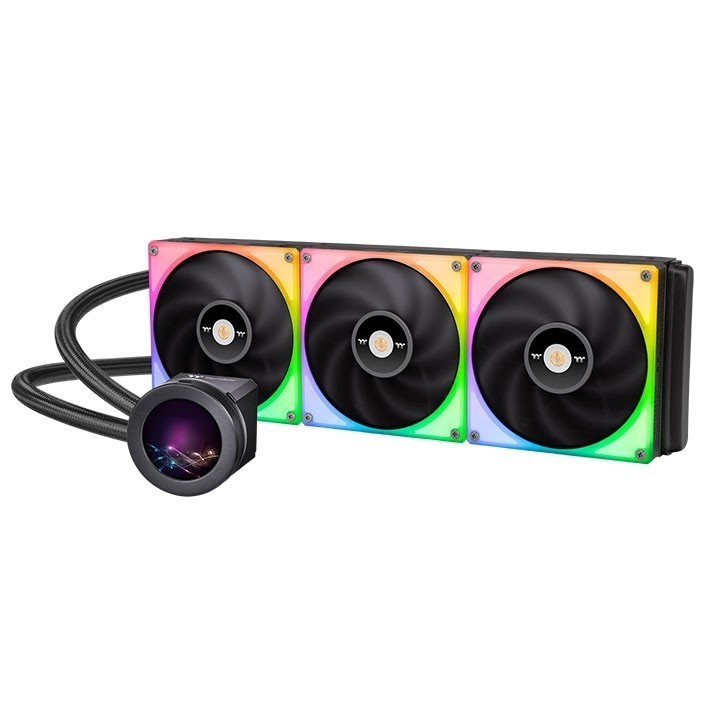
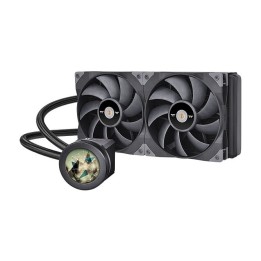
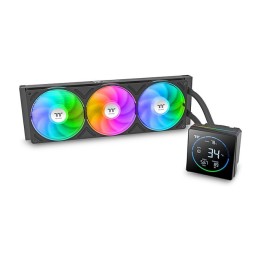
Chłodzenie wodne Toughliquid Ultra 420 RGB - 2.1 LCD, ToughFan RGB 140m x 3.
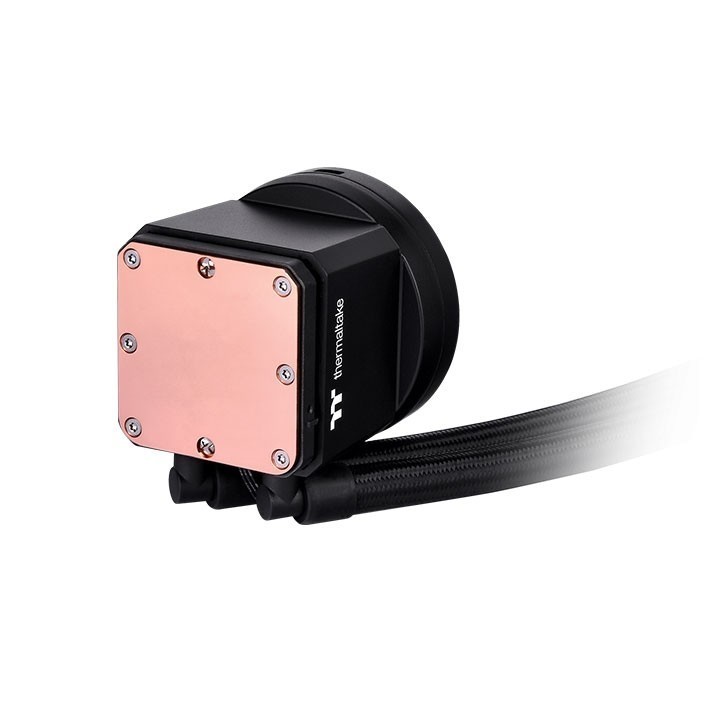
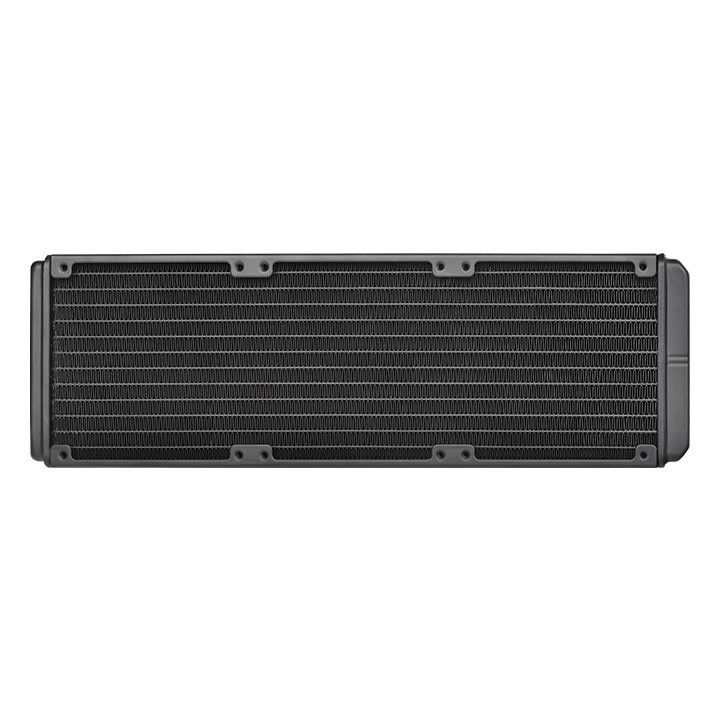
Thermaltake, renomowany producent, stworzył to chłodzenie wodne z myślą o najbardziej wymagających użytkownikach. Jego imponujące wymiary radiatora 456 x 140 x 27 mm zapewniają doskonałą wydajność chłodzenia, co jest niezwykle istotne dla prawidłowego funkcjonowania komputera, zwłaszcza podczas intensywnego użytkowania.
Co wyróżnia ten produkt spośród innych na rynku? Przede wszystkim solidne wykonanie - podstawka i blok CPU wykonane z miedzi gwarantują skuteczne odprowadzanie ciepła, a radiator z aluminium zapewnia optymalne warunki chłodzenia. Dodatkowo, chłodzenie to jest kompatybilne z wieloma gniazdami procesora, w tym AM2, AM3, AM4, AM5, FM1, co sprawia, że jest uniwersalne i pasuje do wielu konfiguracji komputerowych.
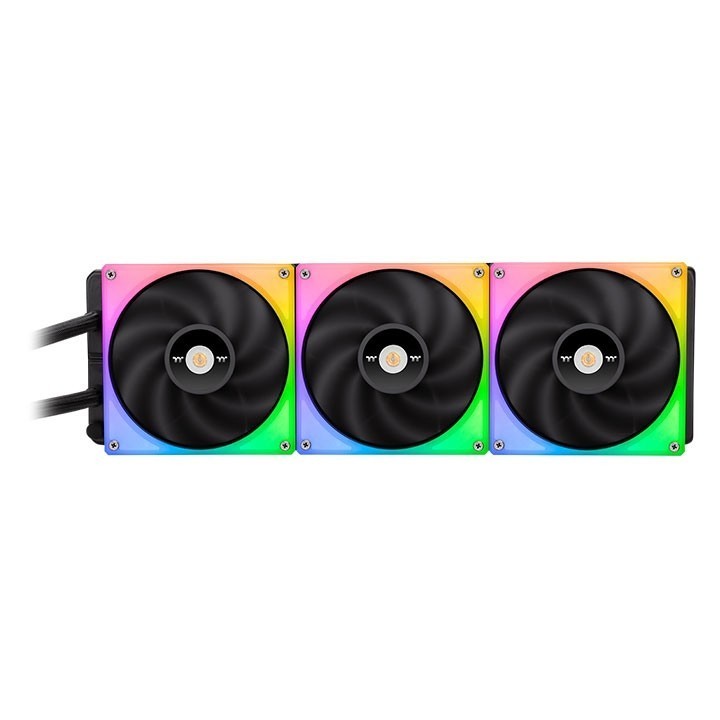
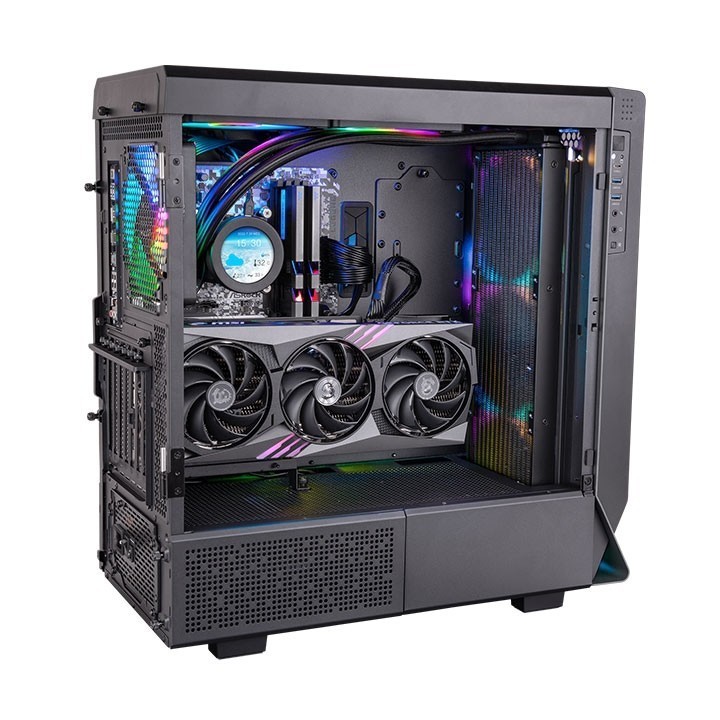
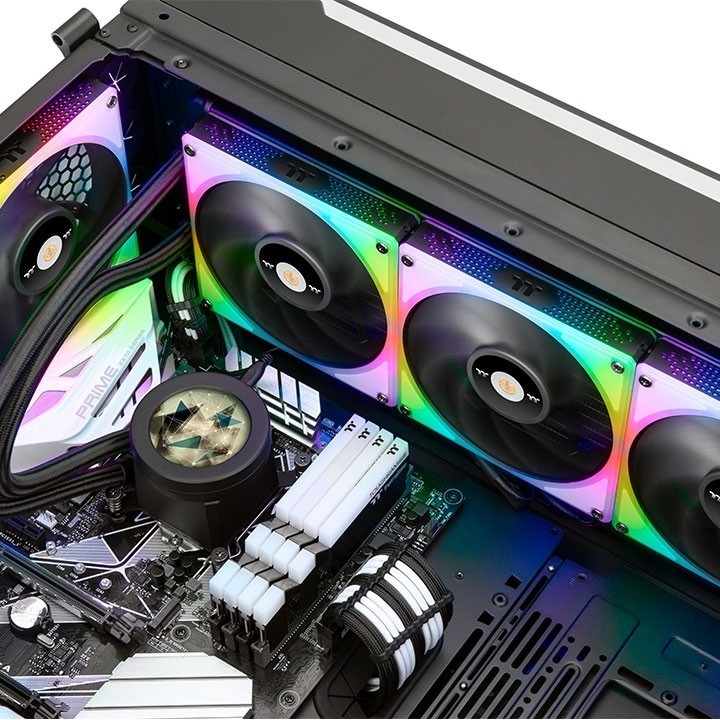
Jednak to nie wszystko! Toughliquid Ultra 420 RGB to nie tylko doskonałe chłodzenie, ale także prawdziwa uczta dla oka. Dzięki efektownemu oświetleniu RGB oraz 2.1-calowemu wyświetlaczowi LCD, możemy spersonalizować wygląd naszego komputera, nadając mu niepowtarzalny charakter. To idealne rozwiązanie dla tych, którzy cenią sobie nie tylko funkcjonalność, ale także design swojego sprzętu.
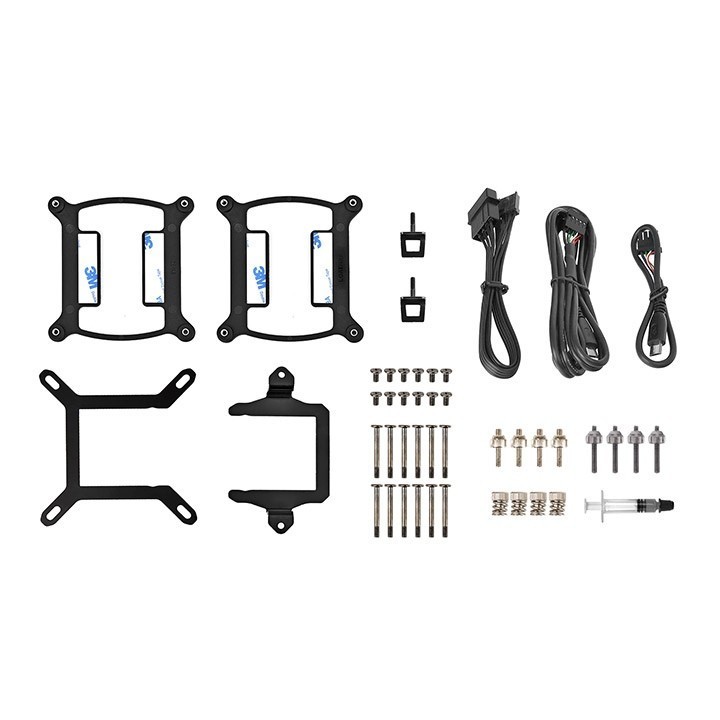
Montaż chłodzenia wodnego Thermaltake jest intuicyjny i prosty, dzięki czemu nawet mniej doświadczeni użytkownicy poradzą sobie z jego instalacją. Dodatkowo, trzy wentylatory ToughFan RGB 140mm zapewniają efektywne chłodzenie nawet podczas długotrwałego użytkowania komputera.
eXtremeMem
Szyszkowa, nr 35/37 02-285 Warszawa Polska
E-mail: michal.chmura@extrememem.com
Formularz kontaktowy: https://my.thermaltake.com/csTech.aspx
Telefon: 48-22-40-799-40
eXtremeMem
Szyszkowa, nr 35/37 02-285 Warszawa Polska
E-mail: michal.chmura@extrememem.com
Telefon: 48-22-40-799-40
List of computer cooling and tuning safety warnings based on the requirements of General Product Safety Regulation (EU) 2023/988 (GPSR): 1. Risk of electric shock: * Before assembly or disassembly, make sure your computer is disconnected from power. * Do not touch the power cords with wet hands. * Use only power supplies and cables that comply with safety standards. 2. Fire risk: * Make sure the cooling system is compatible with your central unit and power supply. * Regularly check the condition of wires and fittings for damage or overheating. * Do not block ventilation holes in the computer case. * Use only non-flammable coolants designed for liquid cooling systems. 3. Risk of physical injury: * Use protective gloves during assembly to avoid cuts to the sharp edges of the components. * Beware of heavy elements such as heat sinks to avoid dropping them on your feet or other body parts. * Secure tuning components such as fans so they don't cause injury while your computer is running. * Take special care when working with liquids - avoid contact with eyes and skin. 4. Risk of damage to equipment: * Before installation, make sure that all components are compatible with your computer. * Follow assembly and disassembly instructions to avoid damage to components. * Do not exceed the recommended voltage and current values to avoid overheating and damage to components. * Clean cooling elements regularly to ensure efficient heat transfer. 5. Coolant Hazards: * In case of coolant leakage, disconnect the computer from power immediately. * Cooling liquid can cause corrosion - it should be removed from the surface of the elements. * Avoid inhaling coolant fumes. 6. Hazards for children: * Keep small items (screws, fittings) out of reach of children. * Do not allow children to assemble or disassemble computer components themselves. 7. Noise: * Fans can generate noise - use headphones or limit the time spent near a loud computer. 8. Electronics hazards: * Use antistatic mats during operation to protect components from electrostatic discharge. * Do not repair damaged items yourself - return them to service. 9. Overheating: * Regularly monitor the temperature of components to avoid overheating. * Make sure your cooling system is working properly and is sufficient for your computer. 10. Fire safety: * Use only certified power supplies and cooling systems. * Regularly check that no dust accumulates inside the housing, which can be flammable.
Produkty, które ostatnio zwróciły Twoją uwagę.