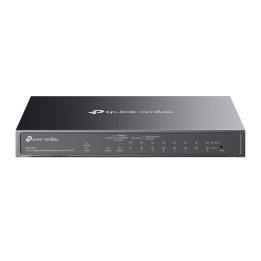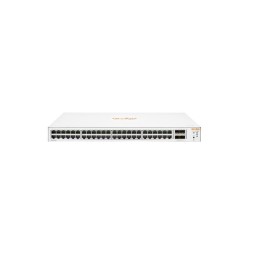
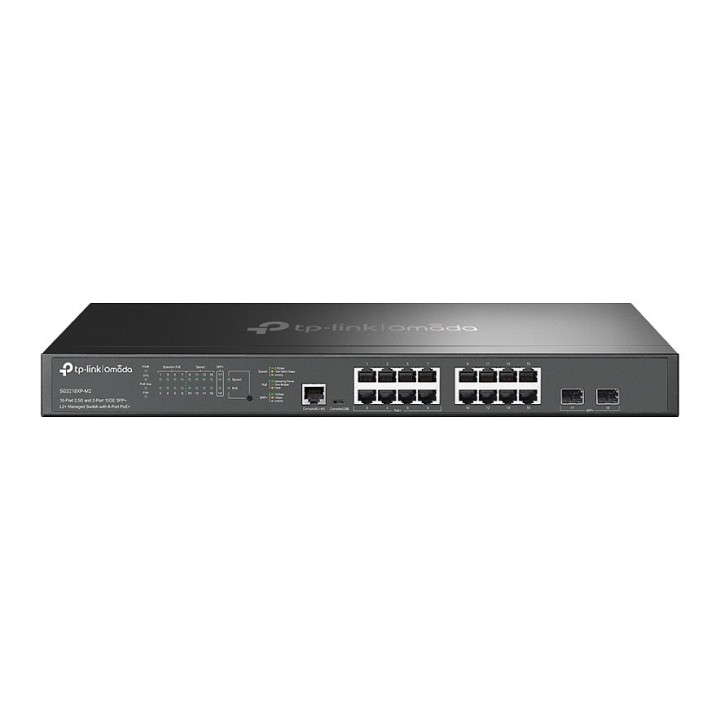
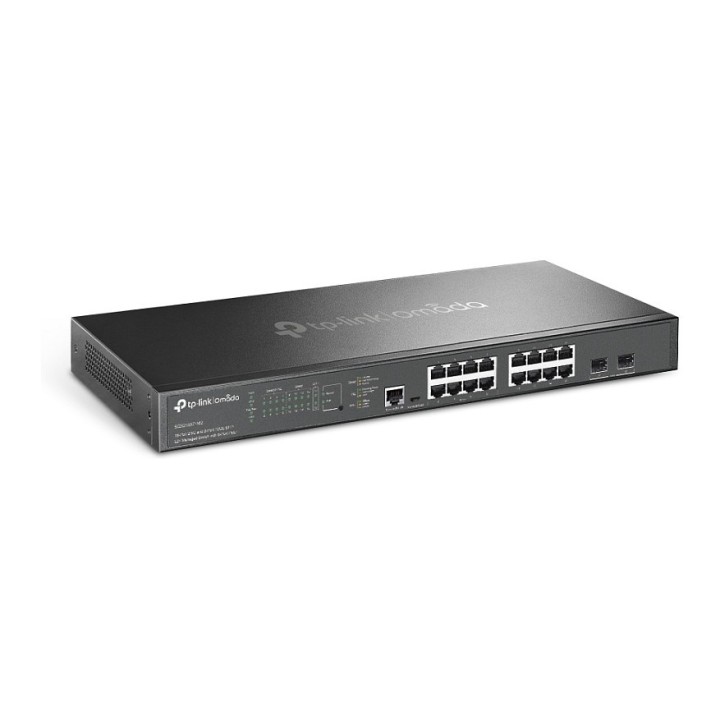
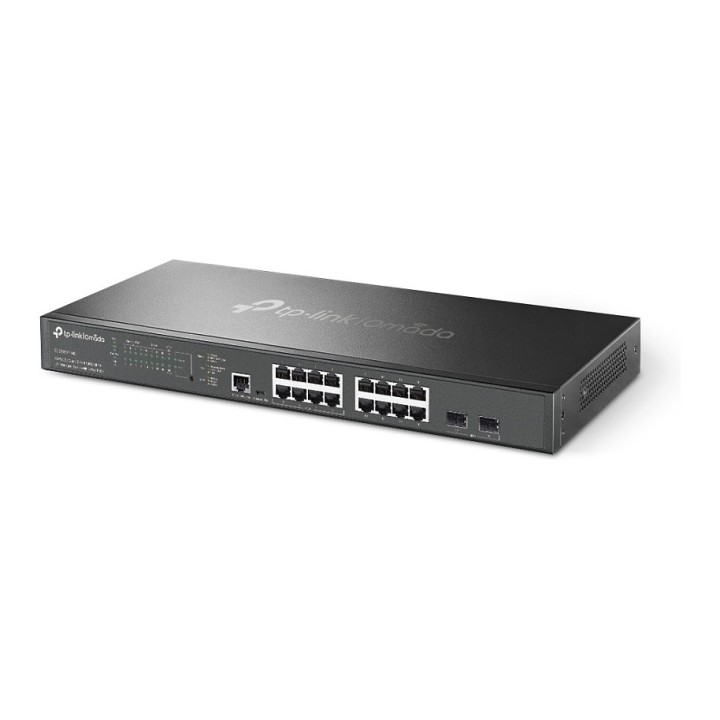
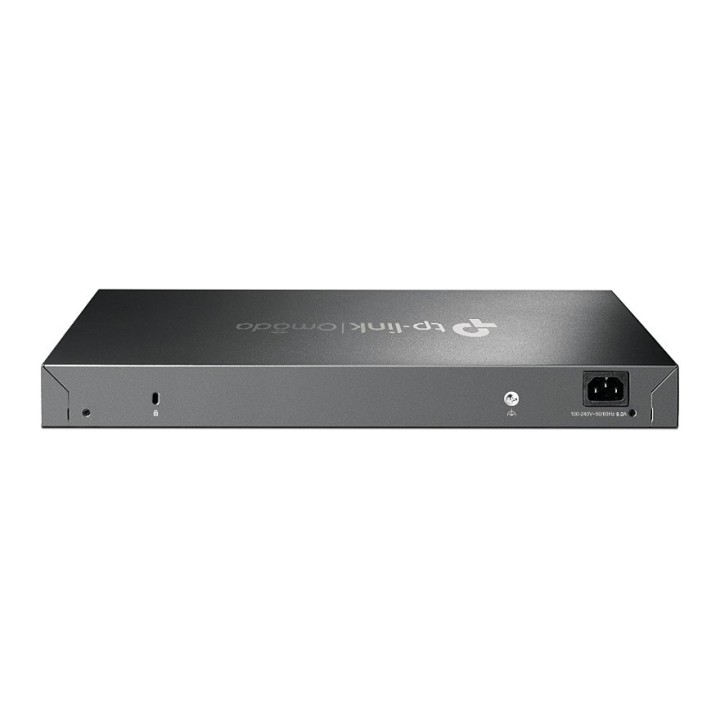
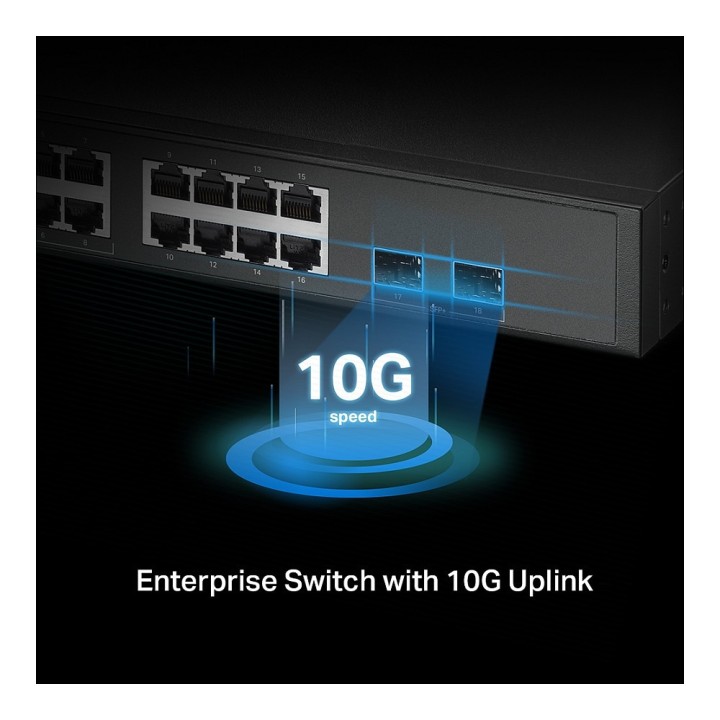
Przełącznik SG3218XP-M2 16x2.5GE PoE+ 2SFP+
Opis produktu
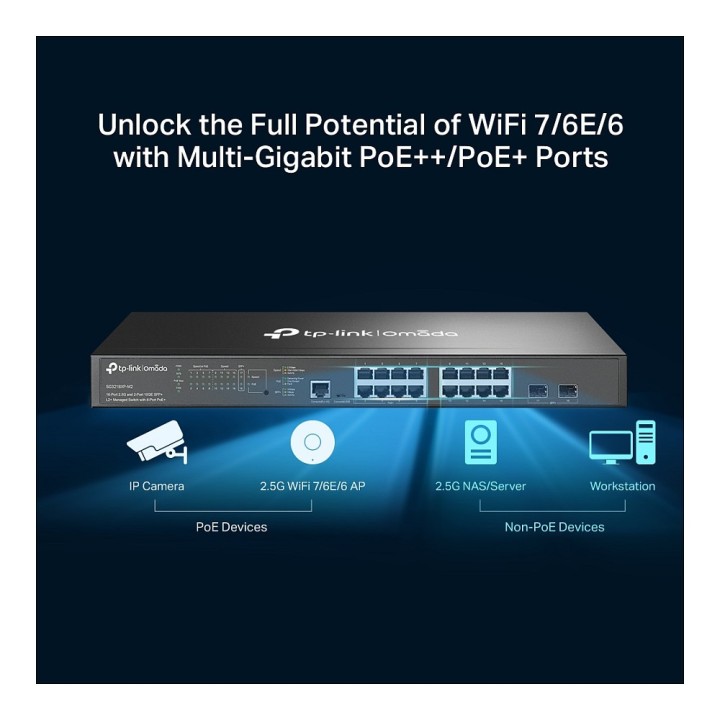
- 8× portów PoE+ o przepustowości 2.5 Gbps oraz 8× portów Non-PoE o przepustowości 2.5 Gbps przełamują barierę 2.5G i odblokowują pełny potencjał punktów dostępowych WiFi 7/6E/6.
- 2× gniazda SFP+ 10 Gbps umożliwiają wysokoprzepustowe połączenia.
- 8× portów PoE+ zgodnych z 802.3at/af, z łączną dostępnością mocy 240 W.
- Zero-Touch Provisioning (ZTP), scentralizowane zarządzanie w chmurze oraz inteligentny monitoring.
- Dostęp do chmury i aplikacji Omada dla niezwykłej wygody i łatwego zarządzania.
- Pomaga kierować ruchem wewnętrznym dla bardziej efektywnego wykorzystania zasobów sieci.
- Więzy IP-MAC-Port, ACL, bezpieczeństwo portów, obrona przed atakami typu DoS, DHCP Snooping, 802.1X, autentykacja Radius i więcej.
- Jakość usług (QoS) na poziomie L2/L3/L4 oraz przeszukiwanie IGMP.
Specyfikacja
- Klasa przełącznika: Zarządzalny
- Zastosowanie (switche): Dom i małe biuro (do 16 portów)
- Warstwa przełączania (switche): L4
- Architektura sieci (switche): GigabitEthernet
- Liczba portów 10/100 Mbps: Brak
- Liczba portów 10/100/1000 Mbps: Brak
- Liczba portów 10/100/1000/2500 Mbps: 16
- Liczba portów 10Gb: Brak
- Liczba portów PoE (PoE + PoE+): Brak
- Liczba portów PoE+: 8
- Liczba portów COMBO: Brak
- Liczba portów SFP: Brak
- Liczba portów SFP+: 2
- Liczba portów SFP56: Brak
- Liczba portów QSFP+: Brak
- Port konsoli: Tak
- Przepustowość (switche Gbps): 120 Gb/s
- Prędkość przekazywania (Mpps): 89.28 Mpps
- Rozmiar tablicy adresów MAC: 16000
- Obsługa ramek Jumbo: Tak
- Rozmiar ramki Jumbo: 9 KB
- Możliwość łączenia w stos: Nie
- VLAN: VLAN Group: Max 4K VLAN Groups 802.1Q Tagged VLAN MAC VLAN: 256 Entries Protocol VLAN: Protocol Template 16, Protocol VLAN 16 GVRP VLAN VPN (QinQ): Port-Based QinQ; Selective QinQ Voice VLAN
- QoS: 8 priority queues 802.1p CoS/DSCP priority Queue scheduling: SP (Strict Priority); WRR (Weighted Round Robin); SP+WRR Bandwidth Control: Port/Flow based Rating Limiting Smoother Performance Action for Flows: Mirror (to supported interface); Redirect (to supported interface); Rate Limit; QoS Remark
- Bezpieczeństwo: Secure web management through HTTPS with SSLv3/TLS 1.2 Secure Command Line Interface (CLI) management with SSHv1/SSHv2 IP/Port/MAC based access control
- Funkcje L2: IGMP Snooping IGMP v1/v2/v3 Snooping: Fast Leave; IGMP Snooping Querier; IGMP Authentication IGMP Authentication MLD Snooping: MLD v1/v2 Snooping; Fast Leave; MLD Snooping Querier; Static Group Config; Limited IP Multicast MVR Multicast Filtering: 256 profiles and 16 entries per profile
- Typ obudowy: Rack (Switche/UPS)
- Wentylator (switche): Tak
- Zasilacz (switche): Zewnętrzny
- Pobór mocy: 299.4 W
- Wymagania środowiskowe: Temperatura robocza: 0-50 stopni Celsjusza Temperatura przechowywania: -40-70 stopni Celsjusza Wilgotność robocza: 10-90% RH, bez kondensacji Wilgotność przechowywania: 5-90% RH, bez kondensacji
- Certyfikaty: CE, FCC, RoHS
- Zasilanie: 100-240 V AC~50/60 Hz
- Wymiary: 440 × 180 × 44 mm
- Uwaga: CE+WEEE
Szczegóły produktu
- Marka TP-LINK
- Kod produktu 66679660bdb59d5eed9386e9
- Dostępność 2 Przedmioty
- EAN13 4897098689721
- MPN SG3218XP-M2
Specyfikacja
- Liczba portów (szt.) 18 szt.
- Rodzaj zarządzania Zarządzalny
- Montaż Rack Tak
- Bez wentylatora Nie
- Budżet PoE (W) 240 W
- Liczba portów SFP (szt.) 0 szt.
- Typ obudowy sieciowej Rack (Switche/UPS)
Producent
Producent
TP-Link Polska Sp. z o.o.
Ożarowska 40/42 05-850 Duchnice Polska
E-mail: info.pl@tp-link.com
Telefon: +48 22 360 63 63
Osoba odpowiedzialna w UE
TP-Link
Ożarowska 40/42 05-850 Duchnice Polska
E-mail: office.poland@tp-link.com
Telefon: +48 22 360 63 00
Bezpieczeństwo
Informacje o bezpieczeństwie
List of safety warnings for network equipment based on the requirements of General Product Safety Regulation (GPSR) 2023/988: 1. Risk of electric shock: * Make sure that the device is connected to a working socket with grounding. * Do not touch the plug or cable with wet hands. * Avoid using the device in places with high humidity. 2. Risk of overheating: * Provide adequate ventilation while maintaining at least 5 cm of free space around the device. * Do not block ventilation openings and avoid putting network equipment on soft surfaces such as blankets or pillows. 3. Fire risk: * Use only original power supplies and accessories recommended by the manufacturer. * Do not leave the device on unattended near flammable materials. 4. Risk of bodily injury: * Use the device on a stable surface to minimize the risk of falling. 5. Hazards in humid environments: * Do not use network equipment outdoors in rain or in places with high humidity. * If the device is flooded, immediately disconnect it from the power source and contact the service. 6. Hazards at high temperatures: * Do not expose the device to direct sunlight. * Avoid using network equipment at temperatures above the recommended range (usually 5-35°C). 7. Risk of damage during cleaning: * Before cleaning, disconnect the device from the power supply and use a soft, slightly damp cloth. * Avoid using strong detergents that can damage the surface of the device. 8. Caution when replacing accessories: * Use only the accessories recommended by the manufacturer. * When replacing batteries, follow the manufacturer's instructions and do not expose the battery to high temperatures. 9. Risks associated with battery use: * Avoid damage to the battery by impact or puncture. * If the battery overheats or swells, stop using the device immediately. 10. Warnings for children: * Keep power cables out of reach of children. * Make sure that children do not play with the device or accessories that can be dangerous. 11. Electromagnetic interference: * Using network equipment near medical devices such as pacemakers can cause electromagnetic interference. * Maintain a distance of at least 15 cm between network equipment and medical devices. 12. Fire hazard: * Storing network equipment near flammable materials or using non-original power supplies may increase the risk of fire. * Use your smartphone away from fabrics, paper, and other flammable materials. 13. Regular maintenance: * Failure to regularly clean ports and sockets can lead to damage or failure. * Clean ports and sockets regularly using a dry and clean cloth, avoiding moisture input.
Switche
Ostatnio oglądane
Produkty, które ostatnio zwróciły Twoją uwagę.