- Nowy
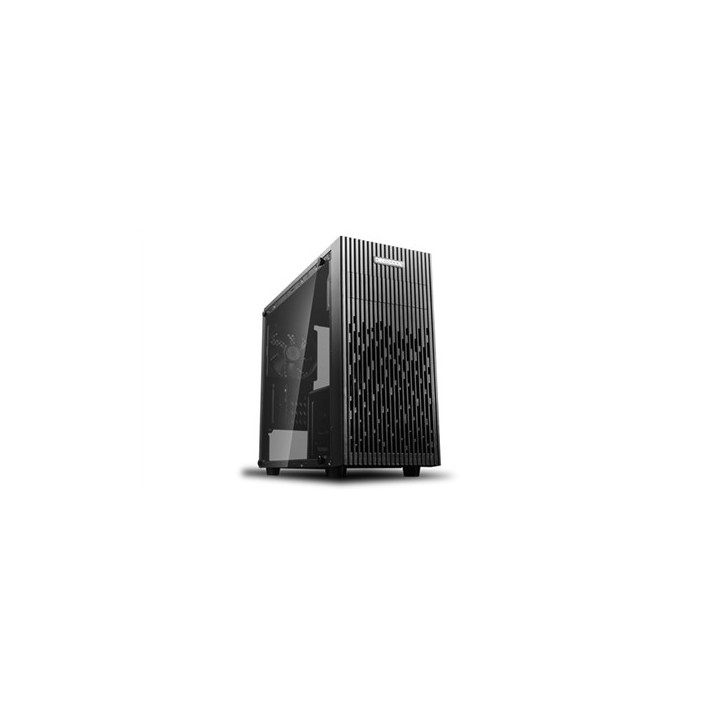
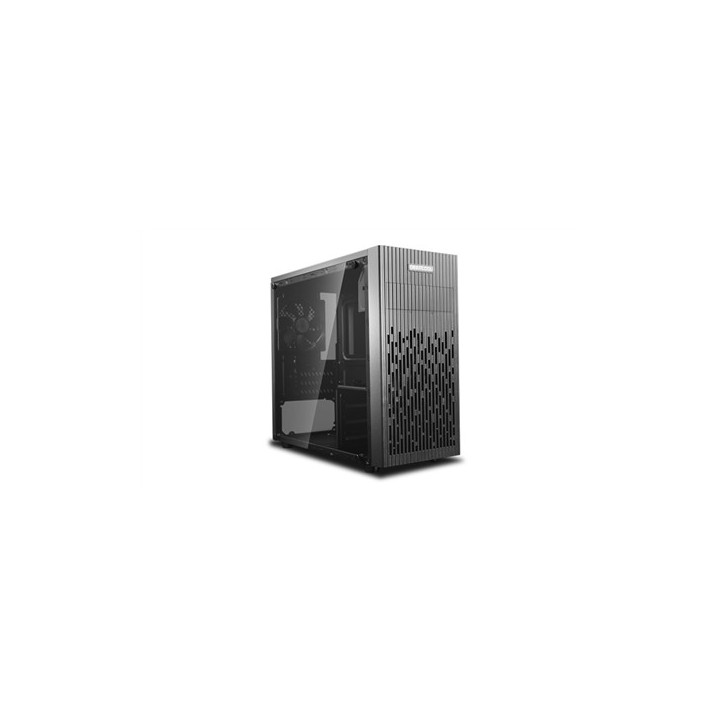
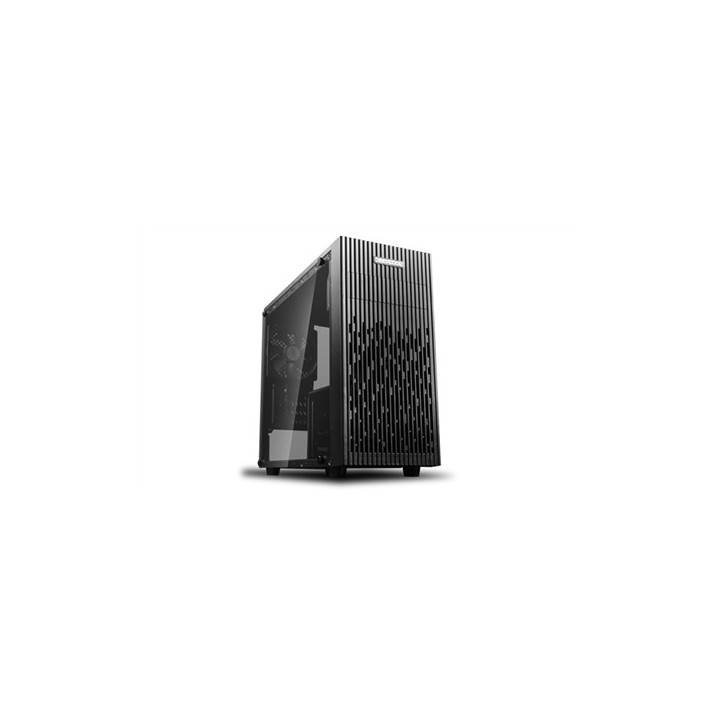
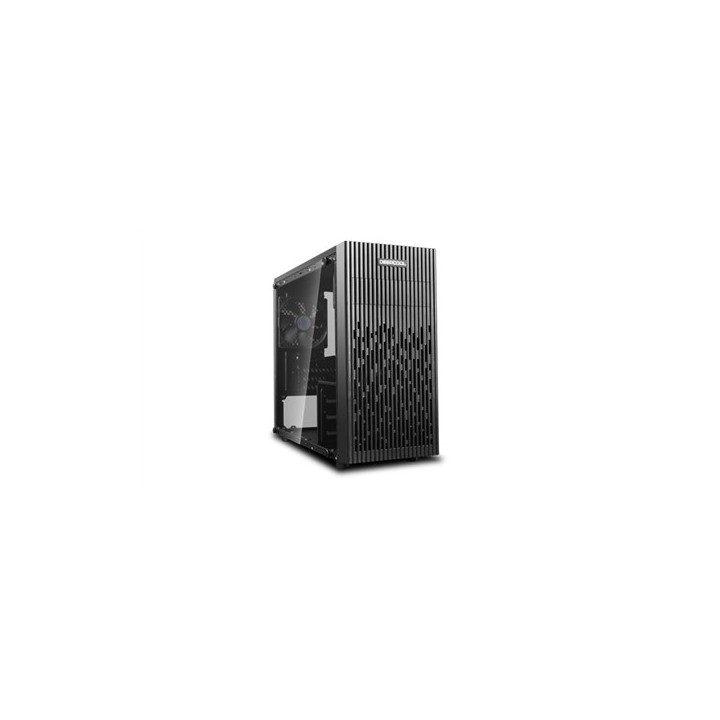
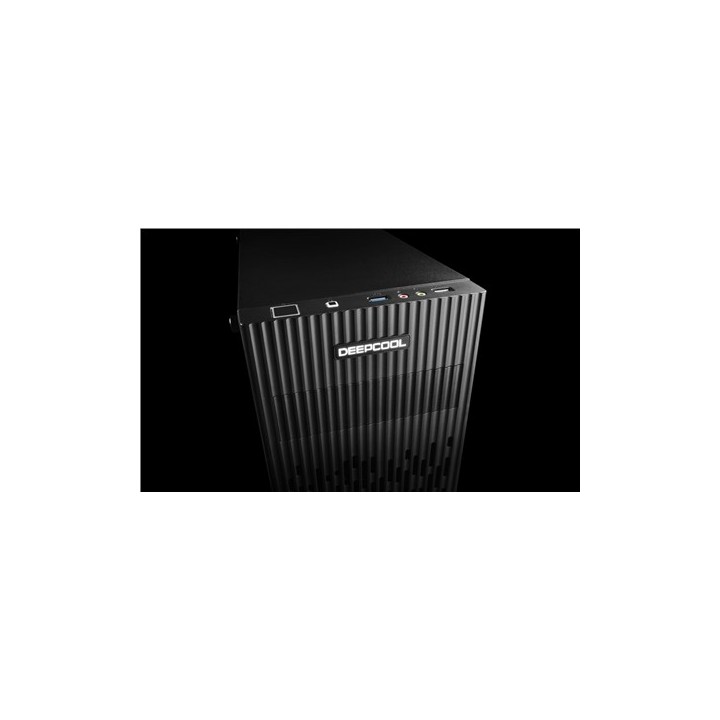
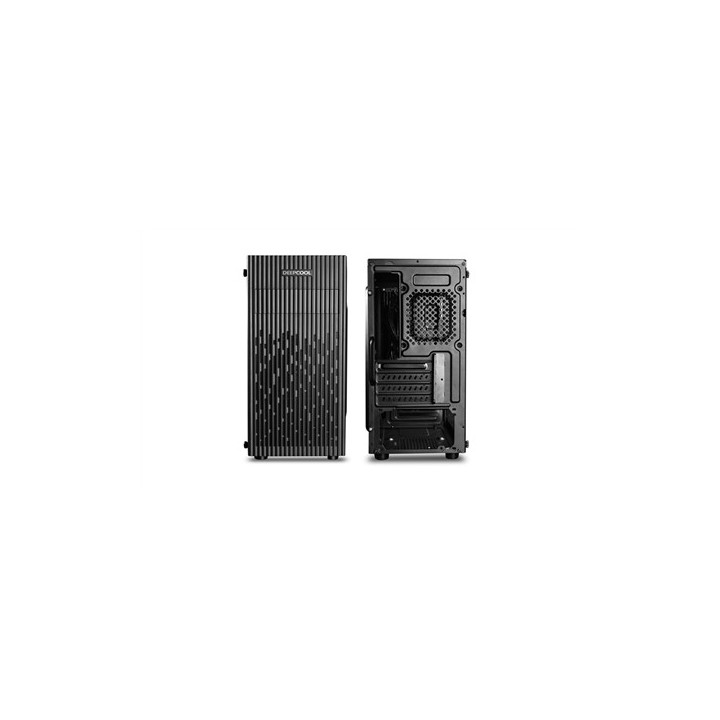
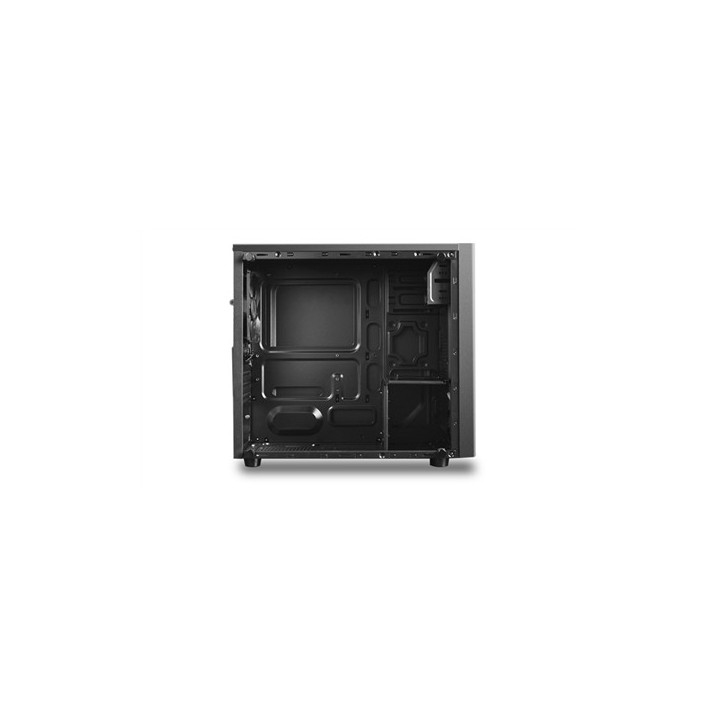
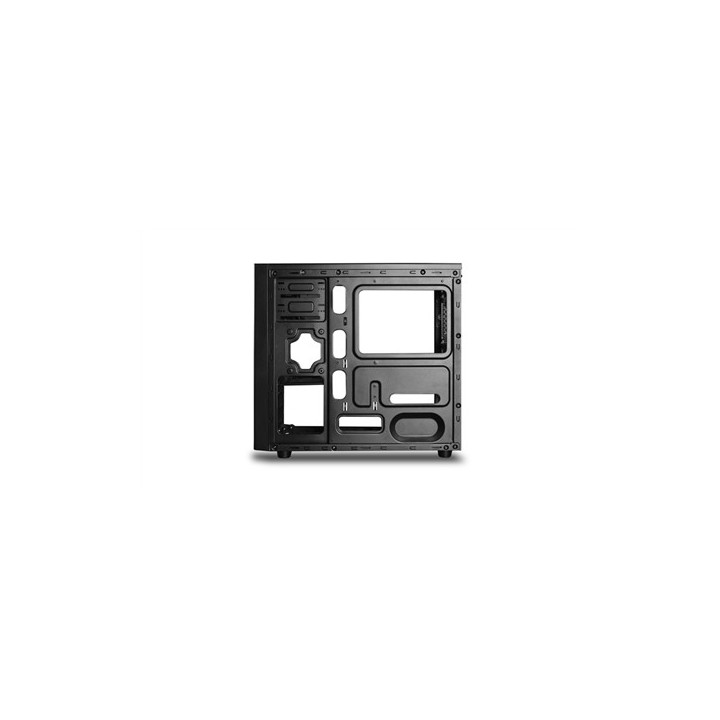
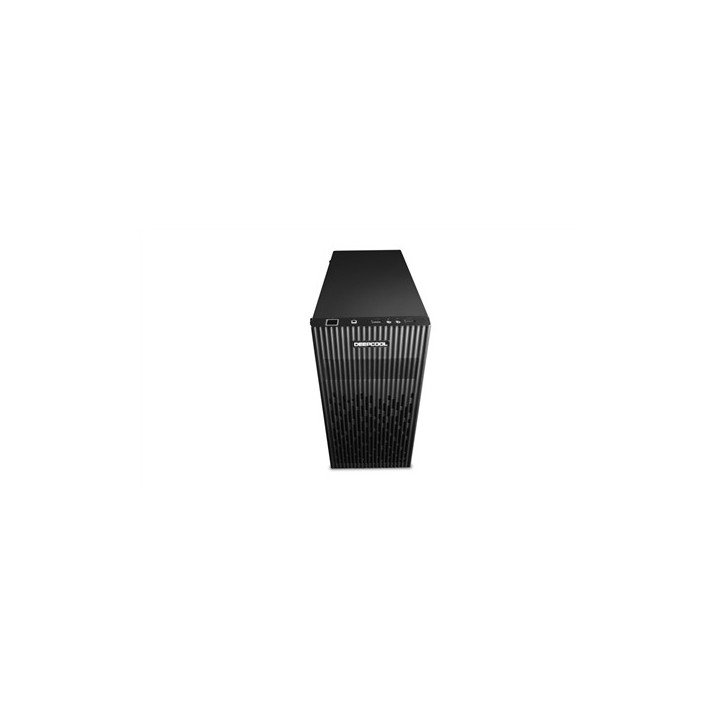
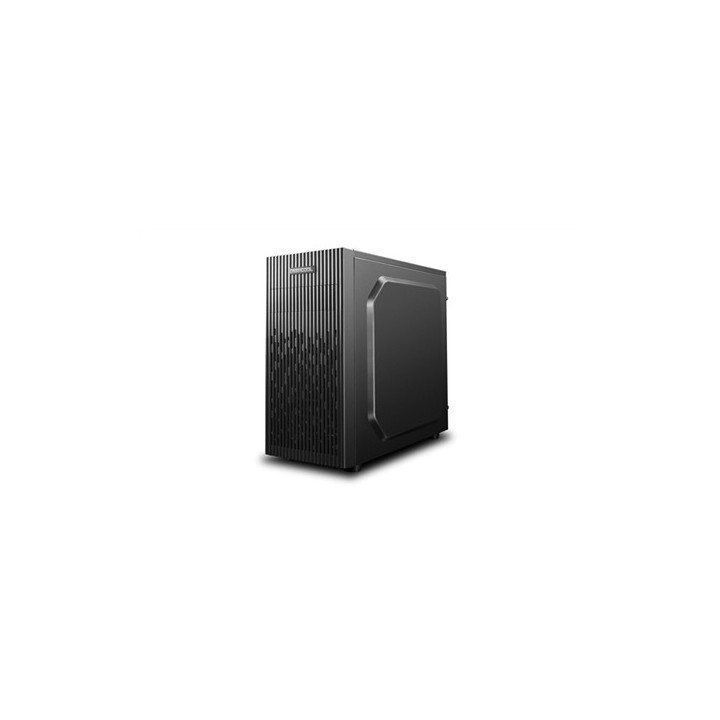
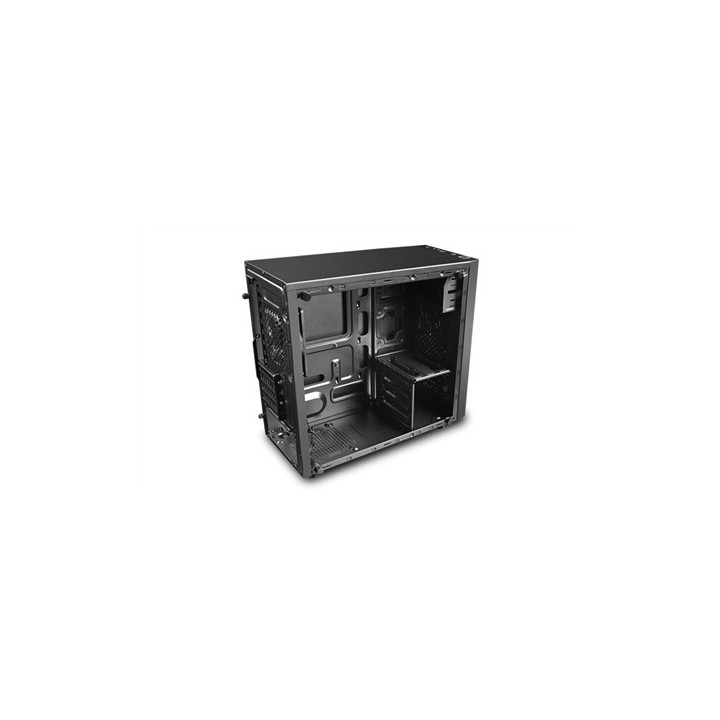
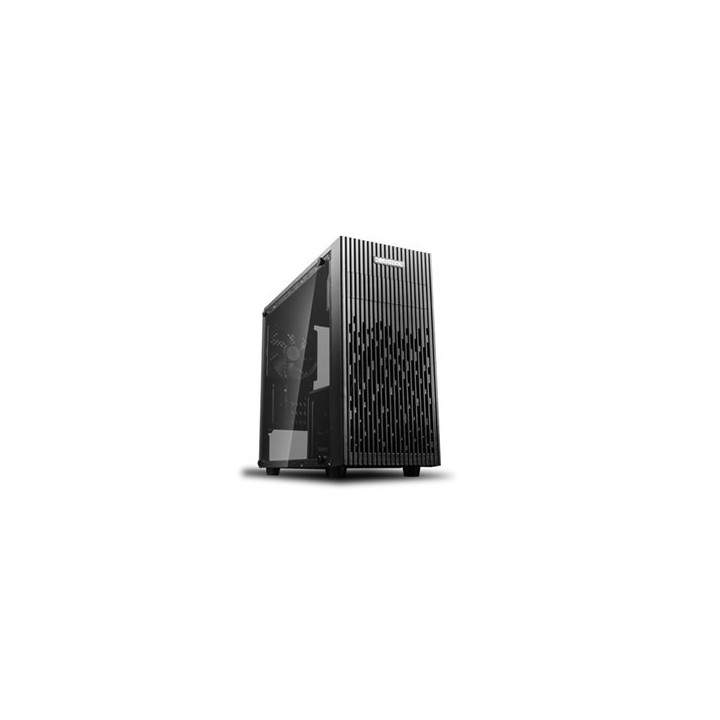
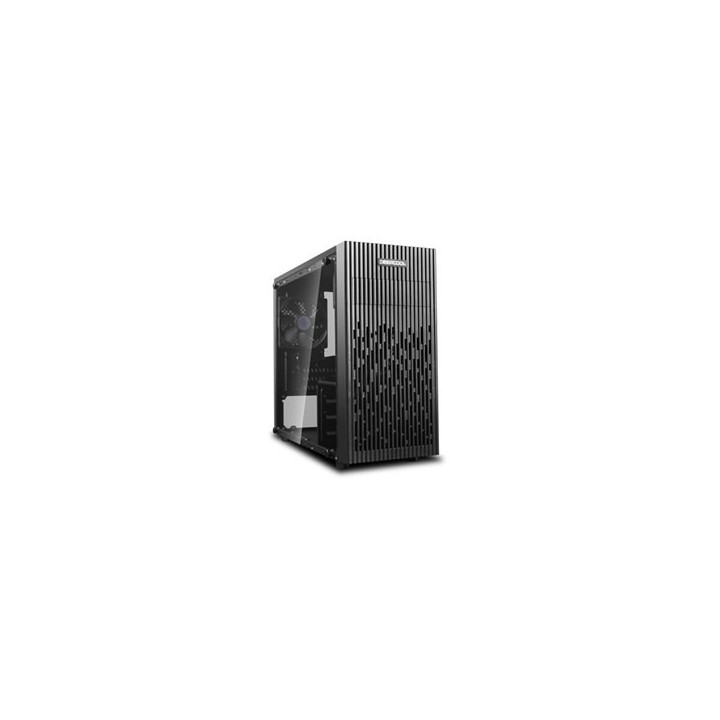
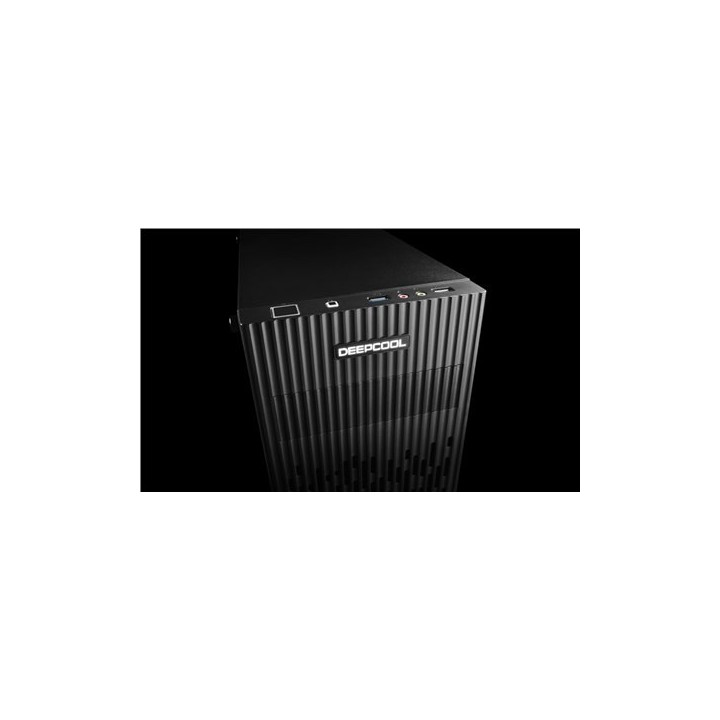
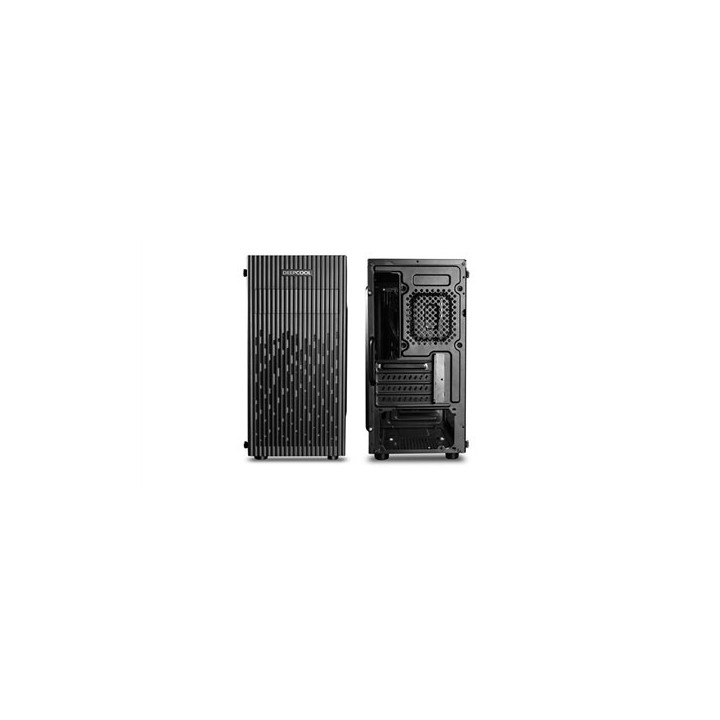
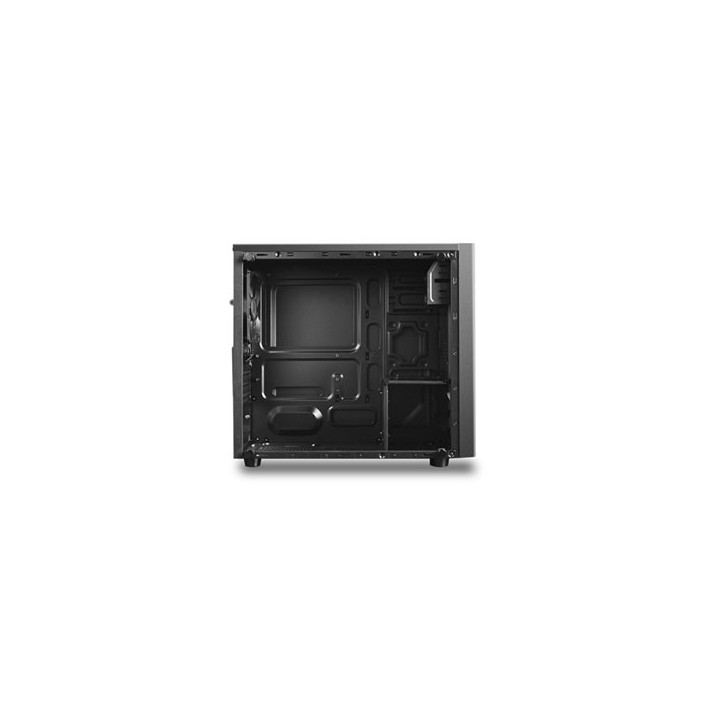
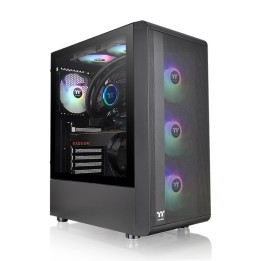
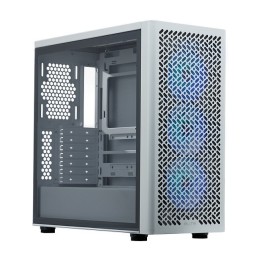
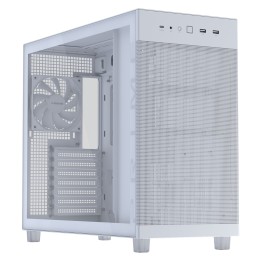
Deepcool MATREXX 30 to kompaktowa obudowa zaprojektowana z myślą o użytkownikach stawiających na oszczędność miejsca bez rezygnacji ze schludnego wyglądu. Model ten wyróżnia się prostą, funkcjonalną konstrukcją oraz estetycznym bocznym oknem, które eksponuje wnętrze komputera.
Obudowa jest przystosowana do płyt głównych w formacie Micro ATX, co czyni ją odpowiednią do budowy małych zestawów biurowych lub domowych. Przezroczyste boczne okno umożliwia prezentację podzespołów i ułatwia wizualną kontrolę ich rozmieszczenia.
W zestawie nie znajduje się zasilacz. MATREXX 30 obsługuje standardowe zasilacze typu ATX PS2 o maksymalnej długości mniejszej niż 170 mm, co pozwala na dobór kompaktowego zasilania do tej obudowy.
Action S.A.
Dawidowska 10 05-500 Zamienie Polska
E-mail: safety@action.pl
List of safety warnings for computer enclosures based on the requirements of General Product Safety Regulation (EU) 2023/988 (GPSR): 1. Risk of electric shock: * Make sure your computer's power supply is properly grounded. * Do not touch the power supply components with wet hands. * Disconnect the computer from power before opening the case. 2. Risk of cuts: * Beware of sharp metal edges when assembling components. * Secure the edges that can cause cuts. * Use protective gloves when working with the case. 3. Risk of fire: * Do not block ventilation openings in the housing. * Make sure that your computer components do not overheat. * Use a power supply with adequate power to avoid overloading. 4. Risk of damage to components: * Ensure proper air circulation in the housing. * Do not place heavy objects on the housing to avoid damage. * Make sure all components are properly fixed in the housing. 5. Hazards for children: * Keep small items (screws, jumpers) out of reach of children. * Do not allow children to open the computer case themselves. 6. Weight Hazards: * When moving your computer case, make sure you are able to support its weight. * Ask the other person for help if the case is too heavy. 7. Cleaning warnings: * Disconnect the computer from power before cleaning the case. * Use a soft, dry cloth to clean the case. * Do not use cleaning products containing corrosive substances. 8. Modification warnings: * Housing modifications may affect the safety and performance of your computer. * Perform modifications only if you have relevant experience and knowledge. 9. Warnings on Dust inhalation: * When cleaning components in the housing with compressed air, use a mask. * Take special care and ensure proper ventilation.