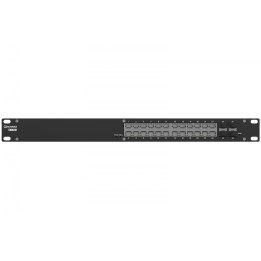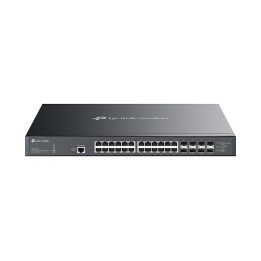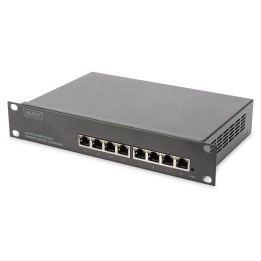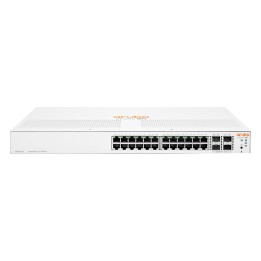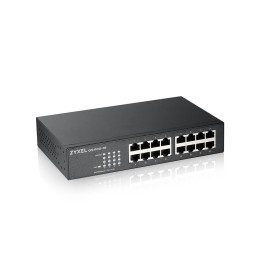
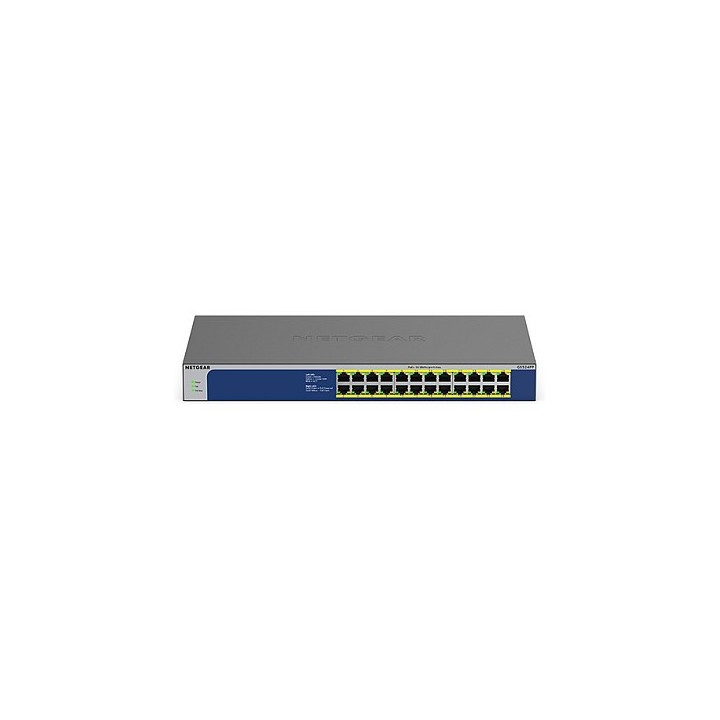
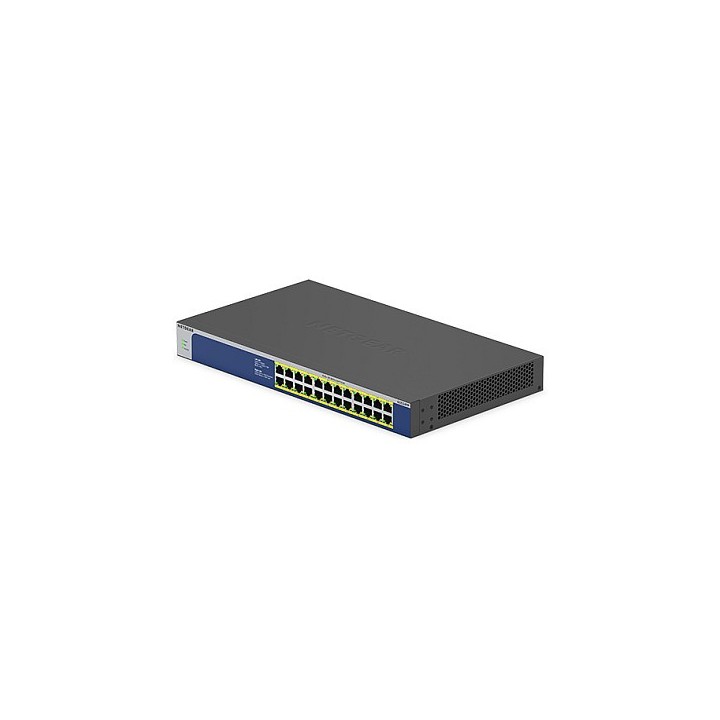
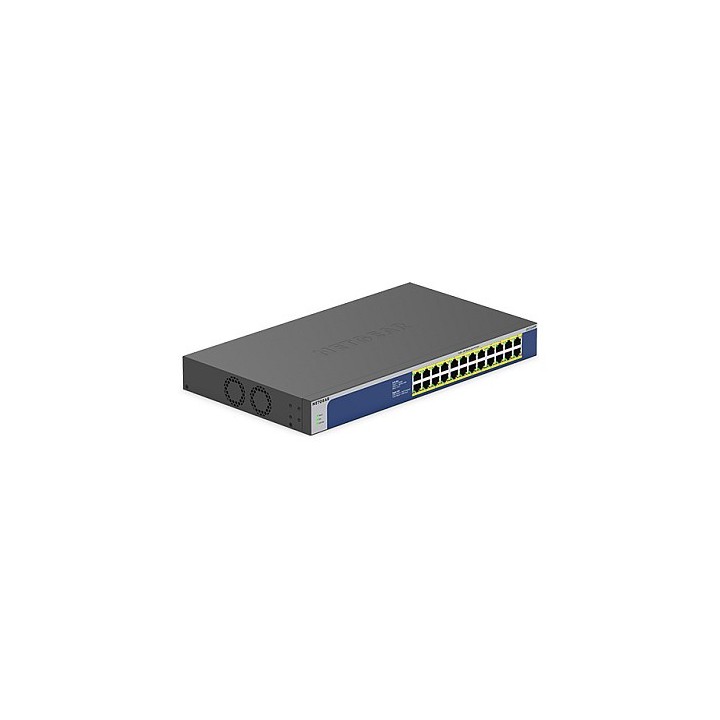

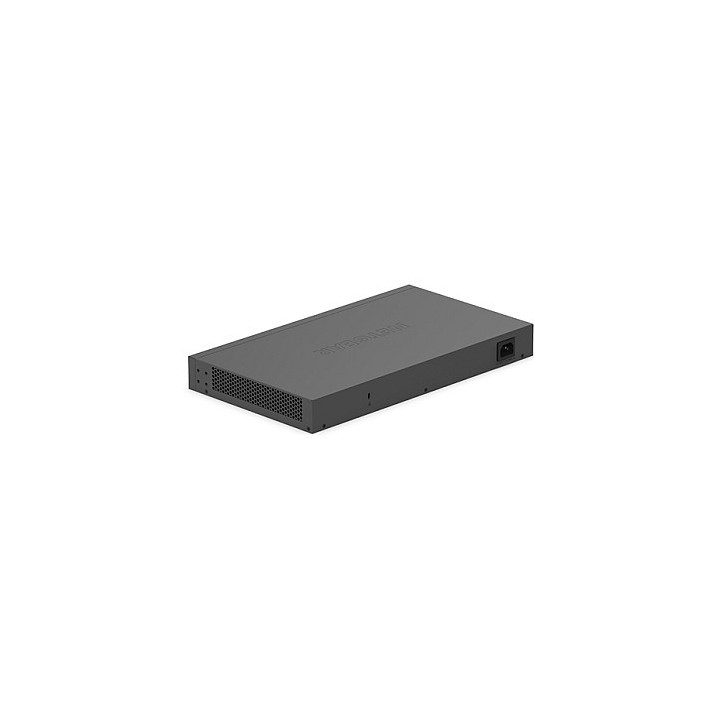
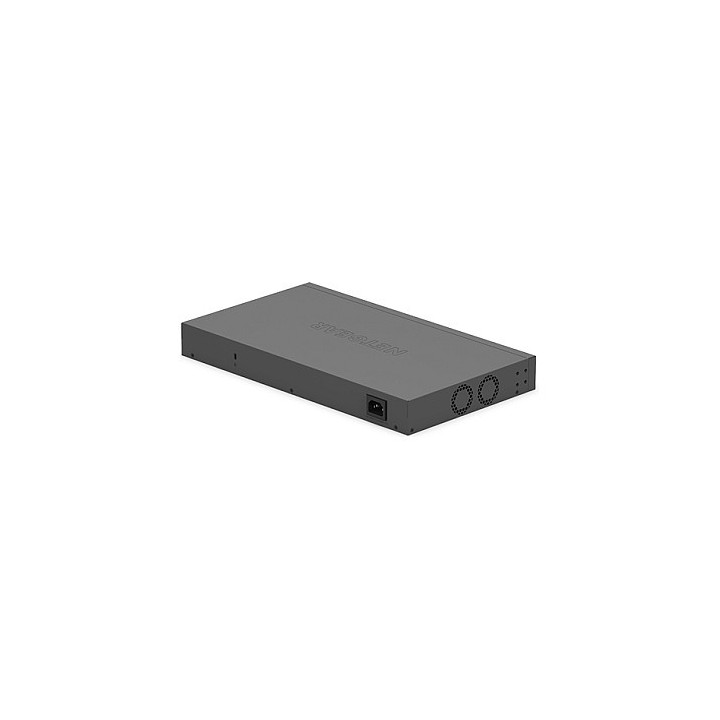
Przełącznik GS524PP Switch Unmanaged 24xGE PoE+
Opis produktu
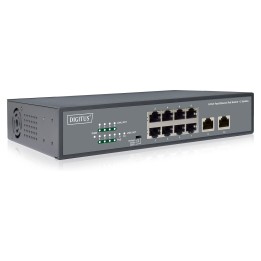
24-PORTOWE PRZEŁĄCZNIKI NETGEAR GIGABIT ETHERNET NIEZARZĄDZANE, O DUŻEJ MOCY POE+ (GS524PP)
Natychmiastowa łączność przy maksimum niezawodności
- Przełączniki NETGEAR Gigabit Unmandad Switch pozwalają firmie na ekonomiczne rozszerzenie sieci do gigabitowych prędkości i zwiększenie liczby portów. Model GS524PP łączy się z serią i oferuje 24 porty PoE+ do zasilania urządzeń PoE o dużej mocy. Dzięki całkowitemu budżetowi na zasilanie PoE w wysokości 300 w urządzenia z gęstą obsługą PoE+ można instalować na jednym przełączniku, a nie na wielu urządzeniach.
- Model GS524PP jest energooszczędny, zbudowany z myślą o trwałości i rygorystycznie przetestowany, aby zapewnić niezawodność, której potrzebują przedsiębiorstwa. Ustalanie priorytetów ruchu w oparciu o protokół 801.2p oraz obsługa ramek jumbo pozwalają na płynną integrację z bardziej złożonymi sieciami.
Moc i energooszczędność
- Idealne do zasilania i podłączania telefonów VoIP, bezprzewodowych punktów dostępu, kamer IP i urządzeń IoT. Możliwość montażu na biurku lub w stelażu zapewnia swobodę ustawienia. Model GS524PP zapewnia bardzo ekonomiczny i wydajny przełącznik o najlepszym stosunku kosztów do budżetu PoE.
- Przełączniki NETGEAR Unmandad obsługują najnowszy standard Energy Efficient Ethernet (IEEE 802.3az), który zmniejsza zużycie energii, gdy na aktywnym porcie jest ruch świetlny lub gdy nie wykryto łącza lub aktywności. Zastosowanie krótkiego kabla zapewnia jeszcze większą oszczędność energii.
Charakterystyka:
- PODŁĄCZ I ODTWARZAJ: Brak konieczności instalowania oprogramowania lub przeprowadzania konfiguracji
- TECHNOLOGIA POWER-OVER-ETHERNET: 24 portów PoE+ o całkowitym budżecie mocy 300 W.
- SOLIDNA METALOWA OBUDOWA: Mała, wytrzymała metalowa obudowa biurkowa i cicha praca.
- ŁATWE MONITOROWANIE: Diody LED na port dla aktywności i szybkości portu.
Specyfikacja
- Klasa przełącznika: Niezarządzalny
- Zastosowanie (switche): Średnie i duże firmy (powyżej 16 portów)
- Architektura sieci (switche): GigabitEthernet
- Liczba portów PoE (PoE + PoE+): 16
- Liczba portów PoE+: 8
- Przepustowość (switche Gbps): 24 Gb/s
- Prędkość przekazywania (Mpps): 1.448 Mpps
- Bufor pamięci (switche): 192 KB
- Rozmiar tablicy adresów MAC: 8
- Obsługa ramek Jumbo: Tak
- Rozmiar ramki Jumbo: 9.216 KB
- Możliwość łączenia w stos: Tak
- Obsługiwane protokoły i standardy: IEEE 802.3ab 1000BASE-T Gigabit Ethernet IEEE 802.3u 100BASE-TX Fast Ethernet IEEE 802.3i 10BASE-T Ethernet IEEE 802.3 CSMA/CD 802.3az Energy Efficient Ethernet
- Bezpieczeństwo: UL 62368-1 CB_IEC 60950-1 + IEC 62368-1 Ed-3 LVD EN60950-1+EN62368-1 Ed-2 Rpt AS/NZS 62368.1 Ed-2 BSMI CNS14336-1
- Typ obudowy: Rack (Switche/UPS)
- Wentylator (switche): Tak
- Zasilacz (switche): Wewnętrzny
- Pobór mocy: 359.5 W
- Czas pracy pomiędzy awariami (MTBF): 1457063 s
- Zasilanie: Wejście/zasilanie DC Wewnętrzne (100240V ~ 50/60 Hz, 6A) Pobór mocy (maksymalny i w trybie gotowości) 359.5W / 12.9W
- Wymiary: 390 x 220 x 43 mm
- Waga: 2.89 kg
- Pozostałe parametry: Specyfikacje środowiskowe Operacyjny Temperatura pracy 32122°F (050°C) Wilgotność 10%90% wilgotności względnej, bez kondensacji Wysokość 3000 m Składowanie Temperatura przechowywania -20 ~ + 70 ° C Wilgotność (względna) 10% ~ 95%, bez kondensacji
Szczegóły produktu
- Marka Netgear
- Kod produktu 666cdb64017f8afd77936f5e
- Dostępność 1 Przedmiot
- EAN13 0606449149289
- MPN GS524PP100EUS
Producent
Producent
NETGEAR International Limited
6th Floor, Penrose Two, Penrose Dock T23 YY09 Cork Ireland
E-mail: emea.orders@netgear.com
Formularz kontaktowy: https://www.netgear.com/support/
Telefon: +353 (0)4089 078000
Bezpieczeństwo
Informacje o bezpieczeństwie
List of safety warnings for network equipment based on the requirements of General Product Safety Regulation (GPSR) 2023/988: 1. Risk of electric shock: * Make sure that the device is connected to a working socket with grounding. * Do not touch the plug or cable with wet hands. * Avoid using the device in places with high humidity. 2. Risk of overheating: * Provide adequate ventilation while maintaining at least 5 cm of free space around the device. * Do not block ventilation openings and avoid putting network equipment on soft surfaces such as blankets or pillows. 3. Fire risk: * Use only original power supplies and accessories recommended by the manufacturer. * Do not leave the device on unattended near flammable materials. 4. Risk of bodily injury: * Use the device on a stable surface to minimize the risk of falling. 5. Hazards in humid environments: * Do not use network equipment outdoors in rain or in places with high humidity. * If the device is flooded, immediately disconnect it from the power source and contact the service. 6. Hazards at high temperatures: * Do not expose the device to direct sunlight. * Avoid using network equipment at temperatures above the recommended range (usually 5-35°C). 7. Risk of damage during cleaning: * Before cleaning, disconnect the device from the power supply and use a soft, slightly damp cloth. * Avoid using strong detergents that can damage the surface of the device. 8. Caution when replacing accessories: * Use only the accessories recommended by the manufacturer. * When replacing batteries, follow the manufacturer's instructions and do not expose the battery to high temperatures. 9. Risks associated with battery use: * Avoid damage to the battery by impact or puncture. * If the battery overheats or swells, stop using the device immediately. 10. Warnings for children: * Keep power cables out of reach of children. * Make sure that children do not play with the device or accessories that can be dangerous. 11. Electromagnetic interference: * Using network equipment near medical devices such as pacemakers can cause electromagnetic interference. * Maintain a distance of at least 15 cm between network equipment and medical devices. 12. Fire hazard: * Storing network equipment near flammable materials or using non-original power supplies may increase the risk of fire. * Use your smartphone away from fabrics, paper, and other flammable materials. 13. Regular maintenance: * Failure to regularly clean ports and sockets can lead to damage or failure. * Clean ports and sockets regularly using a dry and clean cloth, avoiding moisture input.
Switche
Ostatnio oglądane
Produkty, które ostatnio zwróciły Twoją uwagę.