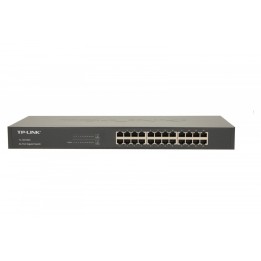
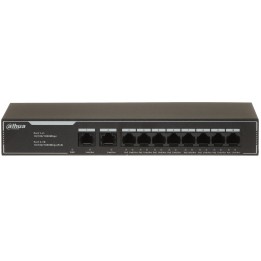
TP-LINK Switch SG3428XPP-M2 24x2.5GBit/4xSFP+ Managed 19" Omada SDN, 500 W PoE, WiFi 7/6E/6
Opis produktu
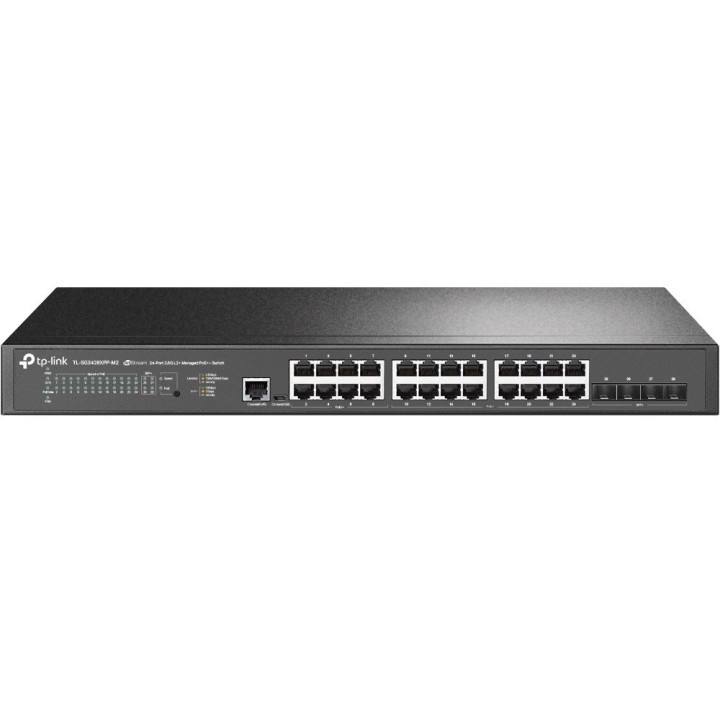
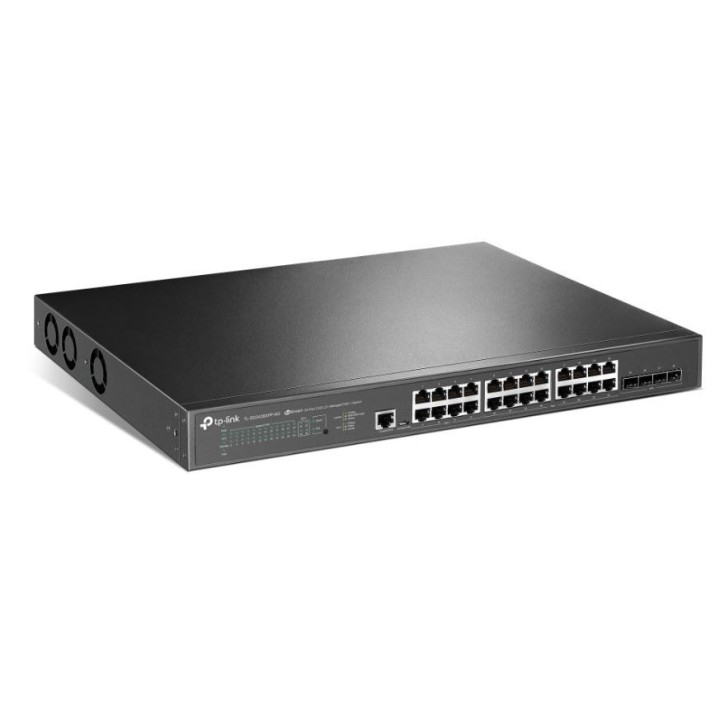
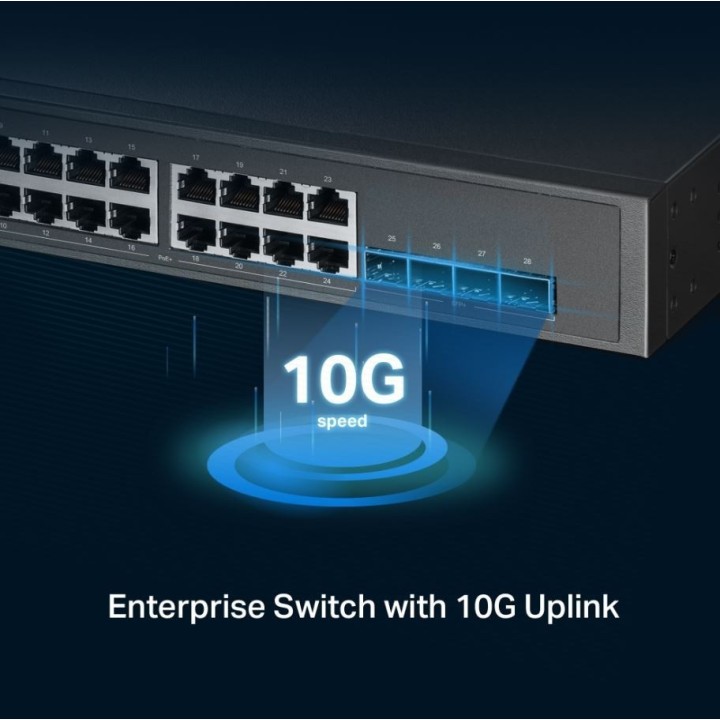
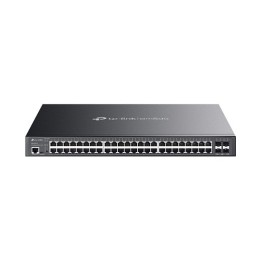
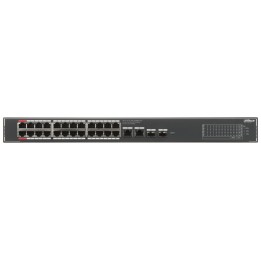
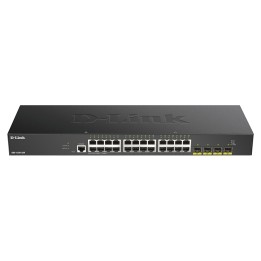
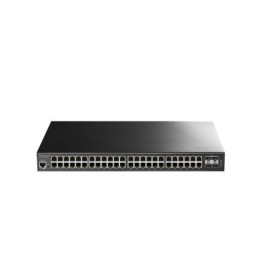
Przełącznik TP-Link TL-SG3428XPP-M2 to nowoczesne urządzenie, które łączy w sobie znakomitą wydajność oraz zaawansowane funkcje zarządzania. Wyposażony w 24 porty RJ-45 oraz 4 porty SFP+, ten zarządzany przełącznik L2+ z obsługą Ethernet 2.5G stanowi doskonałe rozwiązanie dla wymagających środowisk sieciowych. Jego maksymalna przepustowość wynosi aż 200 Gbit/s, co gwarantuje błyskawiczne przesyłanie danych oraz stabilne połączenia.
Porty Ethernet 2.5G i SFP+ – Elastyczność w rozbudowie sieci
TL-SG3428XPP-M2 oferuje różnorodne porty, w tym 24 porty Ethernet 2.5G, które umożliwiają szybkie połączenia z urządzeniami końcowymi. Dodatkowo, 4 porty SFP+ pozwalają na łatwe rozszerzenie sieci oraz integrację z innymi systemami. Dzięki temu przełącznik jest idealnym wyborem dla firm, które planują rozwój swojej infrastruktury sieciowej.
Obsługa PoE – Zasilanie urządzeń przez Ethernet
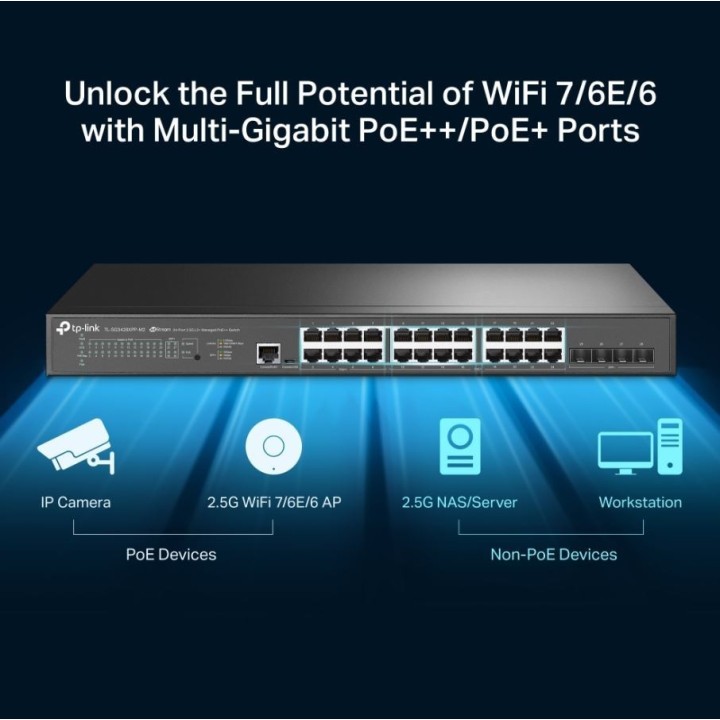
Przełącznik TP-Link TL-SG3428XPP-M2 obsługuje Power over Ethernet (PoE), co oznacza, że może zasilać urządzenia takie jak kamery IP, punkty dostępowe czy telefony VoIP bez konieczności stosowania dodatkowych kabli zasilających. Z całkowitą mocą PoE wynoszącą 500 W, urządzenie to jest w stanie obsłużyć do 16 portów PoE+, co czyni je niezwykle funkcjonalnym rozwiązaniem.
Wydajność i bezpieczeństwo – Nowoczesne standardy komunikacyjne
Przełącznik wspiera szereg nowoczesnych standardów komunikacyjnych, takich jak IEEE 802.1D, IEEE 802.1Q oraz IEEE 802.1x, co zapewnia elastyczność i bezpieczeństwo w zarządzaniu siecią. Dodatkowo, funkcje zabezpieczeń, takie jak ACL, IGMP snooping oraz SSH/SSL, chronią sieć przed nieautoryzowanym dostępem i atakami.
Zarządzanie w chmurze – Łatwe monitorowanie i konfiguracja
TL-SG3428XPP-M2 oferuje funkcje zarządzania w chmurze, co umożliwia łatwe monitorowanie i konfigurację urządzenia z dowolnego miejsca. Dzięki temu administratorzy sieci mogą szybko reagować na zmiany oraz zarządzać ustawieniami przełącznika w sposób zdalny, co zwiększa efektywność zarządzania siecią.
Specyfikacja techniczna
- Producent: TP-LINK
- Liczba portów: 24
- Typ przełącznika: Zarządzany
- Przełącznik wielowarstwowy: L2+
- Typ portów Ethernet: 2.5G Ethernet (100/1000/2500)
- Liczba portów SFP+: 4
- Port konsoli: RJ-45/Micro-USB
- Przepustowość rutowania/przełączania: 200 Gbit/s
- Pojemność pamięci wewnętrznej: 256 MB
- Wielkość pamięci flash: 32 MB
- Kolor produktu: Czarny
- Obsługa 10G: Tak
- Obsługa PoE: Tak
- Maksymalne zużycie mocy: 629,1 W
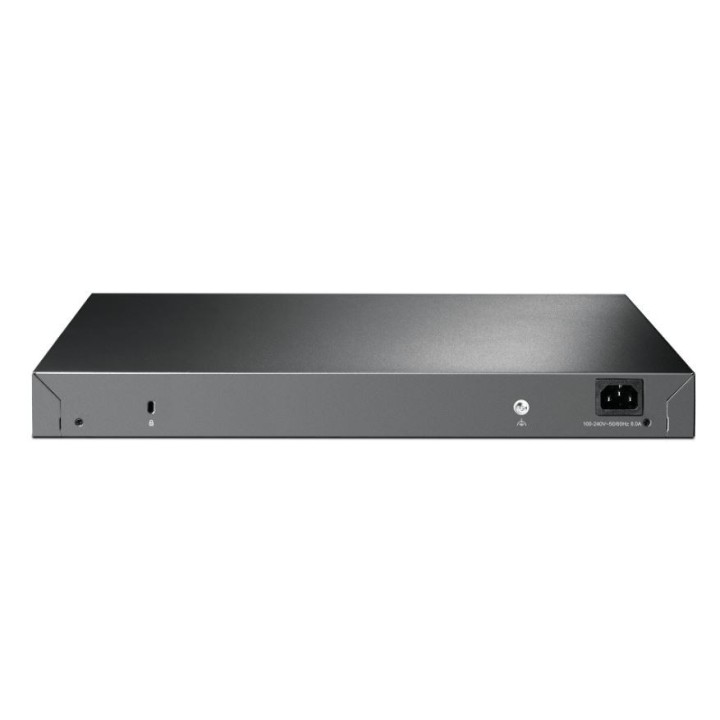
- Napięcie wejściowe AC: 100 - 240 V
- Częstotliwość wejściowa AC: 50/60 Hz
- Wymiary (Szerokość x Głębokość x Wysokość): 440 mm x 330 mm x 44 mm
- Waga produktu z opakowaniem: 6,1 kg
- Zakres temperatur (eksploatacja): 0 - 40 °C
- Zakres wilgotności względnej: 10 - 90%
- Certyfikaty: CE, FCC, RoHS
- Ilość portów Power over Ethernet (PoE): 16 (PoE+), 8 (PoE++)
- Całkowita moc PoE: 500 W
- Liczba wentylatorów: 3
- Obsługa sieci VLAN: Tak
- Funkcje zabezpieczeń: Tak (w tym ACL, IGMP snooping, SSH/SSL)
- Zgodność z Jumbo Frames: Tak
- Ilość kolejek: 8
- Protokół zarządzania: SNMP v1/v2c/v3

Szczegóły produktu
- Marka TP-LINK
- Kod produktu 667a7aef861b0103db922da8
- Dostępność 13 Przedmioty
- EAN13 4897098689738
- MPN SG3428XPP-M2
Specyfikacja
- Liczba portów (szt.) 28 szt.
- Rodzaj zarządzania Zarządzalny
- Montaż Rack Tak
- Bez wentylatora Nie
- Budżet PoE (W) 500 W
- Liczba portów SFP (szt.) 0 szt.
- Typ obudowy sieciowej Rack (Switche/UPS)
Producent
Producent
TP-Link Polska Sp. z o.o.
Ożarowska 40/42 05-850 Duchnice Polska
E-mail: info.pl@tp-link.com
Telefon: +48 22 360 63 63
Osoba odpowiedzialna w UE
TP-Link
Ożarowska 40/42 05-850 Duchnice Polska
E-mail: office.poland@tp-link.com
Telefon: +48 22 360 63 00
Bezpieczeństwo
Informacje o bezpieczeństwie
List of safety warnings for network equipment based on the requirements of General Product Safety Regulation (GPSR) 2023/988: 1. Risk of electric shock: * Make sure that the device is connected to a working socket with grounding. * Do not touch the plug or cable with wet hands. * Avoid using the device in places with high humidity. 2. Risk of overheating: * Provide adequate ventilation while maintaining at least 5 cm of free space around the device. * Do not block ventilation openings and avoid putting network equipment on soft surfaces such as blankets or pillows. 3. Fire risk: * Use only original power supplies and accessories recommended by the manufacturer. * Do not leave the device on unattended near flammable materials. 4. Risk of bodily injury: * Use the device on a stable surface to minimize the risk of falling. 5. Hazards in humid environments: * Do not use network equipment outdoors in rain or in places with high humidity. * If the device is flooded, immediately disconnect it from the power source and contact the service. 6. Hazards at high temperatures: * Do not expose the device to direct sunlight. * Avoid using network equipment at temperatures above the recommended range (usually 5-35°C). 7. Risk of damage during cleaning: * Before cleaning, disconnect the device from the power supply and use a soft, slightly damp cloth. * Avoid using strong detergents that can damage the surface of the device. 8. Caution when replacing accessories: * Use only the accessories recommended by the manufacturer. * When replacing batteries, follow the manufacturer's instructions and do not expose the battery to high temperatures. 9. Risks associated with battery use: * Avoid damage to the battery by impact or puncture. * If the battery overheats or swells, stop using the device immediately. 10. Warnings for children: * Keep power cables out of reach of children. * Make sure that children do not play with the device or accessories that can be dangerous. 11. Electromagnetic interference: * Using network equipment near medical devices such as pacemakers can cause electromagnetic interference. * Maintain a distance of at least 15 cm between network equipment and medical devices. 12. Fire hazard: * Storing network equipment near flammable materials or using non-original power supplies may increase the risk of fire. * Use your smartphone away from fabrics, paper, and other flammable materials. 13. Regular maintenance: * Failure to regularly clean ports and sockets can lead to damage or failure. * Clean ports and sockets regularly using a dry and clean cloth, avoiding moisture input.
Switche
Ostatnio oglądane
Produkty, które ostatnio zwróciły Twoją uwagę.