- Nowy
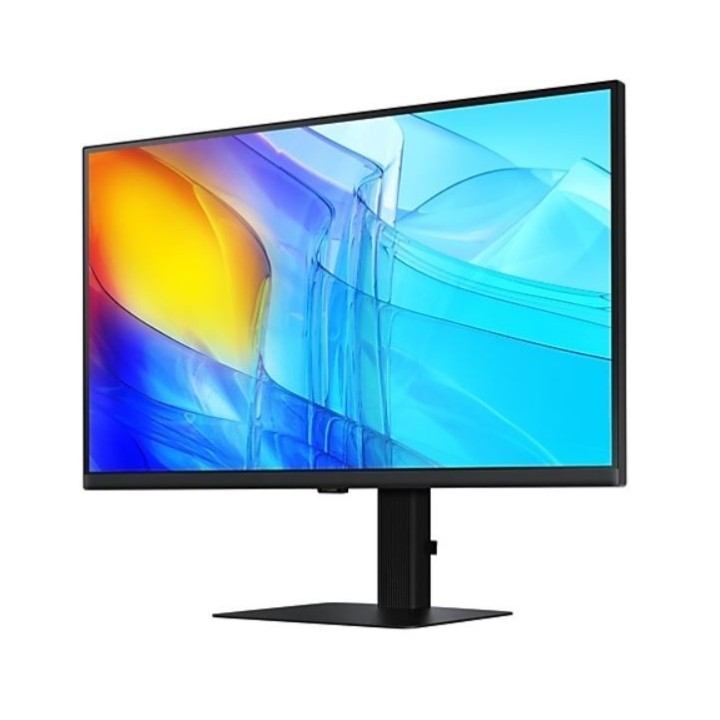
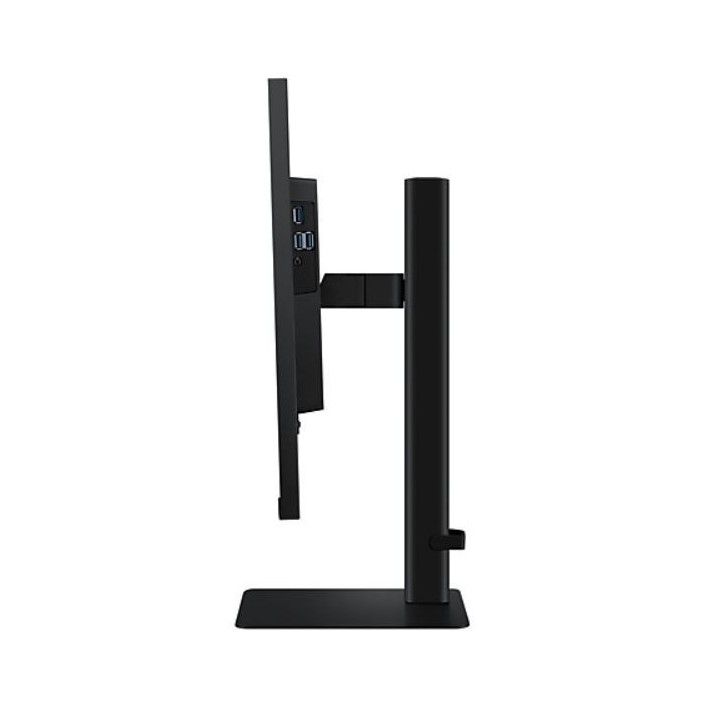
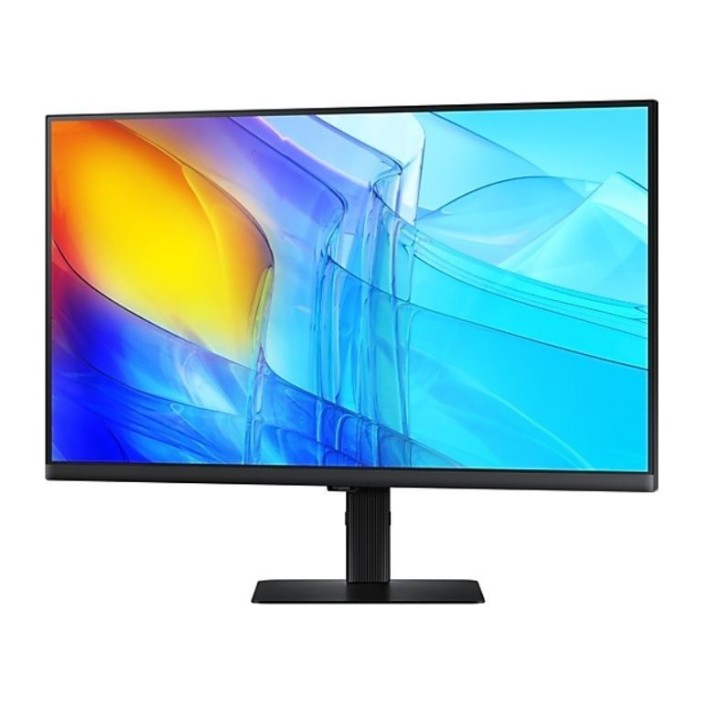
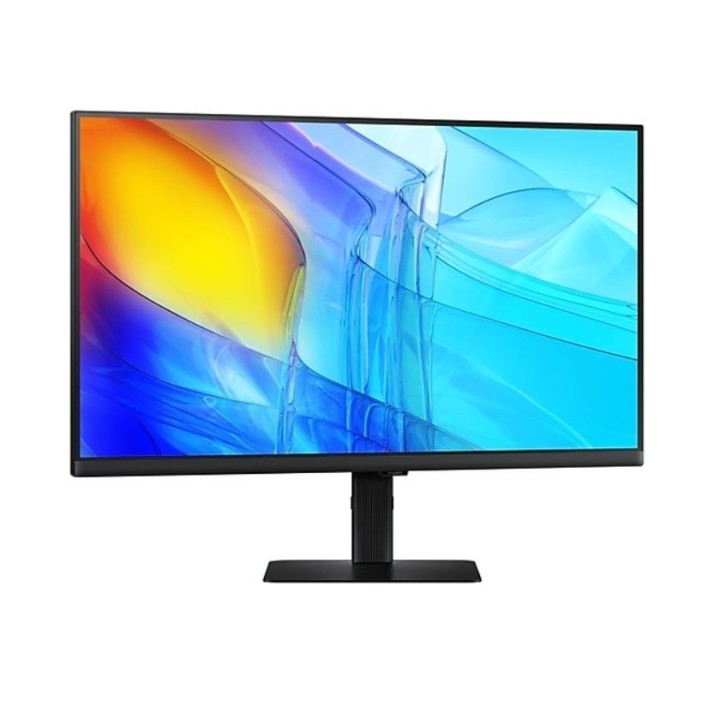
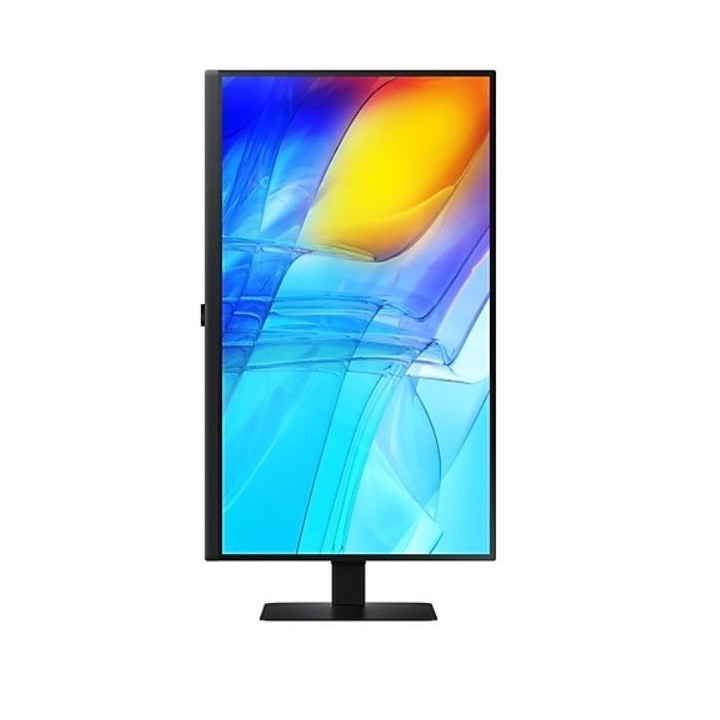
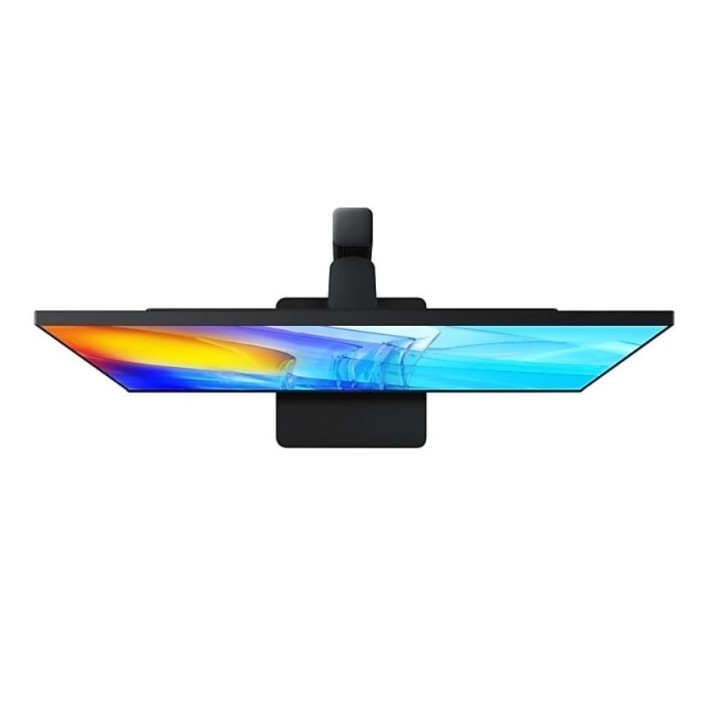
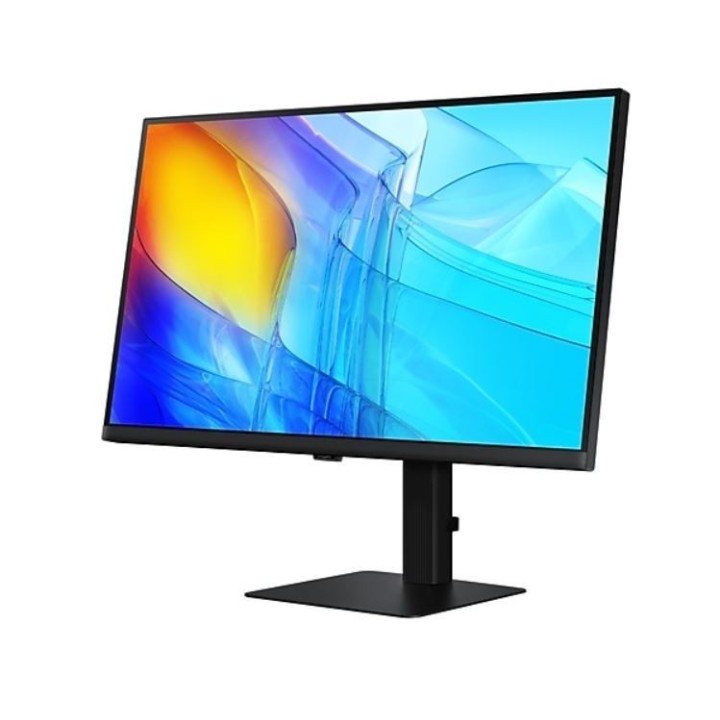
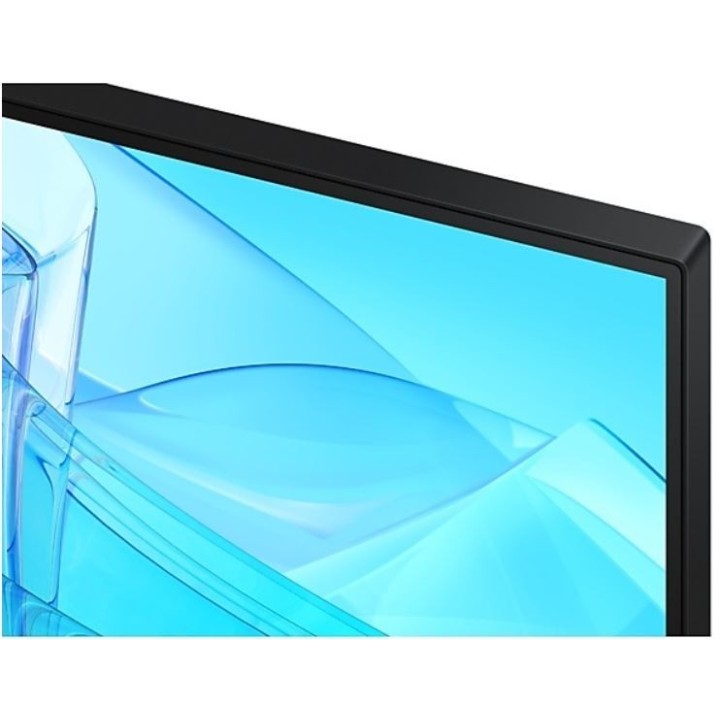
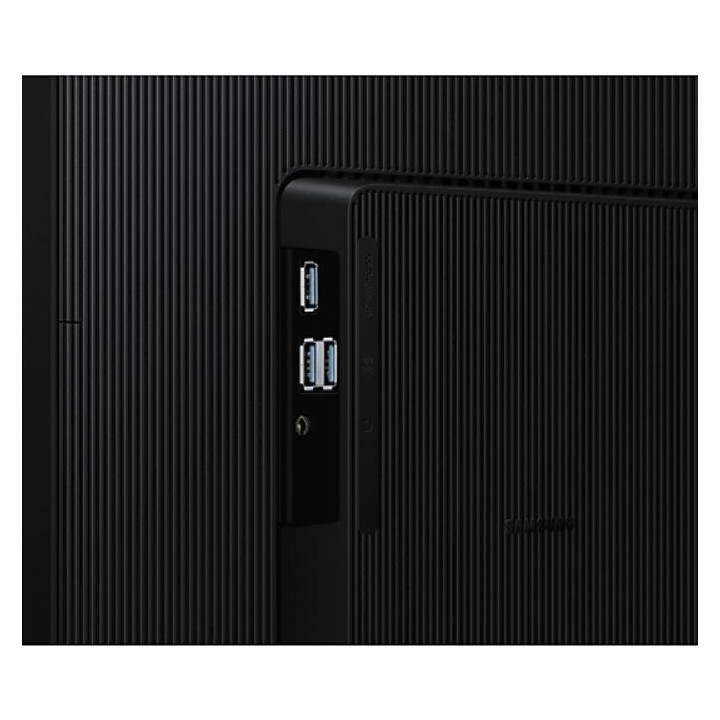
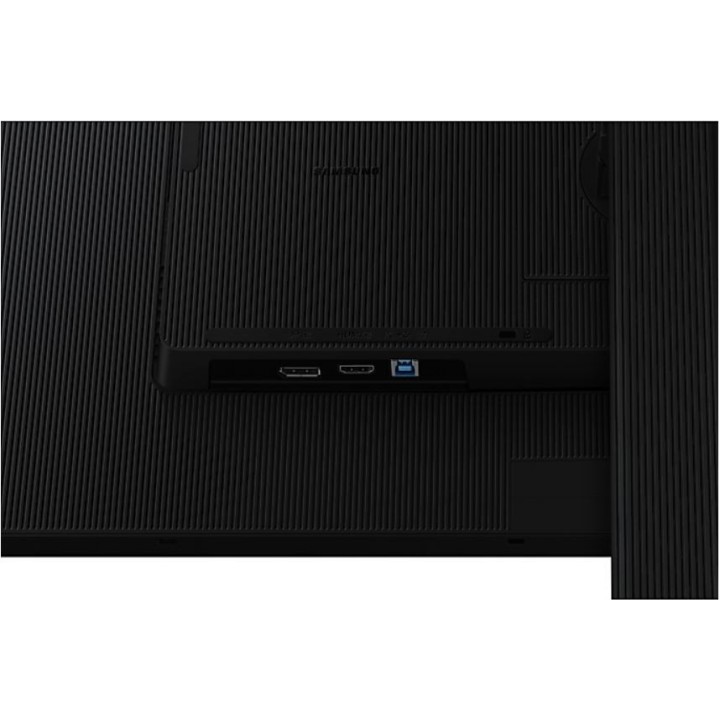
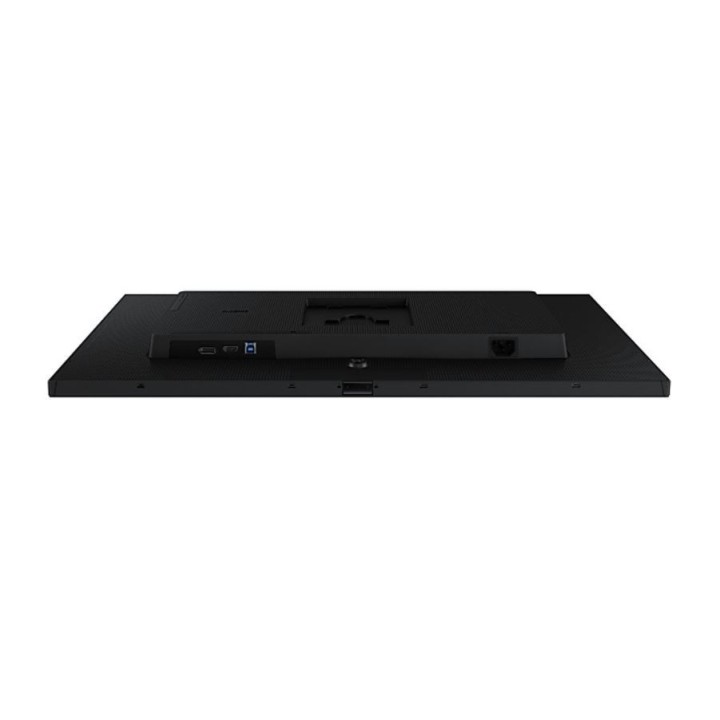
Samsung LCD S27D800UAU 27" black obrazki
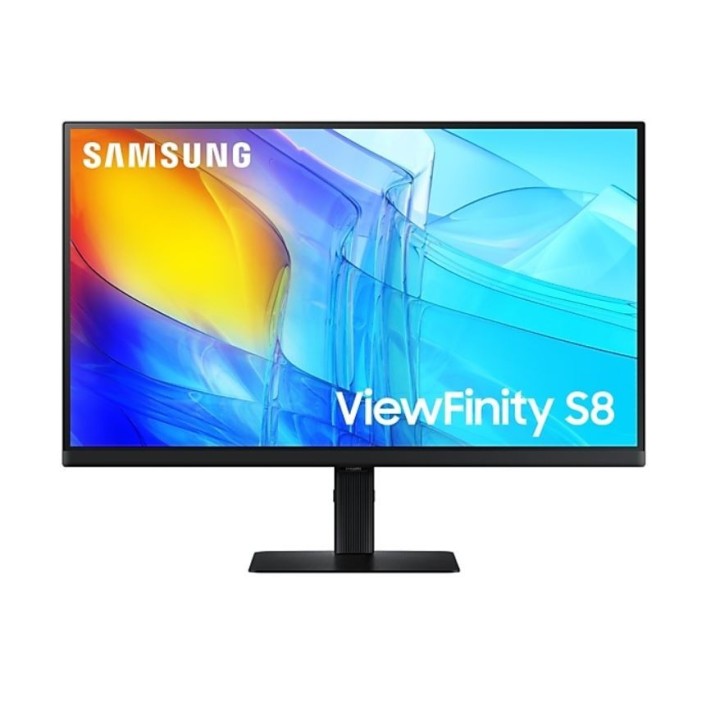
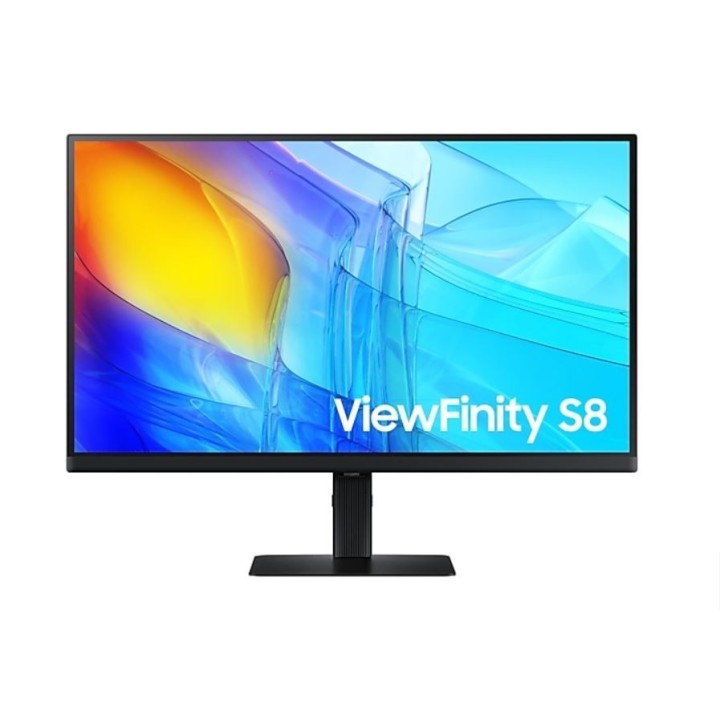
Samsung LCD S27D800UAU 27" black
Opis produktu
Monitor Viewfinity S8 27 cale 4K UHD 60Hz S80UD LS27D800UAUXEN
- Monitor UHD 3840 x 2160 - 4 x większa gęstość pikseli niż FHD
- Matryca IPS - krystalicznie czysty obraz, żywe odwzorowanie kolorów i wyjątkowy kontrast
- USB type-C - wyświetlaj treści na ekranie i ładuj urządzenie w tym samym czasie
- Eye saver i Flicker Free - dla większego komfortu i mniejszego zmęczenia oczu
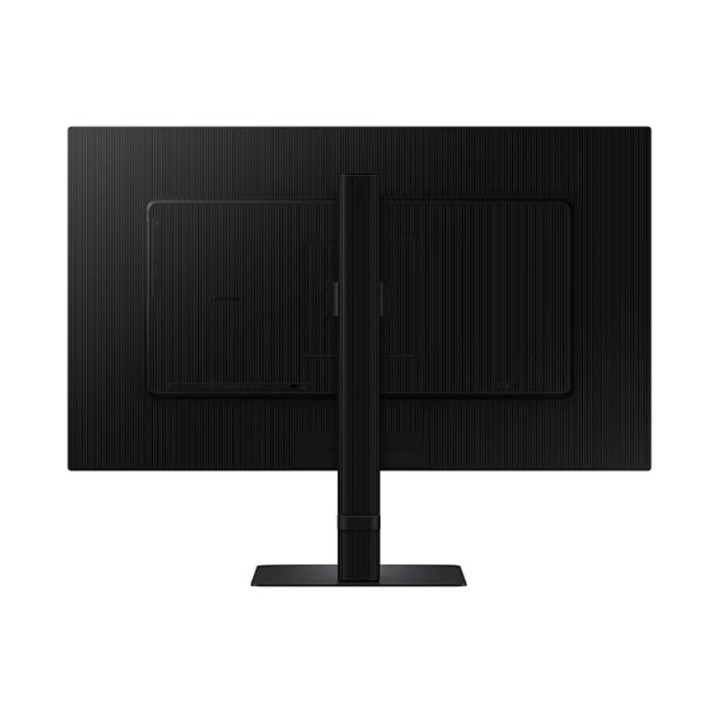
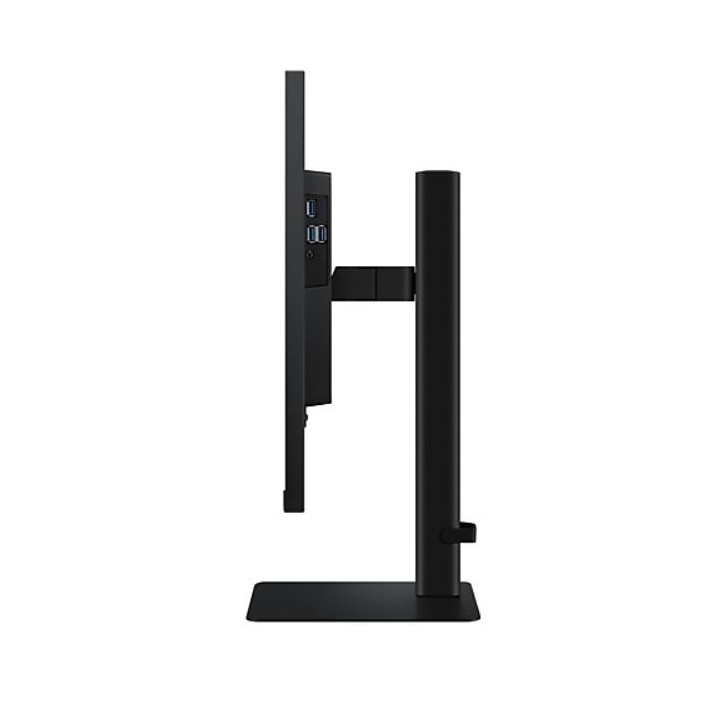
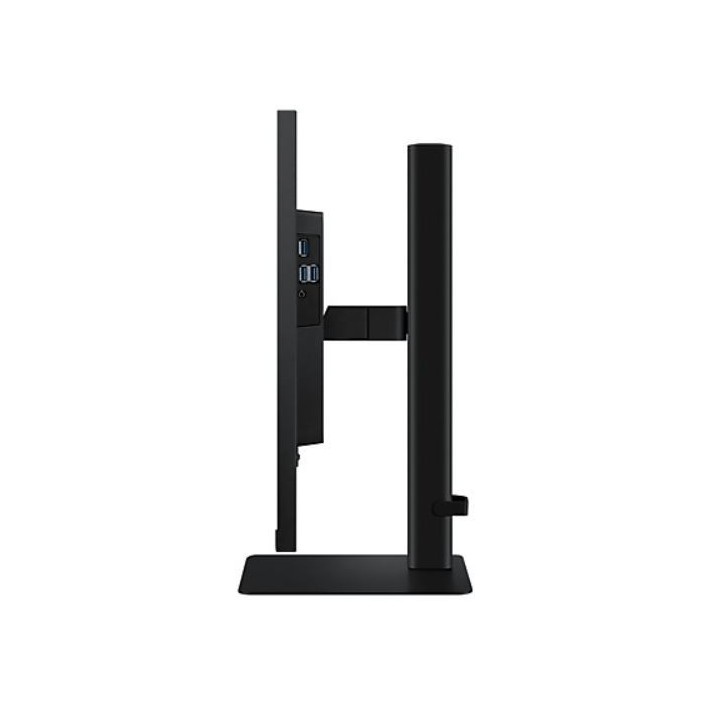
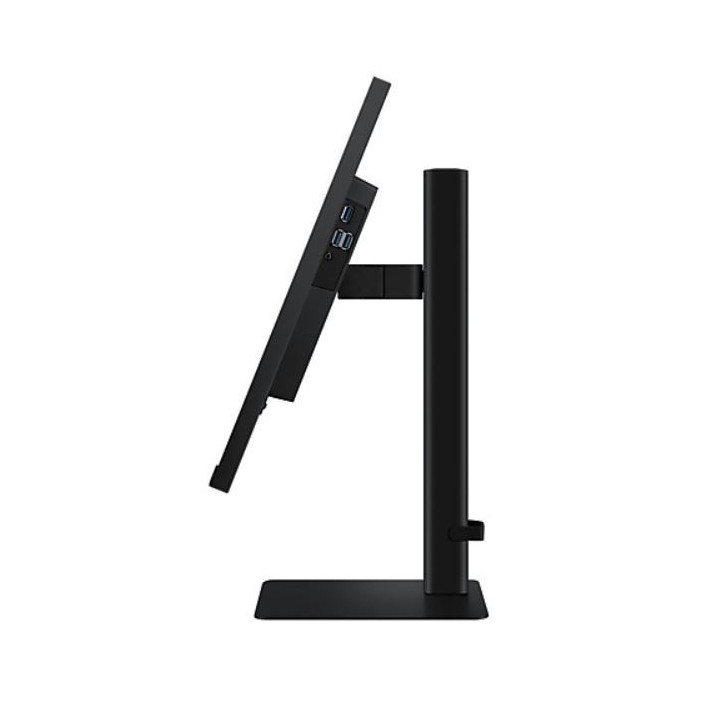
- Ergonomiczna konstrukcja - HAS, pochylenie, obrót, PIVOT, VESA i minimalistyczna budowa bez ramki
Odkryj wszystkie szczegóły
Rozdzielczość UHD
Wizualne mistrzostwo, którego wymagają profesjonaliści. Rozdzielczość UHD (3840x2160) to jeszcze więcej detali dzięki większemu zagęszczeniu pikseli na matrycy. Teraz możesz zanurzyć się w większej szczegółowości obrazu i większej przestrzeni roboczej ekranu, aby realizować swoje najbardziej skomplikowane pomysły.
Doskonały realizm dzięki większej liczbie kolorów
1,07 miliarda kolorów dzięki HDR10
HDR10 zapewnia realistyczne odwzorowanie barw, zarówno ciemniejszych jak i jaśniejszych odcieni. Widząc szerszą gamę kolorów oraz każdy niuans, odkryjesz ponownie satysfakcję z tworzenia kreatywnych projektów.
Podłącz więcej urządzeń
USB-C i port LAN
Wiele portów oznacza lepsze stanowisko pracy. Port USB-C umożliwia jednoczesne ładowanie 90W i przesyłanie danych, a wbudowany port LAN zapewnia bezproblemową łączność Ethernet.
Łatwa i błyskawiczna konfiguracja
Podstawa Easy Setup Stand
Podstawa Easy Setup Stand tworzy idealną przestrzeń roboczą bez użycia narzędzi i śrub. Gdy nadejdzie czas na zmianę konfiguracji, wystarczy nacisnąć przycisk i cieszyć się ulubionym ustawieniem.
Szersze pole widzenia
Ergonomiczna konstrukcja
Ekran o regulowanej wysokości zapewnia lepszy kąt widzenia i komfort pracy. Teraz możesz również obrócić ekran o 90 stopni, co jest idealne do przeglądania długich dokumentów bez konieczności ich przewijania.
Szczegóły produktu
- Marka Samsung
- Kod produktu 667a7af7861b0103db93433d
- Dostępność 5 Przedmioty
- EAN13 8806095541945
- MPN LS27D800UAUXEN
Specyfikacja
- Przekątna ekranu (cal) 27 cal
- Rozdzielczość natywna 3840 × 2160
- Typ matrycy IPS
- Częstotliwość odświeżania (Hz) 60 Hz
- Ekran dotykowy Nie
- Zakrzywiony ekran Nie
- Standard VESA 100 × 100
- Pivot Tak
Producent
Producent
SAMSUNG
PO Box 12987 D01F5P Dublin Ireland
Formularz kontaktowy: https://www.samsung.com/pl/support/
Bezpieczeństwo
Informacje o bezpieczeństwie
List of computer monitor safety warnings based on the requirements of General Product Safety Regulation (EU) 2023/988 (GPSR): * Risk to vision: Long-term gazing at the monitor screen may cause eye strain, dry eyes or headaches. * Limit the working time with the monitor. * Take regular breaks. * Maintain proper distance from the screen. * Ensure proper lighting in the room. * Set the brightness and contrast of the monitor to a comfortable level. * Ergonomics: Incorrect position when working with the monitor can lead to back, neck, and shoulder pain. * Set the monitor to the correct height so that the top edge of the screen is at eye level or slightly below. * Use an adjustable chair and desk to ensure an ergonomic position. * Maintain proper posture while sitting. * Risk of electric shock: Improper use or damage to the monitor can lead to electric shock. * Do not use the monitor in humid environments. * Do not touch the monitor with wet hands. * Do not put any items inside the monitor. * If the power cable is damaged, replace it with a new one. * Disconnect the monitor from power before cleaning. * Fire risk: Overheating or short circuiting in the monitor can cause a fire. * Do not cover the ventilation holes of the monitor. * Do not place the monitor near heat sources. * Use only the original power supply that came with your monitor. * If the monitor overheats, disconnect it from power immediately. * Mechanical damage: The fall of the monitor can cause damage and pose a threat to the user. * Set the monitor on a stable surface. * Secure cables to avoid accidental tripping. * For monitor transport, use appropriate protective packaging. * Cleaning: Improper cleaning of the monitor can damage the screen or cause other problems. * Use only a soft, dry cloth to clean the screen. * Do not use cleaning products containing alcohol, ammonia or other corrosive substances. * Disconnect the monitor from power before cleaning. * Disposal: Incorrect disposal of the monitor can pose a threat to the environment. * Return the used monitor to the e-waste collection point. * Do not throw the monitor in a regular trash can. * Children: The monitor is not a toy and should not be used by children without supervision. * Make sure children do not touch the power cables. * Make sure kids don't play around with the monitor packaging. * Repairs: Do not try to repair the monitor yourself. * Any repairs should be done by qualified personnel. * Monitor portability: Be careful when moving your monitor. * Disconnect all cables before moving. * Use appropriate packaging. * Weather conditions: Do not expose the monitor to extreme temperatures or moisture. * Protect your monitor from direct sunlight. * Adjustable settings: Do not use extreme brightness or contrast settings. * These can cause faster eye strain. * Noise: If the monitor makes disturbing noises, turn it off immediately. * Contact the technical service. * Environmental protection: Be sure to turn off the monitor when not in use. * You save energy this way. * Software: Use only the software provided by the manufacturer. * You will avoid compatibility issues.
Monitory

- Nowy
- Nowy
- Nowy
- Nowy
- Nowy
- Nowy
- Nowy
- Nowy
- Nowy
Ostatnio oglądane
Produkty, które ostatnio zwróciły Twoją uwagę.
- Nowy