- Nowy
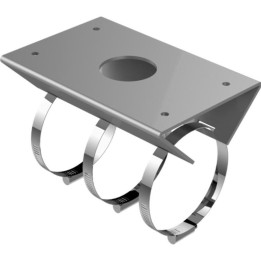
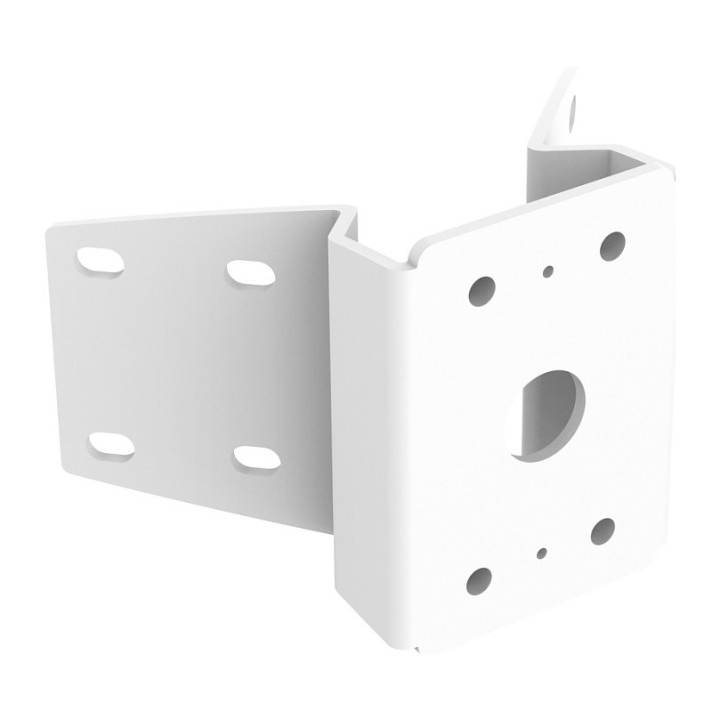
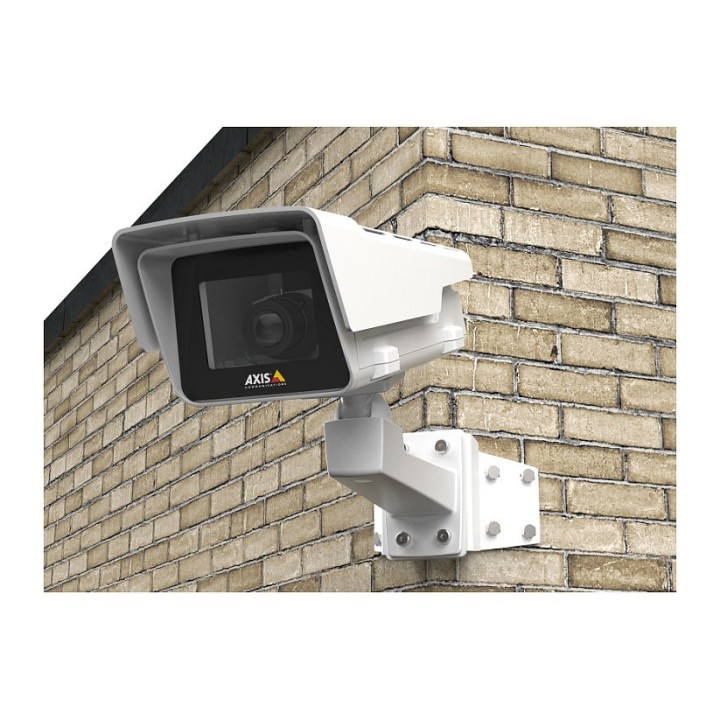
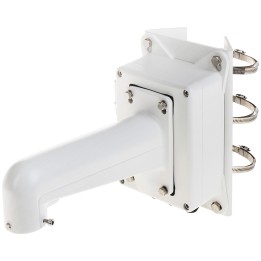
The powder-coated aluminum AXIS T94R01B Corner Bracket is used for attaching the wall mount of Axis’ camera housing to the outer corners of a building. AXIS T94R01B Corner Bracket is also compatible with AXIS T91E61 Wall Mount for fixed dome cameras. Small-size fixed dome and bullet-style cameras can be mounted as well thanks to the included and commonly used hole pattern of a single gang junction box.
Axis Communications AB.
Emdalavägen 14 22369 Lund Sweden
E-mail: agata.majkucinska@axis.com
Formularz kontaktowy: https://www.axis.com/pl-pl/contact-us
Telefon: +48793155227
List of CCTV safety warnings based on the requirements of General Product Safety Regulation (EU) 2023/988 (GPSR): 1. Risk of electric shock: * Make sure that the device is connected to a working socket with grounding. * Do not touch the plug or cable with wet hands. * Avoid using the device in places with high humidity. 2. Risk of overheating: * Provide adequate ventilation while maintaining at least 5 cm of free space around the device. * Do not block ventilation openings. 3. Fire risk: * Use only original chargers and accessories recommended by the manufacturer. * Do not leave the device on unattended near flammable materials. 4. Risk of bodily injury: * Use the device on a stable surface to minimize the risk of falling. 5. Hazards in humid environments: * Do not use the device outdoors in rain or in places with high humidity. * If the device is flooded, immediately disconnect it from the power source and contact the service. 6. Hazards at high temperatures: * Do not expose the device to direct sunlight. * Avoid using your laptop at temperatures above the recommended range (usually 5-35°C). 7. Risk of damage during cleaning: * Before cleaning, disconnect the device from the power supply and use a soft, slightly damp cloth. * Avoid using strong detergents that can damage the surface of the device. 8. Caution when replacing accessories: * Use only the accessories recommended by the manufacturer. * When replacing batteries, follow the manufacturer's instructions and do not expose the battery to high temperatures. 9. Risks associated with battery use: * Avoid damage to the battery by impact or puncture. * If the battery overheats or swells, stop using the device immediately. 10. Warnings for children: * Keep power cables out of reach of children. * Make sure that children do not play with the device or accessories that can be dangerous. 11. Battery explosion risk: * Damaged or low-quality batteries may explode during charging or heavy use. * Use only original charging accessories. * Avoid exposing your smartphone to impacts and high temperatures. 12. Interference with other devices * Using your smartphone near medical devices, such as pacemakers, can cause electromagnetic interference. * Keep a distance of at least 15 cm between your smartphone and medical devices.

Produkty, które ostatnio zwróciły Twoją uwagę.