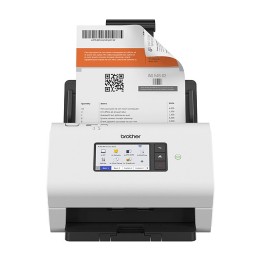
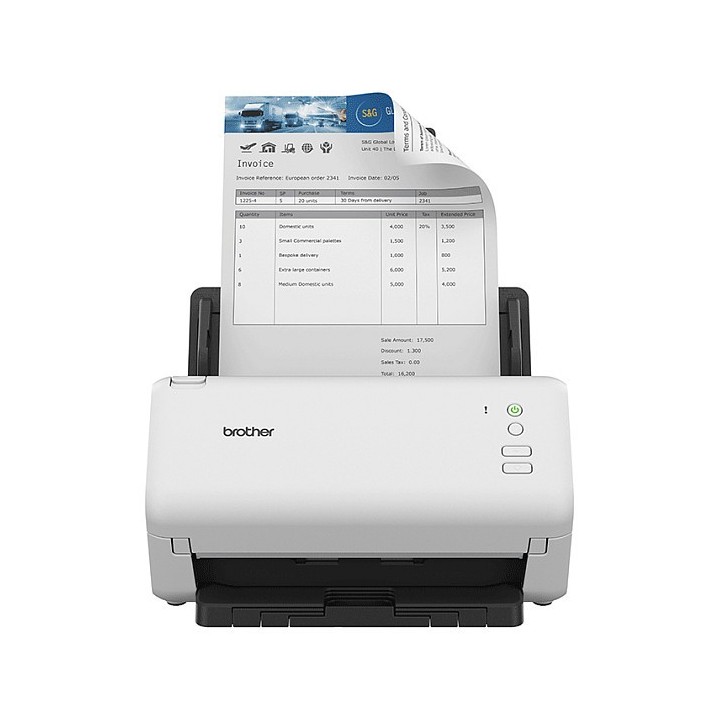

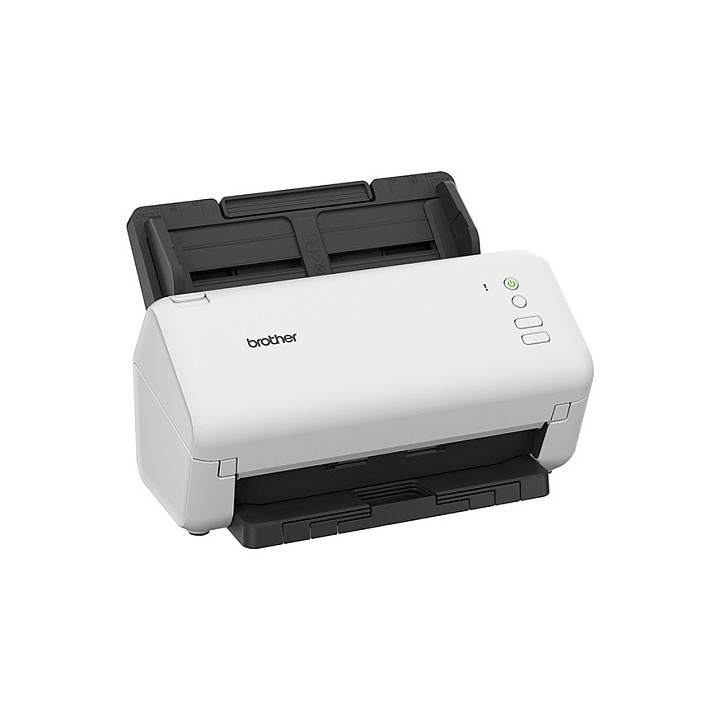
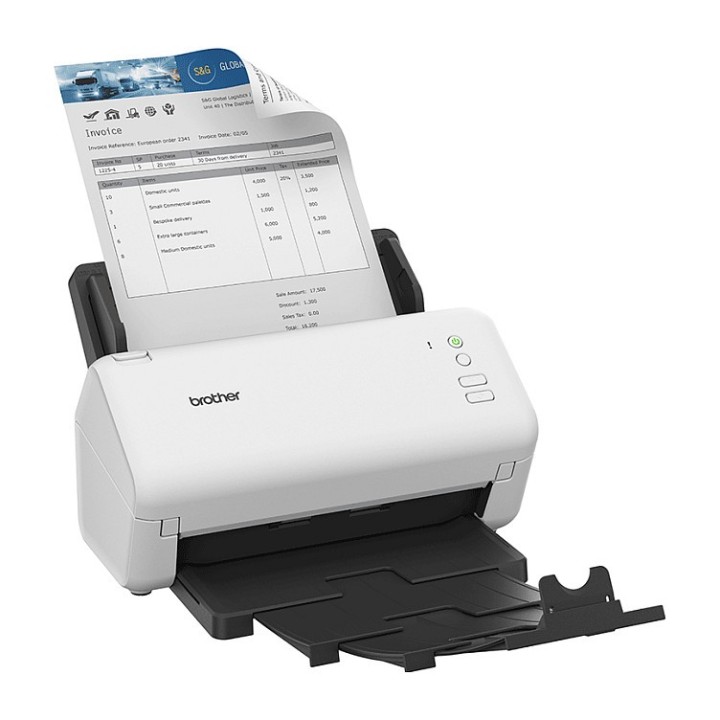
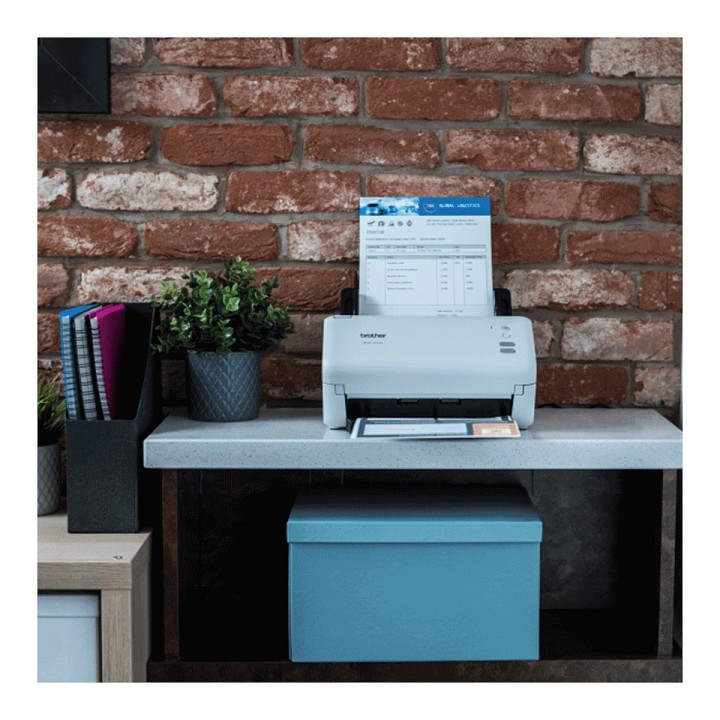
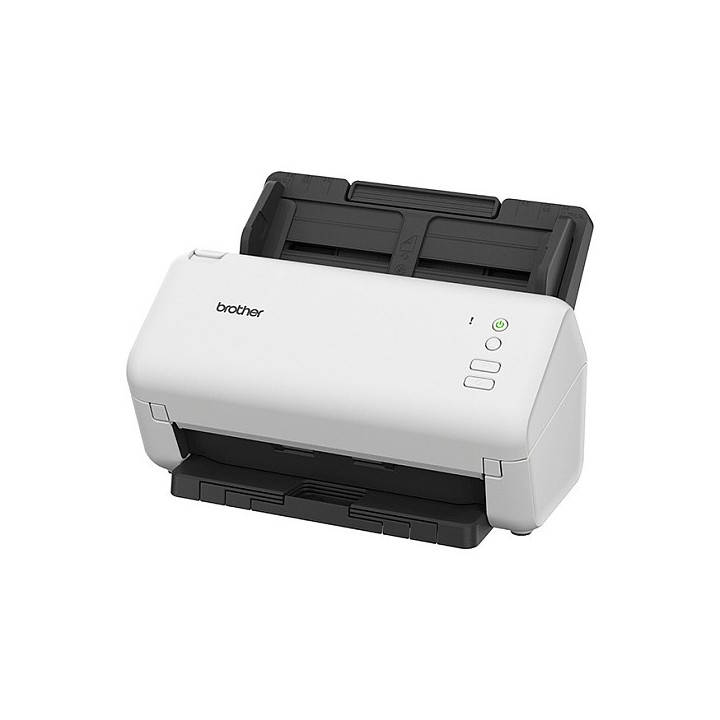
ADS-4100 SCANNER DUPLEX/W. USB 60P ADF 35PPM
Opis produktu
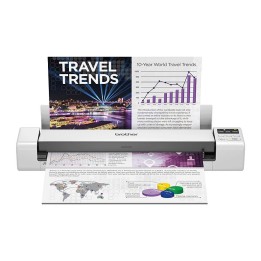
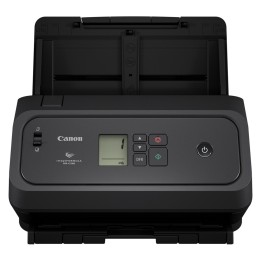
Brother ADS-4100. Maksymalny format skanowania: 215,9 x 355,6 mm, Optyczna rozdzielczość skanowania: 600 x 600 DPI, Zwiększona rozdzielczość skanowania: 1200 x 1200 DPI. Typ skanera: Skaner ADF, Kolor produktu: Czarny, Biały, Typ kontroli: Przyciski. Typ przetwornika obrazu: Dual CIS, Skanuj do: Obraz, PC, USB, Sterowniki skanera: ICA, SANE, WIA. Pojemność automatycznego podajnika papieru: 60 ark.. Maksymalny rozmiar papieru ISO (seria A): A4, Obsługiwane nośniki skanowania: Karta biznesowa, Zwykłyˌ czysty papier, Karty plastikowe, Papier wtórnie przetworzony, Gruby..., Grubość karty (maks.): 1,1 mm
Specyfikacja
- Optical scanning resolution: 600 x 600 DPI
- Maximum scan size: 215.9 x 355.6 mm
- Colour scanning: Yes
- Duplex scanning: Yes
- ADF scan speed (b/w, A4): 35 ppm
- ADF scan speed (colour, A4): 35 ppm
- Duplex ADF scan speed (b/w, A4): 70 ipm
- Duplex ADF scan speed (colour, A4): 70 ipm
- Greyscale levels: 256
- Enhanced scan resolution: 1200 x 1200 DPI
- Product colour: Black,White
- Scanner type: ADF scanner
- Built-in display: No
- Control type: Buttons
- Sensor type: Dual CIS
- Scan drivers: ICA,SANE,WIA
- Scan to: Image,PC,USB
- Scanning noise level: 59 dB
- Auto document feeder (ADF) input capacity: 60 sheets
- Maximum ISO A-series paper size: A4
- Scanning media types supported: Business Card,Plain paper,Plastic Card,Recycled paper,Thick paper,Thin paper
- Auto Document Feeder (ADF) media weight: 40 - 200 g/m²
- Maximum scan length: 355 mm
- Maximum scan width: 215.9 mm
- Card thickness (max): 1.1 mm
- USB port: Yes
- USB version: 2.0
- Power supply type: AC
- Power consumption (typical): 23 W
- Power consumption (standby): 5.4 W
- Power consumption (off): 0.1 W
- Power consumption (sleep): 1.4 W
- Country of origin: China
- Package weight: 3702 g
- Package width: 391 mm
- Package depth: 320 mm
- Package height: 243 mm
- Windows operating systems supported: Yes
- Server operating systems supported: Windows Server 2012,Windows Server 2012 R2,Windows Server 2016,Windows Server 2019
- Mac operating systems supported: Yes
- Linux operating systems supported: Yes
- Operating temperature (T-T): 5 - 35 °C
- Operating relative humidity (H-H): 20 - 80 %
- Weight: 3023 g
- Height: 391 mm
- Width: 243 mm
- Depth: 320 mm
- Cables included: AC,USB
- Pallet gross weight: 202000 g
- Spare part retention: 5 year(s)
- Pallet type: 800 x 1200 mm
- Master (outer) cases per pallet layer: 10 pc(s)
- Harmonized System (HS) code: 84716070
- Master (outer) cases per pallet: 50 pc(s)
- Products per pallet: 50 pc(s)
- Layers per pallet: 5 pc(s)
- Pallet gross height: 177 mm
Szczegóły produktu
- Marka Brother
- Kod produktu 667b697d606d4e0eab8c3890
- Dostępność 3 Przedmioty
- EAN13 4977766814492
- MPN ADS4100RE1
Specyfikacja
- Rodzaj skanera Skaner ADF
- Rozdzielczość optyczna skanera 600 x 600 DPI
Producent
Producent
Brother Polska Sp. z o.o.
ul. Marynarska 15 02-674 Warszawa Polska
E-mail: support@brother.com
Bezpieczeństwo
Informacje o bezpieczeństwie
List of safety warnings for scanners based on the requirements of General Product Safety Regulation (EU) 2023/988 (GPSR): 1. Risk of electric shock: * Make sure the scanner is connected to a working grounded outlet. * Do not touch the plug or cable with wet hands. * Avoid using the scanner in places with high humidity. 2. Risk of overheating: * Provide adequate ventilation while maintaining at least 5 cm of free space around the scanner. * Do not block ventilation openings. 3. Fire risk: * Use only original power supplies and accessories recommended by the manufacturer. * Do not leave the scanner on unattended near flammable materials. 4. Risk of personal injury: * Use the scanner on a stable surface to minimize the risk of falling. 5. Hazards at high temperatures: * Do not expose the scanner to direct sunlight. * Avoid using the scanner at temperatures exceeding the recommended range (usually 5-35°C). 6. Risk of damage during cleaning: * Before cleaning, disconnect the scanner from the power supply and use a soft, slightly damp cloth. * Avoid using strong detergents that can damage the surface of the scanner. 7. Warnings for children: * Make sure that children do not play with the scanner or accessories that can be dangerous. 8. Regular maintenance: * Failure to regularly clean ports and sockets can lead to damage or failure. * Clean ports and sockets regularly using a dry and clean cloth, avoiding moisture input.