- Nowy

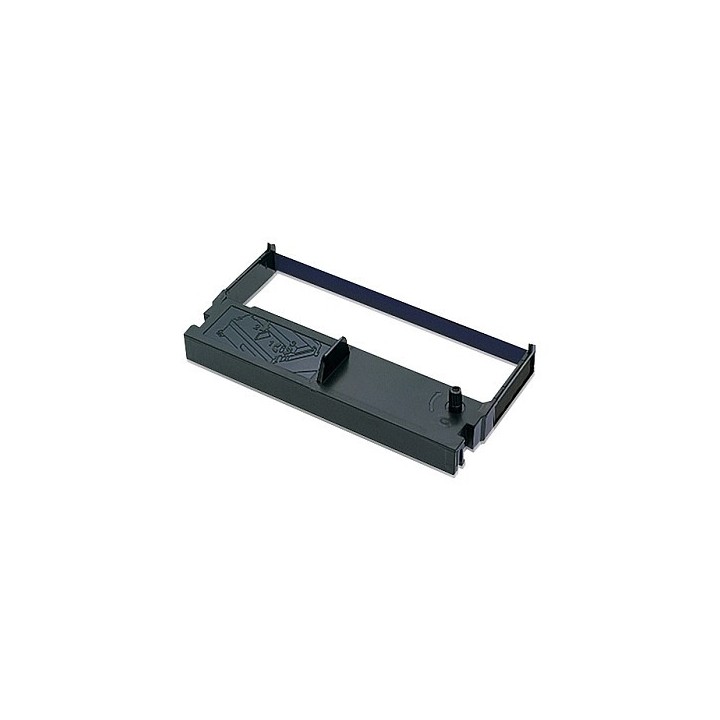
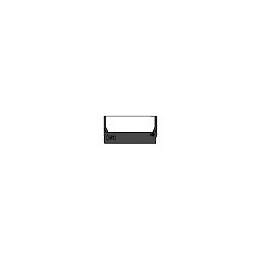
Epson ribbons for impact printers are built to exacting specifications to ensure you get the quality output and reliability you need. No matter what you require, Epson has the ribbon you need.
Epson Europe B.V.
Azië Building, Atlas Arena, Hoogoorddreef 5 1101BA Nagano Netherlands
E-mail: office@epson.eu
Epson Europe B.V.
Zuidermolenweg 7 3994 DA Houten Netherlands
E-mail: contact@epson.eu
List of safety warnings for parts and accessories for printers and scanners, computers and electronics based on the requirements of General Product Safety Regulation (GPSR) 2023/988: 1. Risk of electric shock: * Make sure your printer/scanner is connected to a working grounded outlet. * Do not touch the plug or cable with wet hands. * Avoid using the device in places with high humidity. 2. Risk of overheating: * Provide adequate ventilation while maintaining at least 5 cm of free space around the device. * Do not block ventilation openings. * Do not use the printer/scanner near heat sources or in a sunny place for extended periods of time. 3. Fire risk: * Use only original chargers and accessories recommended by the manufacturer. * Do not leave the device on unattended near flammable materials. 4. Risk of bodily injury: * Use the device on a stable surface to minimize the risk of falling. * Keep power cables out of reach of children. * Make sure that children do not play with the device or accessories that can be dangerous. 5. Hazards at high temperatures: * Do not expose the device to direct sunlight. * Avoid using the printer/scanner at temperatures above the recommended range (usually 5-35°C). 6. Risk of damage during cleaning: * Before cleaning, disconnect the device from the power supply and use a soft, slightly damp cloth. * Avoid using strong detergents that can damage the surface of the device. 7. Caution when replacing accessories: * Use only the accessories recommended by the manufacturer. * When replacing batteries, follow the manufacturer's instructions and do not expose the battery to high temperatures. 8. Risks associated with battery use: * Avoid damage to the battery by impact or puncture. * If the battery overheats or swells, stop using the device immediately. 9. Regular maintenance: * Failure to regularly clean ports and sockets can lead to damage or failure. * Clean ports and sockets regularly using a dry and clean cloth, avoiding moisture input. 10. Effects on eye health: * Long-term staring at the monitor screen when working with a printer/scanner can lead to eye strain. * Take regular breaks from the screen to give your eyes a rest. 11. Risk of cuts: * Replacement of carcasses/toners may involve the risk of getting your hands dirty, so use protective gloves. * Beware of sharp edges and elements inside the printer/scanner when replacing parts or cleaning. 12. Choking hazard: * Small items such as end caps can pose a risk to children – keep them out of reach of children. 13. Electromagnetic interference: * Using a printer/scanner near medical devices such as pacemakers can cause electromagnetic interference. * Keep a distance of at least 15 cm between the printer/scanner and medical devices. 14. Battery explosion risk: * Damaged or low-quality batteries in accessories may explode during charging or heavy use. * Use only original charging accessories. Avoid exposing accessories to impact and high temperature. 15. Failures: * In case of failure of the AC adapter, you should immediately stop using the equipment until the damaged component is repaired. 16. Workplace safety: * Make sure that you have enough space in the place where you use the equipment to avoid tripping and falling. * Take care of proper lighting to see well what you are doing.

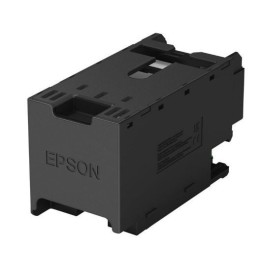
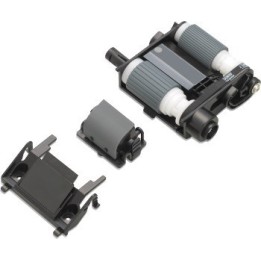
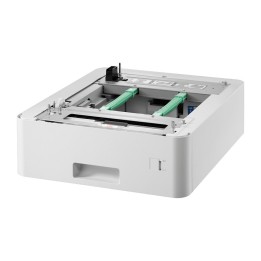
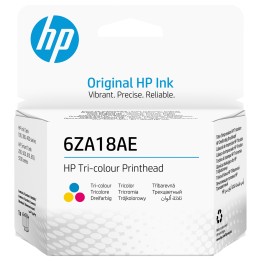

Produkty, które ostatnio zwróciły Twoją uwagę.