- Nowy
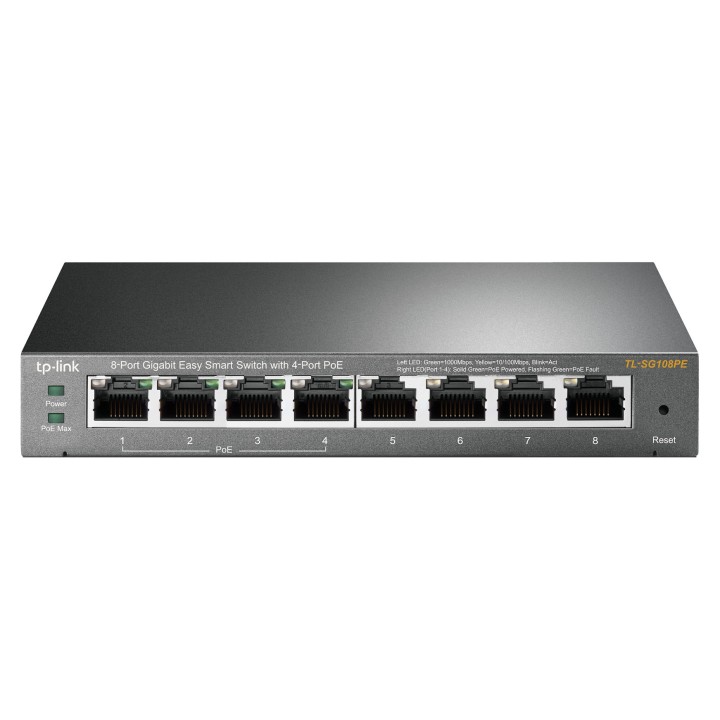
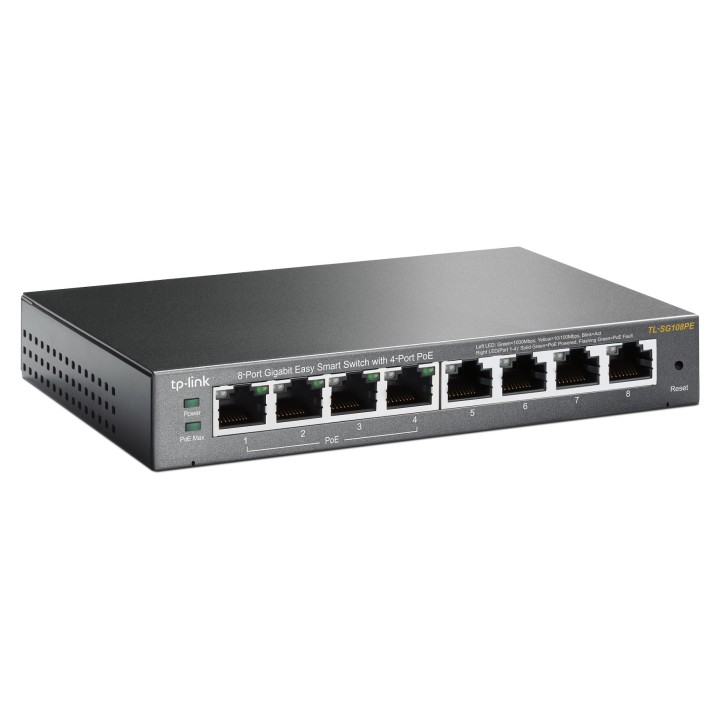
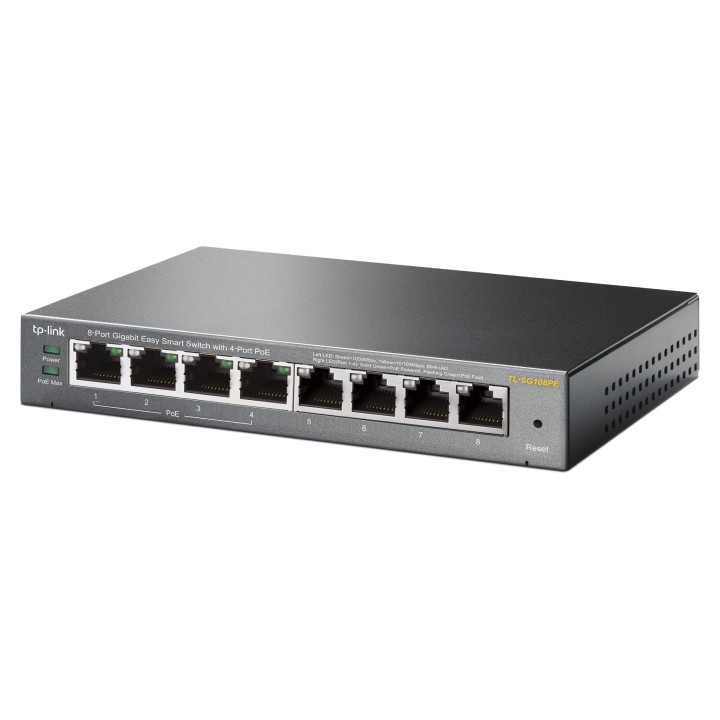
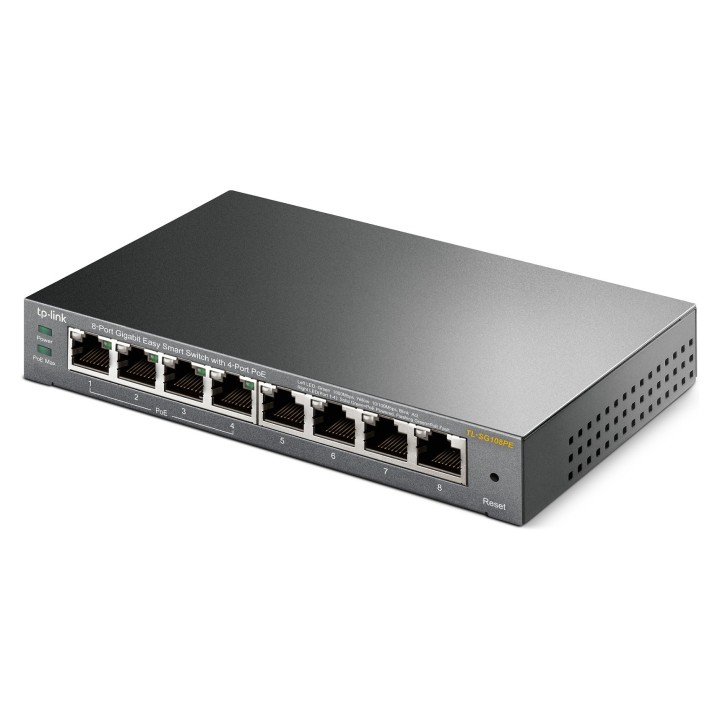
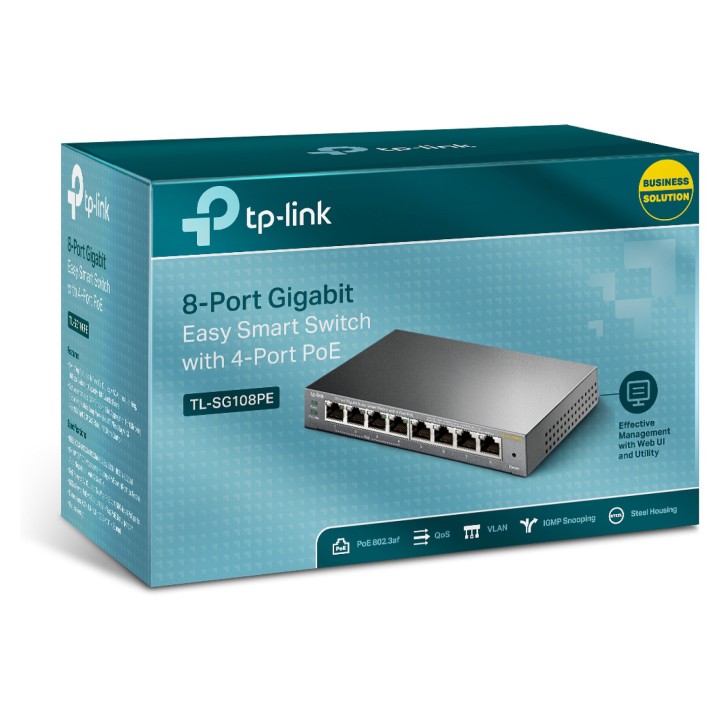
TL-SG108PE Switch Smart 8xGE (4xPoE) obrazki
TL-SG108PE Switch Smart 8xGE (4xPoE)
Opis produktu
Przełącznik Easy Smart, 8 portów gigabitowych, 4 porty PoE TL-SG108PE
- 8 portów RJ45 10/100/1000Mb/s
- 4 porty PoE, zasilanie i przesył danych za pomocą jednego przewodu
- Funkcje monitorowania sieci, priorytetowania ruchu sieciowego oraz sieci VLAN
- Brak konieczności konfiguracji - Plug-and-play
- Zarządzanie za pomocą programu Easy Smart Configuration Utility (narzędzie tylko dla systemu Windows)
Przełącznik Easy Smart TL-SG108PE jest urządzeniem przeznaczonym dla małych firm, w których konieczne jest wykorzystanie podstawowych funkcji zarządzania siecią lokalną. Dzięki funkcji mirrorowania portów, zapobiegania pętlom oraz diagnostyki stanu kabli administratorzy mogą łatwo monitorować ruch sieciowy. TL-SG108PE może połączyć i zasilać nawet 4 urządzenia PoE, takiej jak bezprzewodowe punkty dostępowe (AP), kamery IP i telefony IP. Obsługa funkcji QoS opartej na portach oraz tagowaniu 802.1P umożliwia utrzymanie najwyższej przepustowości dla najważniejszych połączeń w firmowej sieci. Dodatkowo obsługa opartych na portach, oznaczeniach tag oraz na MTU sieci VLAN umożliwia poprawę bezpieczeństwa i odpowiednie oddzielenie zasobów sieci.
Specyfikacja
- Klasa przełącznika: SMART
- Zastosowanie (switche): Dom i małe biuro (do 16 portów)
- Warstwa przełączania (switche): L2
- Architektura sieci (switche): GigabitEthernet
- Liczba portów 10/100 Mbps: Brak
- Liczba portów 10/100/1000 Mbps: 8
- Liczba portów 10Gb: Brak
- Liczba portów PoE (PoE + PoE+): 4
- Liczba portów PoE+: Brak
- Liczba portów COMBO: Brak
- Liczba portów SFP: Brak
- Liczba portów SFP+: Brak
- Liczba portów QSFP+: Brak
- Tryb przekazywania: Store-and-forward
- Prędkość przekazywania (Mpps): 11.9 Mpps
- Bufor pakietów: 1.5 MB
- Rozmiar tablicy adresów MAC: 4000
- Obsługa ramek Jumbo: Tak
- Rozmiar ramki Jumbo: 15 KB
- Liczba grup VLAN (tylko mng i smart): 32
- VLAN: - Jednoczesna obsługa do 32 VLAN (z 4tys. identyfikatorów VLAN)- MTU/Port/Tag VLAN
- Obsługiwane protokoły i standardy: IEEE 802.3i, IEEE 802.3u, IEEE 802.3ab, IEEE 802.3af, IEEE 802.3x, IEEE 802.1q, IEEE 802.1p
- QoS: - Obsługa priorytetowania w oparciu o port/kolejkowanie 802.1p/DSCP- Obsługa 4 kolejek priorytetowania- Funkcja ograniczania prędkości transmisji dla każdego z portów- Funkcja Storm Control
- Zarządzanie, monitorowanie, konfiguracja: - Interfejs graficzny GUI- Program Easy Smart Configuration Utility
- Funkcje L2: - IGMP Snooping- Agregacja połączeń- Mirroring portów- Diagnostyka stanu kabli- Zapobieganie pętlom
- Typ obudowy: Desktop (PC/Switche)
- Wentylator (switche): Nie
- Zasilacz (switche): Zewnętrzny
- Pobór mocy: 65.2 W
- Akcesoria w zestawie: - TL-SG108PE- Kabel zasilający- Instrukcja obsługi- Płyta CD- Gumowe nóżki
- Uwaga: CE+WEEE
Szczegóły produktu
- Marka TP-LINK
- Kod produktu 660fb92671a267703cabf011
- Dostępność 86 Przedmioty
- EAN13 6935364094744
- MPN TL-SG108PE
Specyfikacja
- Liczba portów (szt.) 8 szt.
- Montaż Rack Nie
- Bez wentylatora Tak
- Budżet PoE (W) 64 W
- Liczba portów SFP (szt.) 0 szt.
- Typ obudowy sieciowej Desktop (PC/Switche)
Producent
Producent
TP-Link Polska Sp. z o.o.
Ożarowska 40/42 05-850 Duchnice Polska
E-mail: info.pl@tp-link.com
Telefon: +48 22 360 63 63
Osoba odpowiedzialna w UE
TP-Link
Ożarowska 40/42 05-850 Duchnice Polska
E-mail: office.poland@tp-link.com
Telefon: +48 22 360 63 00
Bezpieczeństwo
Informacje o bezpieczeństwie
List of safety warnings for network equipment based on the requirements of General Product Safety Regulation (GPSR) 2023/988: 1. Risk of electric shock: * Make sure that the device is connected to a working socket with grounding. * Do not touch the plug or cable with wet hands. * Avoid using the device in places with high humidity. 2. Risk of overheating: * Provide adequate ventilation while maintaining at least 5 cm of free space around the device. * Do not block ventilation openings and avoid putting network equipment on soft surfaces such as blankets or pillows. 3. Fire risk: * Use only original power supplies and accessories recommended by the manufacturer. * Do not leave the device on unattended near flammable materials. 4. Risk of bodily injury: * Use the device on a stable surface to minimize the risk of falling. 5. Hazards in humid environments: * Do not use network equipment outdoors in rain or in places with high humidity. * If the device is flooded, immediately disconnect it from the power source and contact the service. 6. Hazards at high temperatures: * Do not expose the device to direct sunlight. * Avoid using network equipment at temperatures above the recommended range (usually 5-35°C). 7. Risk of damage during cleaning: * Before cleaning, disconnect the device from the power supply and use a soft, slightly damp cloth. * Avoid using strong detergents that can damage the surface of the device. 8. Caution when replacing accessories: * Use only the accessories recommended by the manufacturer. * When replacing batteries, follow the manufacturer's instructions and do not expose the battery to high temperatures. 9. Risks associated with battery use: * Avoid damage to the battery by impact or puncture. * If the battery overheats or swells, stop using the device immediately. 10. Warnings for children: * Keep power cables out of reach of children. * Make sure that children do not play with the device or accessories that can be dangerous. 11. Electromagnetic interference: * Using network equipment near medical devices such as pacemakers can cause electromagnetic interference. * Maintain a distance of at least 15 cm between network equipment and medical devices. 12. Fire hazard: * Storing network equipment near flammable materials or using non-original power supplies may increase the risk of fire. * Use your smartphone away from fabrics, paper, and other flammable materials. 13. Regular maintenance: * Failure to regularly clean ports and sockets can lead to damage or failure. * Clean ports and sockets regularly using a dry and clean cloth, avoiding moisture input.
Switche
Ostatnio oglądane
Produkty, które ostatnio zwróciły Twoją uwagę.
- Nowy
- Nowy
- Nowy
- Nowy