- Nowy
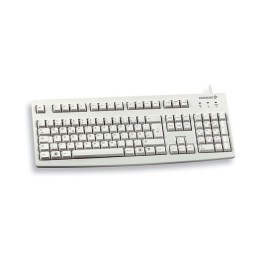
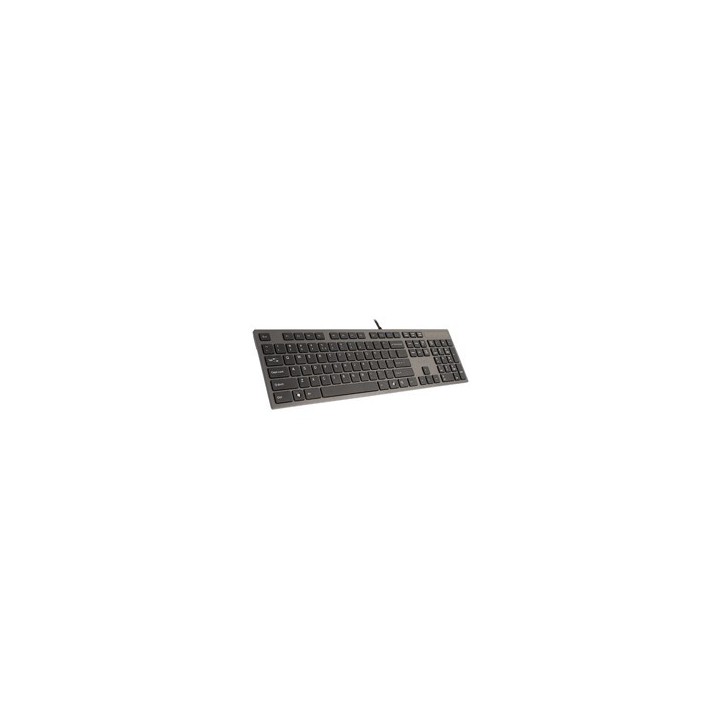
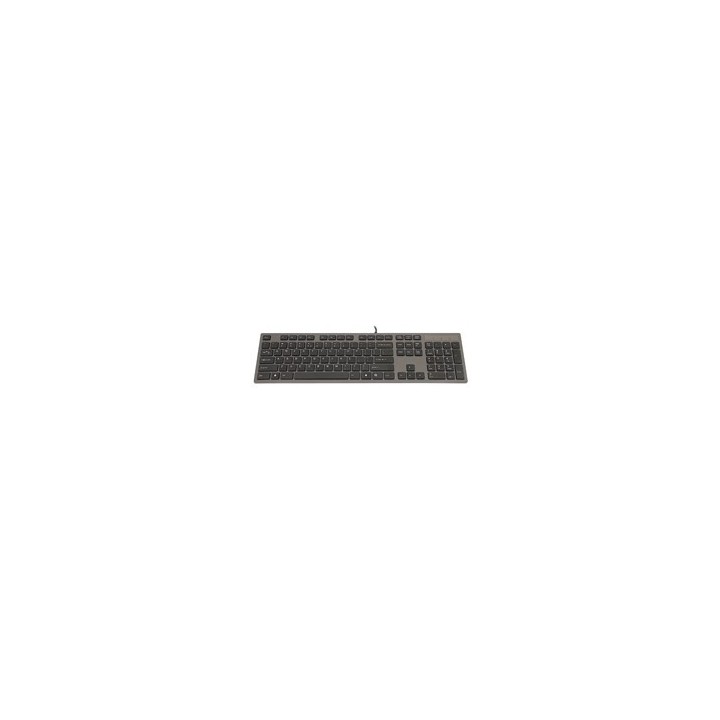
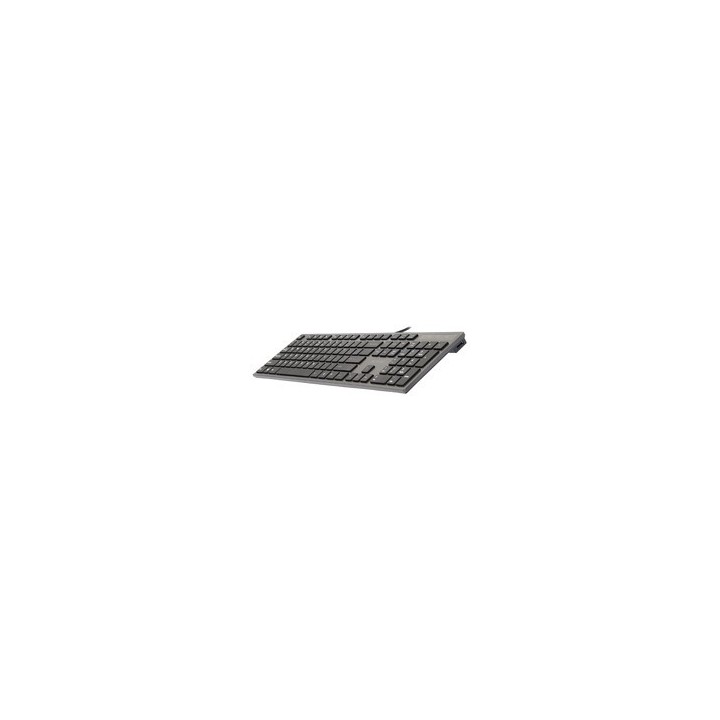
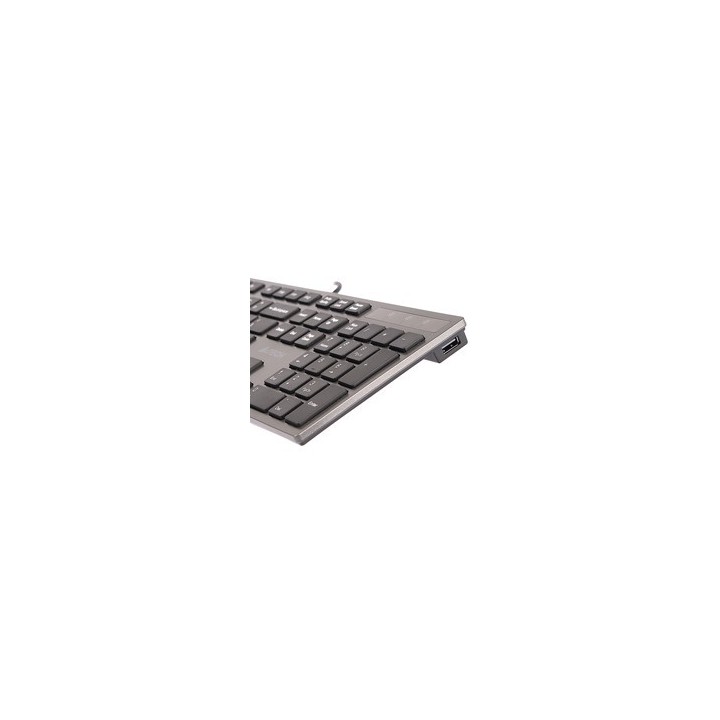
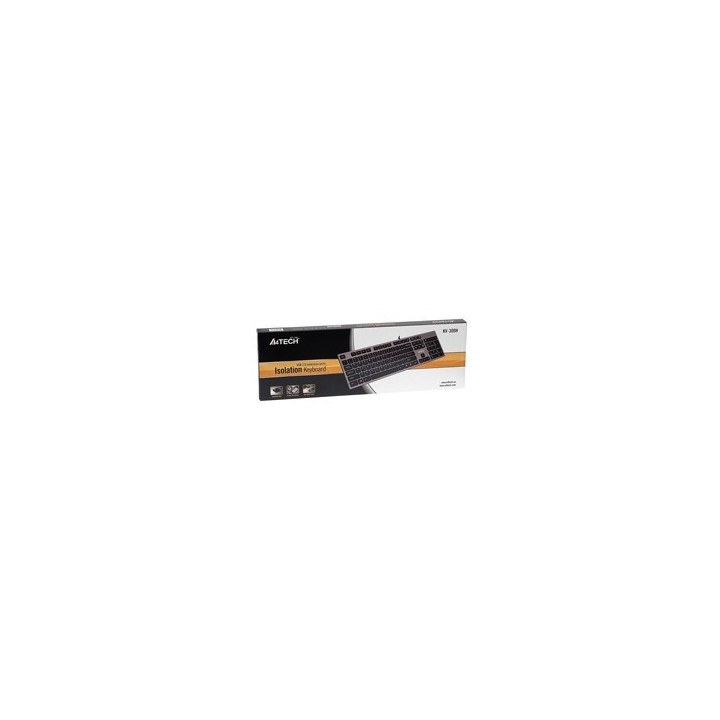
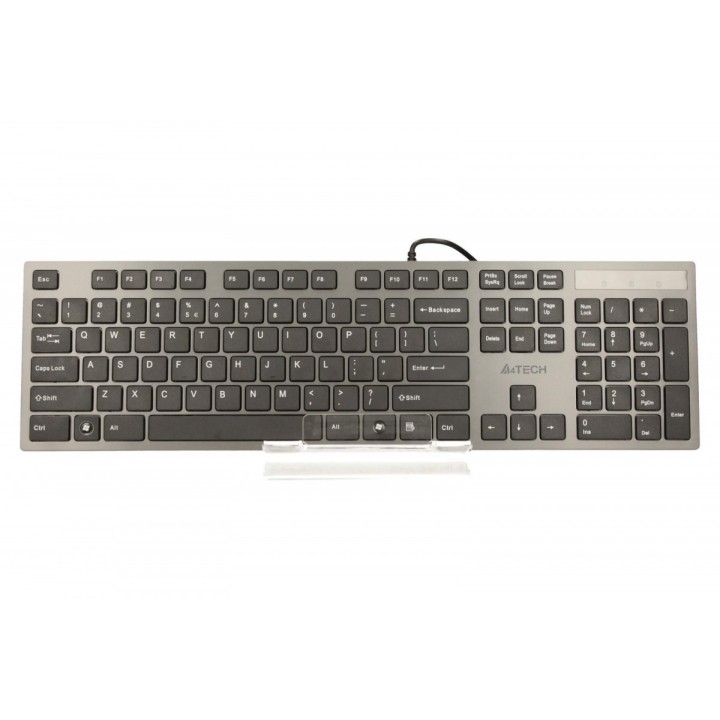
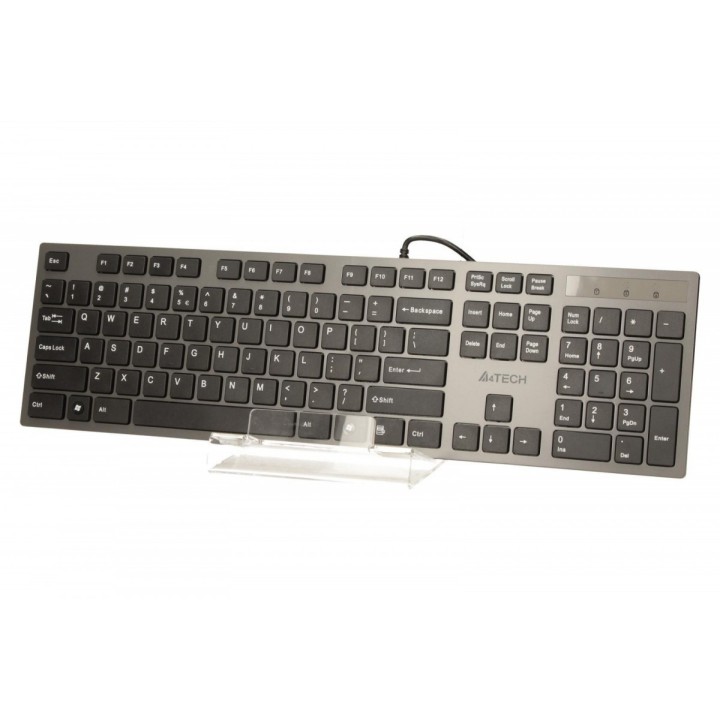
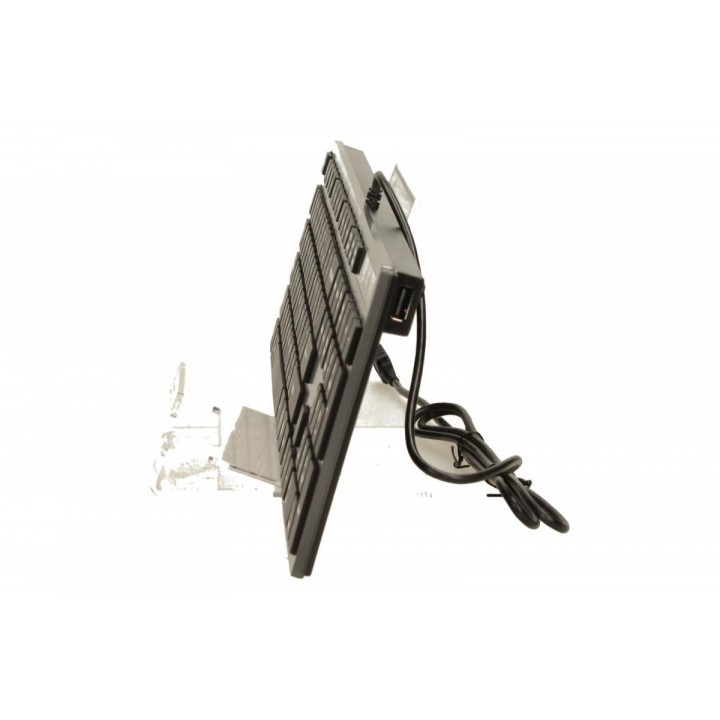
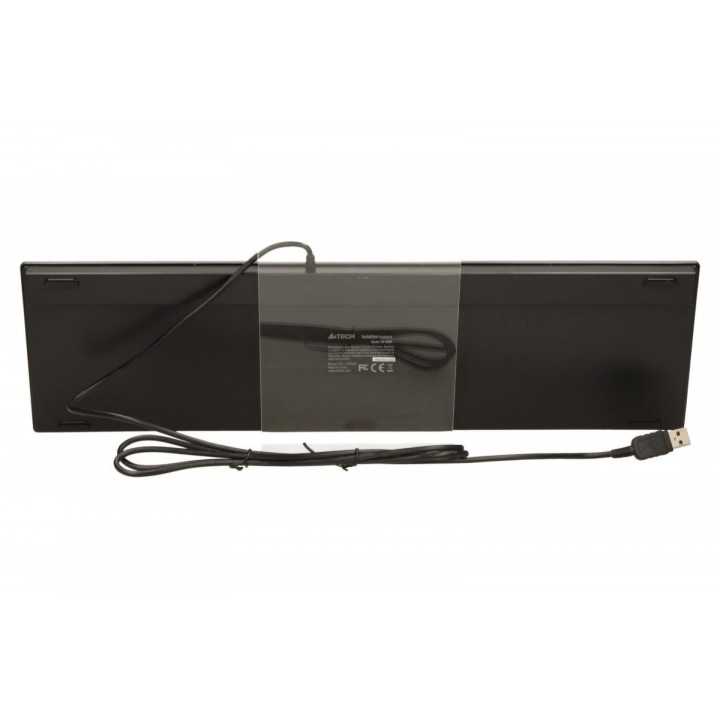
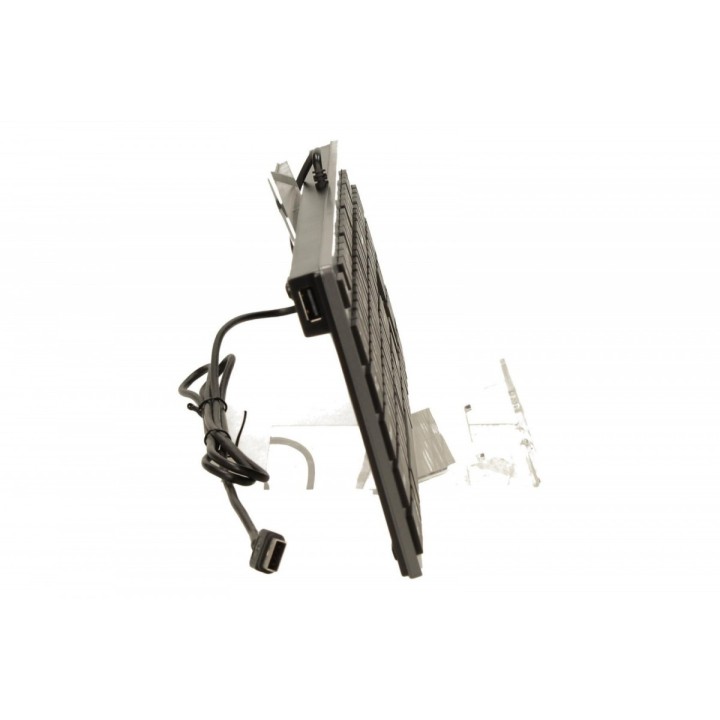
Klawiatura KV-300H USB szara
Ultra płaska i kompaktowa klawiatura w ofercie A4Techa na USB.
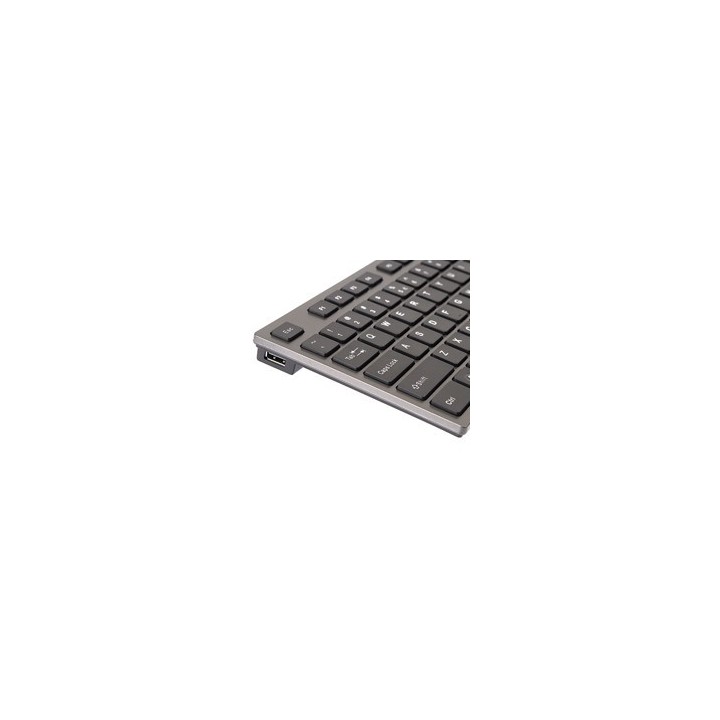
Nowoczesny styl "ipodowy". To co ją wyróżnia to aż 2 dodatkowe porty USB, po jednym z każdej strony Ponadto technologia scyzorykowa, stosowana w notebookach oraz szeroko rozstawione wygodne klawisze.
MEGABAJT SP. Z O.O.
Rydygiera 8 01-793 Warszawa Polska
E-mail: biuro@megabajt.com.pl
Formularz kontaktowy: https://www.tracer.pl/kontakt
Telefon: +48 22 633 11 99
MEGABAJT SP. Z O.O.
Rydygiera 8 01-793 Warszawa Polska
E-mail: biuro@megabajt.com.pl
Formularz kontaktowy: https://www.tracer.pl/kontakt
Telefon: +48 22 633 11 99
List of keyboard safety warnings based on the requirements of General Product Safety Regulation (EU) 2023/988 (GPSR): * Make sure you use the keyboard as intended, avoid over-pressing or hitting the keys. * Protect your keyboard from flooding with liquids, as this can damage your electronics. * If you are using a wireless keyboard, be sure to replace the batteries regularly and dispose of them as per your regulations. * Keep your keyboard clean, vacuum it regularly, and clean with gentle agents to prevent dust and dirt buildup. * If the keyboard has LED backlighting, avoid staring at intense light for a long time, especially in dark environments. * Store your keyboard in a dry place, away from direct sunlight and heat sources. * Make sure that the keyboard cable is not an obstacle and does not threaten to trip. * If the keyboard has sharp edges, be careful to avoid cuts. * If you experience skin allergies to the materials from which the keyboard is made, stop using it and consult your doctor. * Do not use a damaged keyboard where the keys are loose or missing. * Keep your workstation organized to avoid accidental damage to your keyboard. * Avoid using the keyboard in conditions of high humidity or dustiness, as this can negatively affect its operation. * If you notice the keyboard overheating, disconnect it from the power source immediately. * If the keyboard is equipped with a USB receiver, store it in a safe place to avoid being swallowed by children. * Make sure that children do not play with the keyboard or its elements. * Do not try to repair the keyboard yourself if you are not qualified. * Pay attention to the ergonomics of the work to avoid problems with the wrists and hands during prolonged use of the keyboard.
Produkty, które ostatnio zwróciły Twoją uwagę.