- Nowy
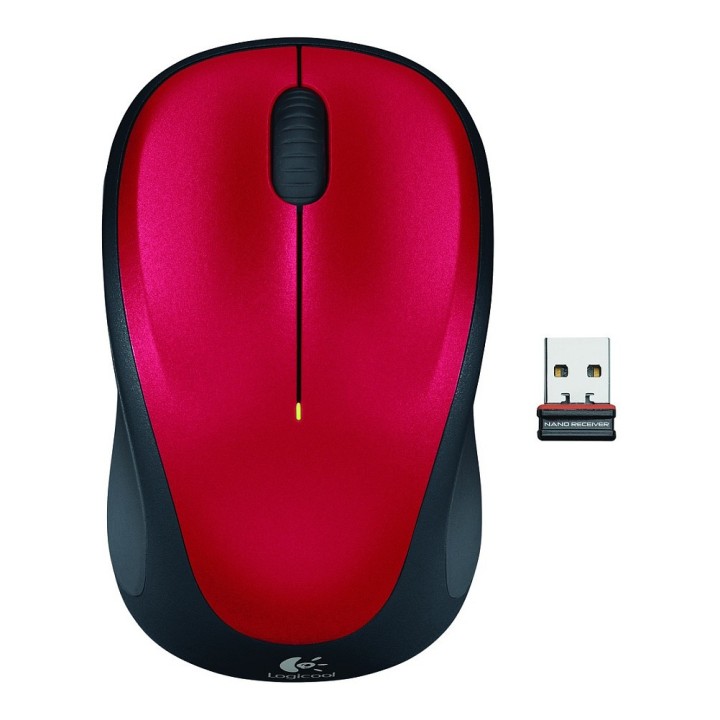
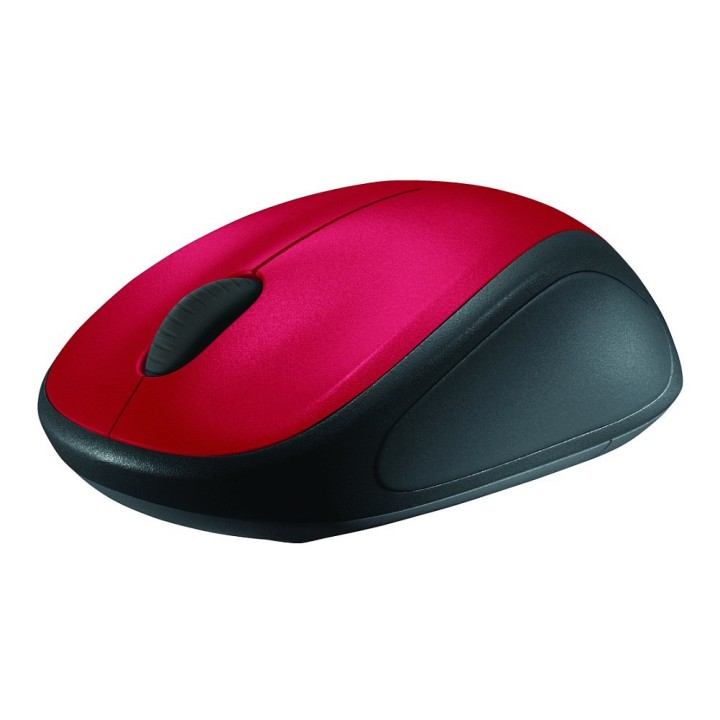
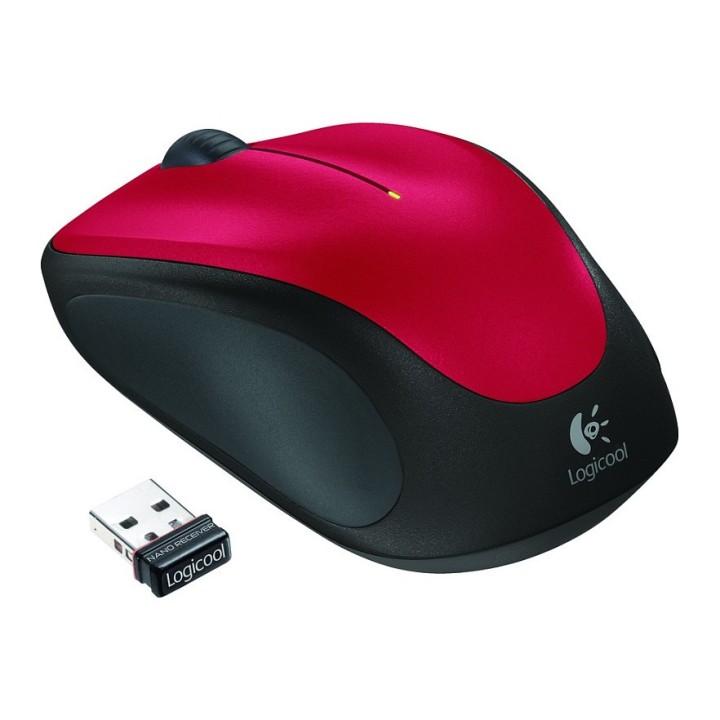
M235 Red Mysz Bezprzewodowa 910-002496 obrazki
M235 Red Mysz Bezprzewodowa 910-002496
Opis produktu
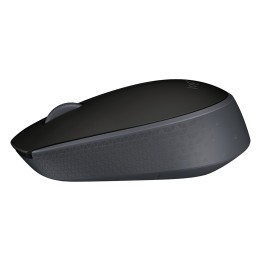
Logitech M235 Mysz bezprzewodowa
Niewielka, bardzo precyzyjna mysz bezprzewodowa.
Idealne dopasowanie
Mysz została zaprojektowana ku zadowoleniu obu rąk. Miękkie boki i wygodny kształt sprawia, że możesz na niej komfortowo pracować przez wiele godzin.
Roczna żywotność baterii
Kłopoty z bateriami znikną na cały rok. Wyłącznik i inteligentny tryb uśpienia pozwalają oszczędzać energię baterii, a wskaźnik poziomu naładowania eliminuje niespodzianki.*
Niezawodność firmy Logitech
Zyskujesz wysoką jakość i niezawodność, które uczyniły z firmy Logitech światowego lidera w dziedzinie myszy, oraz trzyletnią, ograniczoną gwarancję na sprzęt.
Zaawansowane śledzenie optyczne Logitech
Dzięki technologii Logitech Advanced Optical Tracking możesz wygodnie przeglądać ulubione strony, używając myszki na powierzchniach, których konkurencyjne myszy by nie obsłużyły.
* Żywotność baterii zależy od intensywności użytkowania i warunków pracy na komputerze.
Specyfikacja
- Model: M235
- Przeznaczenie (myszy / podkładki): Notebook (Bluetooth / mini)
- Sensor myszy: Optyczny
- Liczba przycisków: 3
- Kolor (wyliczeniowy): Czarny
- Liczba rolek: 1
- Połączenie: Bezprzewodowe
- Interfejs: USB
- Pozostałe parametry: Rozdzielczość myszy: 1000 dpi
- Uwaga: CE+WEEE
Szczegóły produktu
- Marka Logitech
- Kod produktu 660fb92771a267703cabf4c9
- Dostępność 10 Przedmioty
- EAN13 5099206029347
- MPN 910-002496
Specyfikacja
- Sposób połączenia Radiowe (odbiornik USB)
- Typ sensora Optyczny
- Liczba przycisków (szt.) 3 szt.
- Masa (g) 84 g
Producent
Producent
Logitech Europe S.A.
Catharijnesingel 47 3511GC Utrecht Netherlands
Telefon: +41 0 21 863 55 11
Osoba odpowiedzialna w UE
Logitech Europe S.A.
Catharijnesingel 47 3511GC Utrecht Netherlands
Telefon: +41 0 21 863 55 11
Bezpieczeństwo
Informacje o bezpieczeństwie
List of mouse safety warnings based on the requirements of General Product Safety Regulation (EU) 2023/988 (GPSR): 1. Ergonomics and repetitive movements: I use the mouse ergonomically to avoid strains and injuries. I regularly take breaks to reduce the risk of carpal tunnel syndrome or other problems associated with repetitive movements. 2. Cleaning and Maintenance: I disconnect the mouse from the computer before cleaning. I use a soft, dry cloth to clean my mouse. I avoid using liquids that can get inside the unit and damage it. 3. Cable and Connections: I make sure the mouse cable is properly connected to the computer and is not damaged. A damaged cable may pose a risk of electric shock or cause the mouse to malfunction. 4. Batteries (if applicable): If I use a battery-operated wireless mouse, I use the right type of battery and insert it correctly. I remove the batteries when the mouse is not in use for extended periods of time to prevent leaks and damage. 5. LED lighting (if applicable): I avoid staring at the intense LED light for a long time, which can cause eye strain. 6. Kids: I store my mouse and small items (e.g. batteries) out of reach of children to avoid the risk of ingestion or choking. 7. Recycling: I return the used mouse to the appropriate recycling point to minimize the environmental impact. 8. Usage: I do not use a damaged mouse as this may result in electric shock or injury. 9. Repairs: I do not repair the mouse myself, I give it to the service. 10. Storage: I store the mouse in a dry place, away from moisture and extreme temperatures.
Myszy i trackballe
- Nowy
- Nowy
- Nowy
- Nowy
- Nowy
- Nowy
- Nowy
- Nowy
- Nowy
Ostatnio oglądane
Produkty, które ostatnio zwróciły Twoją uwagę.
- Nowy
- Nowy

- Nowy
- Nowy
- Nowy
- Nowy
- Nowy
- Nowy

- Nowy
- Nowy

- Nowy