- Nowy
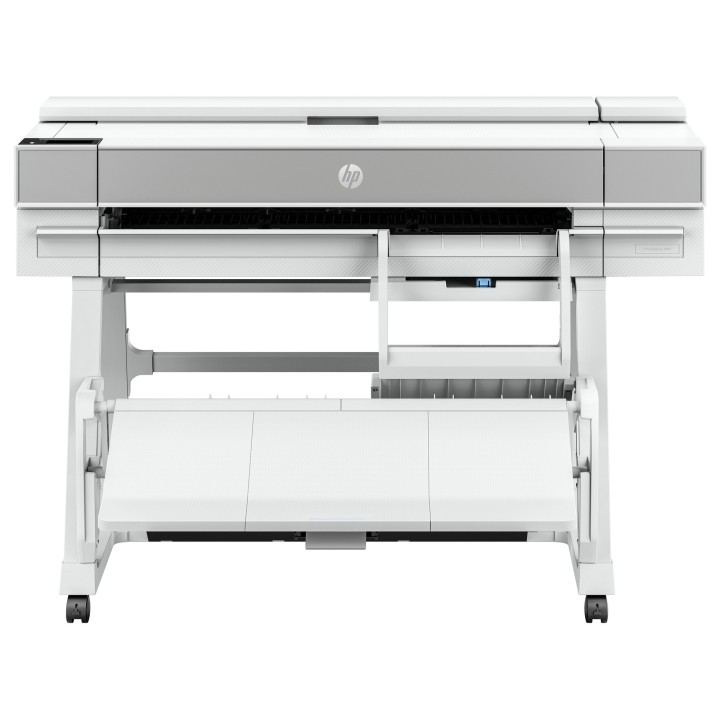
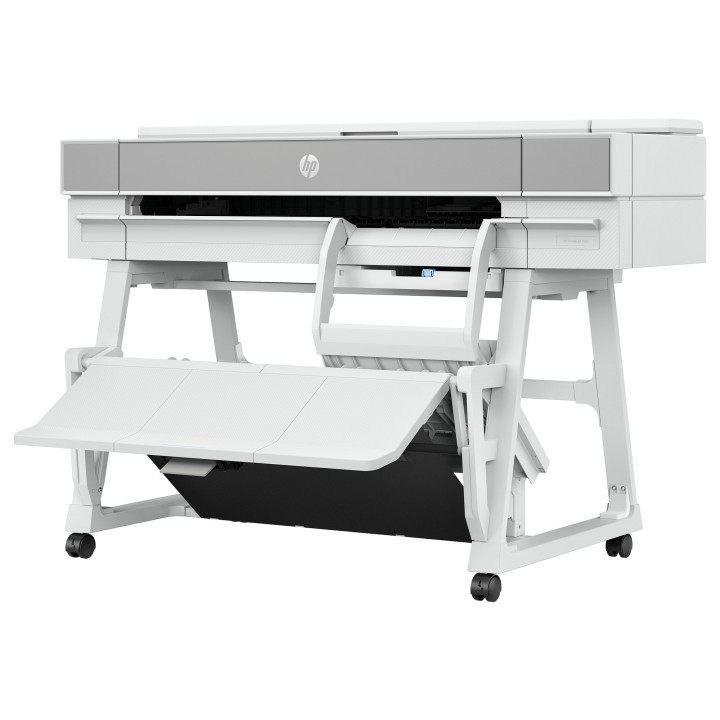
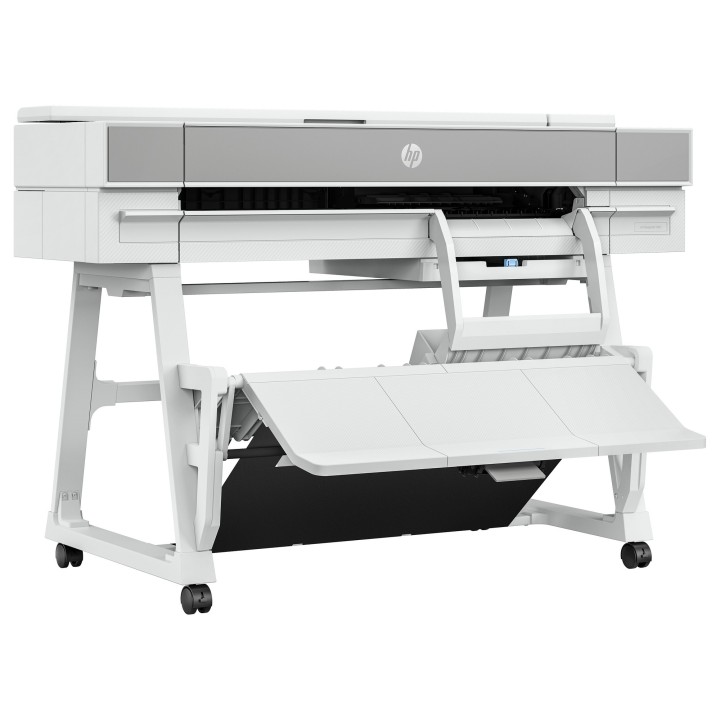
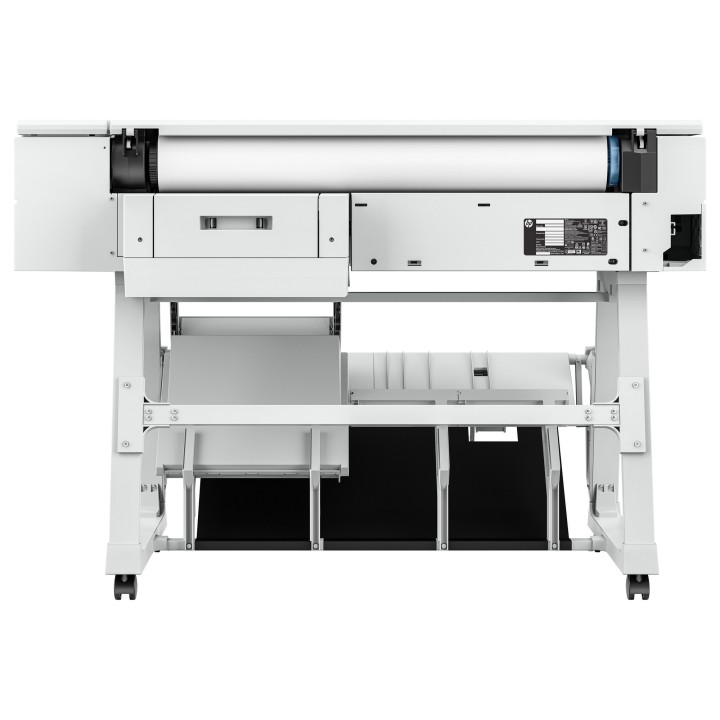
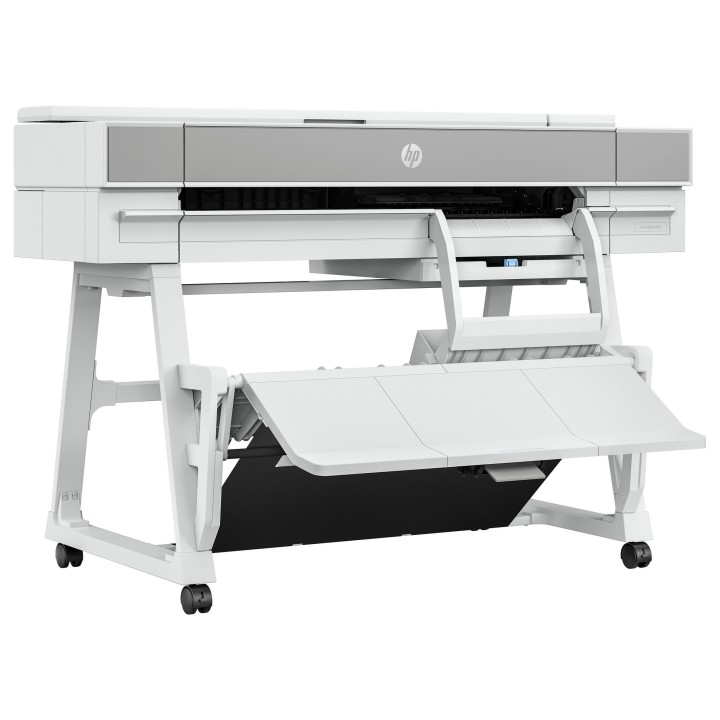
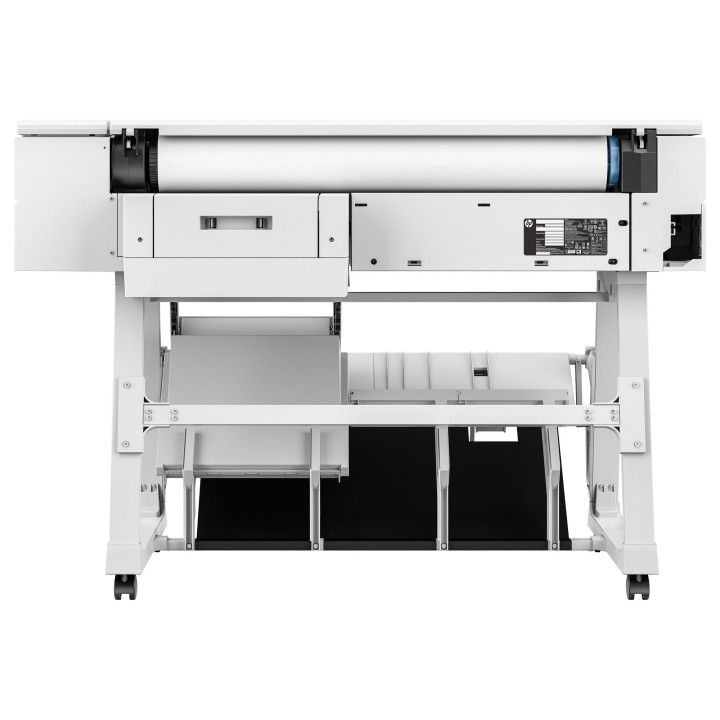

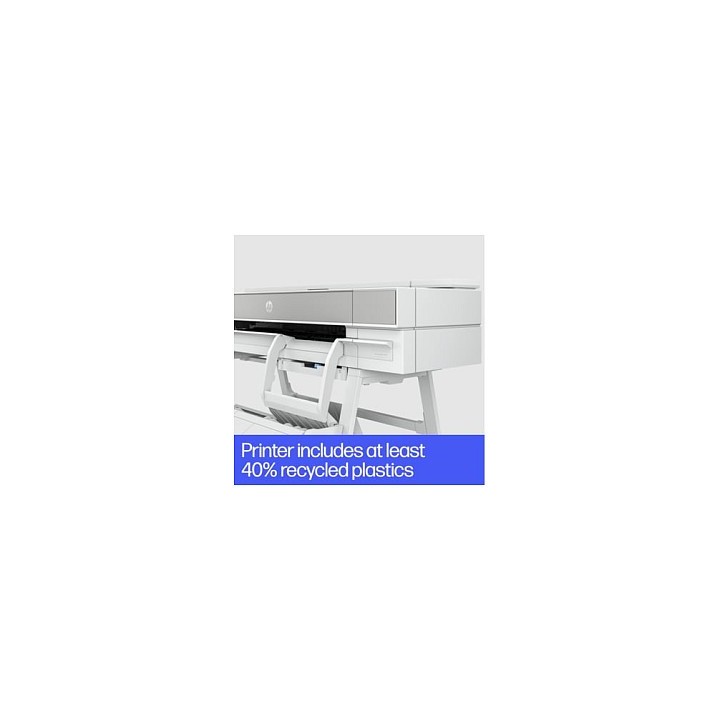












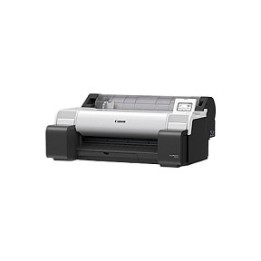
HP DesignJet T950 - 36" drukarka wielkoformatowa - kolorowy - strumieniowa - 914 x 1676 mm - 2400 x 1200 dpi - do 0.35 stron/min (mono) / do 0.35 stron/min (kolor) - pojemno¶ć: 1 rolka - Gigabit LAN, Wi-Fi - przecinak
HP Inc Polska Sp. z o.o.
ul. Szturmowa 2a 02-678 Warszawa Polska
E-mail: support@hp.com
Formularz kontaktowy: https://www.hp.com/us-en/contact-hp/contact.html
Telefon: +1 650-857-1501
HP Inc Polska sp. z o.o
Plac marsz. Józefa Piłsudskiego 1 00-078 Warszawa Polska
E-mail: support@hp.com
List of plotter safety warnings based on the requirements of General Product Safety Regulation (EU) 2023/988 (GPSR): * Risk of cuts: Plotter blades are very sharp. Take special care when replacing blades, cleaning the plotter or removing materials. * Fire risk: Do not use flammable materials near the plotter. Make sure the plotter is placed in a well-ventilated area. * Risk of electric shock: Make sure the plotter is properly grounded. Do not use the plotter in humid environments. Do not repair the plotter yourself if you do not have the proper qualifications. * Risk of hearing damage: Some plotters can generate high noise levels. Use hearing protection if you work near a plotter for extended periods of time. * Health Risks: Some materials used in plotters can be toxic or irritating. Read the labels on the materials carefully and apply appropriate personal protective equipment such as gloves and mask. * Child-related hazards: Keep the plotter and consumables out of reach of children. Do not allow children to play with plotters or materials. * Regular Maintenance: Regularly inspect the plotter for damage or wear. Replace worn or damaged parts. Clean the plotter according to the manufacturer's instructions. * Storage: Store the plotter in a dry and clean place, away from extreme temperatures and moisture. * Safe use: Make sure you have proper training in how to operate the plotter safely. Always follow the manufacturer’s instructions. * Eye protection: When working with a laser plotter, use the appropriate safety glasses to protect your eyes from laser radiation. * Disposal: Dispose of used consumables and the plotter itself in accordance with local environmental regulations. * Accessory Replacement: Make sure the plotter is disconnected from power before replacing any accessories or parts.