Konfigurowalny, zaawansowany i w pełni Twój
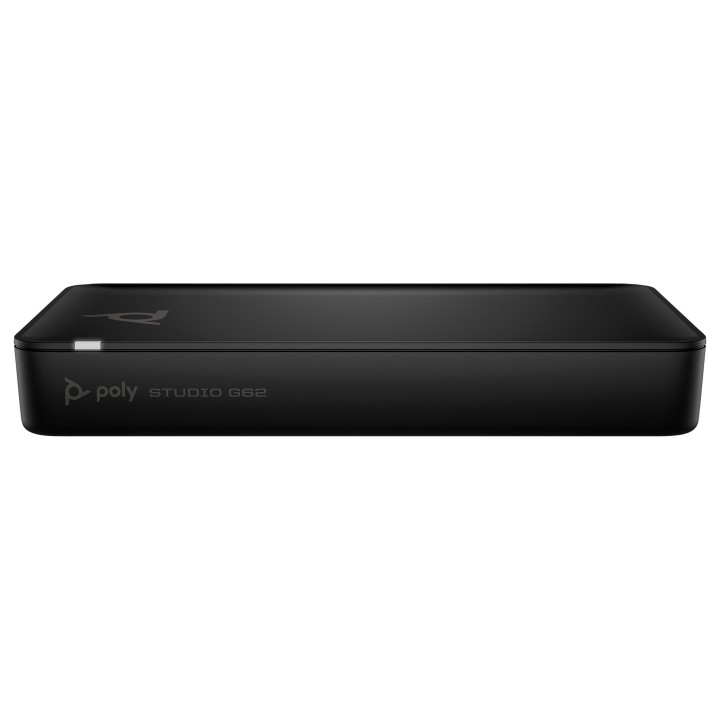
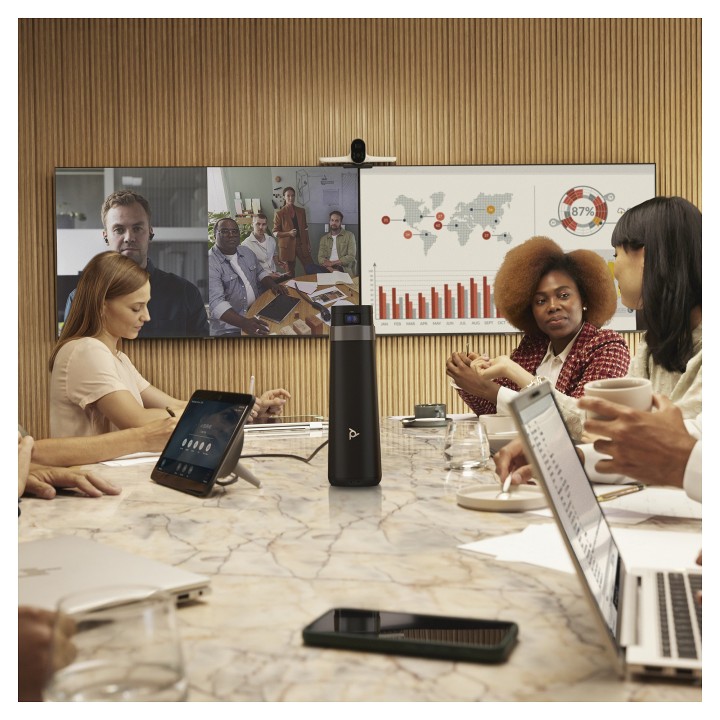
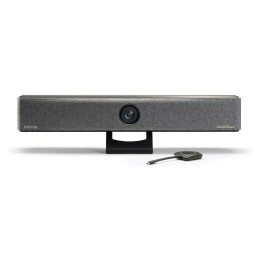
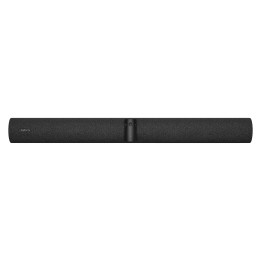
System wideokonferencyjny Poly Studio G62 charakteryzuje się łatwą konfiguracją, bezproblemową integracją oraz możliwością swobodnej personalizacji. Zaawansowane narzędzia do współpracy? W gotowości. Najnowsze funkcje audiowizualne? Do dyspozycji. Możliwość elastycznej konfiguracji? W zasięgu ręki.
Zaprojektowany z myślą o łączności. Stworzony, aby rozwijać się razem z Tobą
Dostosuj każde duże pomieszczenie konferencyjne do swoich potrzeb. Podłącz urządzenia peryferyjne i kontrolery Poly do systemu wideokonferencyjnego Poly Studio G62, przekształcając pomieszczenia wedle własnych zasad dzięki modularnemu rozwiązaniu oferującemu uproszczoną wszechstronność.
Łatwa instalacja. Jeszcze łatwiejsza łączność
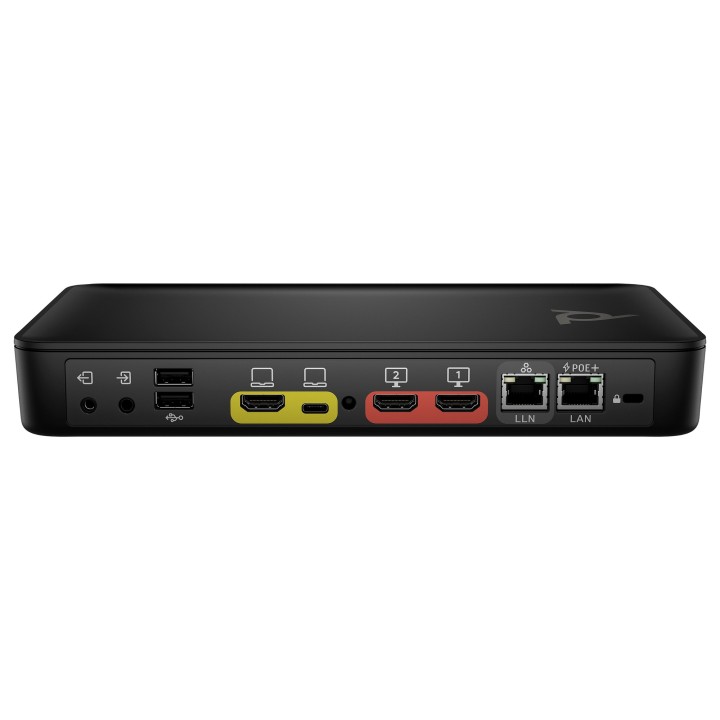
Koniec ze skomplikowanym montażem. Dzięki magnetycznym mocowaniom z technologią PoE+ nie trzeba martwić się instalacją jest wyjątkowo prosta. Ponadto możesz z łatwością zarządzać wybranymi systemami sterowania innych producentów za pomocą solidnych API, korzystając z rozwiązania Poly TC10.
Dostosowuj pomieszczenia bez obaw
Stwórz swoją idealną salę wideokonferencyjną dzięki systemowi Poly Studio G62. Rozszerz swoją konfigurację wedle upodobań, nie martwiąc się o moc obliczeniową, i dodawaj kolejne urządzenia audio-wideo, aby cieszyć się jeszcze większymi możliwościami.
Mała konstrukcja. Możliwość personalizacji. Brak bałaganu
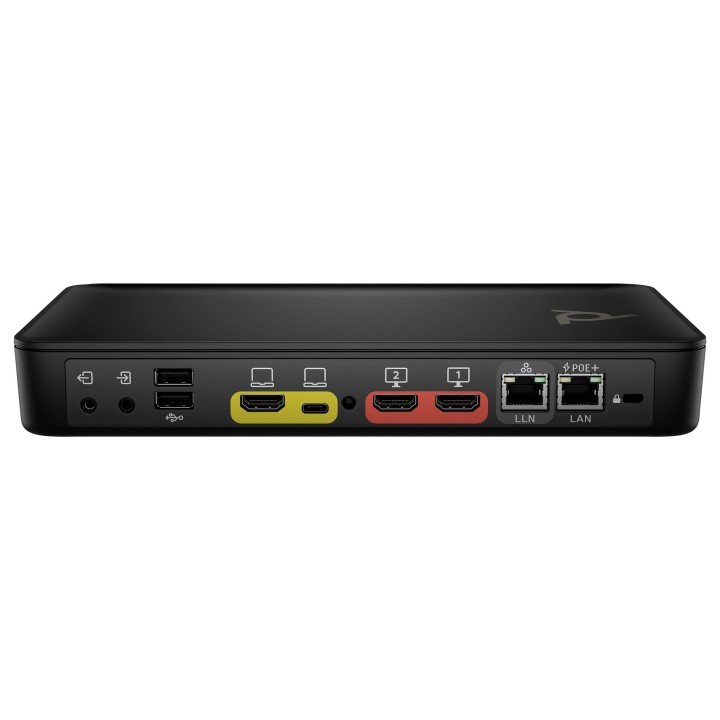
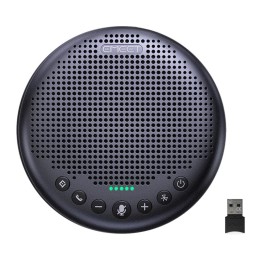
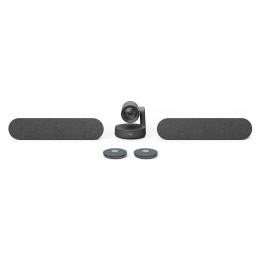
System wideokonferencyjny Poly Studio G62 zapewnia szybką i łatwą integrację z wybranymi urządzeniami peryferyjnymi Poly, a przy tym jest bardziej opłacalny dzięki sieci Ethernet. Konfigurację można dostosować do swoich potrzeb, aby zapewnić doskonałą obsługę pomieszczenia nawet na jego najdalszych krańcach.
Idealna konfiguracja do współpracy
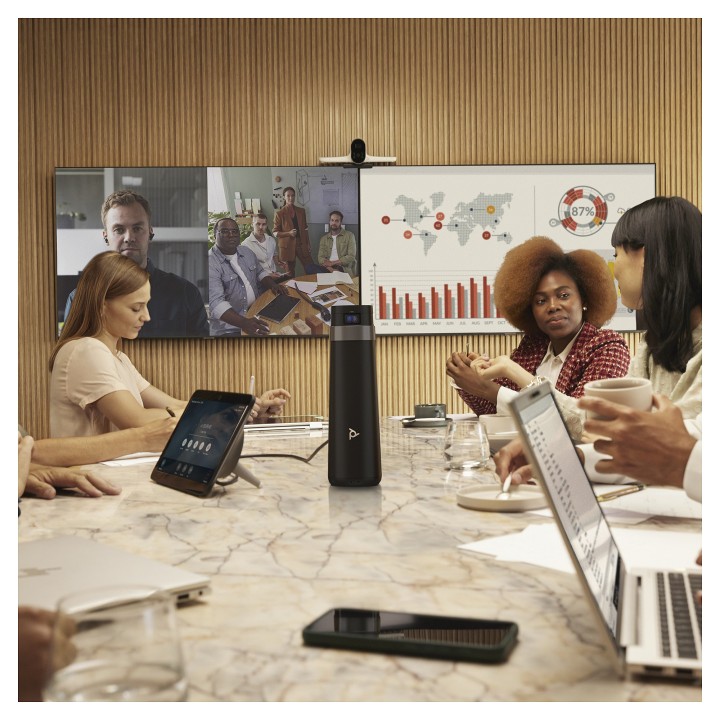
Im większe pomieszczenie, tym więcej rzeczy może rozpraszać uwagę. Zachowaj skupienie dzięki możliwości połączenia systemu wideokonferencyjnego Poly Studio G62 z urządzeniami peryferyjnymi Poly, zapewniającymi takie udogodnienia jak funkcje kadrowania i śledzenia Poly DirectorAI czy technologia NoiseBlockAI.
Możliwość integracji zaraz po wyjęciu z opakowania
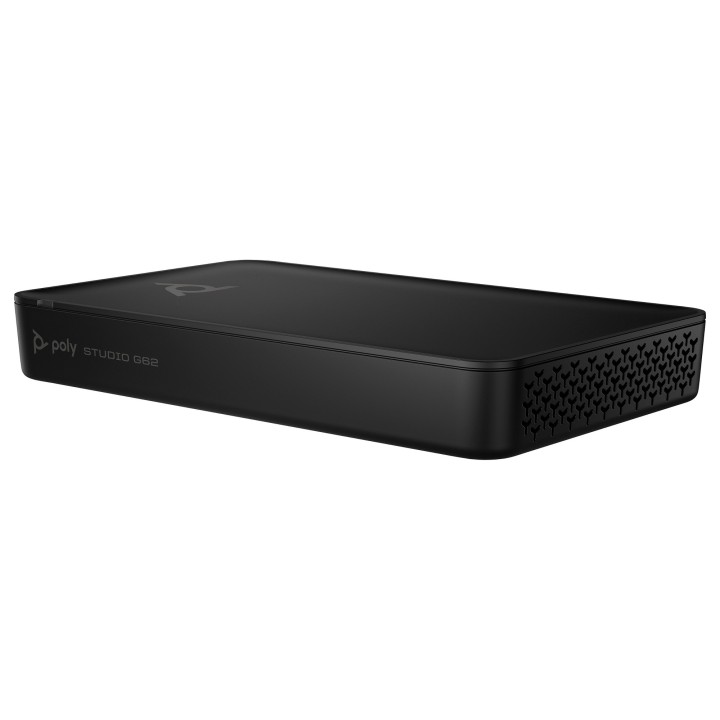
W przypadku systemu wideokonferencyjnego Poly Studio G62 wydajność to podstawa. Niewielka konstrukcja i magnetyczny system mocowania czynią proces ustawiania dziecinnie prostym, a Ty możesz w łatwy sposób podłączyć komponenty innych producentów i cieszyć się jeszcze większymi możliwościami.
Brakuje miejsca? To nie problem
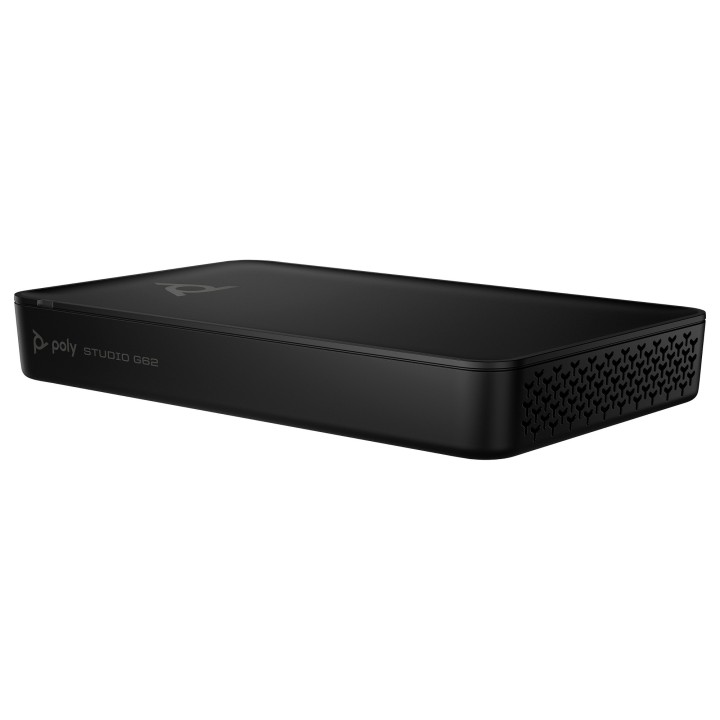
Bezproblemowa konfiguracja czyni wszystko znacznie prostszym. Dzięki modułowej konstrukcji, łączności IP oraz pojedynczemu kodekowi PoE+ system wideokonferencyjny Poly Studio G62 świetnie dostosowuje się do różnych konfiguracji pomieszczeń bez zbędnego bałaganu.
Sterowanie urządzeniem na wyciągnięcie ręki
Po prostu rób swoje i nie niczym się nie martw. Połącz się i nadzoruj zdalnie modułowy system wideokonferencyjny Poly Studio G62 oraz urządzenia peryferyjne Poly za pomocą rozwiązania Poly Lens, oszczędzając czas i siły na zarządzaniu urządzeniami oraz na ich serwisie.
Scentralizowany widok pomieszczenia
Każde urządzenie w zasięgu wzroku. Z łatwością monitoruj wydajność, zarządzaj i rozwiązuj problemy z systemem wideokonferencyjnym Poly Studio i urządzeniami peryferyjnymi dzięki opartej na chmurze usłudze zarządzania urządzeniami Poly Lens G62, nawet jeśli nie jesteś w pomieszczeniu.
Specyfikacja
- Product colour: Black
- Product type: Personal video conferencing system
- Bluetooth: Yes
- Bluetooth version: 5.1
- Number of persons: 10 person(s)
- Compliance certificates: CB,Federal Communications Commission (FCC),CE
- HD type: 4K Ultra HD
- Supported graphics resolutions: 1024 x 768 (XGA),1280 x 1024 (SXGA),1280 x 720 (HD 720),1400 x 1050 (SXGA+),1680 x 1050 (WSXGA+),1920 x 1080 (HD 1080),3840 x 2160
- Maximum frame rate: 30 fps
- Maximum video resolution: 3840 x 2160 pixels
- Video formats supported: AVC,H.239,H.263,H.264,H.265
- Automatic gain control: Yes
- Ethernet LAN (RJ-45) ports: 1
- HDMI ports quantity: 1
- Line-out: Yes
- HDMI version: 2.1
- USB 3.2 Gen 1 (3.1 Gen 1) Type-A ports quantity: 2
- USB 3.2 Gen 1 (3.1 Gen 1) Type-C ports quantity: 1
- Line-in: Yes
- Ethernet LAN: Yes
- Wi-Fi: Yes
- Wi-Fi standards: 802.11a,802.11b,802.11g,Wi-Fi 4 (802.11n),Wi-Fi 5 (802.11ac),Wi-Fi 6 (802.11ax)
- Networking standards: IEEE 802.3at,IEEE 802.3bt
- Other operating systems supported: Android
- Country of origin: Laos
- Pallet gross weight: 357000 g
- UNSPSC-code: 45111902
- Telepresence: No
- Operating temperature (T-T): 0 - 40 °C
- Operating relative humidity (H-H): 15 - 80 %
- Storage temperature (T-T): -40 - 70 °C
- Storage relative humidity (H-H): 5 - 95 %
- Certification: CB; FCC; IC; RCM; VCCI; UL/CSA; CE; WEEE; UKCA; MIC
- Depth: 152.4 mm
- Weight: 798 g
- Height: 34.9 mm
- Width: 247.7 mm
- Package depth: 187.3 mm
- Package height: 84.1 mm
- Package width: 304.8 mm
- Package weight: 1390 g
- Warranty card: Yes