- Nowy
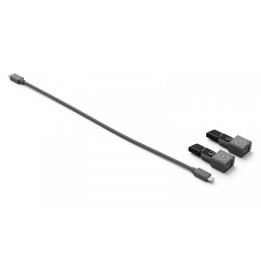
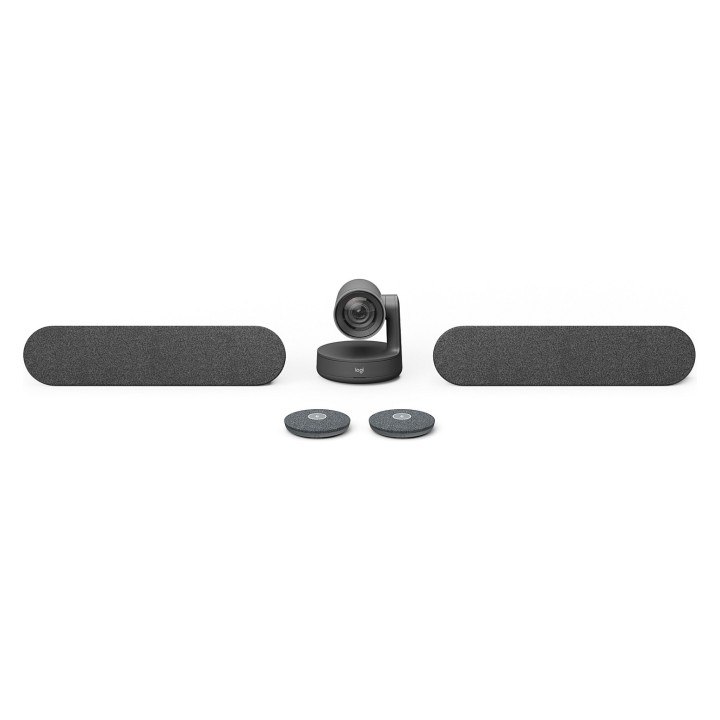
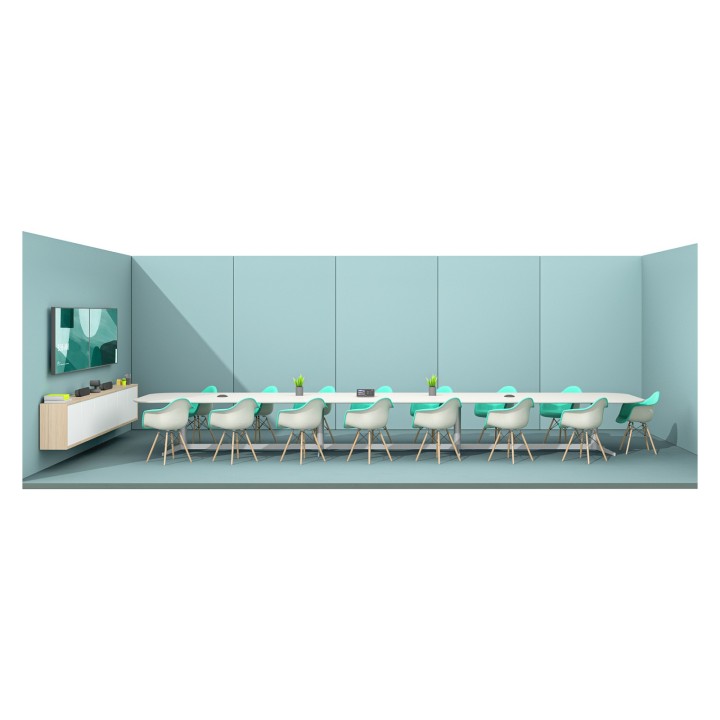
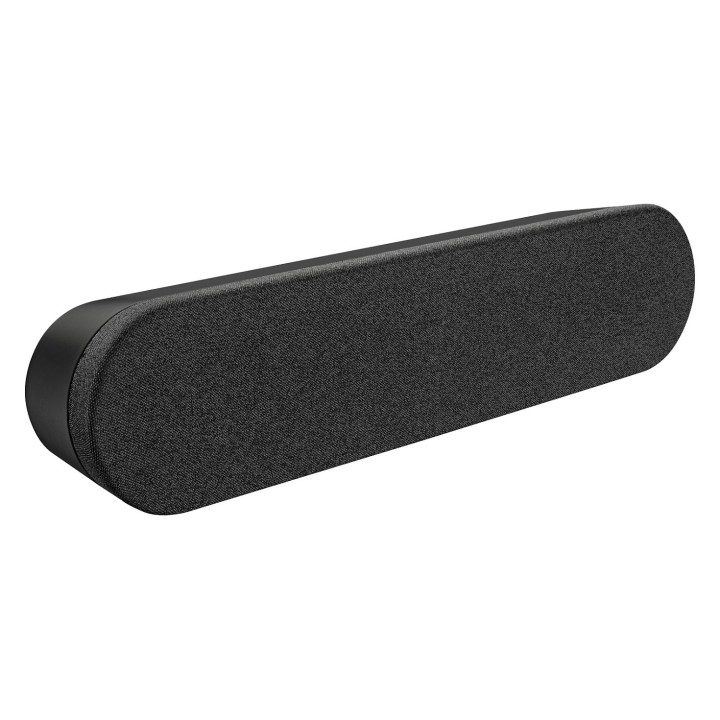
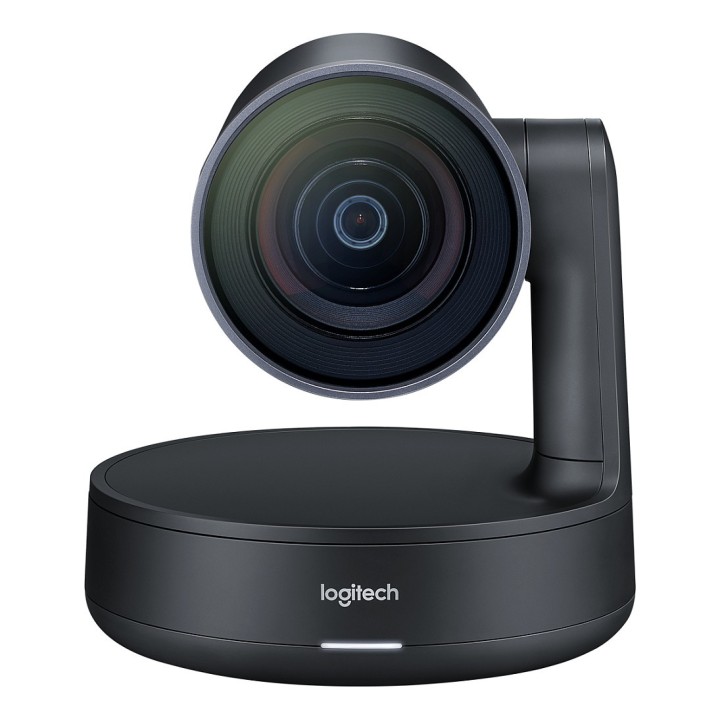
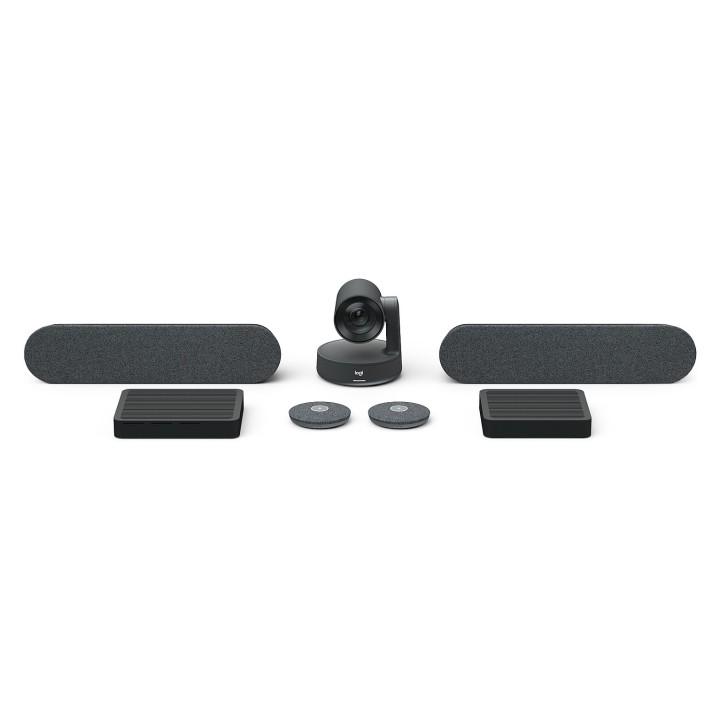
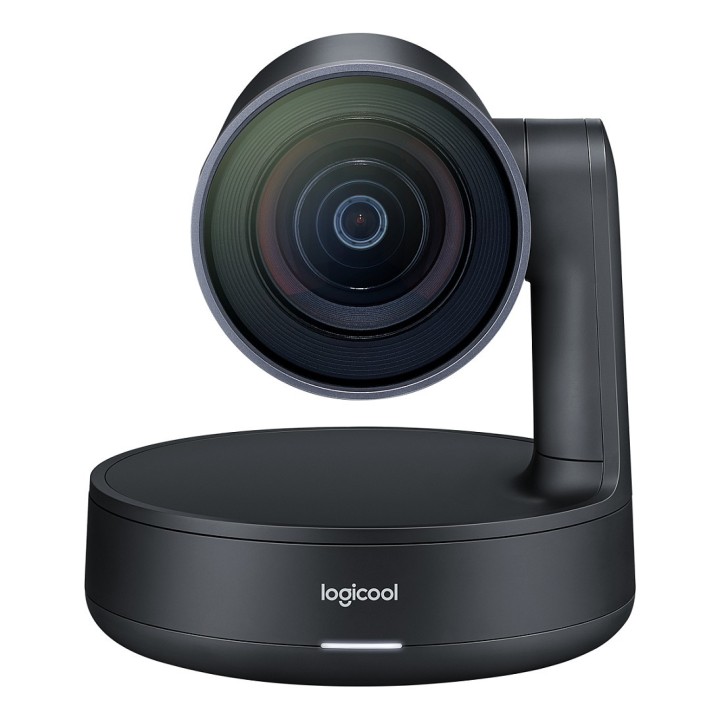
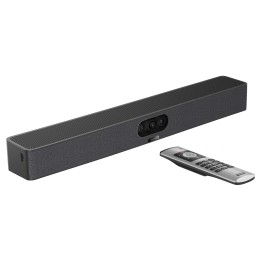
Kamera Logitech Rally zapewnia studyjną jakość wideo, niezrównaną czystość głosu i automatyzację RightSense, gwarantując lepsze spotkania z użyciem aplikacji zgodnych z urządzeniami USB, takimi jak Google Hangouts, Microsoft Skype dla firm, Microsoft Teams i Zoom. Dzięki dźwiękowi modularnemu, przemyślanej regulacji długości kabla i wysokiej jakości wykończeniu kamera Rally doskonale nadaje się do średnich i większych pokoi.
Wideo w jakości studyjnej
Zaawansowany modularny dźwięk
Smukły, industrialny wygląd
Lepsze wrażenia użytkownika
Inteligentne prowadzenie kabli i udostępnianie treści
Logitech Europe S.A.
Catharijnesingel 47 3511GC Utrecht Netherlands
Telefon: +41 0 21 863 55 11
Logitech Europe S.A.
Catharijnesingel 47 3511GC Utrecht Netherlands
Telefon: +41 0 21 863 55 11
List of safety warnings for video conferencing sets and cameras based on the requirements of Regulation (EU) 2023/988 on General Product Safety (GPSR) 1. Risk of electric shock: * Make sure that the device is connected to a working socket with grounding. * Do not touch the plug or cable with wet hands. * Avoid using the device in places with high humidity. 2. Risk of overheating: * Provide adequate ventilation while maintaining at least 5 cm of free space around the device. * Do not block ventilation openings. 3. Fire risk: * Use only original chargers and accessories recommended by the manufacturer. * Do not leave the device on unattended near flammable materials. 4. Risk of bodily injury: * Avoid using the device in a position that causes excessive heat pressure on the skin to prevent burns. * Use the device on a stable surface to minimize the risk of falling. 5. Hazards in humid environments: * Do not use the unit outdoors in rain or in areas with high humidity, such as bathrooms. * If the device is flooded, immediately disconnect it from the power source and contact the service. 6. Hazards at high temperatures: * Do not expose the device to direct sunlight. * Avoid using the device at temperatures exceeding the recommended range (usually 5-35°C). 7. Risk of damage during cleaning: * Before cleaning, disconnect the device from the power supply and use a soft, slightly damp cloth. * Avoid using strong detergents that can damage the surface of the device. 8. Caution when replacing accessories: * Use only the accessories recommended by the manufacturer. * When replacing batteries, follow the manufacturer's instructions and do not expose the battery to high temperatures. 9. Risks associated with battery use: * Avoid damage to the battery by impact or puncture. * If the battery overheats or swells, stop using the device immediately. 10. Child Hazards: * Keep power cables out of reach of children. * Make sure that children do not play with the device or accessories that can be dangerous. 11. Risk of mechanical damage and injury: * The device's fall may cause the screen to shatter, which can lead to user cuts. * Use durable protective cases and tempered glass for your screen. If the screen is damaged, do not use the device until repaired. 12. Risk of electromagnetic interference * Using the device near medical devices such as pacemakers can cause electromagnetic interference. * Maintain a distance of at least 15 cm between the device and medical devices. 13. Effects on vision * Long-term use of the device, especially in dark conditions, can lead to eye strain. * Use eye protection mode if available, and take breaks from the screen regularly. 14. Regular maintenance * Failure to regularly clean ports and sockets can lead to damage or failure. * Clean ports and sockets regularly using a dry and clean cloth, avoiding moisture input. 15. Allergic reactions to materials * Materials used in the device housing (e.g. silicone, metal) can cause skin irritation or allergic reactions. * In case of redness or discomfort, remove the device and consult a dermatologist. Clean the case regularly to avoid accumulation of sweat or dirt.
Produkty, które ostatnio zwróciły Twoją uwagę.