- Nowy
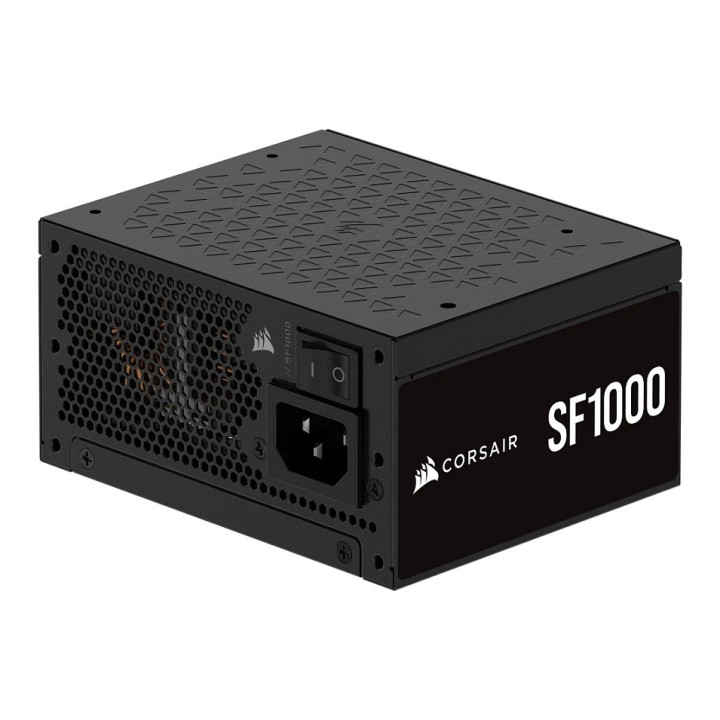
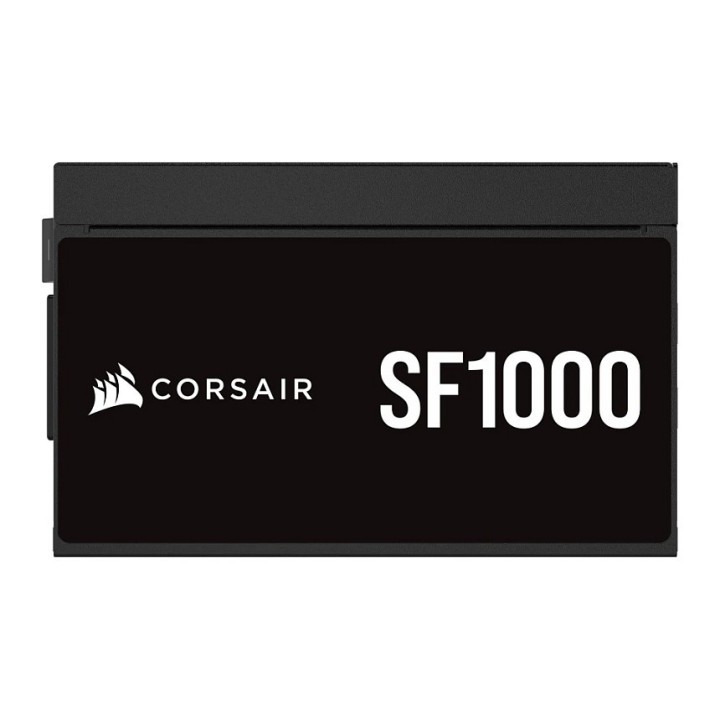
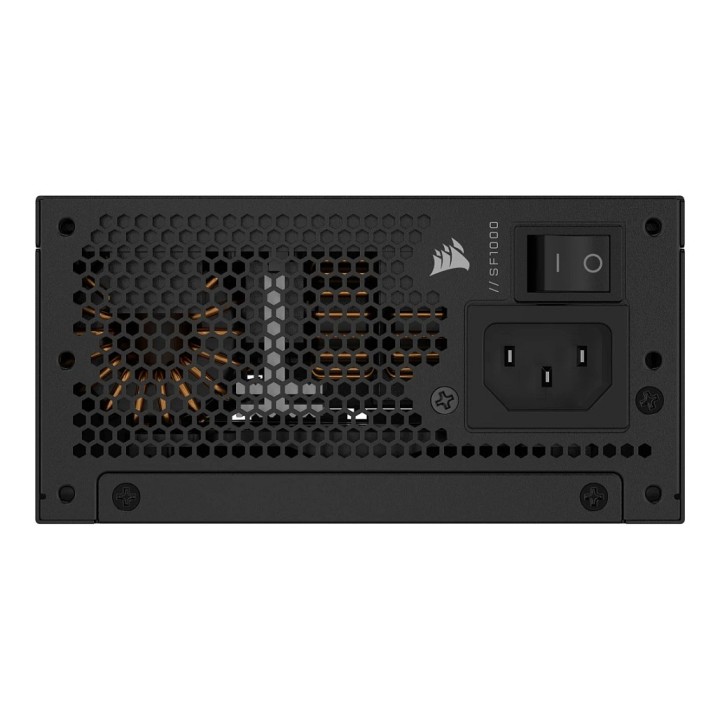
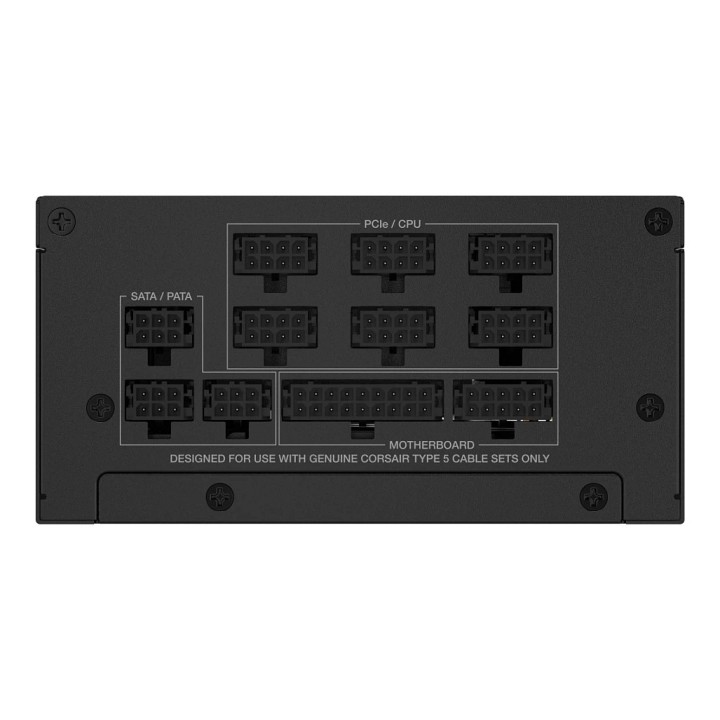
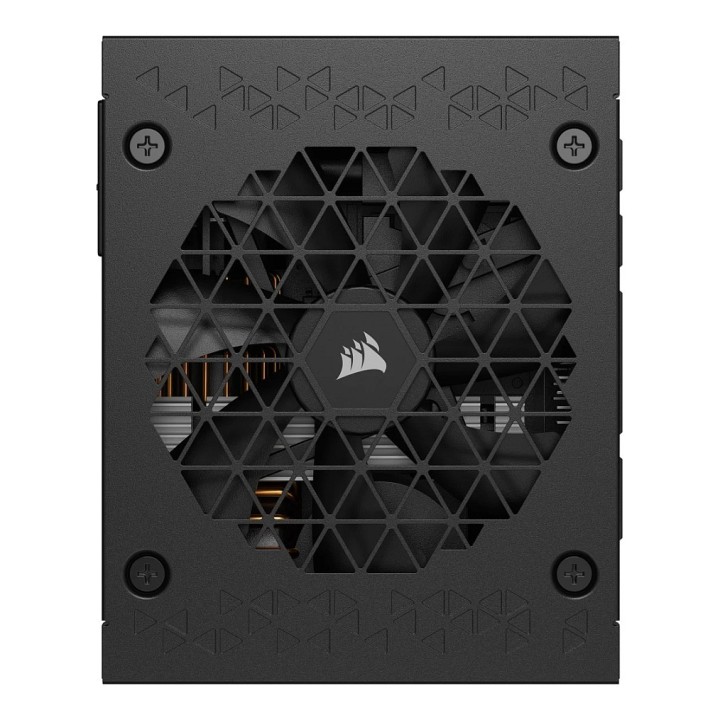
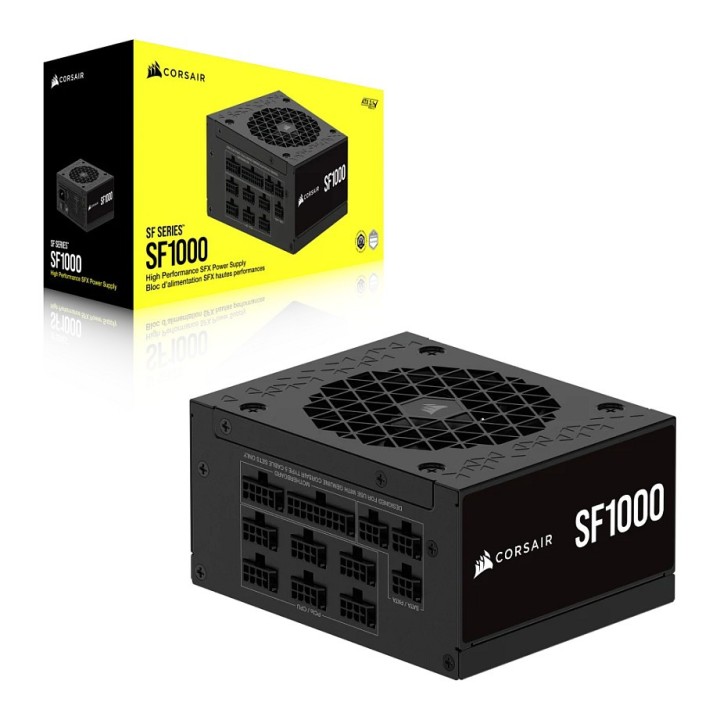

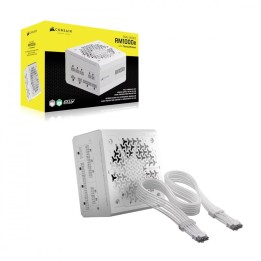
Corsair SF1000 1000W SFX 80 PLUS Platinum, w pełni modułowy obrazki
Corsair SF1000 1000W SFX 80 PLUS Platinum, w pełni modułowy
Opis produktu
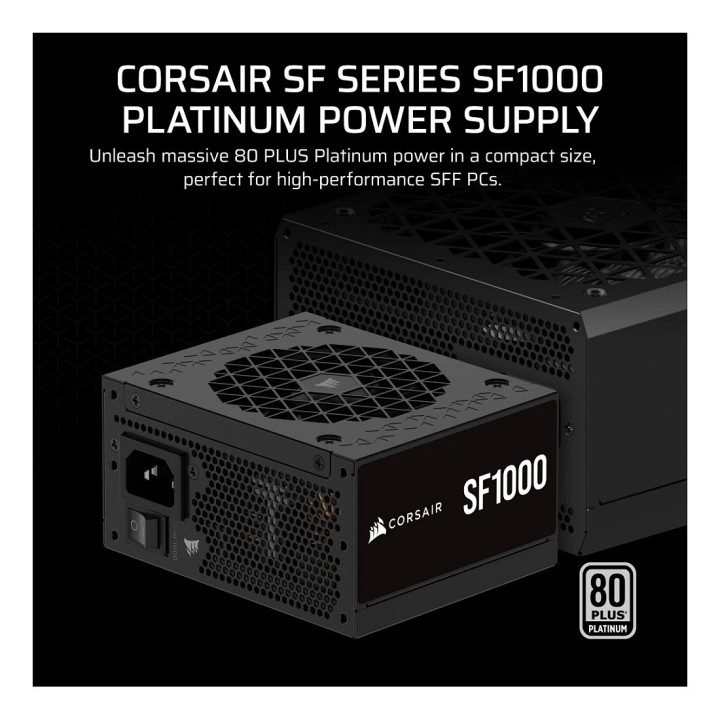
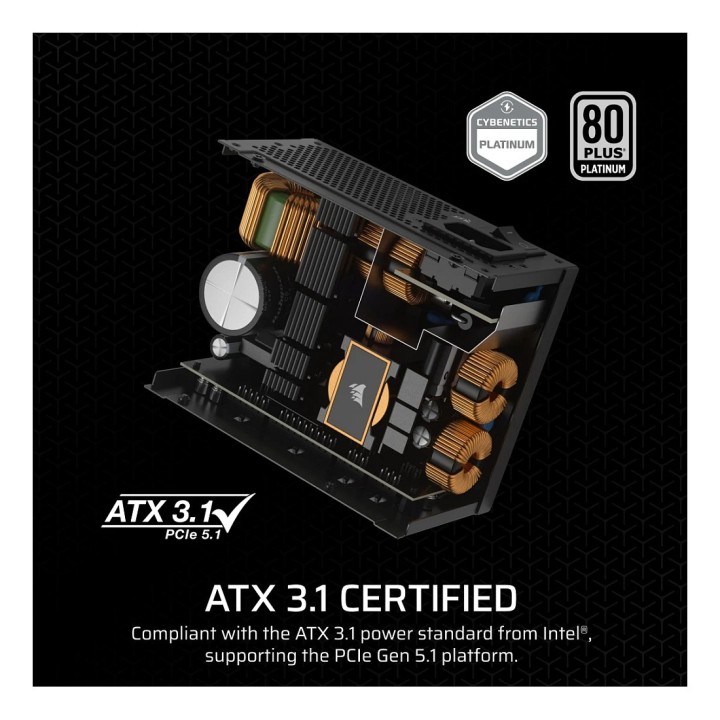
Kompaktowy zasilacz o mocy 1000 W zaprojektowany z myślą o komputerach w formacie SFX. Zapewnia wysoką sprawność energetyczną klasy 80 PLUS Platinum i spełnia wymagania standardu ATX 3.1, dzięki czemu dostarcza stabilne i wydajne zasilanie dla wydajnych systemów w małej obudowie.
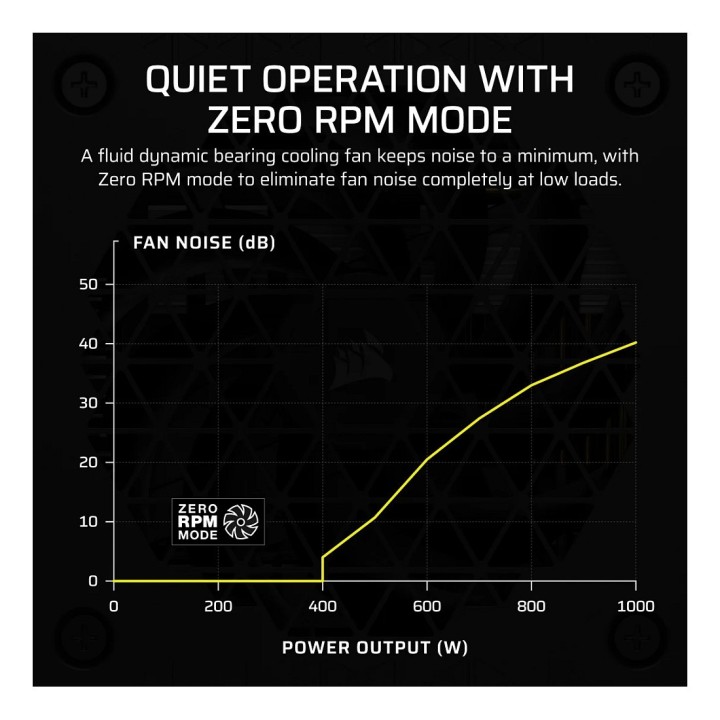
Urządzenie wykorzystuje 92 mm wentylator z funkcją PWM i trybem Zero RPM, co ogranicza hałas przy niskim i umiarkowanym obciążeniu. W konstrukcji zastosowano japońskie kondensatory elektrolityczne przystosowane do pracy w temperaturze 105°C, a deklarowany średni czas między awariami wynosi 100000 godzin. Zasilacz pracuje niezawodnie przy temperaturze ciągłej do 50°C.
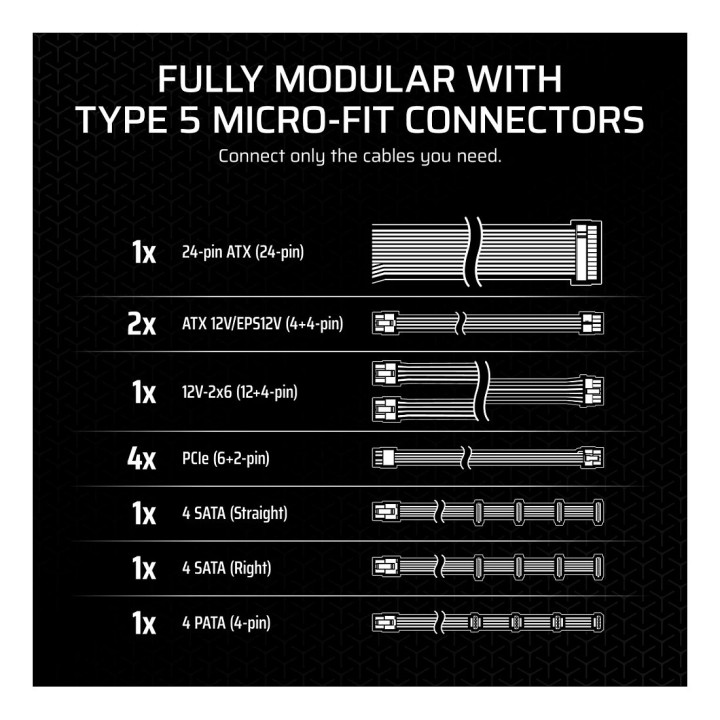
Pełna modularność okablowania ułatwia porządkowanie przewodów w obudowach SFF, a w zestawie znajduje się złącze 12VHPWR (16-pin) umożliwiające podłączenie nowej generacji kart graficznych. Zestaw napięć i natężeń obejmuje: 3.3V 20 A, 5V 20 A, 12V 83.3 A (1000 W) oraz 5VSB 3 A (15 W). Wejście zasilania akceptuje zakres AC 100–240 V.
Specyfikacja
- Model: SF1000
- Moc nominalna: 1000 W
- Certyfikat 80 PLUS: 80 PLUS Platinum
- Format: SFX
- Zgodność ze standardem: ATX 3.1
- Wejście AC: 100–240 V
- 3.3 V: 20 A
- 5 V: 20 A
- 12 V: 83.3 A (1000 W)
- 5VSB: 3 A (15 W)
- W pełni modułowy: Tak
- Typ złączy modułowych: Micro‑Fit Type 5
- Złącze 12VHPWR: 1 × 16-pin (12VHPWR)
- Wentylator: 92 mm, PWM, tryb Zero RPM
- Kondensatory: Japońskie, 105°C
- Temperatura pracy ciągłej: 50°C
- Średni czas między awariami (MTBF): 100000 h
- Złącze wejściowe zasilania: IEC320 C14
- Złącze główne 24 pin: 1
- Kolor: Czarny
- Szerokość: 125 mm
- Głębokość: 100 mm
- Wysokość: 63.5 mm
Szczegóły produktu
- Marka Corsair
- Kod produktu 66baa5a972b2693c791a9d9b
- Dostępność 20 Przedmioty
- EAN13 0840006663379
- MPN CP9020257EU
Specyfikacja
- Moc znamionowa (W) 1000 W
- Format zasilacza SFX
- Certyfikat sprawności 80 PLUS Platinum
- Średnica wentylatora (mm) 92 mm
- Standard ATX 3.1
Producent
Producent
Corsair Memory, B.V.
Wormerweg 1 1311 XA Almere Netherlands
Formularz kontaktowy: https://help.corsair.com/hc/en-us
Osoba odpowiedzialna w UE
Corsair Memory, BV
Wormerweg 8 1311 XB Almere Netherlands
Telefon: +31 365478360
Bezpieczeństwo
Informacje o bezpieczeństwie
List of safety warnings for computer power supplies based on the requirements of General Product Safety Regulation (GPSR) 2023/988 * Risk of electric shock: * Make sure the power supply is properly grounded. * Do not open the power supply housing when it is connected to power. * Do not touch any internal components of the power supply when it is connected to power. * Do not use the power supply in humid or wet environments. * Disconnect the power supply from the power supply before cleaning. * Fire risk: * Do not use a power supply with less power than required by your computer. * Make sure the power supply has adequate surge, short-circuit and thermal protection. * Do not cover the power supply to ensure adequate ventilation. * Do not place the power supply near heat sources. * Regularly inspect power cables for damage. * Explosion risk: * Do not use a power supply that is damaged or has visible signs of damage. * Do not try to repair the power supply yourself. * Use the power supply only for its intended purpose. * Dispose of the power supply according to local regulations. * Risk of injury: * Do not drop the power supply. * Do not disassemble the power supply as it contains live components that can cause electric shock. * Do not expose the power supply to extreme temperatures or moisture. * Before installing the power supply, disconnect the computer from the power supply. * Compatibility and selection: * Make sure the power supply is compatible with the motherboard and other computer components. * Check that the power supply has the right connectors for all components. * Overheating protection: * Provide adequate ventilation in the computer case so that the power supply does not overheat. * Regularly clean the power supply fan from dust. * Installation and use: * Follow the manufacturer's instructions when installing the power supply. * Do not overload the power supply by connecting too many devices to it. * Storage: * Store the power supply in a dry and clean place, away from children. * Cables & Connections: * Make sure all cables are properly connected and not damaged. * Do not use extension cords or adapters that are not intended to be used with the power supply.
Zasilacze komputerowe
- Nowy
- Nowy
- Nowy
- Nowy
- Nowy
- Nowy
- Nowy
- Nowy
Ostatnio oglądane
Produkty, które ostatnio zwróciły Twoją uwagę.
- Nowy
- Nowy
- Nowy
- Nowy
- Nowy
- Nowy
- Nowy
- Nowy
- Nowy
- Nowy