- Nowy
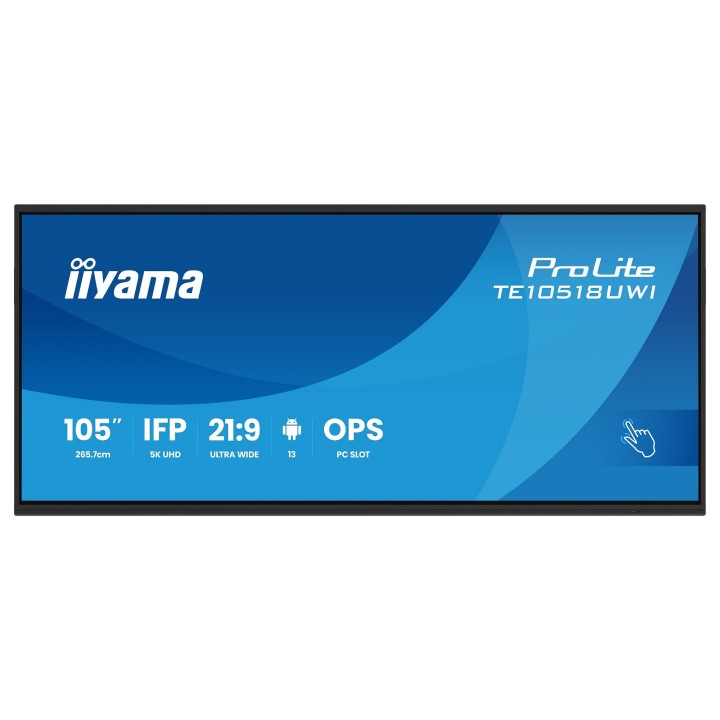
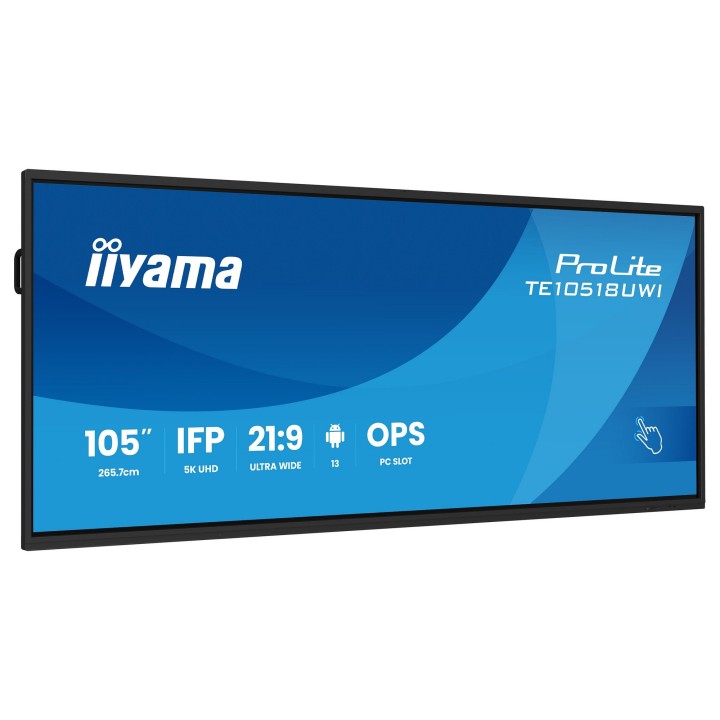
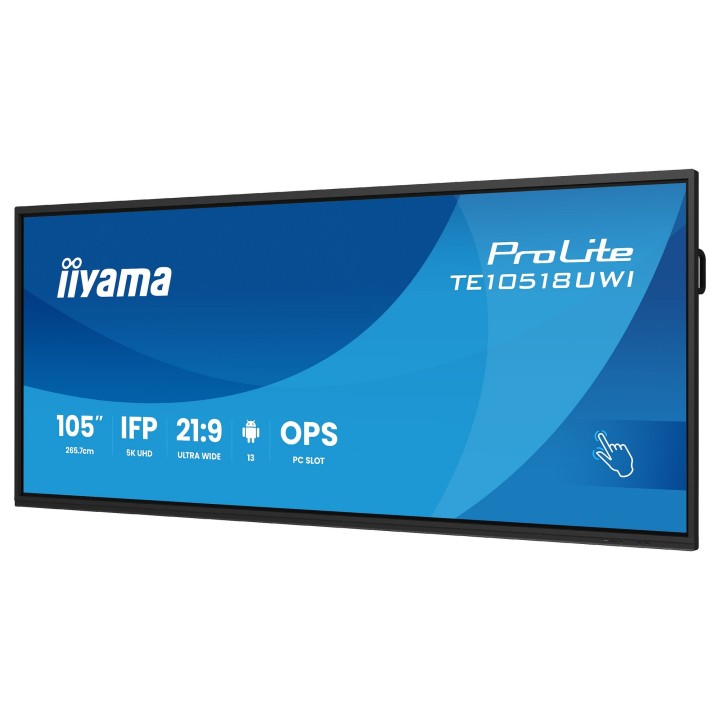
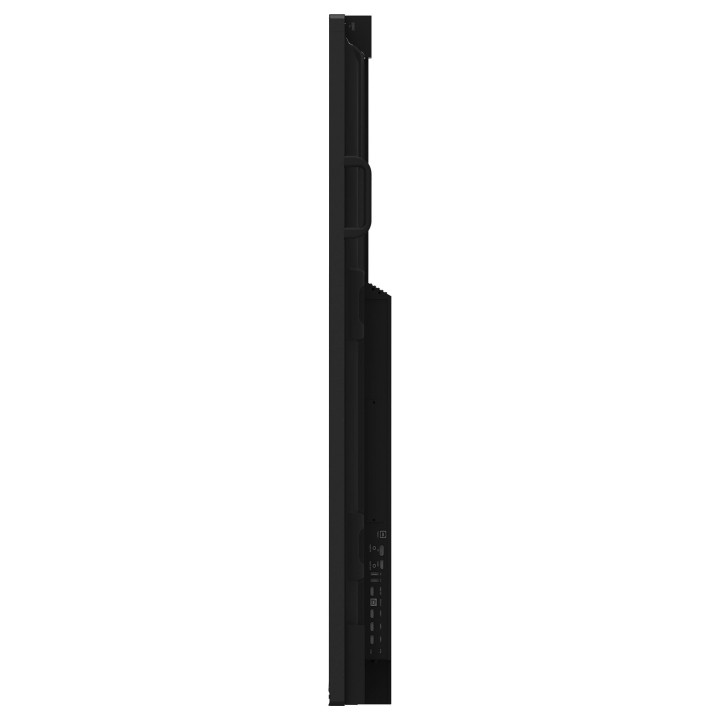
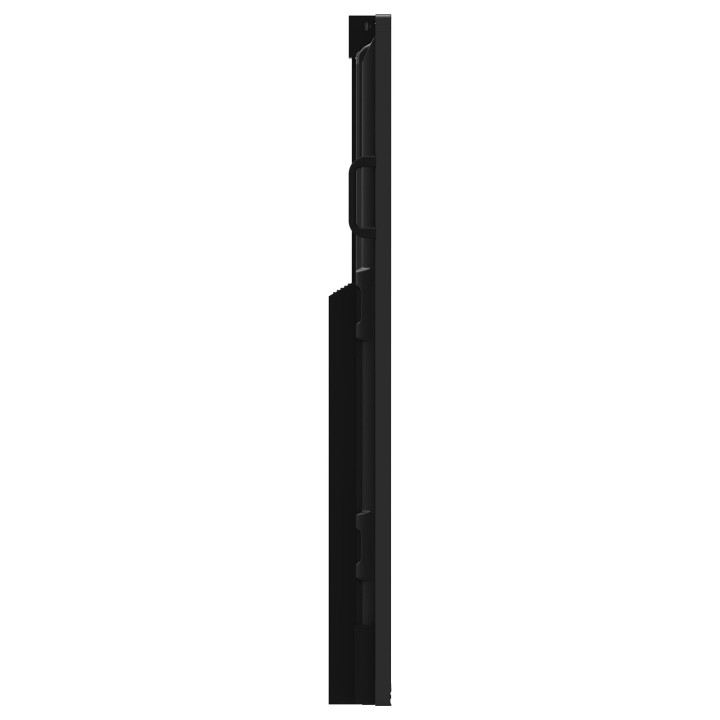
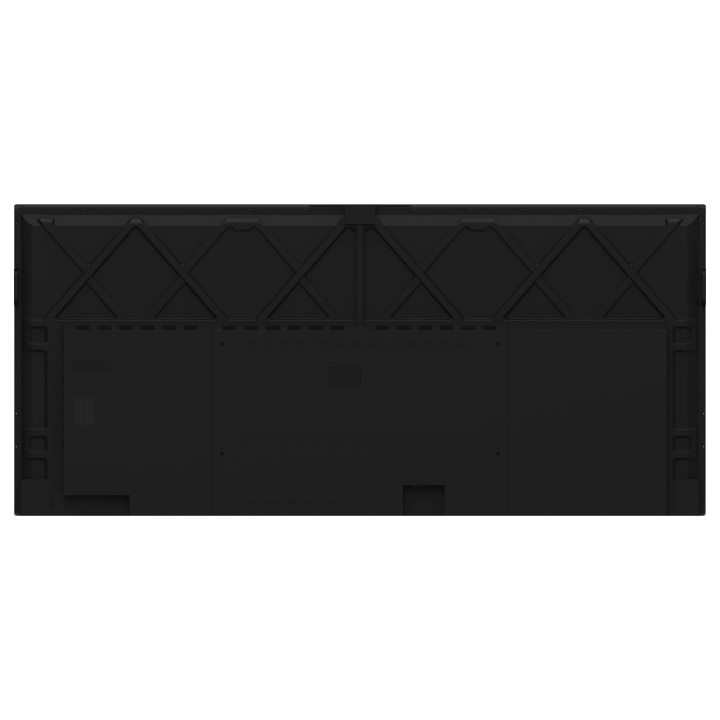
IIYAMA ProLite TE10518UWI-B1AG 105" 5K 21:9 ekran dotykowy obrazki
IIYAMA ProLite TE10518UWI-B1AG 105" 5K 21:9 ekran dotykowy
Opis produktu
Duży, ultrapanoramiczny ekran IIYAMA ProLite TE10518UWI-B1AG o przekątnej 105" (104,6" widoczny) oferuje rozdzielczość 5K 5120 x 2160 w formacie 21:9, opartą na matrycy VA z podświetleniem LED. Zapewnia wysoką jasność (450 cd/m²), szerokie kąty widzenia 178°/178° oraz odświeżanie 60 Hz, dzięki czemu wyświetlane treści są czytelne, szczegółowe i stabilne nawet przy dużych powierzchniach roboczych.
Ekran wyposażono w zaawansowaną technologię dotykową PureTouch-IR+ z obsługą do 40 jednoczesnych punktów dotyku oraz „zero bonding”, co poprawia czułość i widoczność przy bezpośredniej interakcji. Powierzchnia ochronna ma twardość 7H przy grubości szkła 3 mm; aktywna powierzchnia ekranu wynosi 2450 x 1033,6 mm. Urządzenie posiada wbudowane głośniki oraz zintegrowany mikrofon, co ułatwia prowadzenie prezentacji i komunikacji bez dodatkowych peryferiów.
Urządzenie działa na systemie Android 13 z jednostką opartą na architekturze ARM (producent procesora: AMD) i zintegrowanym układem graficznym ARM Mali-G610 MP4. Pamięć operacyjna wynosi 8 GB, a pamięć masowa 64 GB. W zakresie łączności znajduje się Wi‑Fi (w tym obsługa standardu Wi‑Fi 6), Ethernet LAN oraz Bluetooth 5.0. Zasilanie realizowane jest z AC 100–240 V (50/60 Hz); typowe zużycie energii w trybie aktywnym to 282 W, w trybie czuwania 0,5 W.
Specyfikacja
- Marka: IIYAMA
- Model: ProLite TE10518UWI-B1AG
- Przekątna (cal): 105" (104,6" widoczny)
- Rozdzielczość: 5120 x 2160 (5K)
- Format obrazu: 21:9 (Ultra‑Wide)
- Panel: VA
- Technologia podświetlenia: LED
- Jasność: 450 cd/m²
- Częstotliwość odświeżania: 60 Hz
- Kąty widzenia (poziomo/pionowo): 178° / 178°
- Kolory wyświetlacza: 1,07 miliarda kolorów
- Aktywna powierzchnia (szer. x wys.): 2450 x 1033,6 mm
- Rozmiar plamki: 0,479 x 0,479 mm
- Technologia dotykowa: PureTouch‑IR+
- Liczba punktów dotyku: 40
- Twardość powierzchni: 7H
- Grubość szkła: 3 mm
- System operacyjny: Android 13
- Procesor (producent i architektura): AMD, ARM Cortex‑A76 + Cortex‑A55
- Układ graficzny (zintegrowany): ARM Mali‑G610 MP4
- Pamięć RAM: 8 GB
- Pamięć wewnętrzna (magazyn): 64 GB
- Wbudowane głośniki: 2 szt.
- Moc wyjściowa (RMS): 48 W
- Wbudowany mikrofon: Tak
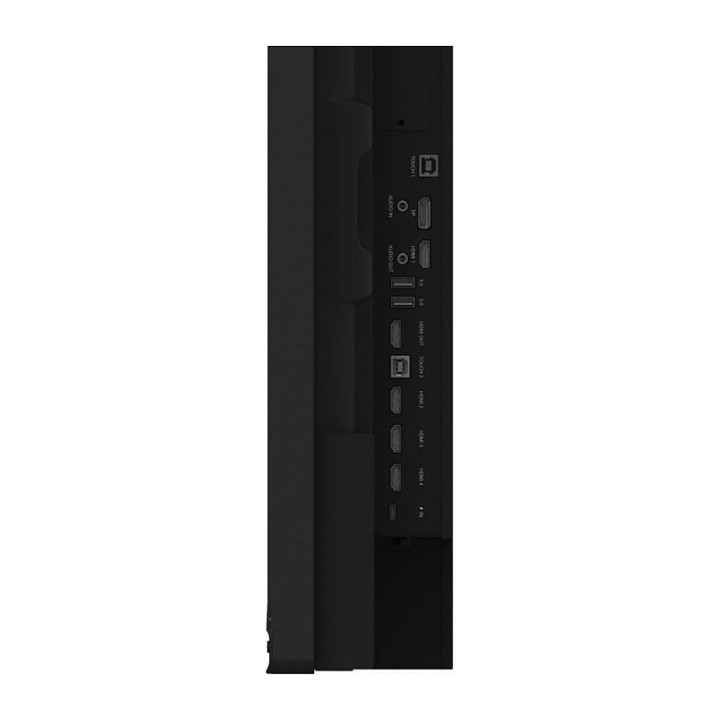
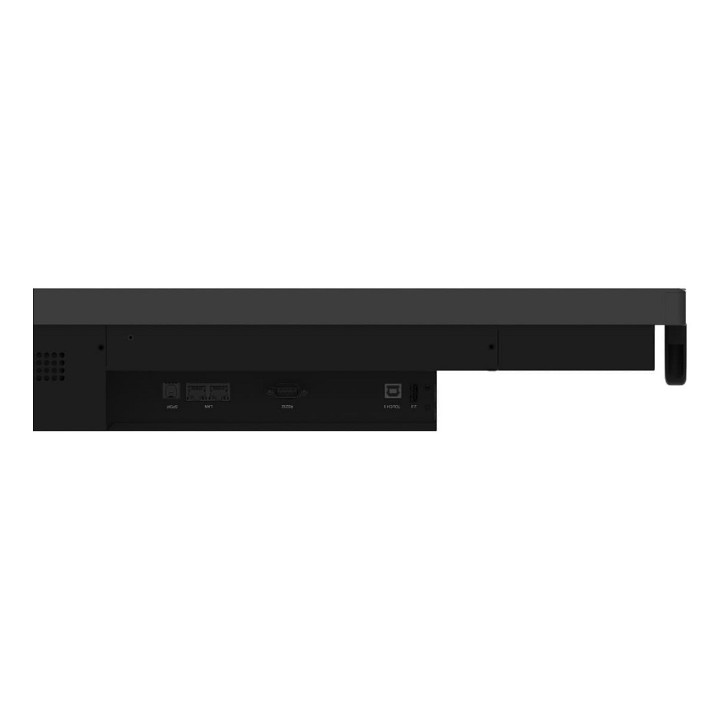
- Interfejsy (wybrane): HDMI; DisplayPort; USB‑C; Ethernet LAN; Wi‑Fi; Bluetooth 5.0
- Standardy Wi‑Fi: Wi‑Fi 6 (802.11ax) oraz zgodność z 802.11ac/n/a/b/g
- Czas odpowiedzi (typowy): 6,5 ms
- Stosunek obrazu: 21:9
- Tryb pracy: 16/7
- Pobór mocy (tryb aktywny): 282 W
- Pobór mocy (czuwanie): 0,5 W
- Tryb wyłączenia: 0,3 W
- Napięcie wejściowe: AC 100–240 V, 50/60 Hz
- Wymiary (szerokość) bez stojaka: 2507.2 mm
- Wymiary (głębokość) bez stojaka: 103 mm
- Wymiary (wysokość) bez stojaka: 1130.1 mm
- Waga: 91.4 kg
- Wspornik montażu (VESA): 1000 x 400 mm
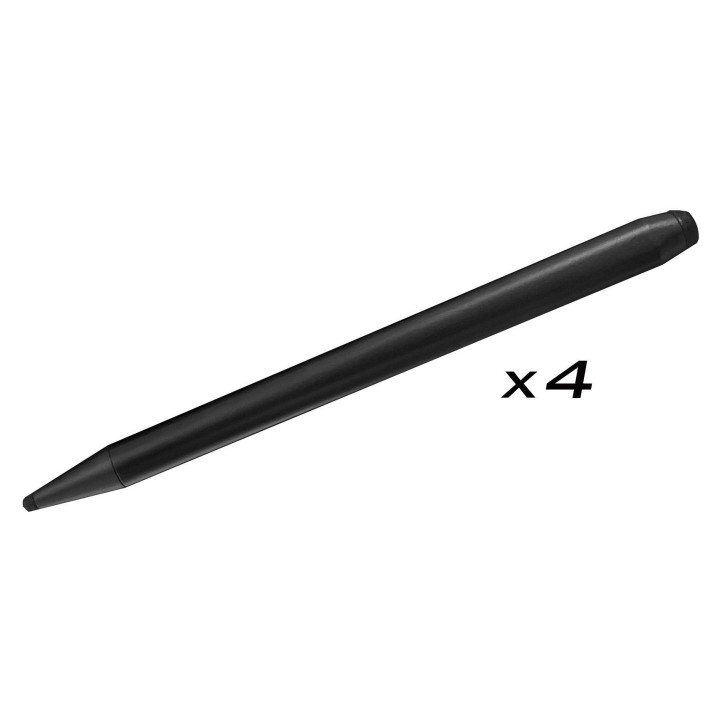
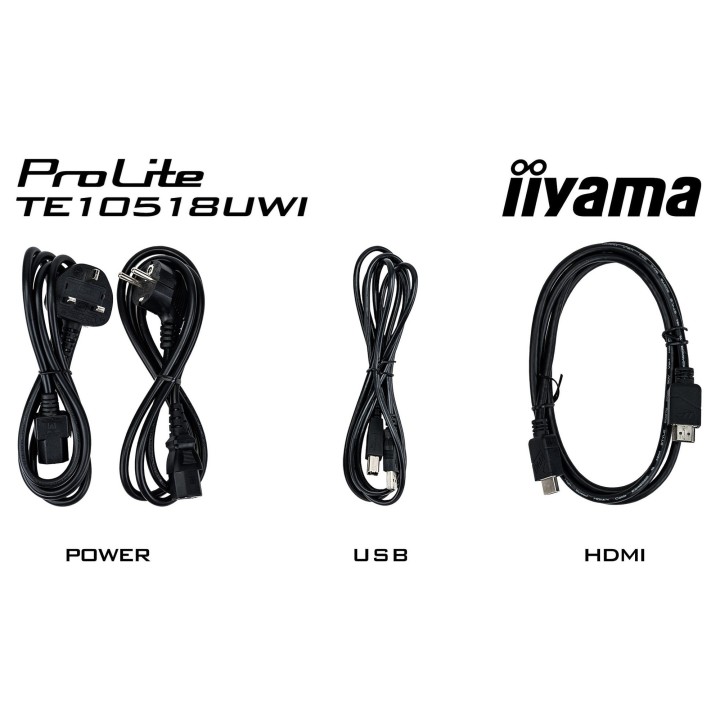
- Akcesoria dołączone: Pilot; 4 pióra dotykowe; moduł Wi‑Fi (OWM002); wspornik montażowy NUC; wspornik montażowy kamerki internetowej
Szczegóły produktu
- Marka IIYAMA
- Kod produktu 66ef73f750c681eab183792a
- Dostępność 1 Przedmiot
- EAN13 4948570122011
- MPN TE10518UWIB1AG
Specyfikacja
- Przekątna ekranu (cal) 104,6 cal
- Rozdzielczość natywna 5120 × 2160
- Typ matrycy VA
- Częstotliwość odświeżania (Hz) 60 Hz
- Ekran dotykowy Tak
- Standard VESA 1000 × 400
Producent
Producent
IIYAMA International Corporate Headquarters
Wijkermeerstraat 8, 2131 HA Hoofddorp 2131 HA Hoofddorp Netherlands
Formularz kontaktowy: https://iiyama.com/gl_en/support#product-support
Telefon: +31 20 446 0404
Bezpieczeństwo
Informacje o bezpieczeństwie
List of computer monitor safety warnings based on the requirements of General Product Safety Regulation (EU) 2023/988 (GPSR): * Risk to vision: Long-term gazing at the monitor screen may cause eye strain, dry eyes or headaches. * Limit the working time with the monitor. * Take regular breaks. * Maintain proper distance from the screen. * Ensure proper lighting in the room. * Set the brightness and contrast of the monitor to a comfortable level. * Ergonomics: Incorrect position when working with the monitor can lead to back, neck, and shoulder pain. * Set the monitor to the correct height so that the top edge of the screen is at eye level or slightly below. * Use an adjustable chair and desk to ensure an ergonomic position. * Maintain proper posture while sitting. * Risk of electric shock: Improper use or damage to the monitor can lead to electric shock. * Do not use the monitor in humid environments. * Do not touch the monitor with wet hands. * Do not put any items inside the monitor. * If the power cable is damaged, replace it with a new one. * Disconnect the monitor from power before cleaning. * Fire risk: Overheating or short circuiting in the monitor can cause a fire. * Do not cover the ventilation holes of the monitor. * Do not place the monitor near heat sources. * Use only the original power supply that came with your monitor. * If the monitor overheats, disconnect it from power immediately. * Mechanical damage: The fall of the monitor can cause damage and pose a threat to the user. * Set the monitor on a stable surface. * Secure cables to avoid accidental tripping. * For monitor transport, use appropriate protective packaging. * Cleaning: Improper cleaning of the monitor can damage the screen or cause other problems. * Use only a soft, dry cloth to clean the screen. * Do not use cleaning products containing alcohol, ammonia or other corrosive substances. * Disconnect the monitor from power before cleaning. * Disposal: Incorrect disposal of the monitor can pose a threat to the environment. * Return the used monitor to the e-waste collection point. * Do not throw the monitor in a regular trash can. * Children: The monitor is not a toy and should not be used by children without supervision. * Make sure children do not touch the power cables. * Make sure kids don't play around with the monitor packaging. * Repairs: Do not try to repair the monitor yourself. * Any repairs should be done by qualified personnel. * Monitor portability: Be careful when moving your monitor. * Disconnect all cables before moving. * Use appropriate packaging. * Weather conditions: Do not expose the monitor to extreme temperatures or moisture. * Protect your monitor from direct sunlight. * Adjustable settings: Do not use extreme brightness or contrast settings. * These can cause faster eye strain. * Noise: If the monitor makes disturbing noises, turn it off immediately. * Contact the technical service. * Environmental protection: Be sure to turn off the monitor when not in use. * You save energy this way. * Software: Use only the software provided by the manufacturer. * You will avoid compatibility issues.
Monitory
Ostatnio oglądane
Produkty, które ostatnio zwróciły Twoją uwagę.
- Nowy

- Nowy
- Nowy
- Nowy
- Nowy
- Nowy
- Nowy
- Nowy
- Nowy