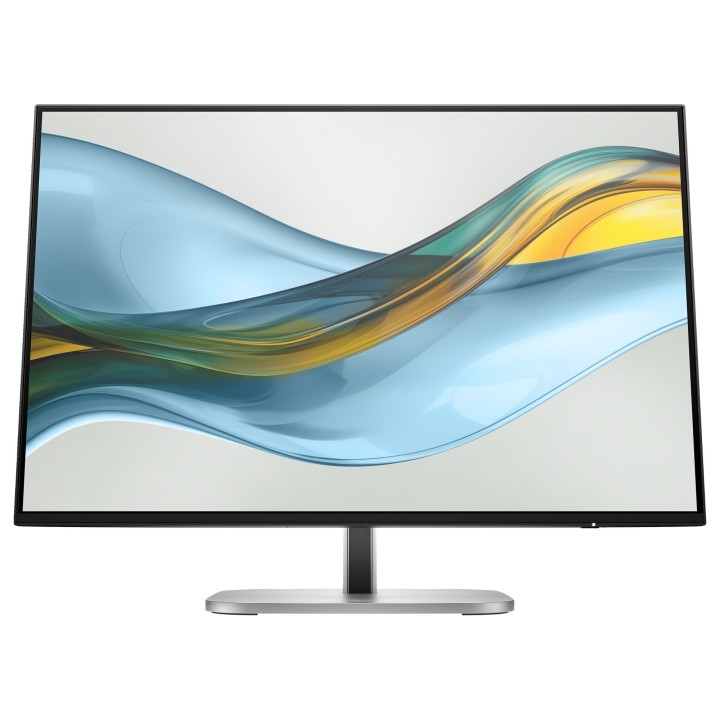
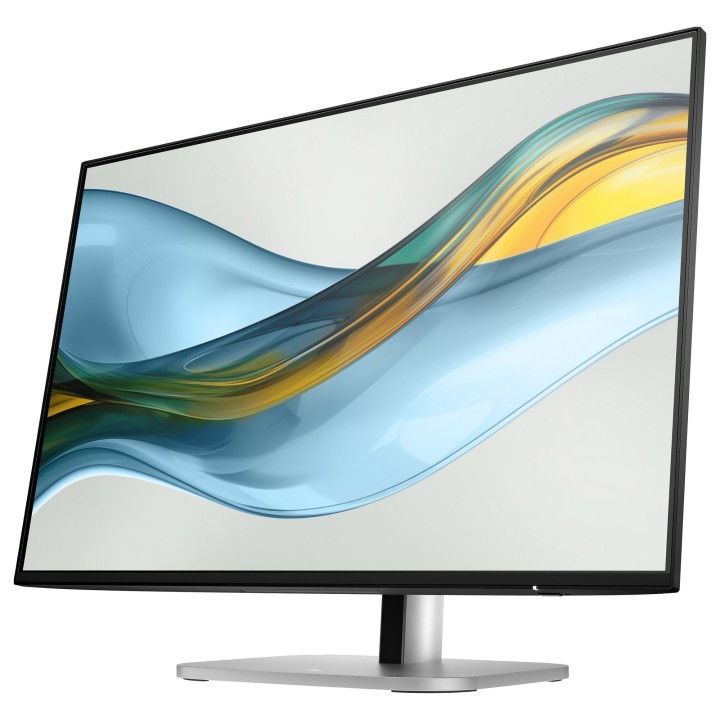
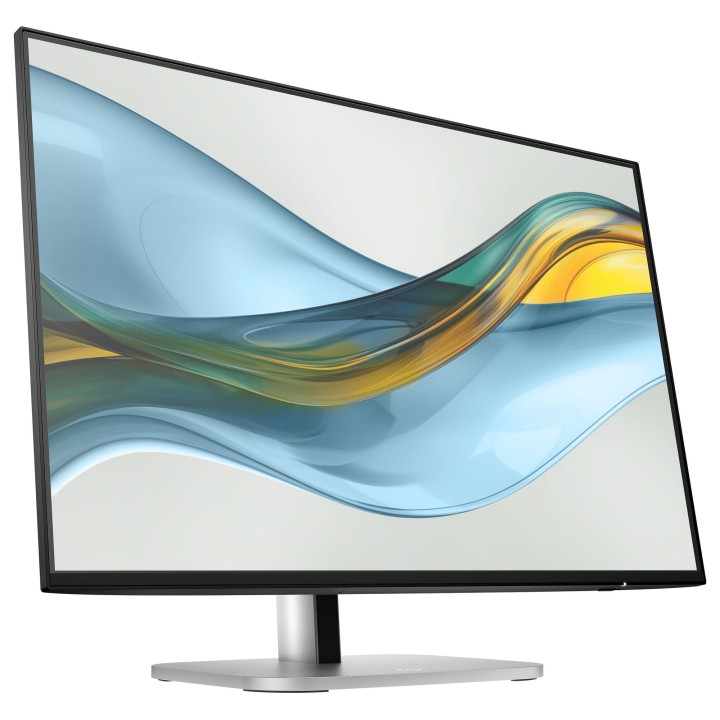
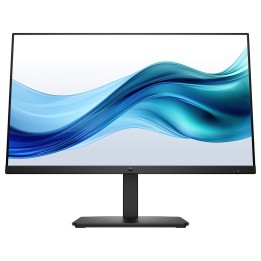
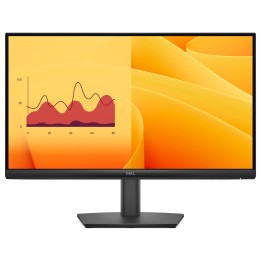
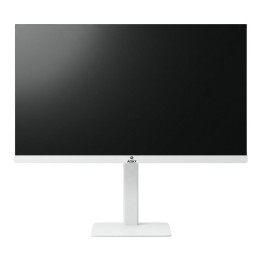
HP Inc. S5 Pro 524pn 24" WUXGA (1920x1200) IPS 100 Hz
Opis produktu
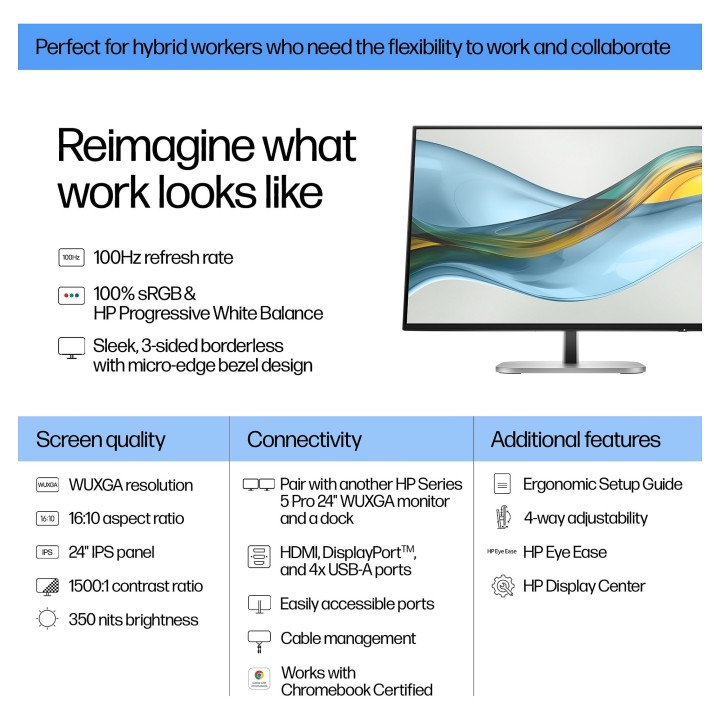
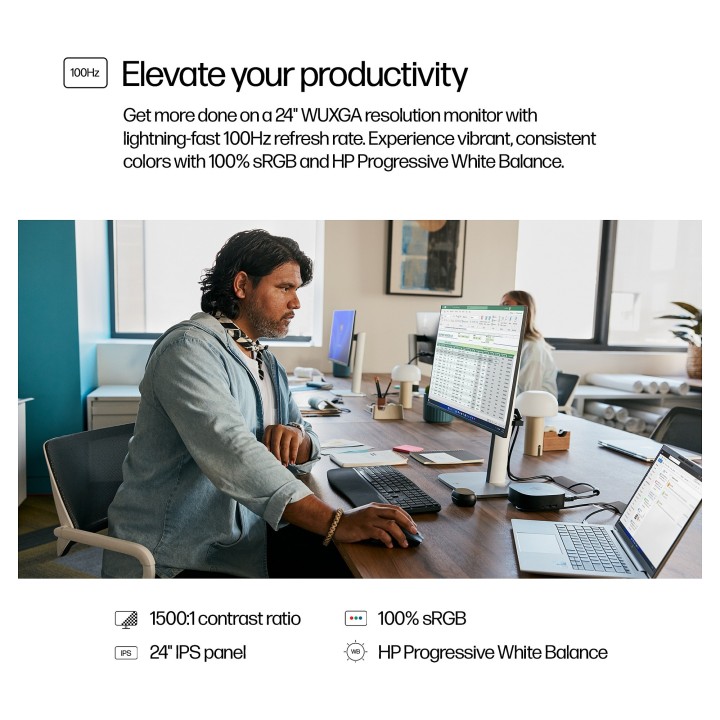
HP S5 Pro 524pn to 24-calowy monitor stworzony z myślą o pracy biurowej i wielozadaniowości. Matryca IPS o rozdzielczości WUXGA (1920 x 1200) w formacie 16:10 zapewnia większą przestrzeń roboczą, odwzorowanie 100% palety sRGB oraz jasność 350 cd/m², co przekłada się na wyraźny, spójny obraz. Częstotliwość odświeżania 100 Hz i czas reakcji 5 ms (GTG) poprawiają płynność wyświetlania animacji i przewijania dokumentów.
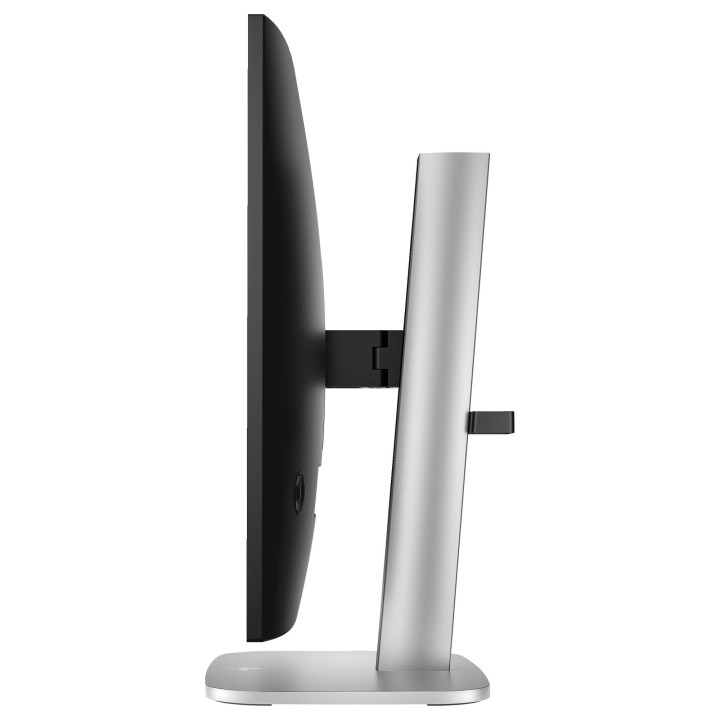
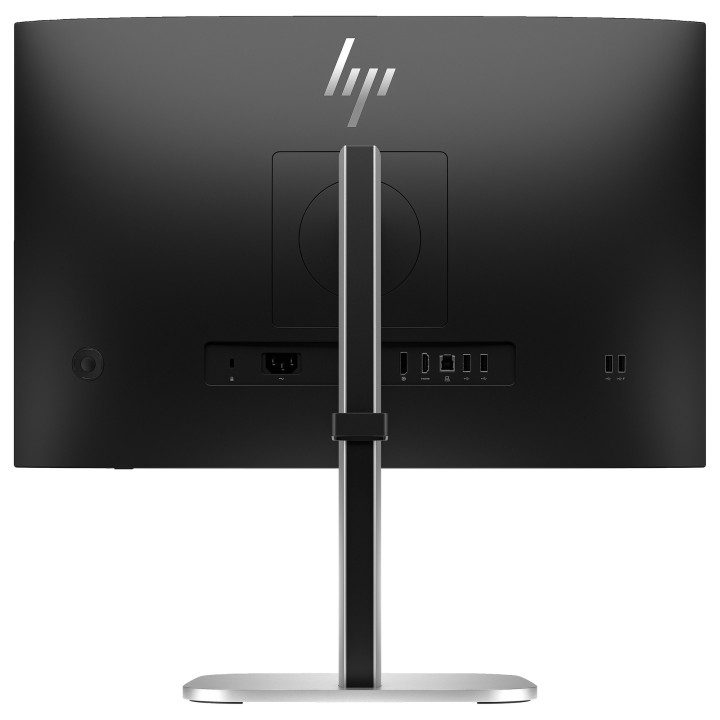
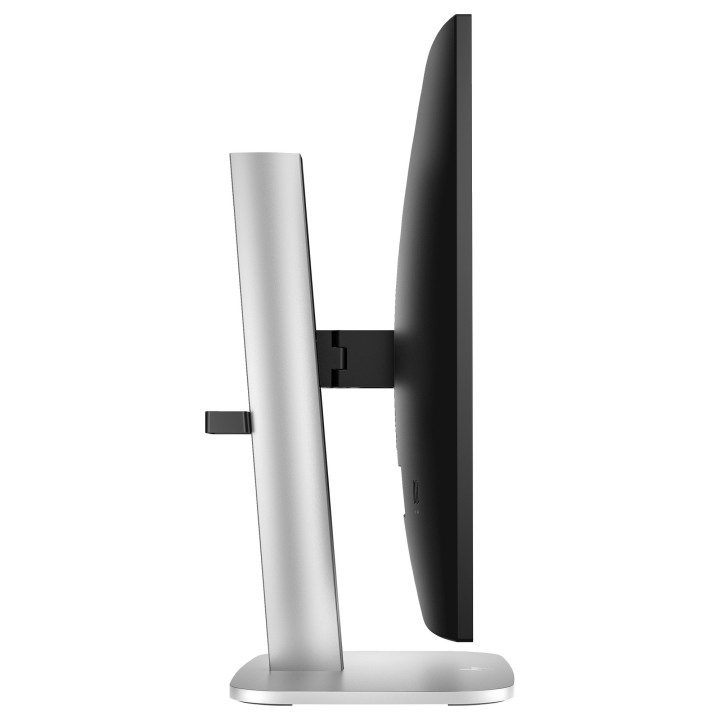
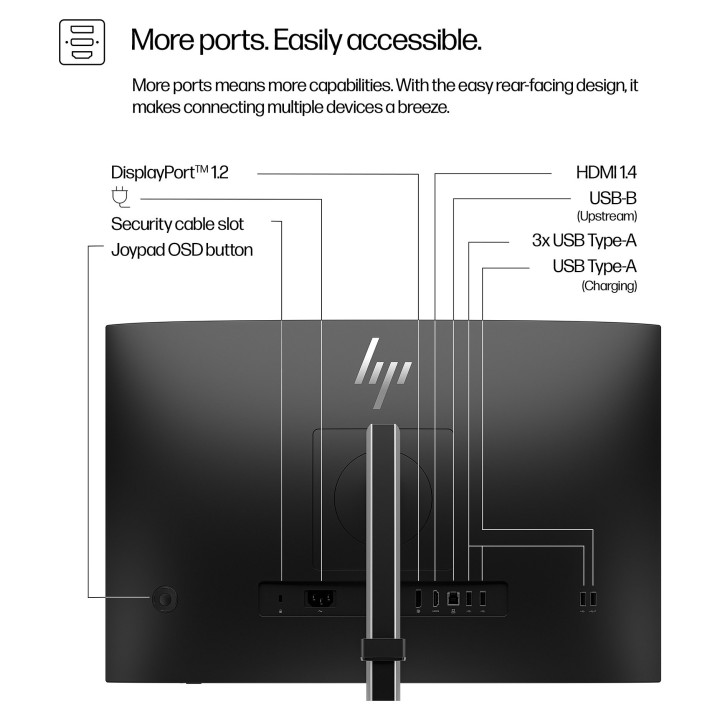
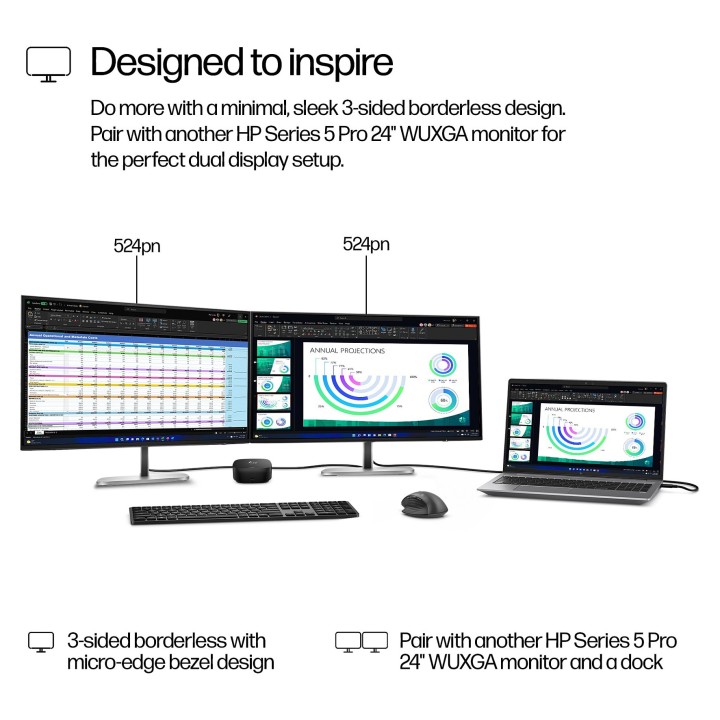
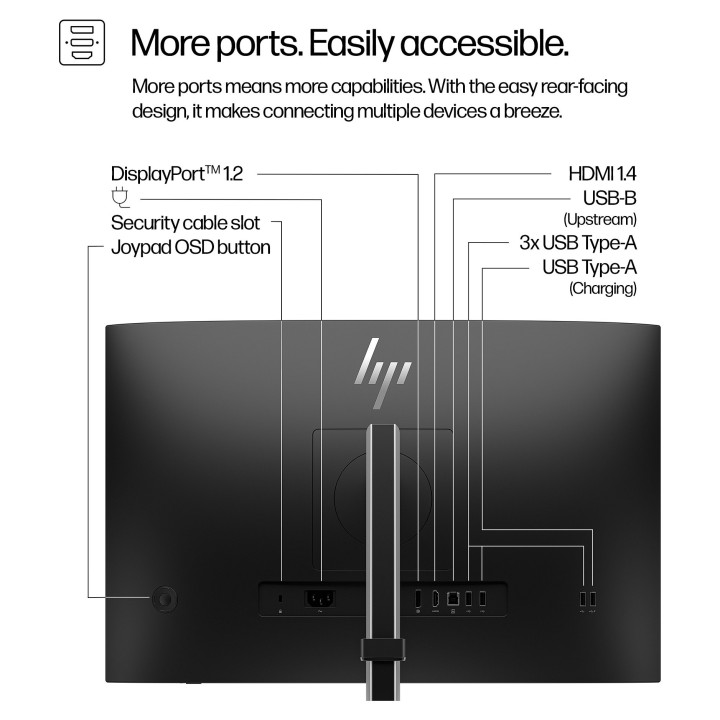
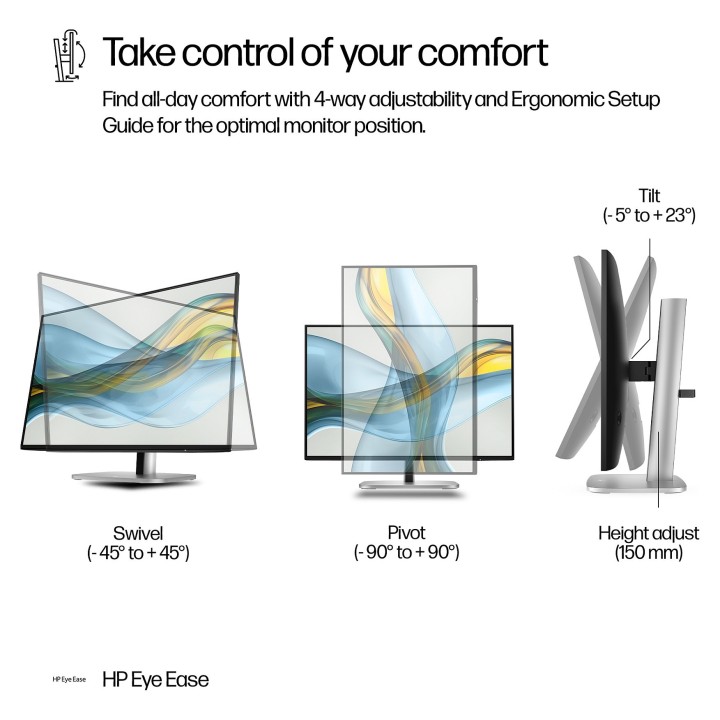
Konstrukcja monitora łączy smukłą, trójstronną ramkę typu micro-edge z szerokimi możliwościami ergonomicznej regulacji: regulacja wysokości (maks. 150 mm), pivot (obrót o 90°), swiveling oraz pochylenie. Urządzenie oferuje złącza DisplayPort 1.2 i HDMI 1.4 oraz wbudowany koncentrator USB 3.2 Gen 1 (4x USB-A downstream, 1x USB-B upstream), a także zgodność z mocowaniem VESA 100 x 100 mm, co ułatwia integrację z różnymi stanowiskami pracy.
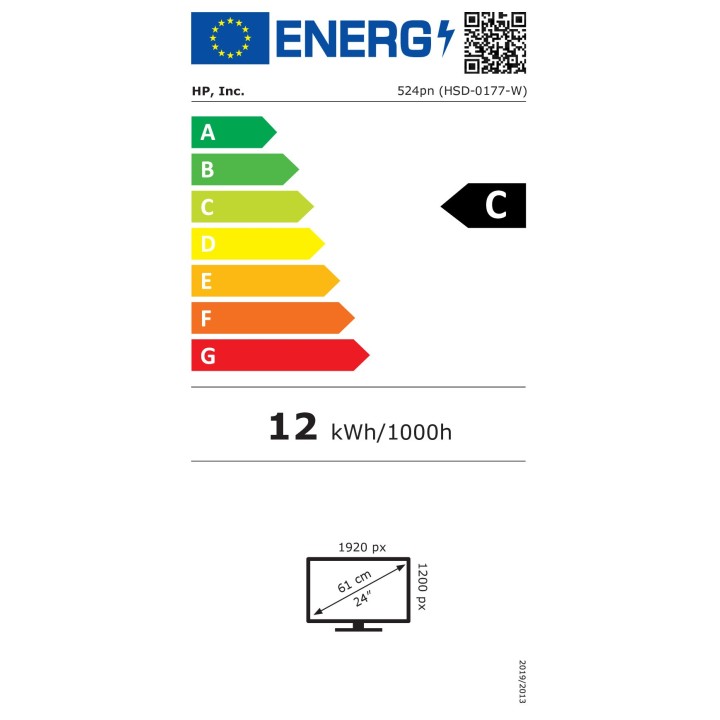
Monitor uwzględnia rozwiązania redukujące obciążenie wzroku — technologia bez migotania oraz HP Eye Ease z certyfikatem Eyesafe 2.0 ograniczają emisję niebieskiego światła bez zaburzenia odwzorowania kolorów. Produkt spełnia również istotne normy i certyfikaty środowiskowe oraz efektywności energetycznej, w tym ENERGY STAR, EPEAT Gold i TCO Certified.
Specyfikacja
- Producent: HP Inc.
- Model: S5 Pro 524pn
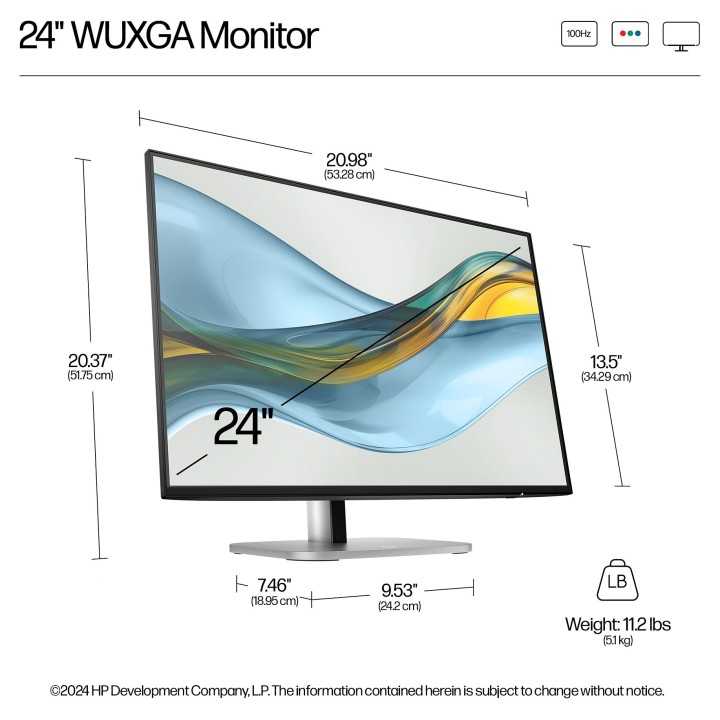
- Przekątna ekranu: 61 cm (24")
- Rozdzielczość natywna: 1920 x 1200 (WUXGA)
- Proporcje obrazu: 16:10
- Typ panelu: IPS
- Maksymalne odświeżanie: 100 Hz
- Jasność (typ.): 350 cd/m²
- Kontrast (statyczzny): 1500:1
- Czas reakcji (GTG): 5 ms
- Głębia kolorów: 8 bit (16,7 mln kolorów)
- Pokrycie sRGB: 100 %
- Powłoka ekranu: Matowa, antyrefleksyjna, 3H
- Wskaźnik zamglenia: 25 %
- Kąt widzenia (poziomy/pionowy): 178° / 178°
- Pixel pitch: 0.27 x 0.27 mm
- Gęstość pikseli: 94 ppi
- Rozmiar obrazu (szer. / wys.): 518.4 mm / 324 mm
- Złącza wideo: DisplayPort 1.2 x1, HDMI 1.4 x1
- Koncentrator USB: USB 3.2 Gen 1 - 4x USB-A downstream, 1x USB-B upstream
- Wbudowane głośniki: Brak
- Wbudowana kamera: Brak
- VESA: 100 x 100 mm
- Regulacje pozycji: Regulacja wysokości (max 150 mm), pivot, swivel, tilt
- Wymiary (z podstawą) - szerokość: 532.8 mm
- Wymiary (z podstawą) - głębokość: 189.5 mm
- Wymiary (z podstawą) - wysokość: 517.5 mm
- Wymiary (bez podstawy) - szerokość: 532.8 mm
- Wymiary (bez podstawy) - głębokość: 47 mm
- Wymiary (bez podstawy) - wysokość: 342.9 mm
- Waga (z podstawą): 5.1 kg
- Zasilanie: AC 100 - 240 V, 50/60 Hz (zasilanie wewnętrzne)
- Pobór mocy (typ.): 22 W
- Pobór mocy (maks.): 58 W
- Pobór mocy (czuwanie): 0.5 W
- Pobór mocy (wył.): 0.3 W
- Technologie ochrony wzroku: Flicker-free; HP Eye Ease; Eyesafe Certified 2.0
- Certyfikaty i standardy: ENERGY STAR; EPEAT Gold; TCO Certified
- Kolor produktu: Jet black (czarny); podstawka: srebrny

Szczegóły produktu
- Marka HP Inc.
- Kod produktu 671d8e52f6800b52c73072fb
- Dostępność 84 Przedmioty
- EAN13 0197961404999
- MPN 9D9A7AA#ABB
Specyfikacja
- Przekątna ekranu (cal) 24 cal
- Czas reakcji GtG (ms) 5 ms
- Rozdzielczość natywna 1920 × 1200
- Typ matrycy IPS
- Częstotliwość odświeżania (Hz) 100 Hz
- Ekran dotykowy Nie
- Zakrzywiony ekran Nie
- Standard VESA 100 × 100
- Pivot Tak
Producent
Producent
HP Inc Polska Sp. z o.o.
ul. Szturmowa 2a 02-678 Warszawa Polska
E-mail: support@hp.com
Formularz kontaktowy: https://www.hp.com/us-en/contact-hp/contact.html
Telefon: +1 650-857-1501
Osoba odpowiedzialna w UE
HP Inc Polska sp. z o.o
Plac marsz. Józefa Piłsudskiego 1 00-078 Warszawa Polska
E-mail: support@hp.com
Bezpieczeństwo
Informacje o bezpieczeństwie
List of computer monitor safety warnings based on the requirements of General Product Safety Regulation (EU) 2023/988 (GPSR): * Risk to vision: Long-term gazing at the monitor screen may cause eye strain, dry eyes or headaches. * Limit the working time with the monitor. * Take regular breaks. * Maintain proper distance from the screen. * Ensure proper lighting in the room. * Set the brightness and contrast of the monitor to a comfortable level. * Ergonomics: Incorrect position when working with the monitor can lead to back, neck, and shoulder pain. * Set the monitor to the correct height so that the top edge of the screen is at eye level or slightly below. * Use an adjustable chair and desk to ensure an ergonomic position. * Maintain proper posture while sitting. * Risk of electric shock: Improper use or damage to the monitor can lead to electric shock. * Do not use the monitor in humid environments. * Do not touch the monitor with wet hands. * Do not put any items inside the monitor. * If the power cable is damaged, replace it with a new one. * Disconnect the monitor from power before cleaning. * Fire risk: Overheating or short circuiting in the monitor can cause a fire. * Do not cover the ventilation holes of the monitor. * Do not place the monitor near heat sources. * Use only the original power supply that came with your monitor. * If the monitor overheats, disconnect it from power immediately. * Mechanical damage: The fall of the monitor can cause damage and pose a threat to the user. * Set the monitor on a stable surface. * Secure cables to avoid accidental tripping. * For monitor transport, use appropriate protective packaging. * Cleaning: Improper cleaning of the monitor can damage the screen or cause other problems. * Use only a soft, dry cloth to clean the screen. * Do not use cleaning products containing alcohol, ammonia or other corrosive substances. * Disconnect the monitor from power before cleaning. * Disposal: Incorrect disposal of the monitor can pose a threat to the environment. * Return the used monitor to the e-waste collection point. * Do not throw the monitor in a regular trash can. * Children: The monitor is not a toy and should not be used by children without supervision. * Make sure children do not touch the power cables. * Make sure kids don't play around with the monitor packaging. * Repairs: Do not try to repair the monitor yourself. * Any repairs should be done by qualified personnel. * Monitor portability: Be careful when moving your monitor. * Disconnect all cables before moving. * Use appropriate packaging. * Weather conditions: Do not expose the monitor to extreme temperatures or moisture. * Protect your monitor from direct sunlight. * Adjustable settings: Do not use extreme brightness or contrast settings. * These can cause faster eye strain. * Noise: If the monitor makes disturbing noises, turn it off immediately. * Contact the technical service. * Environmental protection: Be sure to turn off the monitor when not in use. * You save energy this way. * Software: Use only the software provided by the manufacturer. * You will avoid compatibility issues.
Monitory
Ostatnio oglądane
Produkty, które ostatnio zwróciły Twoją uwagę.