- Nowy
Przełącznik sieciowy dla domu i biura
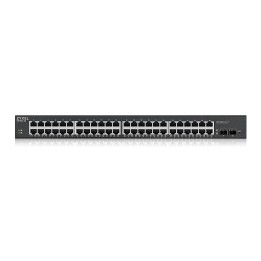
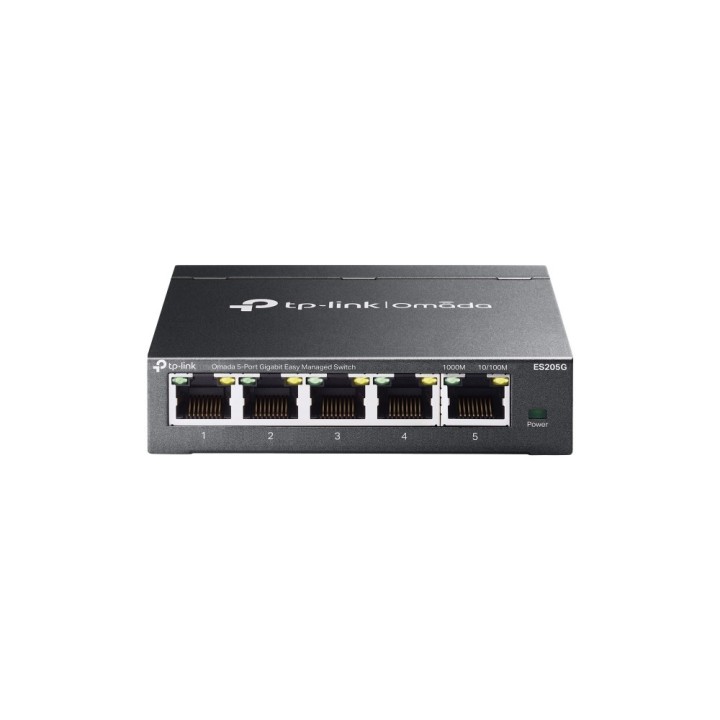
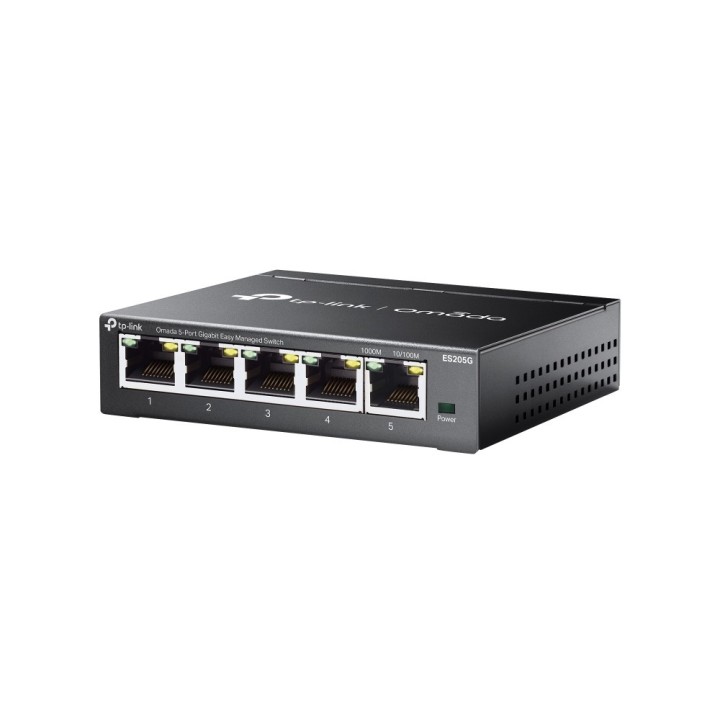
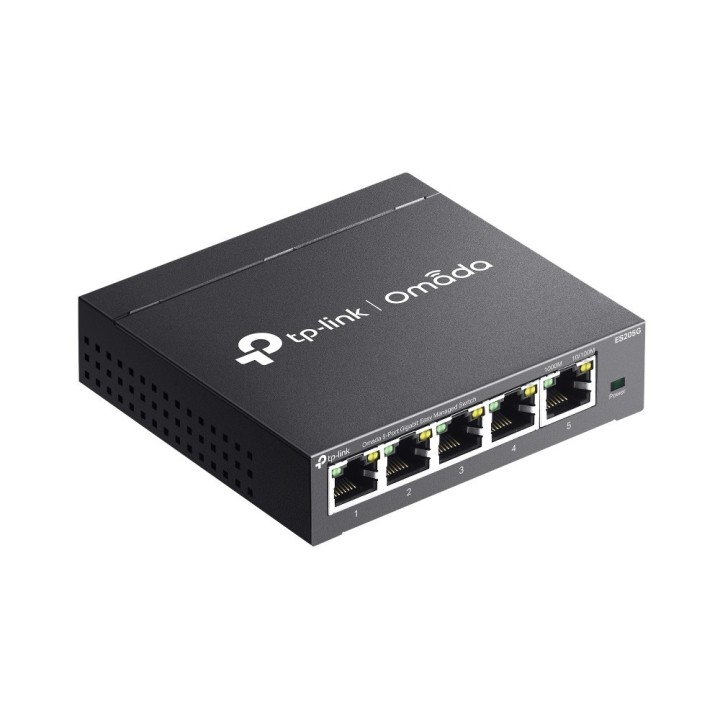
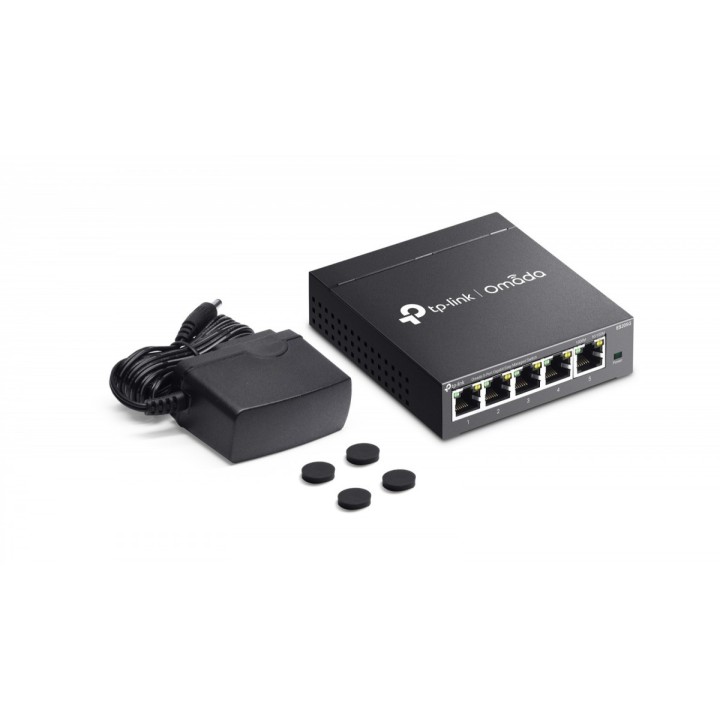
Przełącznik TP-Link ES205G Omada to zarządzalny przełącznik warstwy L2 przeznaczony do rozbudowy lokalnych sieci w domu i małym biurze. Urządzenie oferuje pięć portów RJ45 pracujących z prędkością Gigabit oraz dodatkowy port SFP28, umożliwiając stabilne podłączenie stacji roboczych, punktów dostępowych i łączy uplink.
Porty i łączność
Pięć portów RJ45 10/100/1000 Mbps zapewnia szybkie połączenia przewodowe dla komputerów, drukarek i punktów dostępowych. Dodatkowy port SFP28 przeznaczony jest do połączeń światłowodowych lub jako wydajny uplink do agregacji ruchu. Urządzenie obsługuje ramki Jumbo oraz tablicę adresów MAC umożliwiającą efektywne przetwarzanie ruchu w większych instalacjach lokalnych.
Zarządzanie i funkcje sieciowe
Model ES205G należy do rodziny Omada Easy Managed, co ułatwia konfigurację przez funkcję „podłącz i używaj” oraz scentralizowane zarządzanie przez interfejs przeglądarkowy, aplikację Omada lub rozwiązanie chmurowe Omada. Funkcje zarządzania obejmują wykrywanie urządzeń, diagnostykę kabli, grupową konfigurację i zbiorczą aktualizację oprogramowania, co przyspiesza wdrożenia i utrzymanie sieci.
Kontrola ruchu i bezpieczeństwo sieci
Przełącznik oferuje rozbudowane mechanizmy kontroli ruchu: VLAN oparty na portach i tagowanie 802.1Q (do 32 grup VLAN), ochronę przed pętlami, IGMP Snooping dla zarządzania ruchem multicast oraz zestaw funkcji QoS (priorytetyzacja portowa, 802.1p, DSCP z harmonogramem WRR). Dostępne są także ograniczanie przepustowości, storm control oraz mirroring portów dla monitoringu i diagnostyki.
Wydajność i środowisko pracy
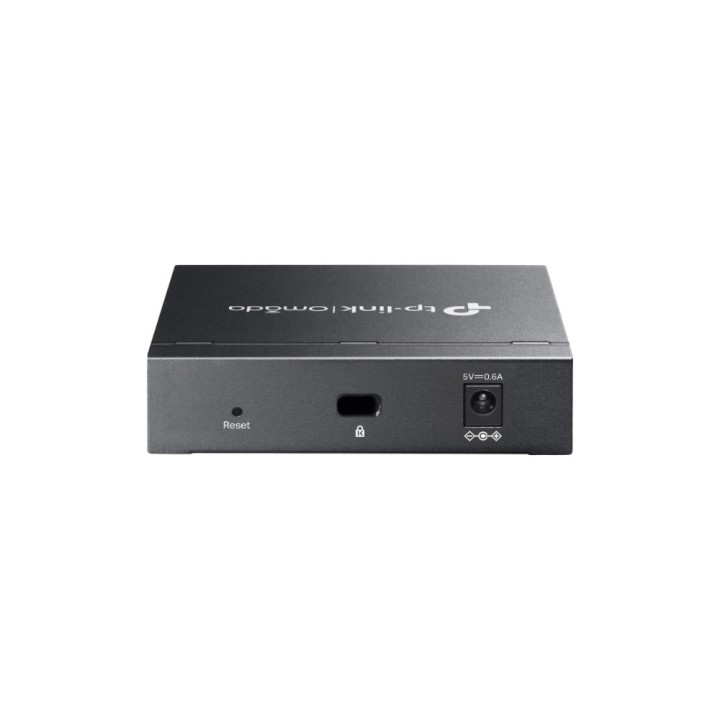
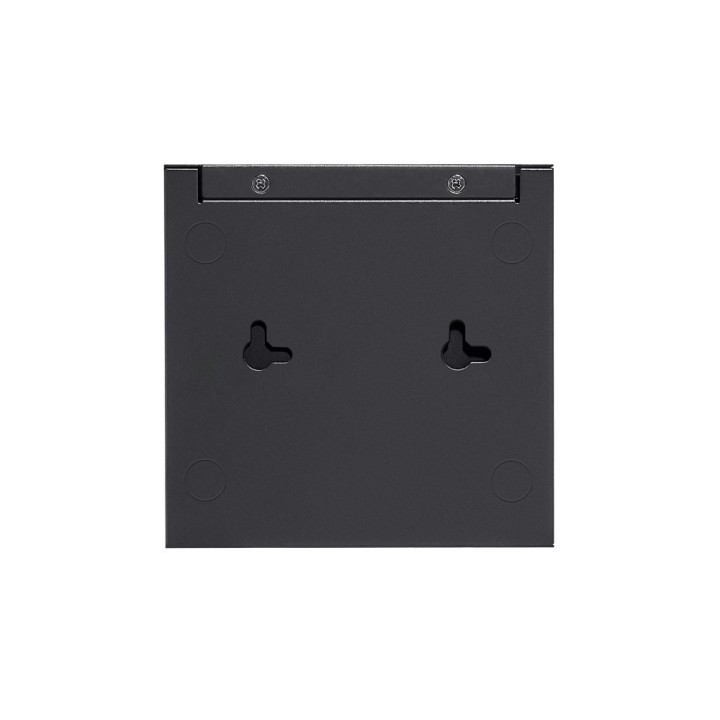
Urządzenie pracuje w trybie store-and-forward i zapewnia wysoką wydajność przełączania z parametrami przeznaczonymi do użytkowania w niewielkich i średnich sieciach. Bezwentylatorowa, metalowa obudowa umożliwia cichą pracę oraz montaż na biurku lub ścianie. Zaprojektowano je do pracy w typowych warunkach biurowych - zakres temperatur i wilgotności pozwala na stabilne działanie w środowisku domowym i małego biura.
TP-Link Polska Sp. z o.o.
Ożarowska 40/42 05-850 Duchnice Polska
E-mail: info.pl@tp-link.com
Telefon: +48 22 360 63 63
TP-Link
Ożarowska 40/42 05-850 Duchnice Polska
E-mail: office.poland@tp-link.com
Telefon: +48 22 360 63 00
List of safety warnings for network equipment based on the requirements of General Product Safety Regulation (GPSR) 2023/988: 1. Risk of electric shock: * Make sure that the device is connected to a working socket with grounding. * Do not touch the plug or cable with wet hands. * Avoid using the device in places with high humidity. 2. Risk of overheating: * Provide adequate ventilation while maintaining at least 5 cm of free space around the device. * Do not block ventilation openings and avoid putting network equipment on soft surfaces such as blankets or pillows. 3. Fire risk: * Use only original power supplies and accessories recommended by the manufacturer. * Do not leave the device on unattended near flammable materials. 4. Risk of bodily injury: * Use the device on a stable surface to minimize the risk of falling. 5. Hazards in humid environments: * Do not use network equipment outdoors in rain or in places with high humidity. * If the device is flooded, immediately disconnect it from the power source and contact the service. 6. Hazards at high temperatures: * Do not expose the device to direct sunlight. * Avoid using network equipment at temperatures above the recommended range (usually 5-35°C). 7. Risk of damage during cleaning: * Before cleaning, disconnect the device from the power supply and use a soft, slightly damp cloth. * Avoid using strong detergents that can damage the surface of the device. 8. Caution when replacing accessories: * Use only the accessories recommended by the manufacturer. * When replacing batteries, follow the manufacturer's instructions and do not expose the battery to high temperatures. 9. Risks associated with battery use: * Avoid damage to the battery by impact or puncture. * If the battery overheats or swells, stop using the device immediately. 10. Warnings for children: * Keep power cables out of reach of children. * Make sure that children do not play with the device or accessories that can be dangerous. 11. Electromagnetic interference: * Using network equipment near medical devices such as pacemakers can cause electromagnetic interference. * Maintain a distance of at least 15 cm between network equipment and medical devices. 12. Fire hazard: * Storing network equipment near flammable materials or using non-original power supplies may increase the risk of fire. * Use your smartphone away from fabrics, paper, and other flammable materials. 13. Regular maintenance: * Failure to regularly clean ports and sockets can lead to damage or failure. * Clean ports and sockets regularly using a dry and clean cloth, avoiding moisture input.
Produkty, które ostatnio zwróciły Twoją uwagę.