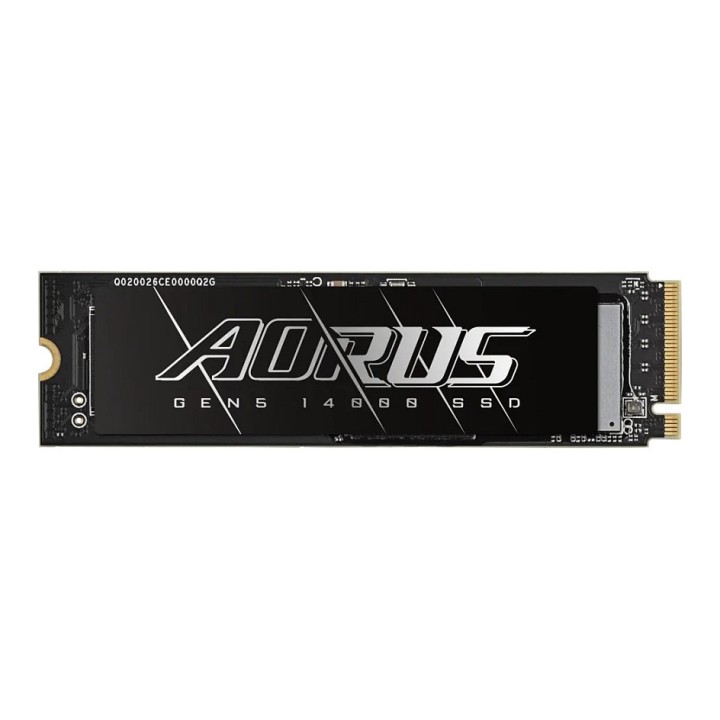
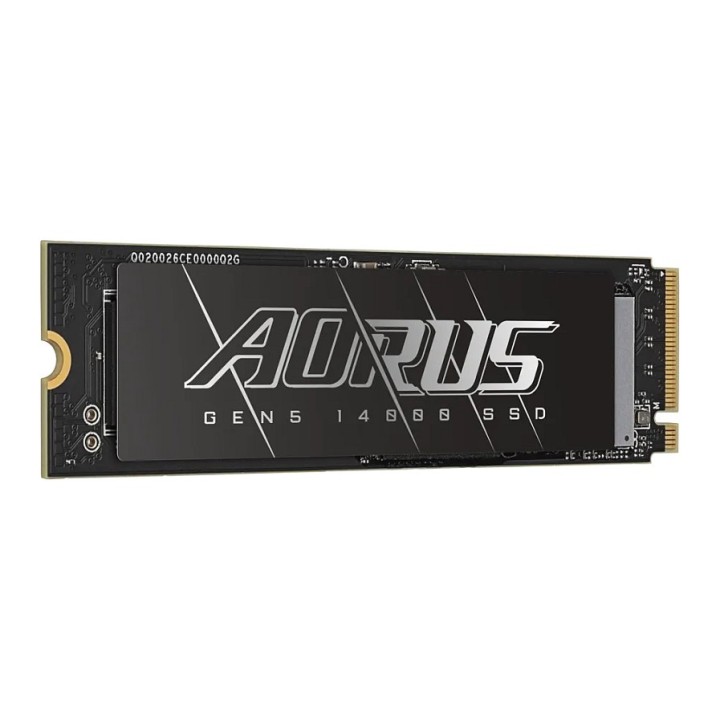
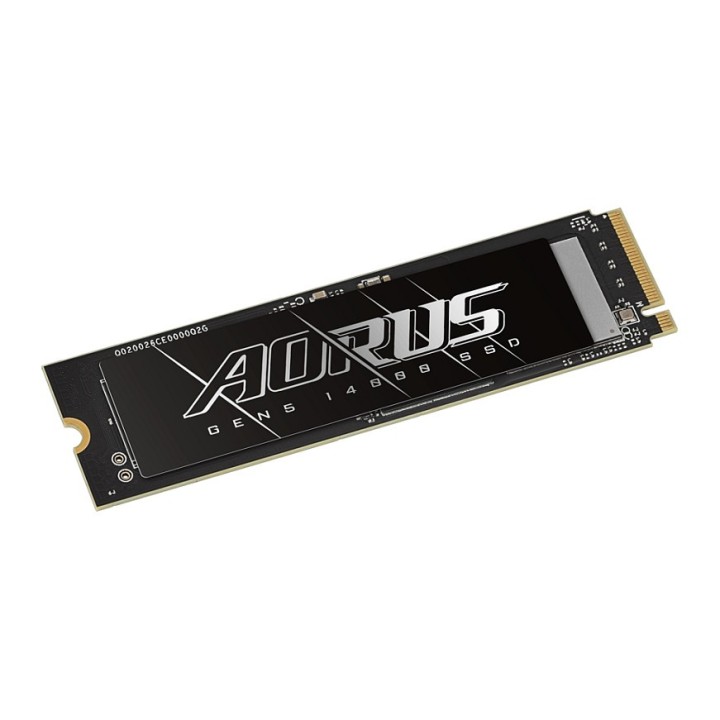
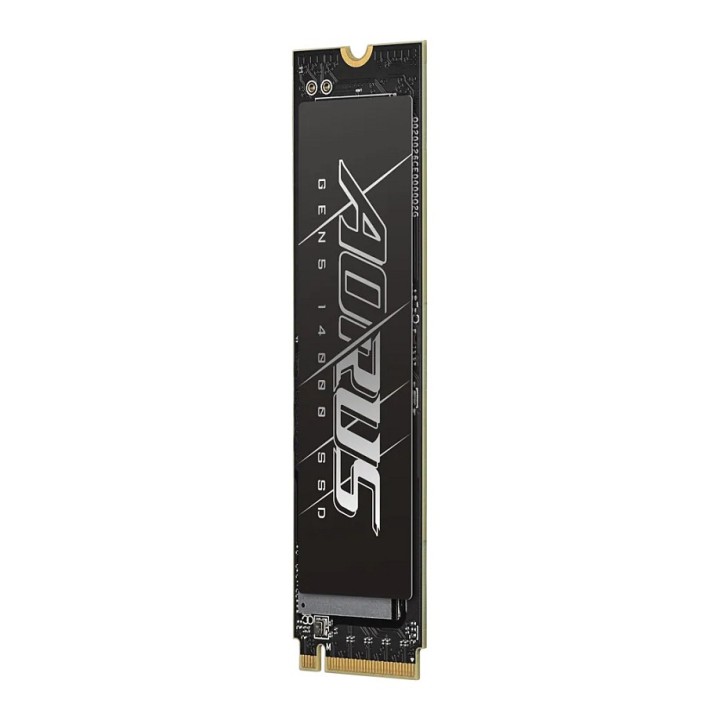
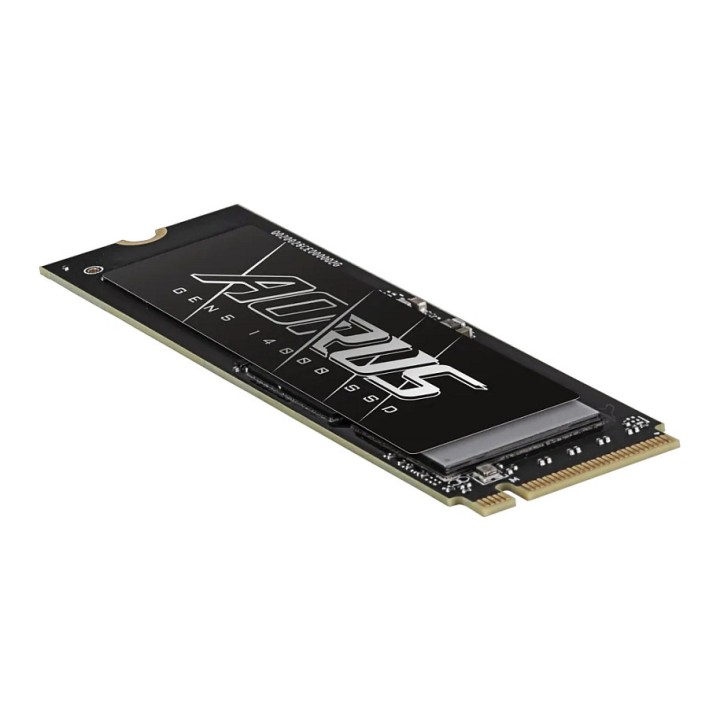
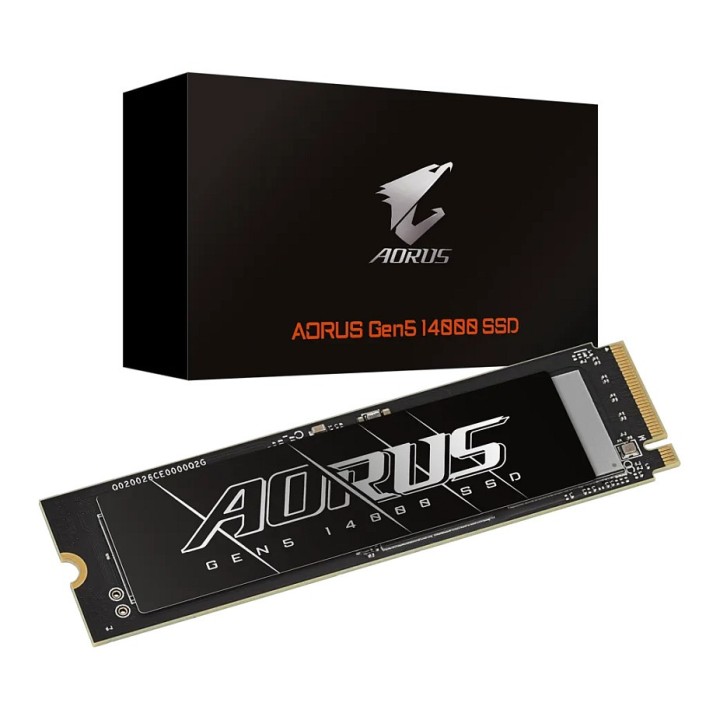
Dysk SSD Gigabyte AORUS Gen5 14000 1TB M.2 2280 NVMe PCIe 5.0 x4 (13600/10200 MB/s) 3D TLC
Opis produktu
Dysk SSD Gigabyte AORUS Gen5 14000 1TB M.2 2280 NVMe PCIe 5.0 x4 (13600/10200 MB/s) 3D TLC
Specyfikacja
- Rodzina dysków: Gen5 14000
- Pojemność dysku: 1 TB
- Format dysku: M.2 2280
- Typ dysku: SSD
- Typ kości pamięci: 3D NAND
- Technika zapisywania danych: TLC
- Interfejs: PCIe NVMe 5.0 x4
- Typ złącza: M.2 (NGFF)
- Prędkość odczytu (max): 13600 MB/s
- Prędkość zapisu (max): 10200 MB/s
- TBW (ang. Total Bytes Written): 700.0
- Średni czas miedzy uszkodzeniami (MTBF): 1600000 h
- Informacje dodatkowe: Temperature (Storage): -40°C to 85°C
- Gwarancja producenta [mies.]: 60
Szczegóły produktu
- Marka Gigabyte
- Kod produktu 6735589b1c318bfdd3b64000
- Dostępność 2 Przedmioty
- EAN13 4719331862572
- MPN AG514K1TB
Specyfikacja
- Pojemność nośnika (GB) 1000 GB
- Format dysku M.2
- Interfejs dysku PCI Express 5.0
- Prędkość odczytu (MB/s) 13600 MB/s
- Prędkość zapisu (MB/s) 10200 MB/s
- Typ pamięci flash 3D TLC
Producent
Producent
Gigabyte Technology Poland Sp. z o.o.
Metalowców 31/3-4 54-156 Wrocław Polska
E-mail: lukasz.moga@gigabyte.com
Osoba odpowiedzialna w UE
GIGA-BYTE TECHNOLOGY B.V.
Steenoven 24 5626DK Eindhoven Netherlands
E-mail: EU.grp@gigabyte.com
Bezpieczeństwo
Informacje o bezpieczeństwie
List of SSD security warnings based on General Product Safety Regulation (GPSR) 2023/988 requirements: * Before installing or disassembling an SSD, make sure your computer is turned off and disconnected from power. * When installing an SSD, use the appropriate tools and screws to avoid damaging your drive or computer. * Do not open the SSD enclosure as this may result in loss of warranty and damage to the drive. * Protect your SSD from moisture, dust, and extreme temperatures. * Use SSD management software according to the manufacturer's instructions to monitor its health and performance. * Regularly back up data from your SSD to avoid data loss in the event of a drive failure. * Do not disassemble the SSD while writing or reading data, this can lead to data loss. * Do not expose your SSD to shocks, drops, or other mechanical damage. * Once usage is complete, delete data from the SSD securely to prevent unauthorized access to the data. * Follow the rules for the safe handling of electronic waste when disposing of an SSD.
Dyski SSD
Ostatnio oglądane
Produkty, które ostatnio zwróciły Twoją uwagę.