- Nowy
Ergonomia pod ręką
Każdy, kto pracuje wiele godzin przy komputerze i często używa myszy wie, że taka praca potrafi mocno dać się we znaki naszym nadgarstkom. Dobrym rozwiązaniem na unikanie wszelkiego rodzaju otarć czy przeciążeń jest odpowiednio dobrana podkładka pod mysz, najlepiej ergonomiczna.
Podkładka dostosuje się do Ciebie
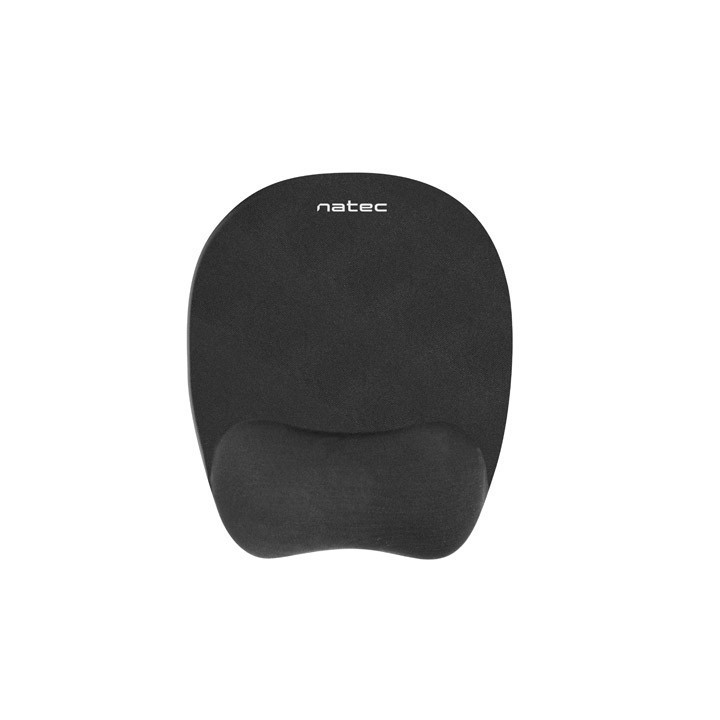
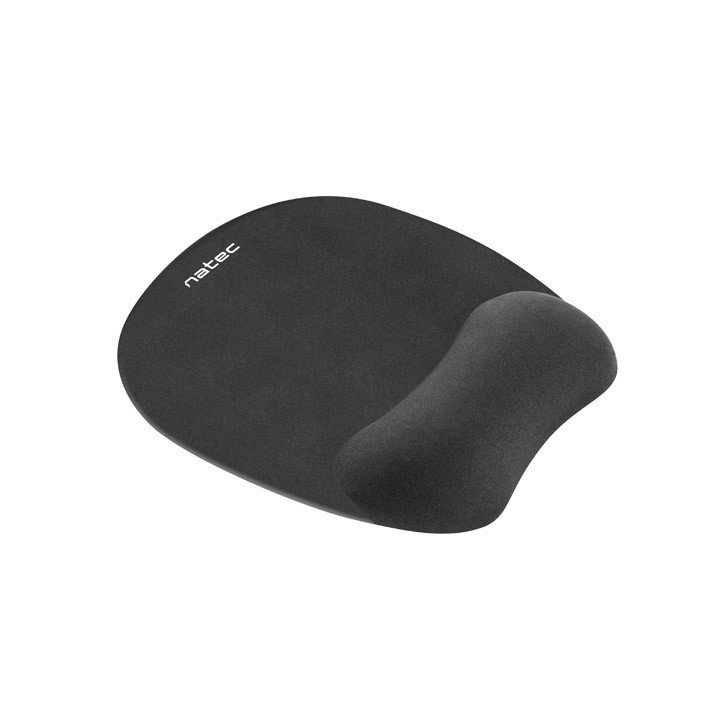
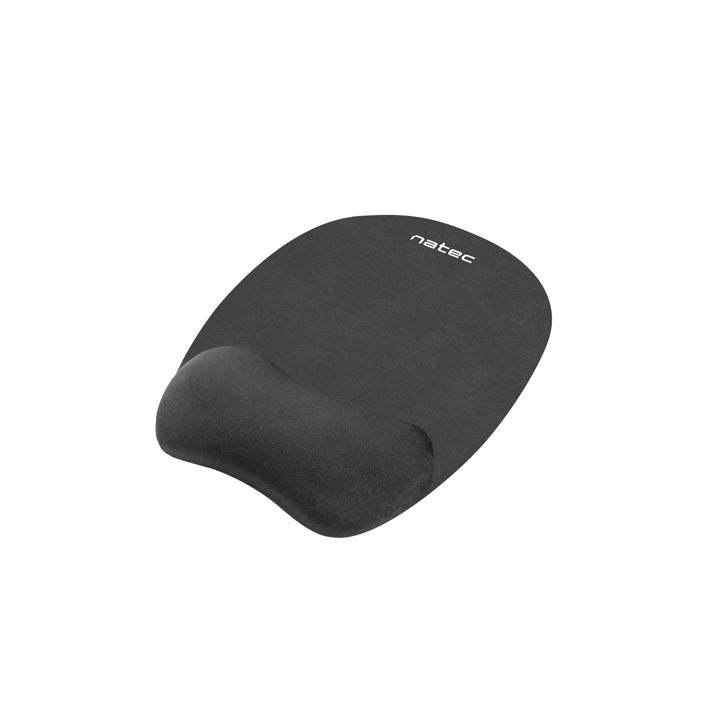
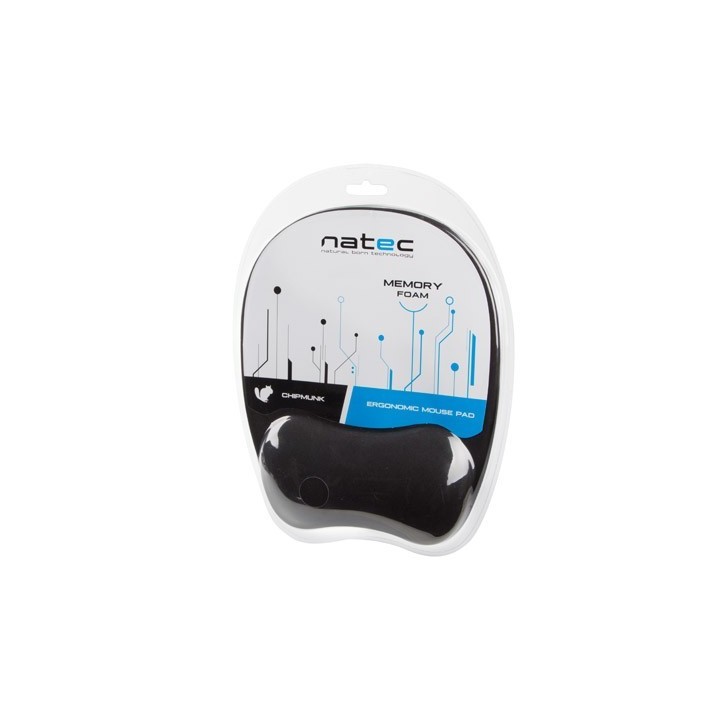
Podkładka ergonomiczna Natec Chipmunk gwarantuje użytkownikowi najwyższy poziom wygody, dzięki zastosowaniu podpórki pod nadgarstek, która została wypełniona specjalną pianką memory foam. Dzięki temu podpórka zapamiętuje naturalny kształt i ułożenie naszego nadgarstka i dostosowuje się do niego. Nasz nadgarstek spoczywa w najbardziej naturalnej dla niego pozycji i jest jednocześnie chroniony od spodu przed otarciami.
Precyzja
Powierzchnia podkładki została pokryta materiałem zapewniającym wysoką precyzję śledzenia ruchów myszy. Materiał ten dobrze współpracuje z każdym rodzajem sensora.
Zapobieganie ślizganiu się
Dzięki zastosowaniu gumy na spodniej warstwie podkładki zyskuje ona właściwości antypoślizgowe. Gwarantuje to pewne przyleganie do biurka bez irytujących każdego przypadków nagłego przesuwania się wraz z ruchem myszy.
Impakt S.A.
Stanisława Lema 16 62-050 Mosina Polska
E-mail: info@impakt.com.pl
Formularz kontaktowy: https://pl.natec-zone.com/kontakt
Telefon: (+48) 611 010 230
List of mouse safety warnings based on the requirements of General Product Safety Regulation (EU) 2023/988 (GPSR): 1. Ergonomics and repetitive movements: I use the mouse ergonomically to avoid strains and injuries. I regularly take breaks to reduce the risk of carpal tunnel syndrome or other problems associated with repetitive movements. 2. Cleaning and Maintenance: I disconnect the mouse from the computer before cleaning. I use a soft, dry cloth to clean my mouse. I avoid using liquids that can get inside the unit and damage it. 3. Cable and Connections: I make sure the mouse cable is properly connected to the computer and is not damaged. A damaged cable may pose a risk of electric shock or cause the mouse to malfunction. 4. Batteries (if applicable): If I use a battery-operated wireless mouse, I use the right type of battery and insert it correctly. I remove the batteries when the mouse is not in use for extended periods of time to prevent leaks and damage. 5. LED lighting (if applicable): I avoid staring at the intense LED light for a long time, which can cause eye strain. 6. Kids: I store my mouse and small items (e.g. batteries) out of reach of children to avoid the risk of ingestion or choking. 7. Recycling: I return the used mouse to the appropriate recycling point to minimize the environmental impact. 8. Usage: I do not use a damaged mouse as this may result in electric shock or injury. 9. Repairs: I do not repair the mouse myself, I give it to the service. 10. Storage: I store the mouse in a dry place, away from moisture and extreme temperatures.



Produkty, które ostatnio zwróciły Twoją uwagę.