- Nowy
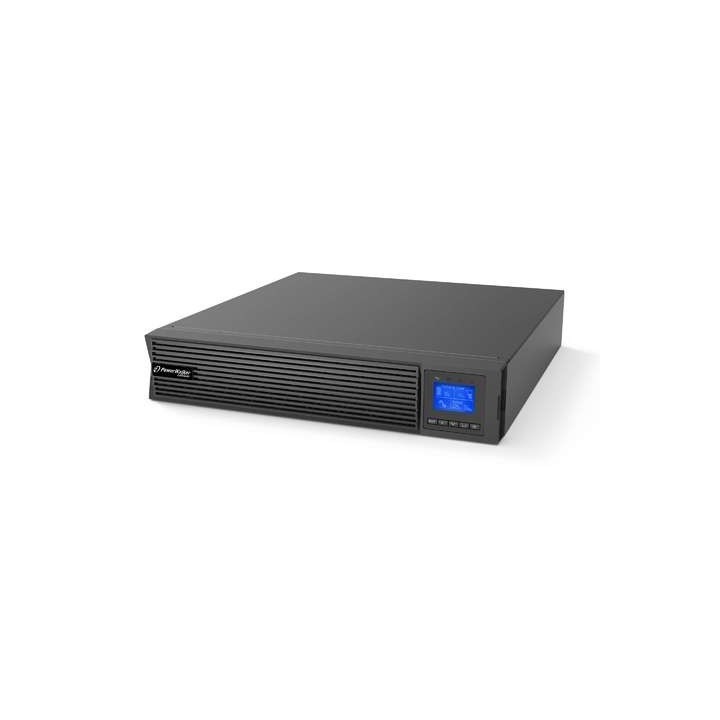
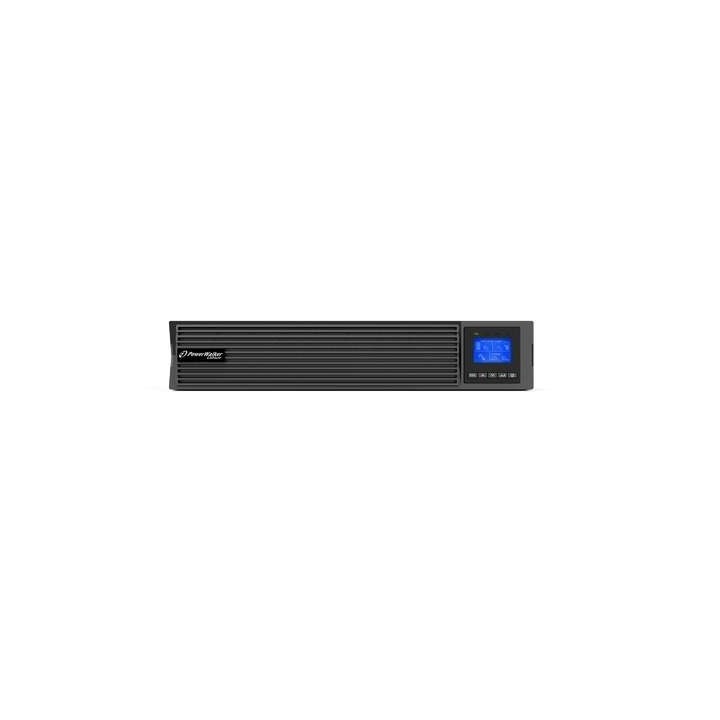
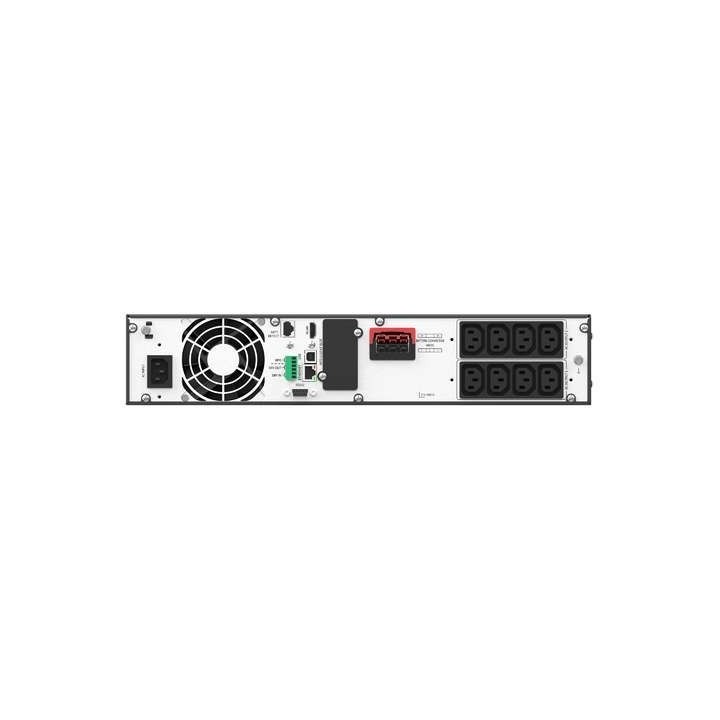
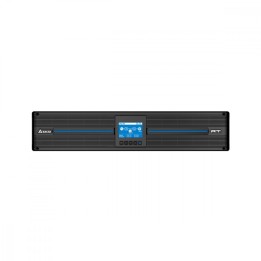
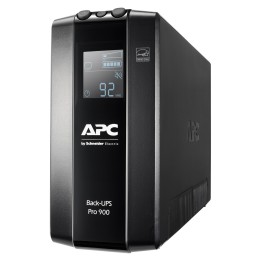
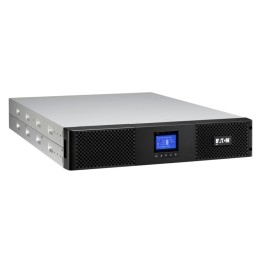
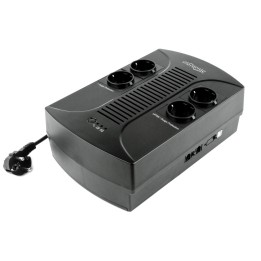
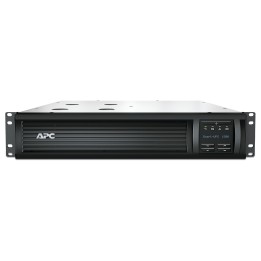
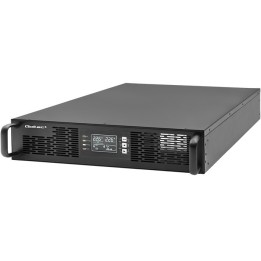
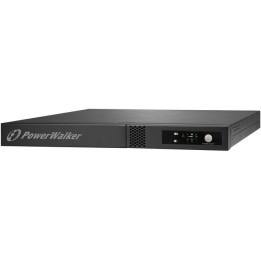
Zasilacz awaryjny UPS Rack PowerWalker VFI 2000 LICR IOT PF1 On-line 2000VA 8x IEC C13 USB-B RS-232 LCD 2U
BlueWalker GmbH
Hellersbergstraße 6 41460 Neuss Germany
E-mail: service@bluewalker.de
Formularz kontaktowy: https://isohd.net/powerwalker/
Telefon: +49 2131 5952110
List of UPS safety warnings based on the requirements of Regulation (EU) 2023/988 on General Product Safety (GPSR) 1. Risk of electric shock: * Make sure the UPS is plugged into an outlet with grounding to avoid shock. * Do not touch the UPS or cables with wet hands to avoid electric shock. * Do not use UPS in areas with high humidity, e.g. in the bathrooms. 2. Risk of overload: * Do not connect more devices to the UPS than its specification allows to avoid overloading and damage. * Check that the devices connected to the UPS do not exceed its maximum power. 3. Risk of overheating and fire: * Do not block ventilation openings in the UPS to ensure adequate air circulation. * Do not place the UPS near heat sources or in enclosed spaces where overheating may occur. * Use only the original cables and accessories provided by the manufacturer to avoid the risk of fire. * In case of UPS failure or overheating, disconnect it from power immediately. 4. Risk of battery damage: * Do not expose the UPS battery to high temperatures, humidity or direct sunlight. * Do not attempt to open, damage or short-circuit the UPS battery. * Replace batteries only with models recommended by the manufacturer and according to the instructions. * Recycle used batteries in accordance with local regulations. 5. Environmental hazards: * Do not use UPS in environments with high dustiness or exposure to chemicals. * Protect your UPS from flooding and moisture. 6. During cleaning: * Before cleaning, disconnect the UPS from the power supply and use a dry, soft cloth. * Do not use aggressive cleaners or solvents. 7. Transportation and storage: * Transport your UPS in its original packaging or properly secured to avoid damage. * Store your UPS in a dry and cool place, away from heat and moisture sources. 8. Children and pets: * Keep the UPS and its cables away from children and pets to avoid accidental damage or electric shock. 9. Additional warnings: * If you notice smoke, unusual smell or sound coming out of the UPS, disconnect it from the power supply immediately. * Regularly check the status of your UPS and its cables to detect any damage. * In case of long-term power outage, disconnect non-critical devices from the UPS to save battery power. * Follow the UPS manual provided by the manufacturer. 10. Disposal: * Dispose of used UPS to an e-waste collection point to ensure it is properly recycled and avoid negative environmental impacts.