Ubiquiti Switch UniFi 5xRJ45 2.5GBit Compact (incl. NT) Powered by 802.3af/at PoE or USB Type C, Fanless
Opis produktu
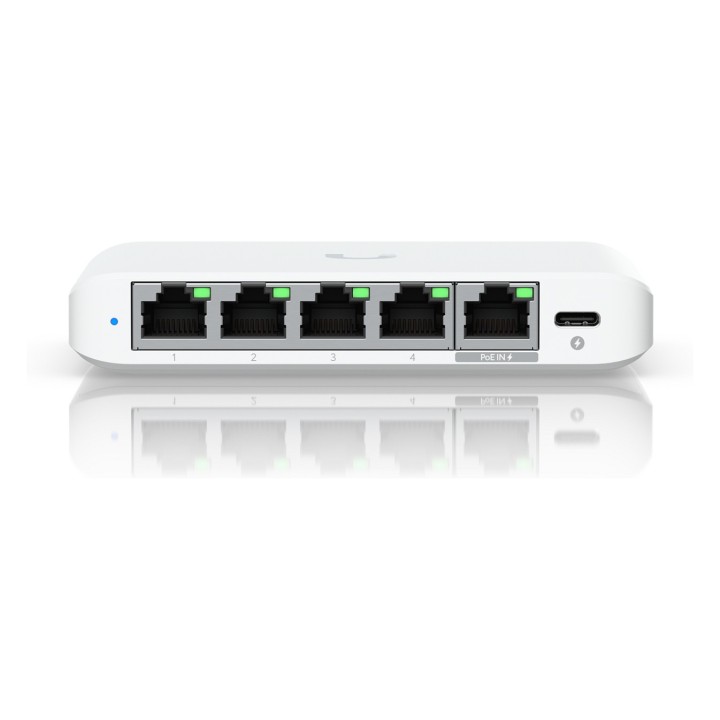
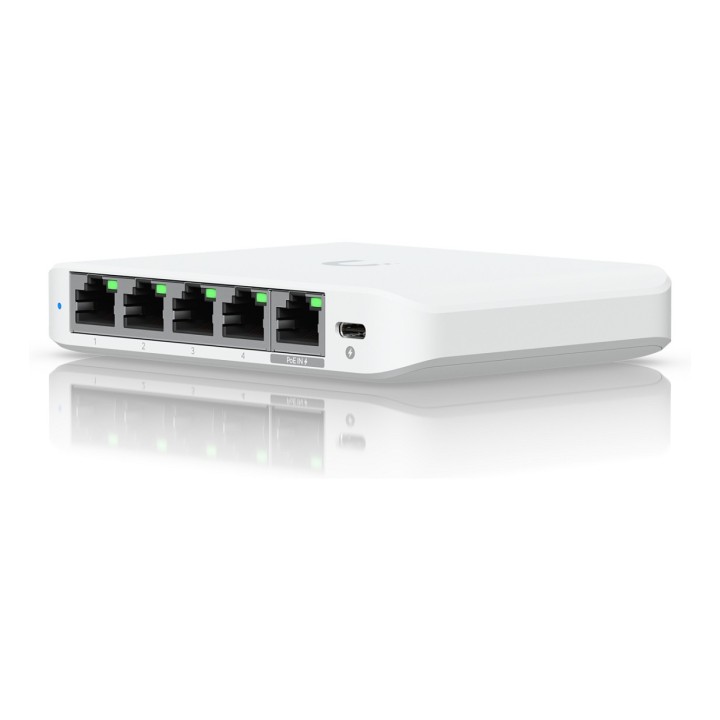
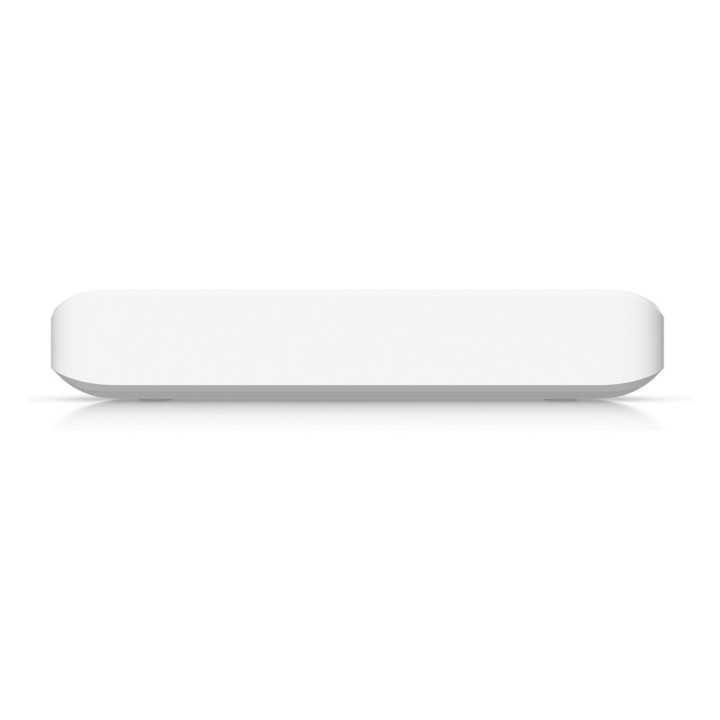
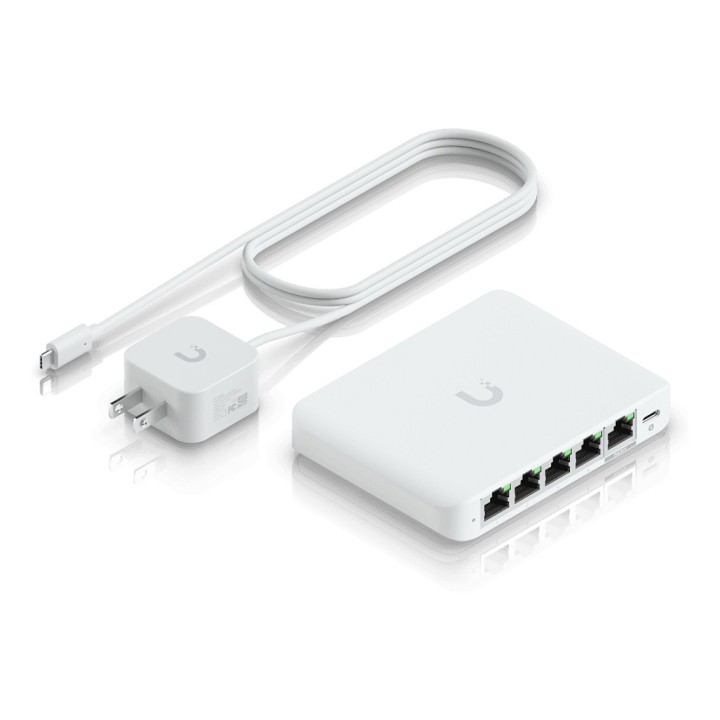
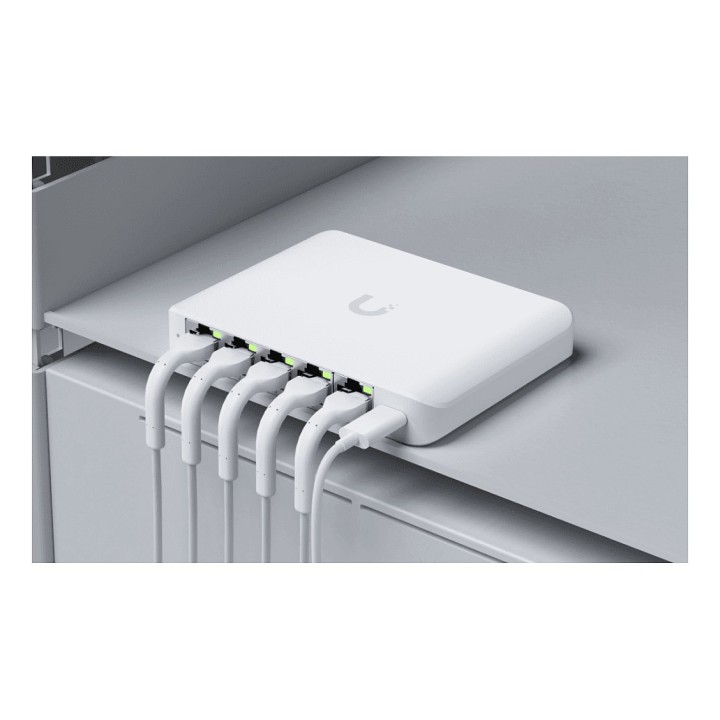
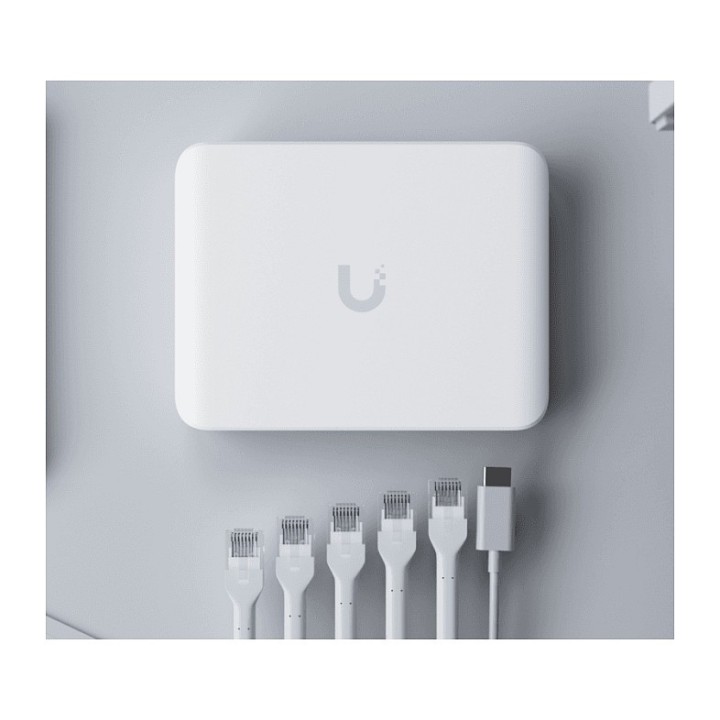
Kompaktowy przełącznik sieciowy UBIQUITI NETWORKS USW-Flex-2.5G-5 oferuje pięć portów 2.5 GbE w zgrabnej obudowie, zapewniając wyższą przepustowość na poziomie dostępnym dla szybszych sieci kablowych. Cztery porty zaprojektowano jako standardowe 2.5GBase-T RJ45, a jeden port dodatkowo obsługuje zasilanie PoE, co upraszcza zasilanie wybranych urządzeń sieciowych.
Urządzenie pracuje jako przełącznik warstwy 2 z obsługą protokołów STP i RSTP, dzięki czemu można je łatwo integrować w istniejących topologiach sieciowych. Wbudowane funkcje zarządzania ruchem obejmują izolację portów, Storm Control, ograniczanie multicast/broadcast, kontrolę przepływu oraz obsługę Jumbo Frames, co ułatwia utrzymanie stabilności i wydajności ruchu.
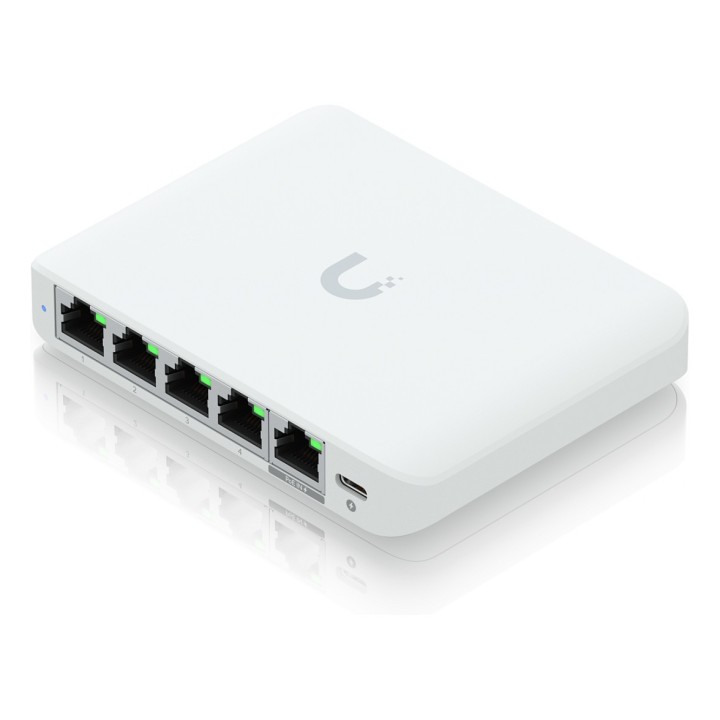
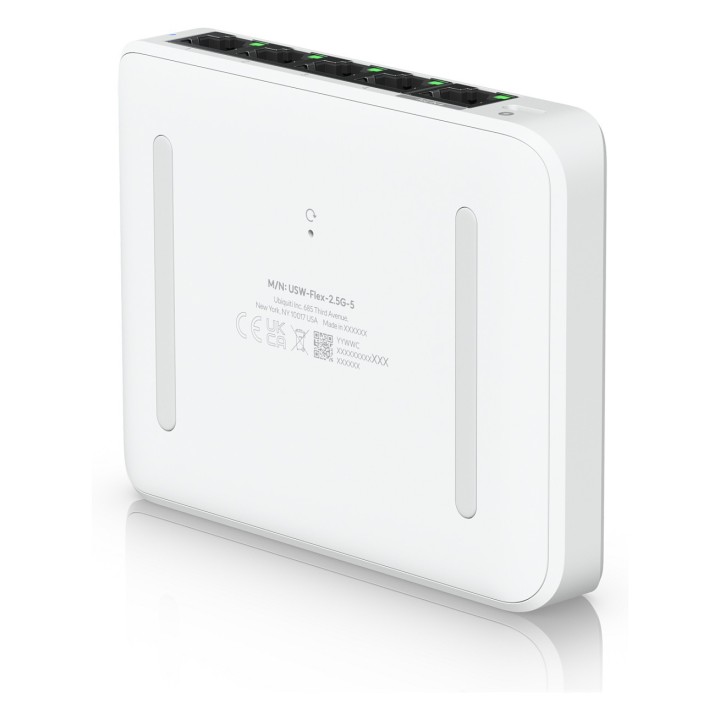
USW-Flex-2.5G-5 ma obudowę z poliwęglanu, przycisk resetu oraz diody statusu LED ułatwiające diagnostykę. Nieduże wymiary i niska masa sprawiają, że urządzenie jest wygodne w instalacji na biurku lub w innych miejscach o ograniczonej przestrzeni.
Specyfikacja
- Model: USW-Flex-2.5G-5 EU
- Typ urządzenia: Przełącznik warstwy 2 (L2), 5 portów
- Porty: 4 x 2.5GBase-T RJ45, 1 x 2.5GBase-T RJ45 (PoE)
- Zasilanie przez Ethernet (PoE): 1 port PoE
- Protokoły: STP, RSTP
- Funkcje: Izolacja portów, Storm Control, dublowanie portów, ograniczanie multicast/broadcast, kontrola przepływu, obsługa Jumbo Frames, ochrona pętli, kontrolki LED, przycisk reset
- Obudowa: Poliwęglan
- Szerokość: 11.71 cm
- Głębokość: 9 cm
- Wysokość: 2.12 cm
- Waga: 206 g

Szczegóły produktu
- Marka UBIQUITI
- Kod produktu 6778966cbc181032caecad5d
- Dostępność 83 Przedmioty
- EAN13 0810084696040
- MPN USWFLEX25G
Producent
Producent
Ubiquiti SIA
Akmenuiela 14 LV-1048 Ryga Łotwa
E-mail: sales@cdr.pl
Formularz kontaktowy: https://www.ui.com/contact/
Bezpieczeństwo
Informacje o bezpieczeństwie
List of safety warnings for network equipment based on the requirements of General Product Safety Regulation (GPSR) 2023/988: 1. Risk of electric shock: * Make sure that the device is connected to a working socket with grounding. * Do not touch the plug or cable with wet hands. * Avoid using the device in places with high humidity. 2. Risk of overheating: * Provide adequate ventilation while maintaining at least 5 cm of free space around the device. * Do not block ventilation openings and avoid putting network equipment on soft surfaces such as blankets or pillows. 3. Fire risk: * Use only original power supplies and accessories recommended by the manufacturer. * Do not leave the device on unattended near flammable materials. 4. Risk of bodily injury: * Use the device on a stable surface to minimize the risk of falling. 5. Hazards in humid environments: * Do not use network equipment outdoors in rain or in places with high humidity. * If the device is flooded, immediately disconnect it from the power source and contact the service. 6. Hazards at high temperatures: * Do not expose the device to direct sunlight. * Avoid using network equipment at temperatures above the recommended range (usually 5-35°C). 7. Risk of damage during cleaning: * Before cleaning, disconnect the device from the power supply and use a soft, slightly damp cloth. * Avoid using strong detergents that can damage the surface of the device. 8. Caution when replacing accessories: * Use only the accessories recommended by the manufacturer. * When replacing batteries, follow the manufacturer's instructions and do not expose the battery to high temperatures. 9. Risks associated with battery use: * Avoid damage to the battery by impact or puncture. * If the battery overheats or swells, stop using the device immediately. 10. Warnings for children: * Keep power cables out of reach of children. * Make sure that children do not play with the device or accessories that can be dangerous. 11. Electromagnetic interference: * Using network equipment near medical devices such as pacemakers can cause electromagnetic interference. * Maintain a distance of at least 15 cm between network equipment and medical devices. 12. Fire hazard: * Storing network equipment near flammable materials or using non-original power supplies may increase the risk of fire. * Use your smartphone away from fabrics, paper, and other flammable materials. 13. Regular maintenance: * Failure to regularly clean ports and sockets can lead to damage or failure. * Clean ports and sockets regularly using a dry and clean cloth, avoiding moisture input.
Switche
Ostatnio oglądane
Produkty, które ostatnio zwróciły Twoją uwagę.