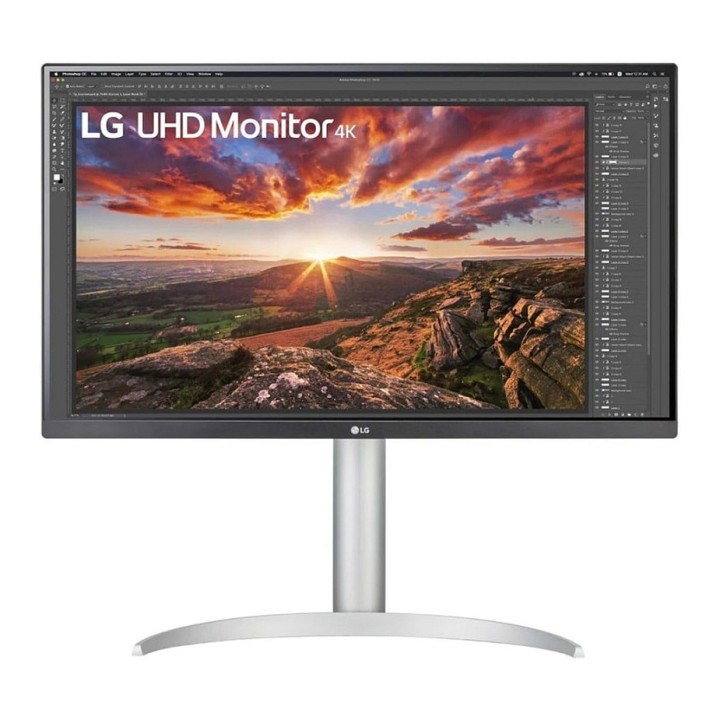
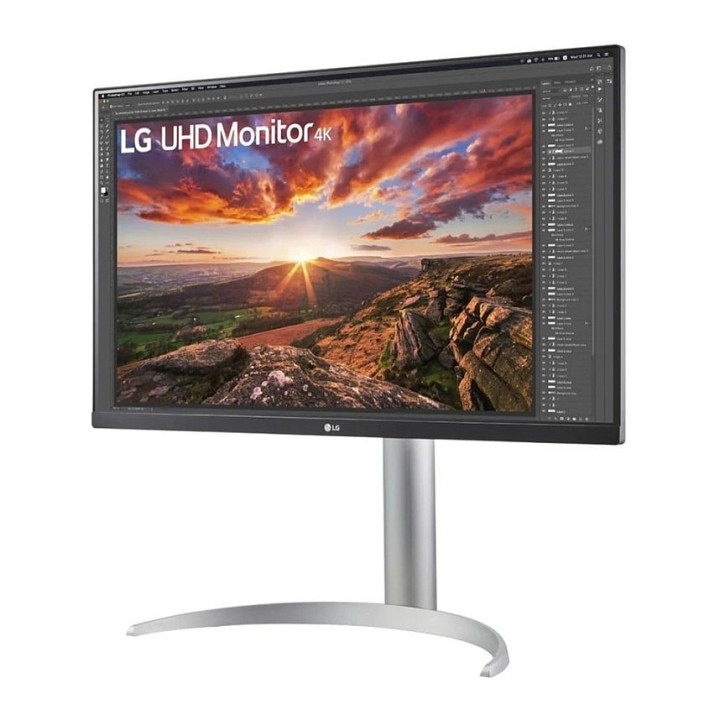
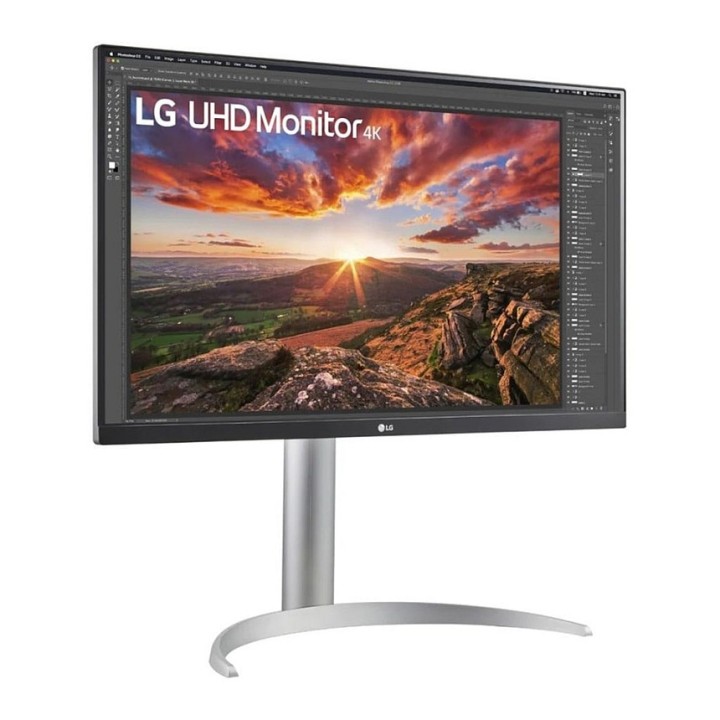
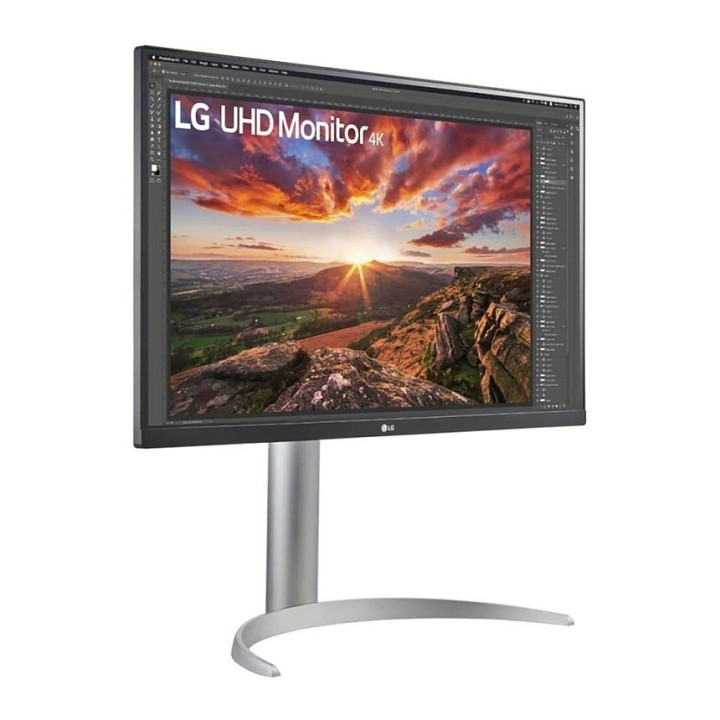
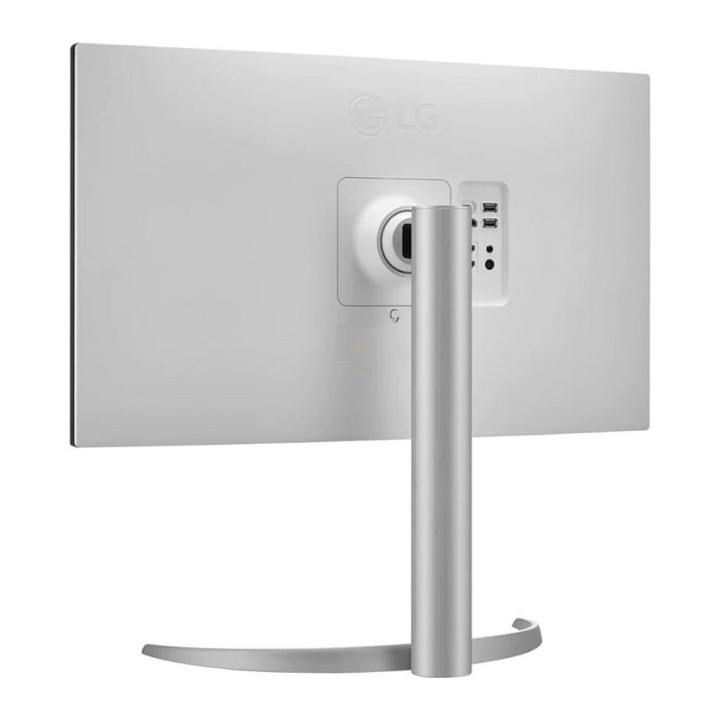
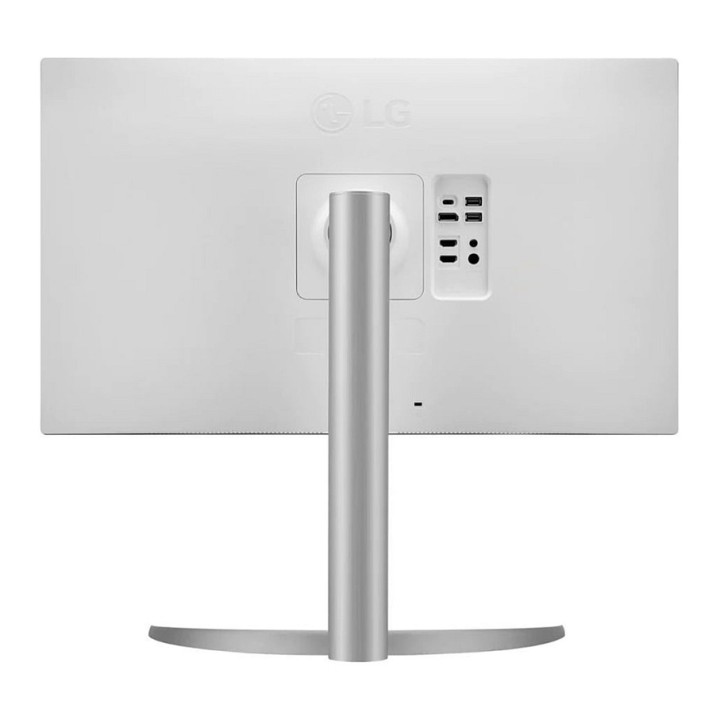
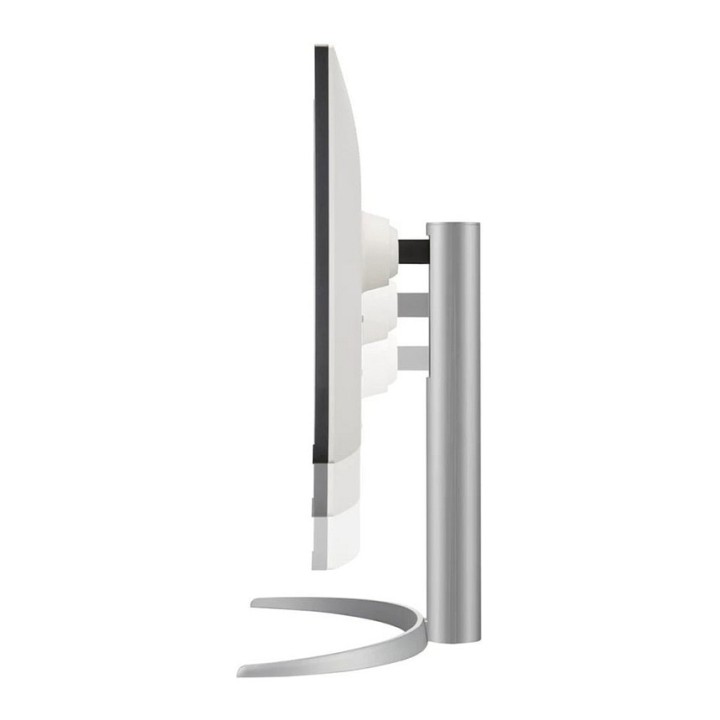
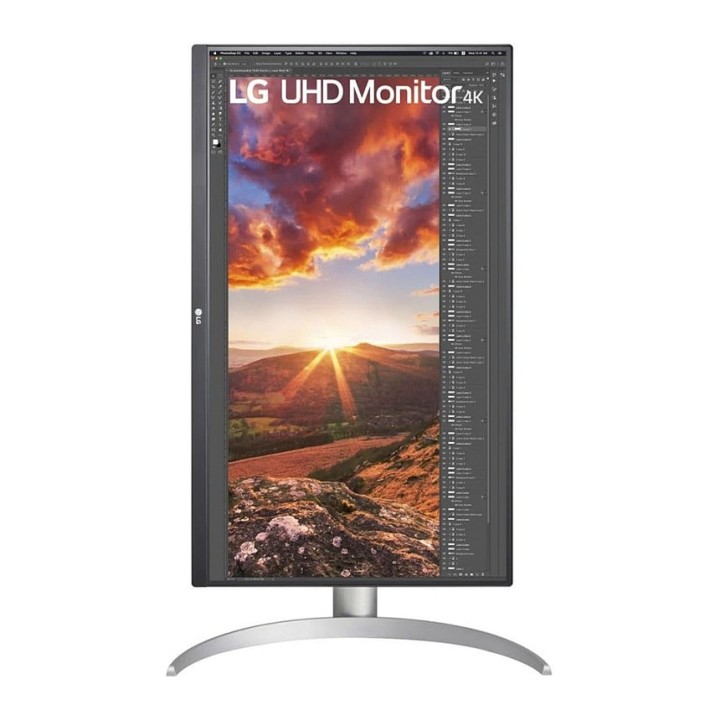
LG 27UP850K-W.AEU 27inch IPS UHD 16:9 350cd/m2 2xHDMI

Cena: 1 324,99 zł
Brutto
Dostępność produktu: Dostępny 19 szt.
Czas dostawy Wysyłka w ciągu 2 dni roboczych
Koszt dostawy Bezpłatna dostawa od 250 zł.

Opis produktu

LG 27UP850K-W oferuje 27-calowy wyświetlacz o natywnej rozdzielczości 3840 x 2160, zapewniając wciągające wrażenia podczas pracy lub rozrywki. Jasność 400 cd/m² i współczynnik kontrastu 1200:1 sprawiają, że każdy obraz jest wyraźny i szczegółowy. Technologia IPS zapewnia szerokie kąty widzenia wynoszące 178 stopni, dzięki czemu idealnie nadaje się do wspólnych miejsc pracy lub rodzinnych wieczorów filmowych. Monitor posiada również takie funkcje jak Flicker Safe, Reader Mode i Smart Energy Saving, które zapewniają komfortową i energooszczędną pracę. Wbudowany hub USB 3.0 zwiększa wygodę, umożliwiając łatwe podłączenie wielu urządzeń. W połączeniu z obsługą HDR10 i 95% pokryciem gamy kolorów DCI-P3, LG 27UP850K-W zapewnia żywe kolory i niesamowitą jakość obrazu odpowiednią do profesjonalnych zadań edycji zdjęć i wideo.

27-calowy wyświetlacz 4K UHD zapewniający wyjątkową wyrazistość obrazu
Szerokie kąty widzenia dzięki technologii IPS
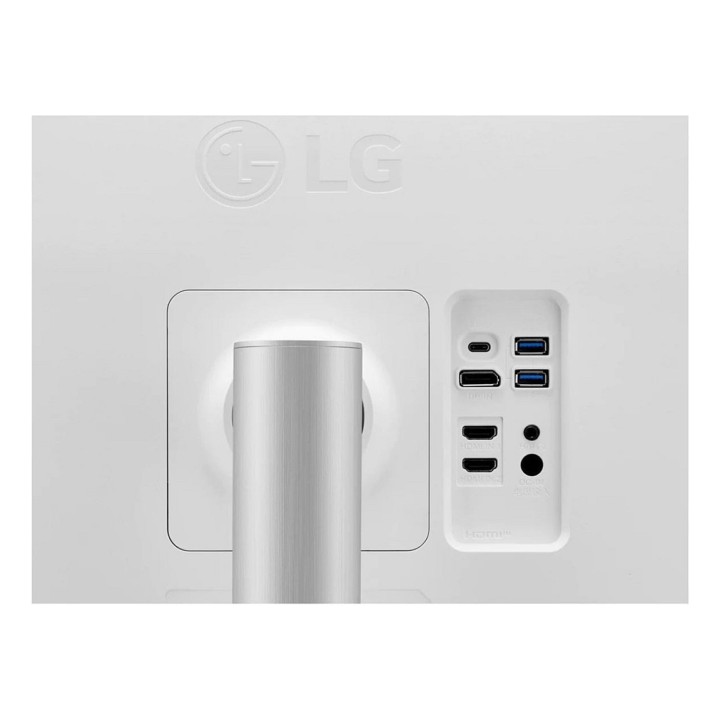
Wbudowany hub USB 3.0 dla wygodnej łączności
Inteligentne funkcje energetyczne zapewniające wydajność
Obsługa HDR10 dla lepszych wrażeń wizualnych

Specyfikacja

  • Opis produktu: LG 27UP850KW monitor LED 27"
  • Rodzaj urządzenia: Monitor LCD z podświetleniem LED 27"
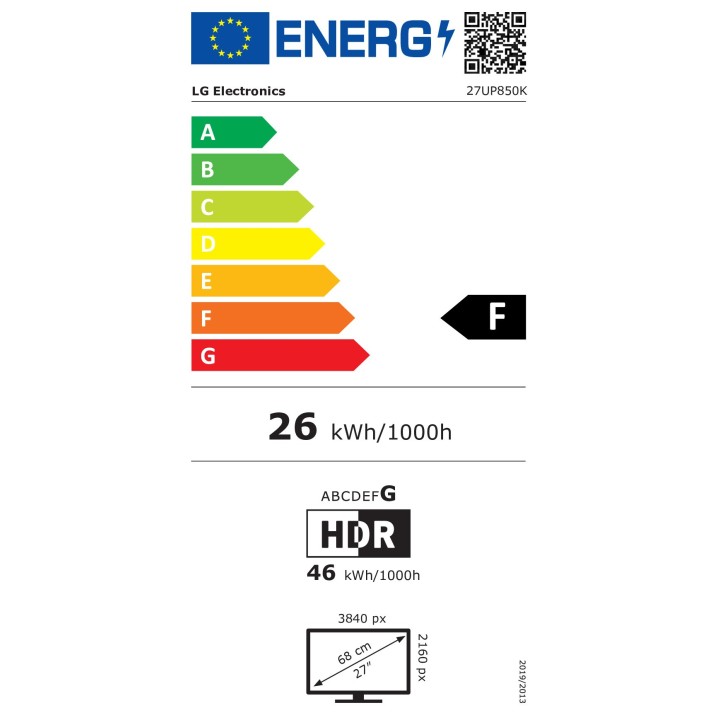
  • Adres URL kodu QR Etykiety Efektywności Energetycznej: Https:eprel.ec.europa.euqr2120067
  • Klasa energii: Klasa F
  • Cechy: Koncentrator USB 3.0, PD USB 96 wat
  • Typ panela: IPS
  • Rozdzielczość natywna: 4K UHD (2160p) 3840 x 2160
  • Rozstaw pikseli: 0.1554 mm
  • Jasność: 400 cdm
  • Współczynnik kontrastu: 1200:1
  • Funkcja HDR: HDR10 DisplayHDR 400
  • Czas reakcji: 5 ms (szybki szarydoszarego)
  • Obsługa kolorów: 1,07 miliarda kolorów
  • Paleta Kolorów: 95 DCIP3 (CIE 1976)
  • Złącza wejściowe: 2xHDMI, DisplayPort, USBC
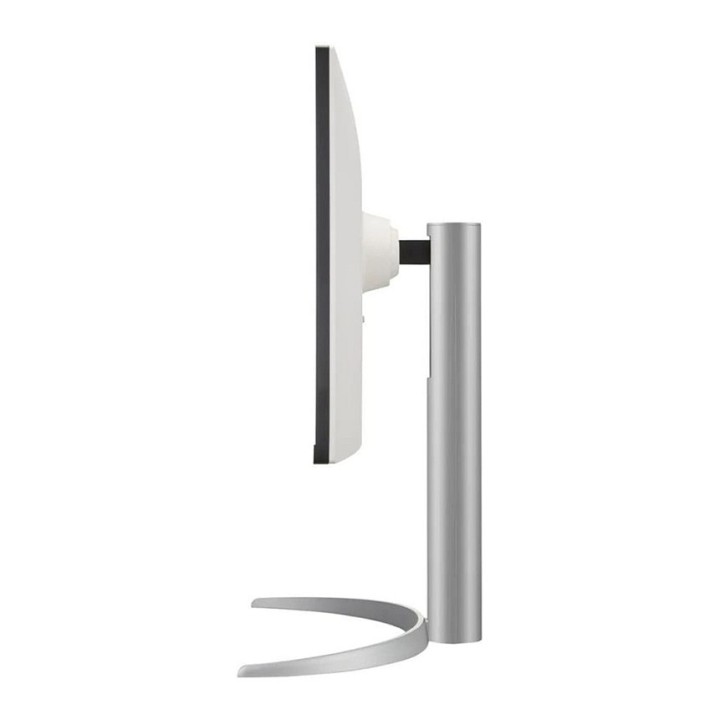
  • Regulacja pozycji ekranu: Wysokość, pivot (obrót), odchylenie
  • Napięcie: AC 100240 V (5060 Hz)
  • Wymiary (szer.głęb.wys.) z podstawką (najwyższa pozycja): 61.35 cm x 23.93 cm x 56.93 cm

Szczegóły produktu

  • Marka LG
  • Kod produktu 679ae803abb5150f05fb83a3
  • Dostępność 19 Przedmioty
  • EAN13 8806096296233
  • MPN 27UP850KWAEU

Specyfikacja

  • Przekątna ekranu (cal) 27 cal
  • Rozdzielczość natywna 3840 × 2160
  • Typ matrycy IPS
  • Częstotliwość odświeżania (Hz) 60 Hz
  • Ekran dotykowy Nie
  • Zakrzywiony ekran Nie
  • Standard VESA 100 × 100
  • Pivot Tak

Producent

Producent

LG Electronics Polska Sp. z o.o.

ul. Wołoska 22 02-675 Warszawa Polska

Formularz kontaktowy: https://www.lg.com/pl/wsparcie/contact-us/email/

Osoba odpowiedzialna w UE

LG Electronics Deutschland GmbH

Alfred-Herrhausen-Allee 3-5 65760 Eschborn Germany

E-mail: info@lg.de

Formularz kontaktowy: https://www.lg.com/de/support/kontaktieren-sie-uns/

Telefon: +49 6196 7883000

Bezpieczeństwo

Informacje o bezpieczeństwie

List of computer monitor safety warnings based on the requirements of General Product Safety Regulation (EU) 2023/988 (GPSR): * Risk to vision: Long-term gazing at the monitor screen may cause eye strain, dry eyes or headaches. * Limit the working time with the monitor. * Take regular breaks. * Maintain proper distance from the screen. * Ensure proper lighting in the room. * Set the brightness and contrast of the monitor to a comfortable level. * Ergonomics: Incorrect position when working with the monitor can lead to back, neck, and shoulder pain. * Set the monitor to the correct height so that the top edge of the screen is at eye level or slightly below. * Use an adjustable chair and desk to ensure an ergonomic position. * Maintain proper posture while sitting. * Risk of electric shock: Improper use or damage to the monitor can lead to electric shock. * Do not use the monitor in humid environments. * Do not touch the monitor with wet hands. * Do not put any items inside the monitor. * If the power cable is damaged, replace it with a new one. * Disconnect the monitor from power before cleaning. * Fire risk: Overheating or short circuiting in the monitor can cause a fire. * Do not cover the ventilation holes of the monitor. * Do not place the monitor near heat sources. * Use only the original power supply that came with your monitor. * If the monitor overheats, disconnect it from power immediately. * Mechanical damage: The fall of the monitor can cause damage and pose a threat to the user. * Set the monitor on a stable surface. * Secure cables to avoid accidental tripping. * For monitor transport, use appropriate protective packaging. * Cleaning: Improper cleaning of the monitor can damage the screen or cause other problems. * Use only a soft, dry cloth to clean the screen. * Do not use cleaning products containing alcohol, ammonia or other corrosive substances. * Disconnect the monitor from power before cleaning. * Disposal: Incorrect disposal of the monitor can pose a threat to the environment. * Return the used monitor to the e-waste collection point. * Do not throw the monitor in a regular trash can. * Children: The monitor is not a toy and should not be used by children without supervision. * Make sure children do not touch the power cables. * Make sure kids don't play around with the monitor packaging. * Repairs: Do not try to repair the monitor yourself. * Any repairs should be done by qualified personnel. * Monitor portability: Be careful when moving your monitor. * Disconnect all cables before moving. * Use appropriate packaging. * Weather conditions: Do not expose the monitor to extreme temperatures or moisture. * Protect your monitor from direct sunlight. * Adjustable settings: Do not use extreme brightness or contrast settings. * These can cause faster eye strain. * Noise: If the monitor makes disturbing noises, turn it off immediately. * Contact the technical service. * Environmental protection: Be sure to turn off the monitor when not in use. * You save energy this way. * Software: Use only the software provided by the manufacturer. * You will avoid compatibility issues.

Ładowanie...
Wróć na górę