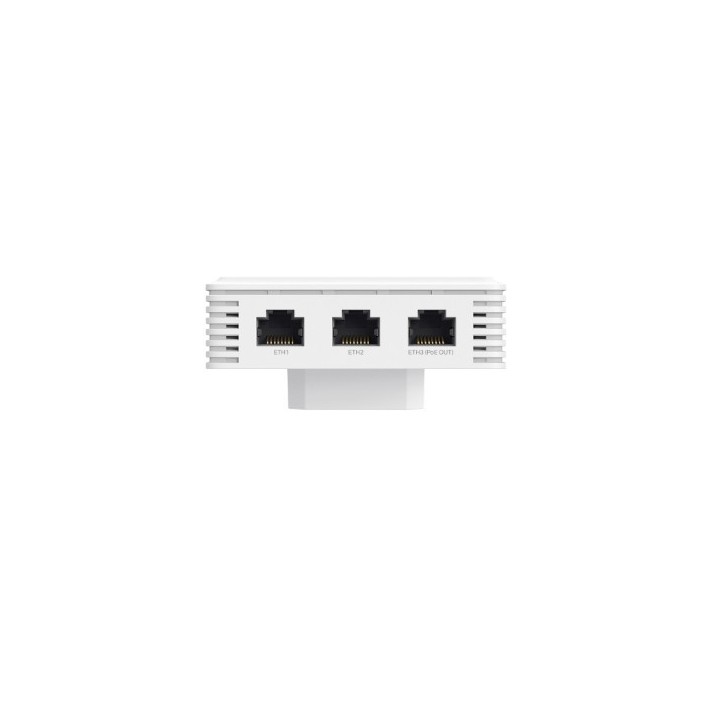
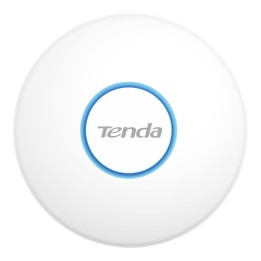
BE3600 WI-FI 7 ACCESS POINT/WALL-PLATE DUAL-BAND

Cena: 765,99 zł
Brutto
Dostępność produktu: Dostępny 6 szt.
Czas dostawy Wysyłka w ciągu 3 dni roboczych
Koszt dostawy Bezpłatna dostawa od 250 zł.

Opis produktu

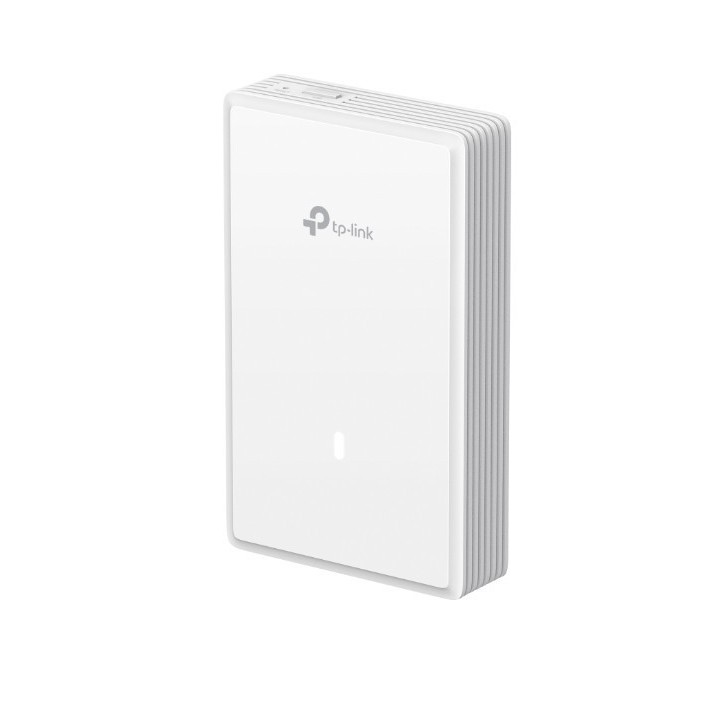
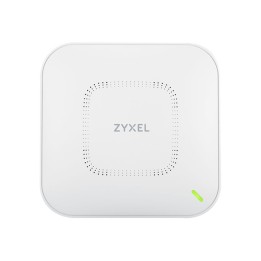
TP-LINK Omada BE3600 to ścienny/gipsowy punkt dostępowy Wi‑Fi 7 zaprojektowany do instalacji w przestrzeniach biurowych i komercyjnych. Urządzenie pracuje w pasmach 2,4 GHz i 5 GHz, oferując łączną maksymalną przepustowość do 5012 Mbit/s oraz obsługę szyfrowania WPA3/WPA2/WPA dla połączeń bezprzewodowych.

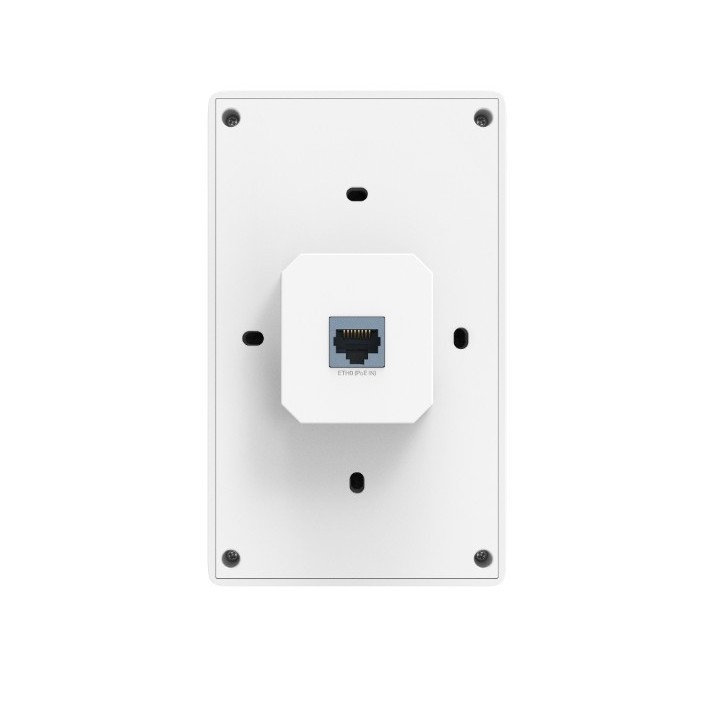
Model wyposażono w cztery wewnętrzne anteny o maksymalnym wzmocnieniu do 5 dBi, obsługę do 250 użytkowników jednocześnie oraz do 16 sieci SSID. Na tylnej części znajdują się trzy porty Ethernet z prędkościami do 10/100/1000/2500 Mbit/s, a zasilanie może być realizowane przez PoE (802.3at). Maksymalne zużycie energii wynosi 17 W.

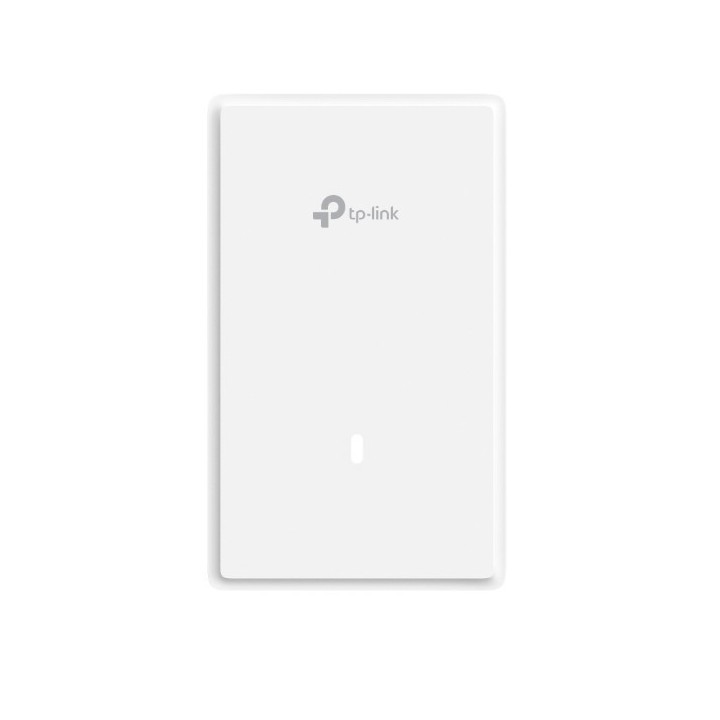
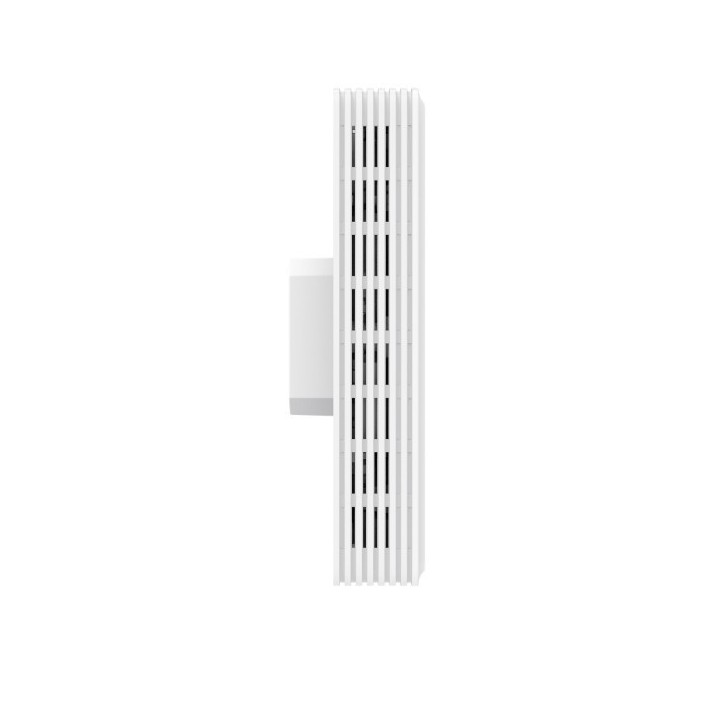
Urządzenie przeznaczone jest do montażu na ścianie lub suficie; ma kompaktowe wymiary 143 x 86 x 40 mm i obudowę w kolorze białym. Produkt posiada certyfikaty FCC i RoHS oraz zakres pracy w temperaturach od 0 do 40 °C i w wilgotności do 90%.

Specyfikacja

  • Ethernet LAN data rates: 10,100,1000,2500 Mbit/s
  • BeamForming: Yes
  • Maximum data transfer rate: 5012 Mbit/s
  • Networking standards: IEEE 802.11a,IEEE 802.11ac,IEEE 802.11ax,IEEE 802.11b,IEEE 802.11be,IEEE 802.11g,IEEE 802.11n,IEEE 802.3at
  • VLAN support: Yes
  • Number of users: 250 user(s)
  • 2.4 GHz: Yes
  • 5 GHz: Yes
  • Maximum data transfer rate (5 GHz): 2882 Mbit/s
  • Maximum data transfer rate (2.4 GHz): 688 Mbit/s
  • 6 GHz: No
  • Airtime Fairness (ATF): Yes
  • Security algorithms: WPA-Enterprise,WPA-Personal,WPA2-Enterprise,WPA2-Personal,WPA3-Enterprise,WPA3-Personal
  • Access Control List (ACL): Yes
  • Remote Authentication Dial-In User Service (RADIUS): Yes
  • MAC address filtering: Yes
  • Number of SSID supported: 16
  • Ethernet LAN (RJ-45) ports: 3
  • Power over Ethernet (PoE): Yes
  • Power consumption (max): 17 W
  • Product colour: White
  • LED indicators: Yes
  • Certification: FCC, RoHS
  • Reset button: Yes
  • Placement: Ceiling,Wall
  • Antenna type: Internal
  • Antennas quantity: 4
  • Antenna gain level (max): 5 dBi
  • Compatible operating systems: Microsoft Windows XP, Vista, Windows 7, Windows 8, Windows10, Windows 11, Linux
  • Depth: 40 mm
  • Height: 143 mm
  • Width: 86 mm
  • Package type: Box
  • Mounting kit: Yes
  • Operating temperature (T-T): 0 - 40 °C
  • Operating relative humidity (H-H): 10 - 90 %
  • Storage temperature (T-T): -40 - 70 °C
  • Storage relative humidity (H-H): 5 - 90 %
  • Quantity per pack: 1 pc(s)
Szczegóły produktu

  • Marka TP-LINK
  • Kod produktu 67b15630163697aeea3a4abb
  • Dostępność 6 Przedmioty
  • EAN13 8885020626353
  • MPN EAP725-WALL

Specyfikacja

  • Pasma Wi-Fi 2.4 GHz
    5 GHz
  • Liczba portów LAN (szt.) 3 szt.
  • Zasilanie PoE Tak

Producent

Producent

TP-Link Polska Sp. z o.o.

Ożarowska 40/42 05-850 Duchnice Polska

E-mail: info.pl@tp-link.com

Telefon: +48 22 360 63 63

Osoba odpowiedzialna w UE

TP-Link

Ożarowska 40/42 05-850 Duchnice Polska

E-mail: office.poland@tp-link.com

Telefon: +48 22 360 63 00

Bezpieczeństwo

Informacje o bezpieczeństwie

List of safety warnings for WiFi and Access Point Routers based on the requirements of Regulation (EU) 2023/988 on General Product Safety (GPSR) 1. Risk of electric shock: * Make sure that the device is connected to a working socket with grounding. * Do not touch the plug or cable with wet hands. * Avoid using the device in places with high humidity. 2. Risk of overheating: * Provide adequate ventilation while maintaining at least 5 cm of free space around the device. * Do not block ventilation openings. 3. Fire risk: * Use only original power supplies and accessories recommended by the manufacturer. * Do not leave the device on unattended near flammable materials. 4. Hazards at high temperatures: * Do not expose the device to direct sunlight. * Avoid using the router at temperatures above the recommended range (usually 5-35°C). 5. Risk of damage during cleaning: * Before cleaning, disconnect the device from the power supply and use a soft, slightly damp cloth. * Avoid using strong detergents that can damage the surface of the device. 6. Warnings for children: * Keep power cables out of reach of children. * Make sure that children do not play with the device or accessories that can be dangerous. 7. Regularly check the technical condition of the device: * Check the condition of the device regularly for mechanical damage, cracks or other defects. * Do not use the device if it has visible mechanical damage. 8. Use in humid environments * Avoid using your router in the bathroom, in the rain or in other humid environments 9. Interference with other devices * Using a router near medical devices such as pacemakers can cause electromagnetic interference. * Keep a distance of at least 15 cm between your router and medical devices. 10. Regular maintenance * Failure to regularly clean ports and sockets can lead to damage or failure. * Clean ports and sockets regularly using a dry and clean cloth, avoiding moisture input. 11. Risk of loss of water resistance * Do not immerse in water if it is not waterproof. 12. Electromagnetic interference * Smartwatches can interfere with medical devices such as pacemakers. 13. Small parts: * Components of the device, can be swallowed by children. * Keep your device and its accessories out of reach of children. Do not allow children to use the device themselves without supervision. 14. Risk of battery damage * Improper use, such as overheating or using a non-original charger, can lead to battery damage and, in extreme cases, to battery explosion. * Charge your device at room temperature and use only original accessories. Do not expose your smartwatch to high temperatures. 15. Maintenance and cleaning * Impurities such as sweat or dirt can cause discomfort and damage to materials. * Clean your smartwatch and strap regularly with a soft, damp cloth. Avoid using harsh chemicals.

Ładowanie...
Wróć na górę