- Nowy
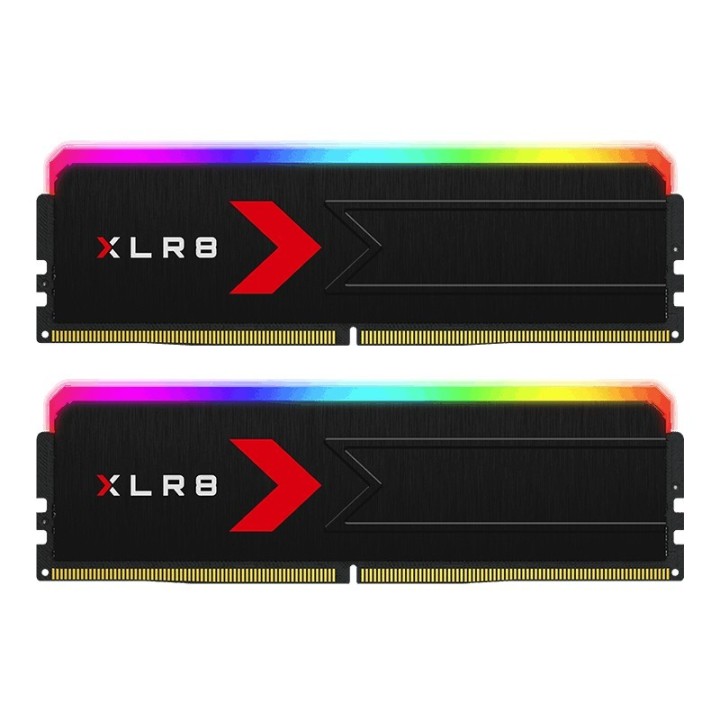
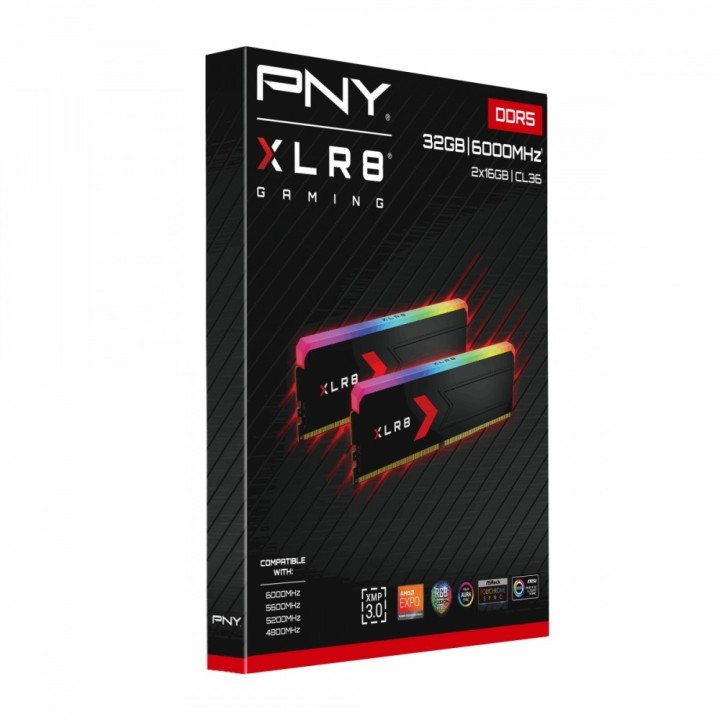
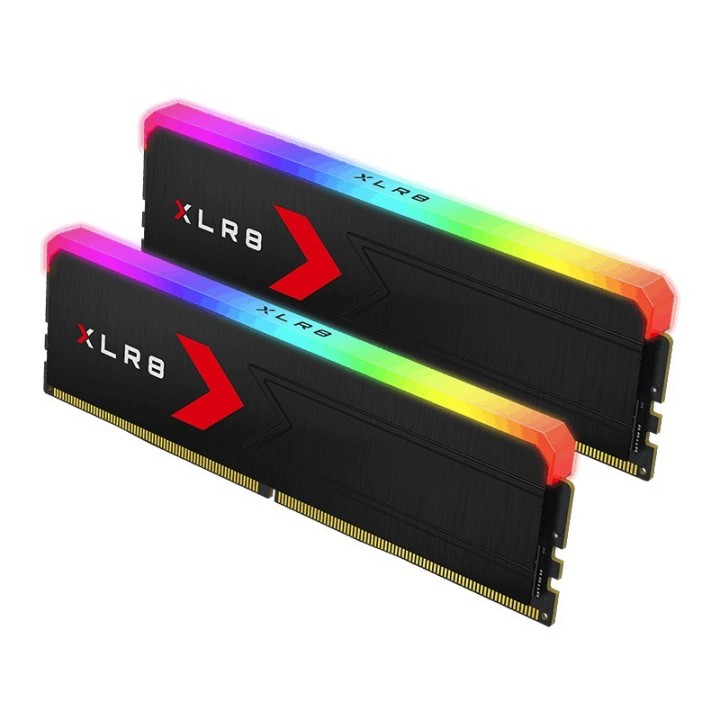
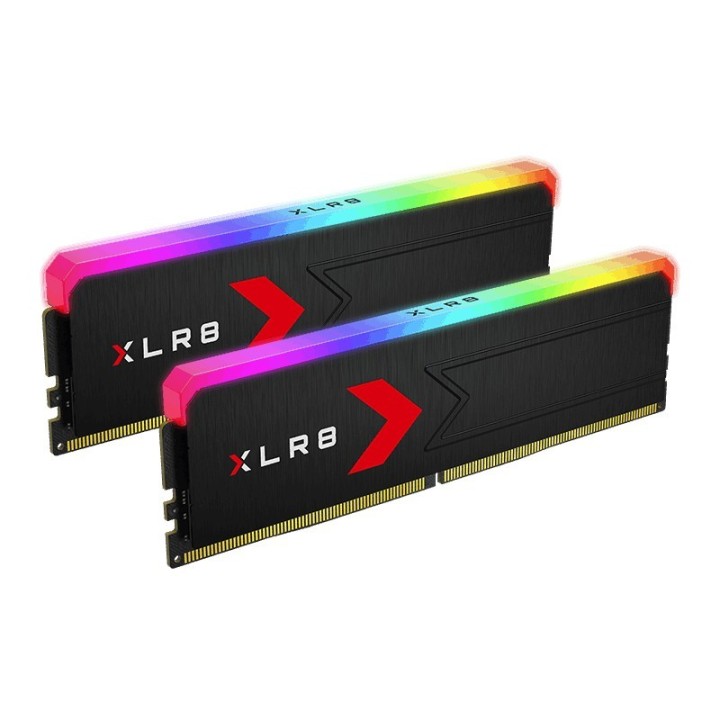
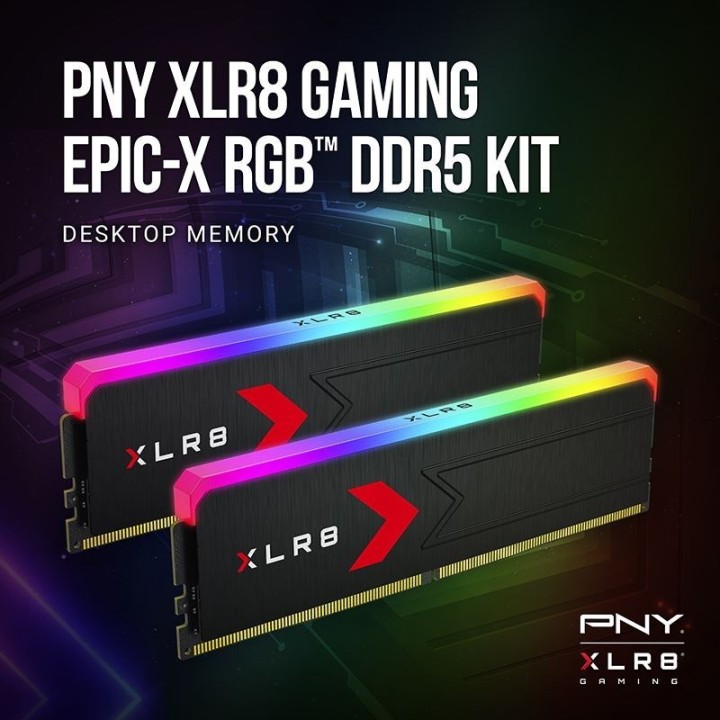
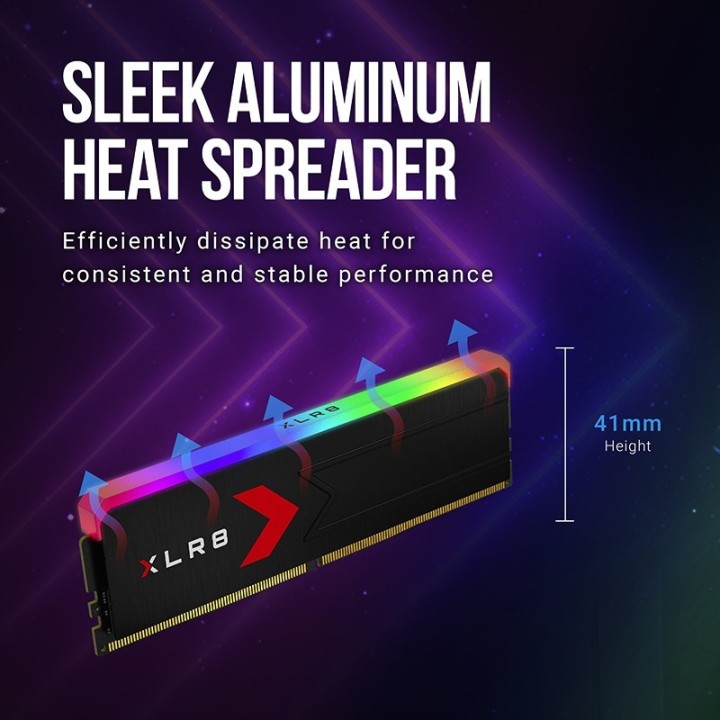
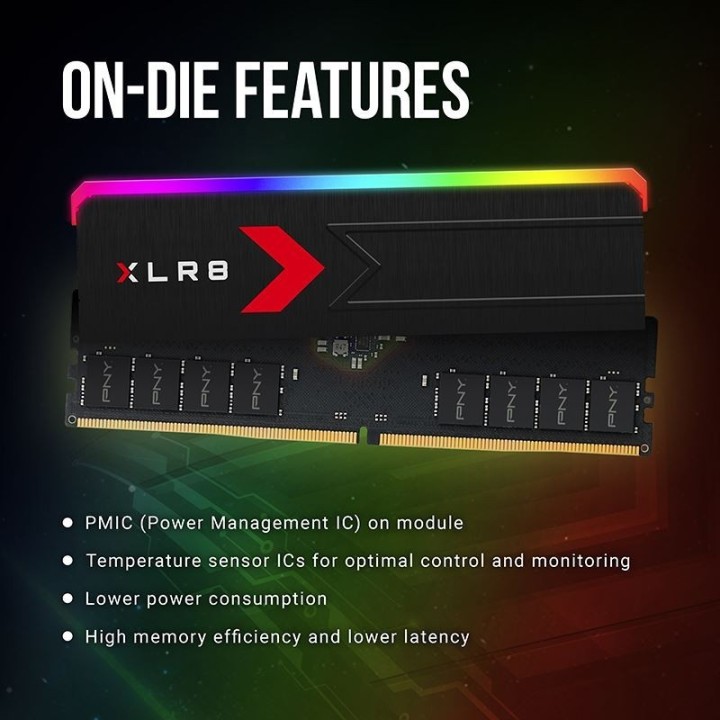
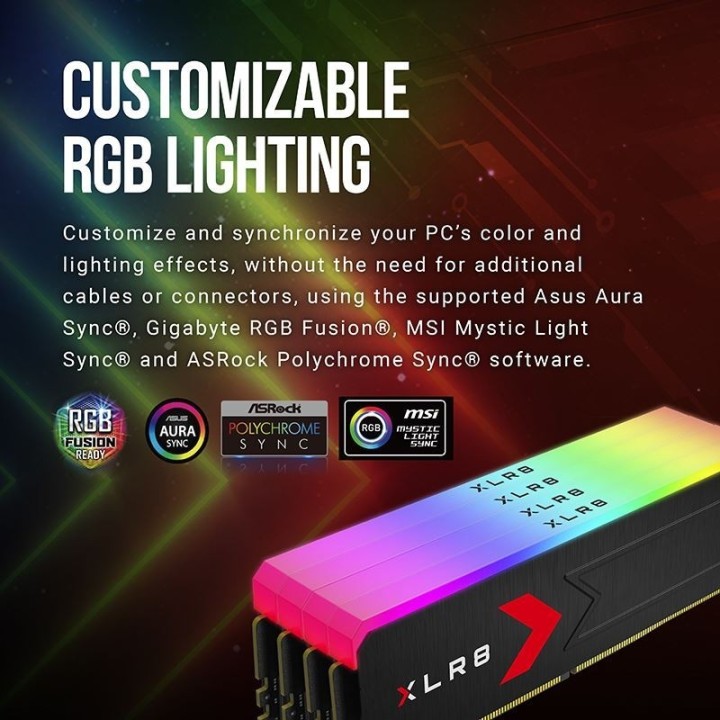
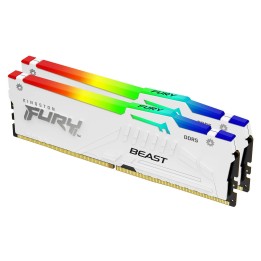
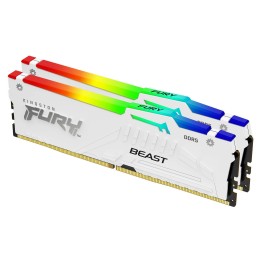
Pamięć PNY XLR8 Gaming EPIC‑X RGB to zestaw 2 modułów DDR5 o łącznej pojemności 32 GB, zaprojektowany z myślą o wydajności i efektownym podświetleniu. Moduły posiadają czarny, szczotkowany aluminiowy radiator, który poprawia rozpraszanie ciepła i nadaje konstrukcji elegancki wygląd. Zintegrowane podświetlenie RGB umożliwia dostosowanie wyglądu zestawu i synchronizację efektów z systemem.
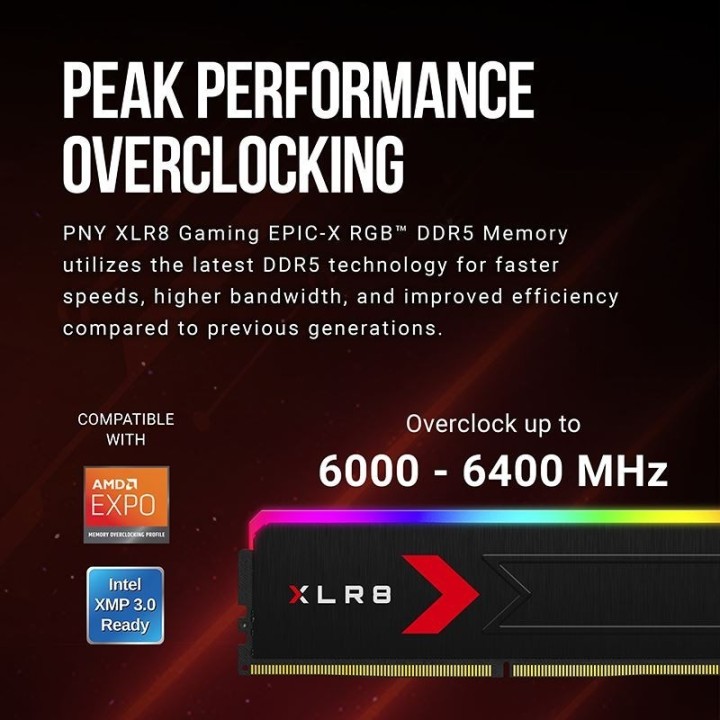
Technicznie zestaw pracuje z efektywną częstotliwością 6000 MHz przy opóźnieniach CL36 i napięciu pracy 1.4 V, oferując znaczną przepustowość i szybkość reakcji w aplikacjach wymagających dużej ilości pamięci. Moduły obsługują profile podkręcania XMP i EXPO, co ułatwia osiągnięcie deklarowanych parametrów bez ręcznej konfiguracji.
Zestaw występuje w formacie DIMM, skonfigurowany jako 2 x 16 GB, i nie obsługuje ECC. Konstrukcja skupia się na stabilnym działaniu pod obciążeniem oraz estetyce systemu dzięki aluminiowemu radiatorowi i podświetleniu RGB.
PNY Technologies Europe
9 rue Joseph Cugnot 33708 Mérignac France
Formularz kontaktowy: https://www.pny.com/en-eu/support-footer/contact-us
Telefon: +33 5 40 240 240
List of RAM security warnings based on the requirements of Regulation (EU) 2023/988 on General Product Safety (GPSR) 1. Risk of hardware damage: * Make sure you shut down your computer before installing or disassembling RAM to avoid electrical damage. * Check the compatibility of RAM with your computer's motherboard to avoid problems with system operation. 2. Risk of cuts: * Be careful when manipulating RAM to avoid cuts to sharp edges. 3. Electrostatic hazard: * Protect your RAM from electrostatic discharge (ESD) that can damage electronic components. Use an antistatic band and work on an antistatic surface. 4. Risk of incorrect assembly: * Thoroughly insert RAM modules into the sockets to ensure proper connection and avoid problems with system operation. 5. Overheating: * Provide adequate ventilation in the computer case to prevent overheating of RAM, which can lead to unstable system operation. 6. Voltage: * Make sure the voltage settings in the BIOS are appropriate for the installed RAM to avoid damage or malfunction. 7. Hazard for children: * Keep RAM out of reach of children to prevent ingestion of small items. 8. Suitable use: * Use RAM for its intended purpose, avoid extreme conditions that can lead to damage. 9. Disassembly: * Carefully disassemble the RAM so as not to damage the modules or sockets on the motherboard. 10. Disposal: * Dispose of used RAM in accordance with local e-waste recycling regulations.