- Nowy
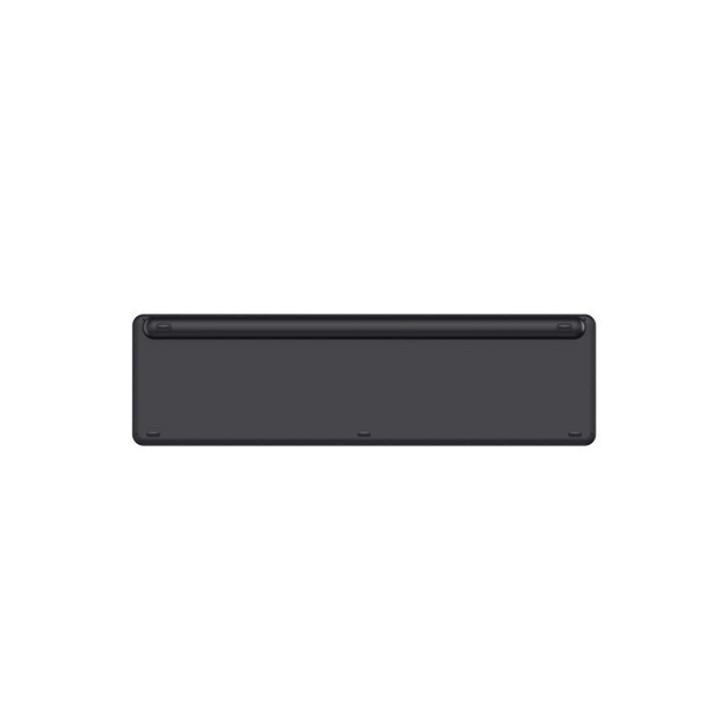
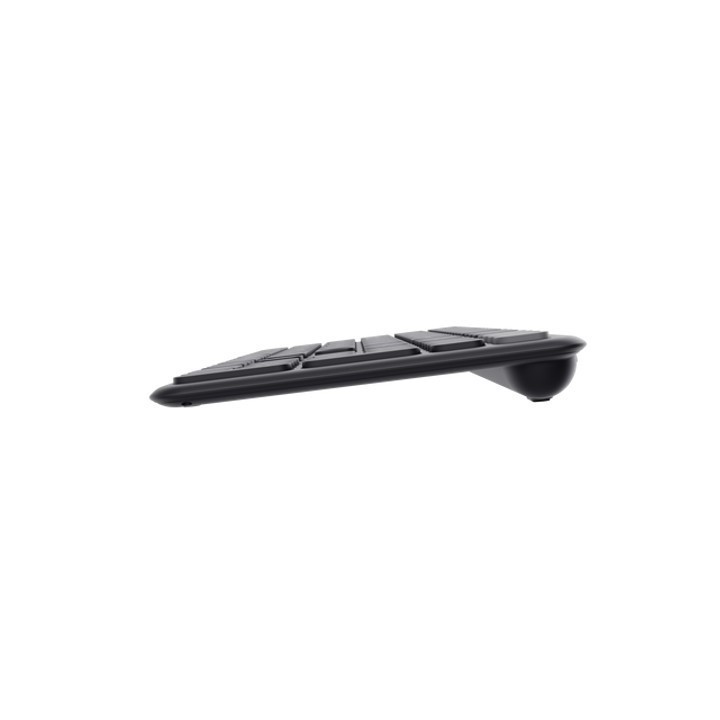
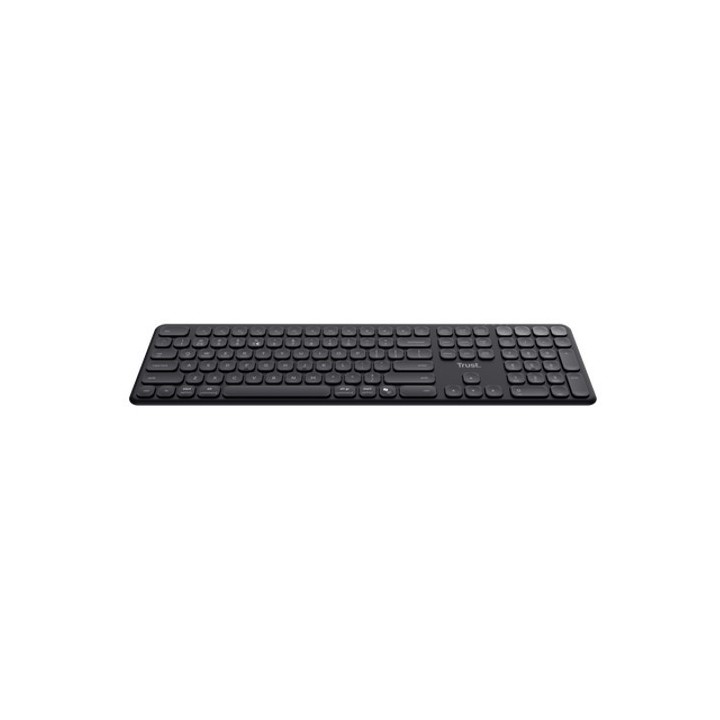
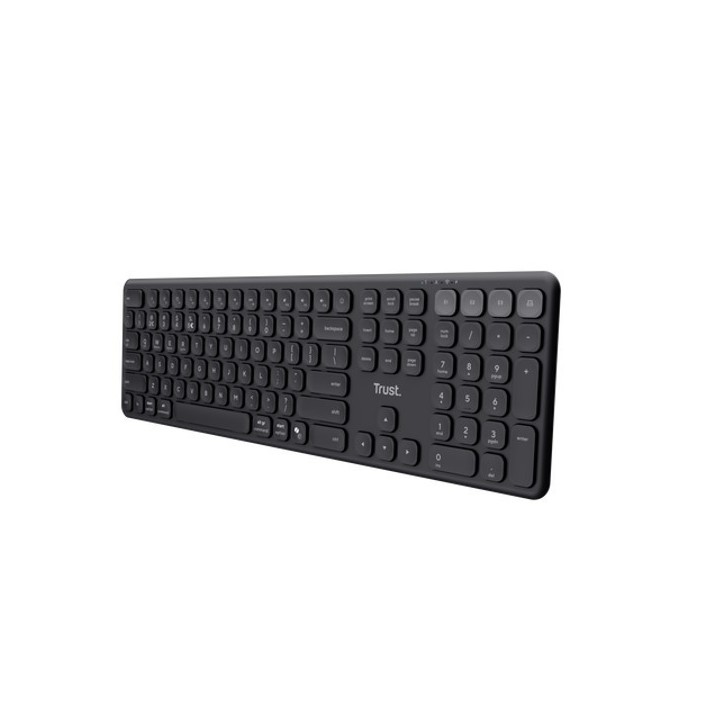
Cztery urządzenia, jedna klawiatura
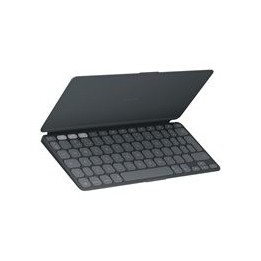
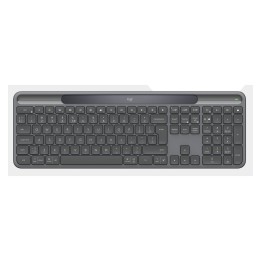
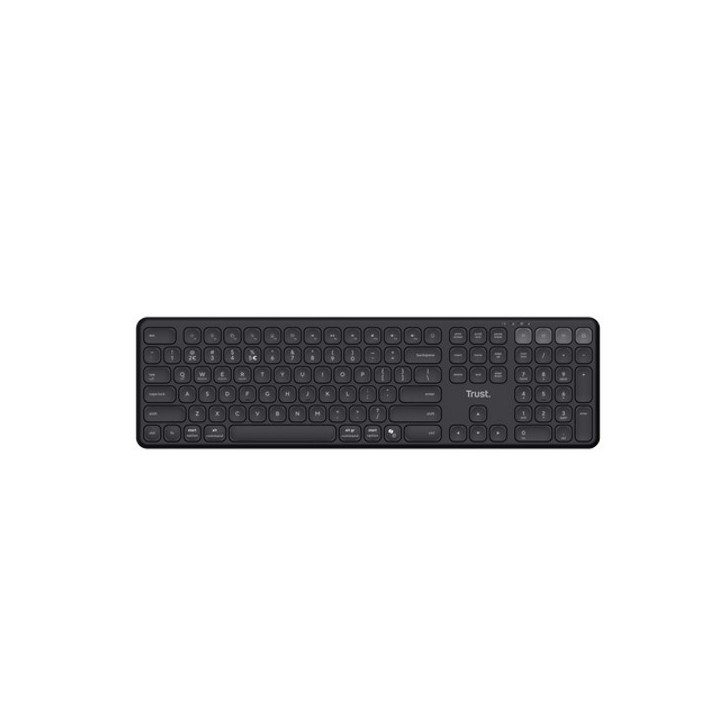
Wykorzystaj w pełni elastyczną pracę z bezprzewodową klawiaturą Vaiya Multidevice. Dzięki możliwości łatwego podłączenia do czterech urządzeń jednocześnie za pośrednictwem 2,4 GHz i 3x Bluetooth poprzez naciśnięcie dedykowanych przycisków, ta klawiatura jest Twoim najlepszym partnerem do pracy w domu lub w biurze.
Podnieś komfort
Pisz cały dzień bez żadnych problemów dzięki pełnowymiarowej konstrukcji klawiatury i zaawansowanym, niskoprofilowym, laptopowym klawiszom nożycowym, które zapewniają najwyższy komfort i precyzję pisania.
Pracuj z dala
W pełni wyposażony we wbudowaną ładowalną baterię, możesz pracować do 6 miesięcy bez przerwy bez konieczności ładowania. Oferując możliwość kontynuowania pracy podczas ładowania i w pełni naładowany w ciągu zaledwie dwóch godzin, Vaiya nie pozwoli, aby cokolwiek powstrzymało Cię od wykonywania zadań!
Multi magia
Ta klawiatura jest nie tylko multi-device, ale także oferuje obsługę wielu systemów operacyjnych (Windows, iOS, iPadOS, MacOS, Android, Chrome OS) ORAZ ma 13 multimedialnych klawiszy Fn, co zapewnia kompaktowe, ale pełnowymiarowe wrażenia. Bardziej multi-device się nie da!
Trust International B.V.
Laan van Barcelona 600, 3317 DD Dordrecht, Netherlands 3317 DD Dordrecht Netherlands
Formularz kontaktowy: https://www.trust.com/en/support/contact
List of keyboard safety warnings based on the requirements of General Product Safety Regulation (EU) 2023/988 (GPSR): * Make sure you use the keyboard as intended, avoid over-pressing or hitting the keys. * Protect your keyboard from flooding with liquids, as this can damage your electronics. * If you are using a wireless keyboard, be sure to replace the batteries regularly and dispose of them as per your regulations. * Keep your keyboard clean, vacuum it regularly, and clean with gentle agents to prevent dust and dirt buildup. * If the keyboard has LED backlighting, avoid staring at intense light for a long time, especially in dark environments. * Store your keyboard in a dry place, away from direct sunlight and heat sources. * Make sure that the keyboard cable is not an obstacle and does not threaten to trip. * If the keyboard has sharp edges, be careful to avoid cuts. * If you experience skin allergies to the materials from which the keyboard is made, stop using it and consult your doctor. * Do not use a damaged keyboard where the keys are loose or missing. * Keep your workstation organized to avoid accidental damage to your keyboard. * Avoid using the keyboard in conditions of high humidity or dustiness, as this can negatively affect its operation. * If you notice the keyboard overheating, disconnect it from the power source immediately. * If the keyboard is equipped with a USB receiver, store it in a safe place to avoid being swallowed by children. * Make sure that children do not play with the keyboard or its elements. * Do not try to repair the keyboard yourself if you are not qualified. * Pay attention to the ergonomics of the work to avoid problems with the wrists and hands during prolonged use of the keyboard.
Produkty, które ostatnio zwróciły Twoją uwagę.