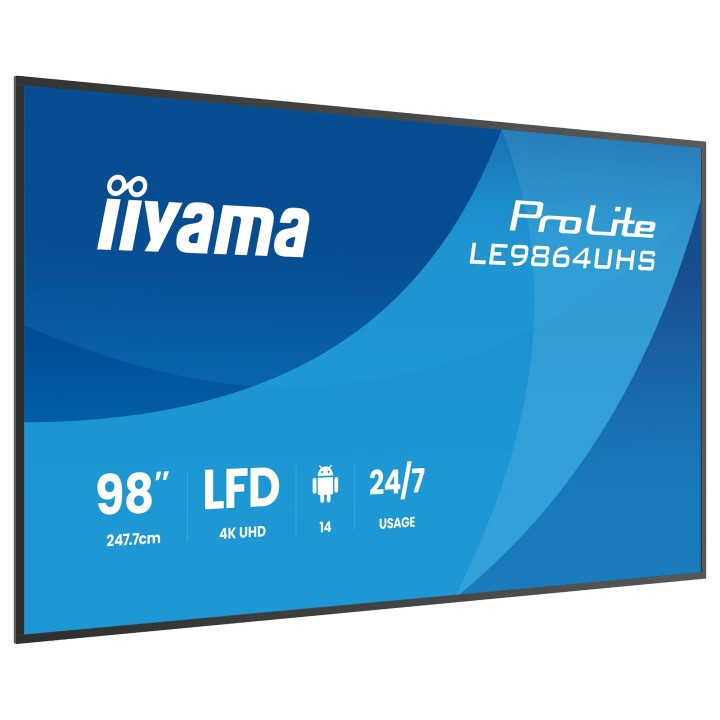
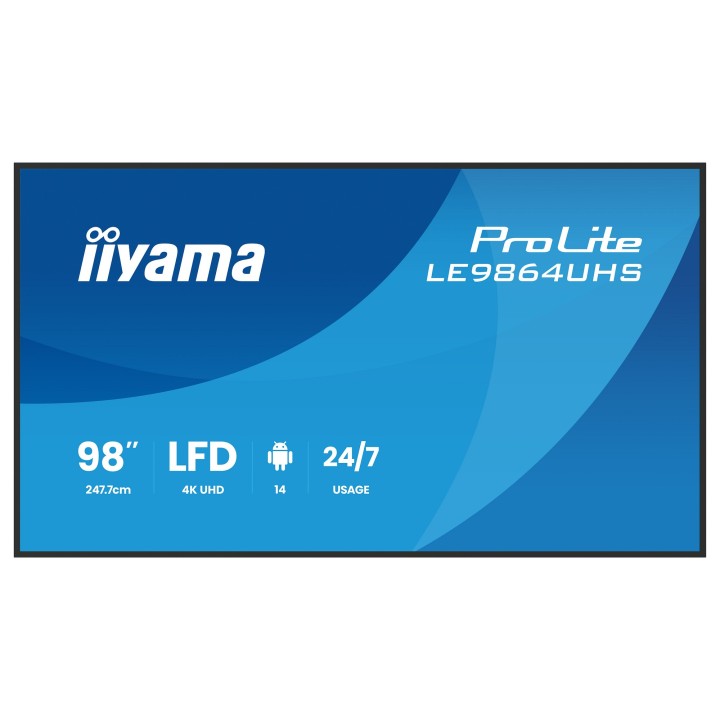
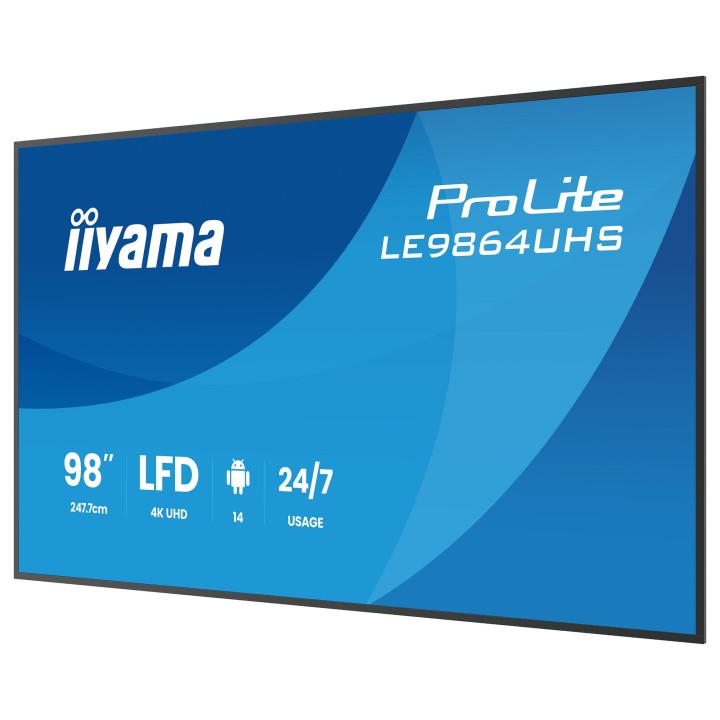
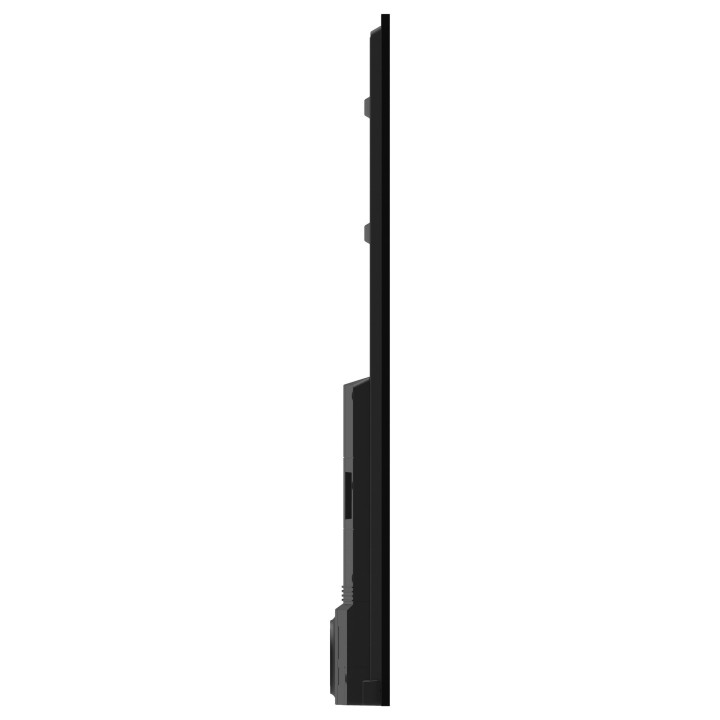
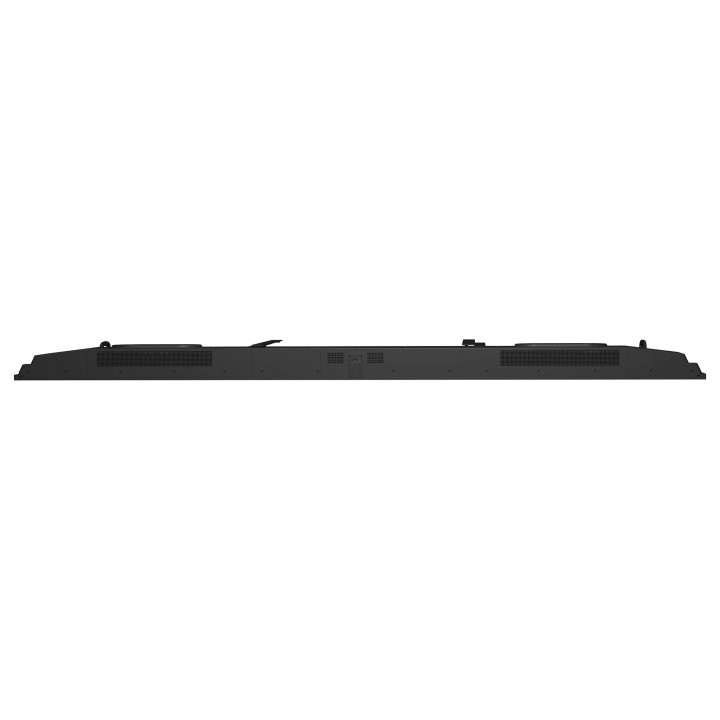
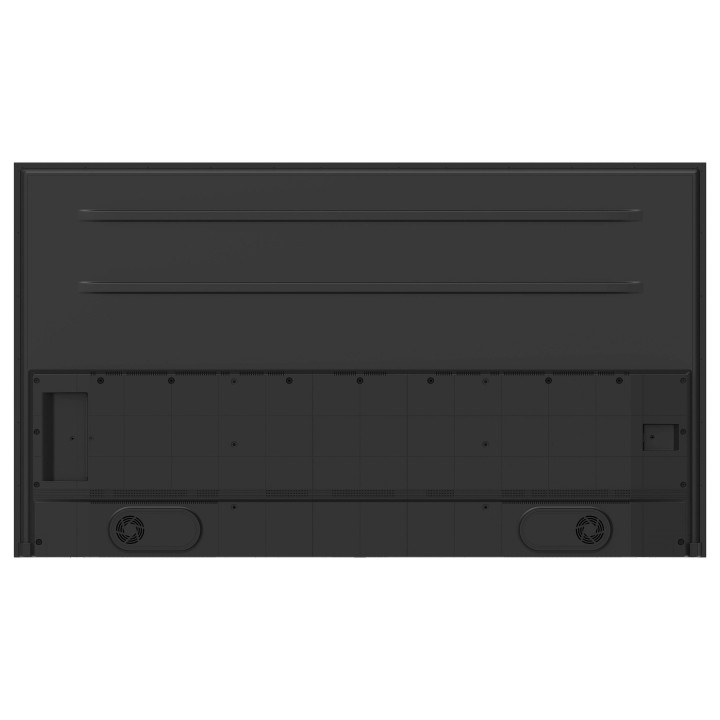
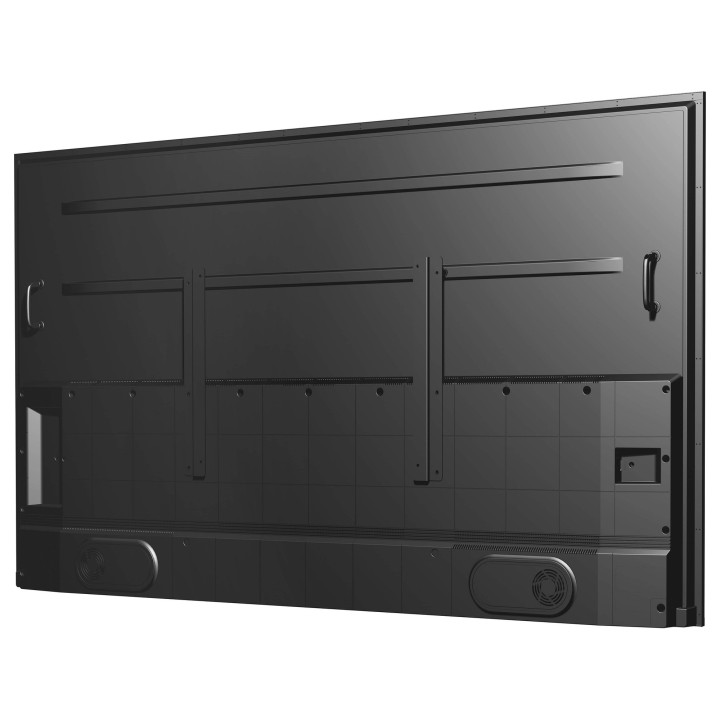
IIYAMA ProLite LE9864UHS-B1AG 98" 4K UHD VA

Cena: 15 147,99 zł
Brutto
Dostępność produktu: Dostępny 22 szt.
Czas dostawy Wysyłka w ciągu 5 dni roboczych
Koszt dostawy Bezpłatna dostawa od 250 zł.

Opis produktu

ProLite LE9864UHS-B1AG to profesjonalny wyświetlacz cyfrowy o przekątnej 98" i rozdzielczości 3840 × 2160 (4K UHD), zaprojektowany do ciągłej pracy 24/7. Matowy panel VA z podświetleniem LED oferuje jasność 500 cd/m², współczynnik kontrastu około 5000:1 oraz powłokę przeciwodblaskową z rozpraszaniem światła (haze) na poziomie 25%, co zapewnia czytelny i stabilny obraz przy szerokich kątach widzenia 178° zarówno w poziomie, jak i w pionie. Native refresh rate 60 Hz i typowy czas reakcji 6,5 ms gwarantują płynne odtwarzanie treści ruchomych.

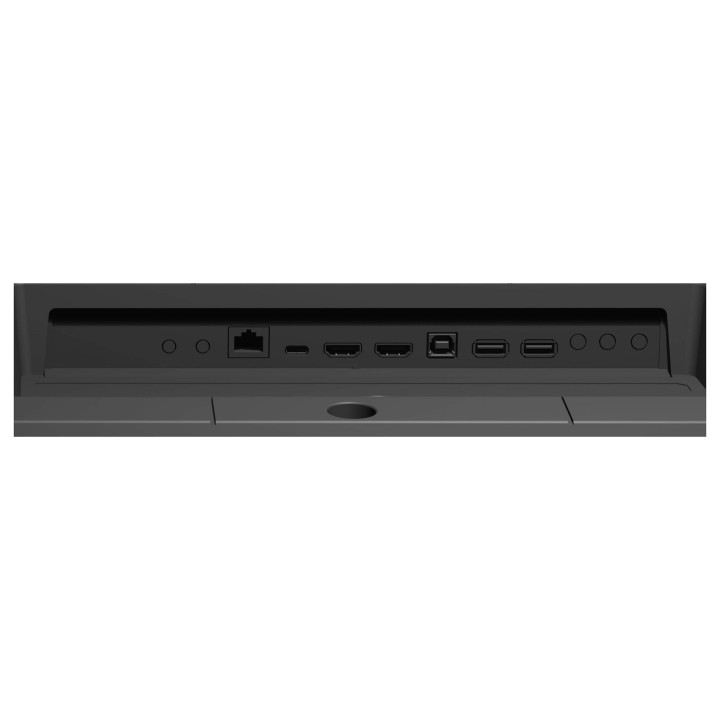
Urządzenie wyposażono w rozbudowane możliwości łączności: 2x HDMI 2.0, 2x USB 2.0 oraz złącze USB-C z trybem DisplayPort Alternate Mode i zasilaniem USB PD do 15 W. Dostępne są interfejsy sieciowe: Ethernet (RJ-45) i Wi‑Fi. Wbudowany system Android 14 z układem SoC opartym na architekturze ARM Cortex‑A73 (GPU ARM Mali‑G52), 4 GB pamięci operacyjnej i 32 GB pamięci wewnętrznej umożliwia odtwarzanie treści bez dodatkowego odtwarzacza; wspierane są funkcje iiSignage² (CMS), iiControl (DMS) oraz iiShare (prezentacja bezprzewodowa).

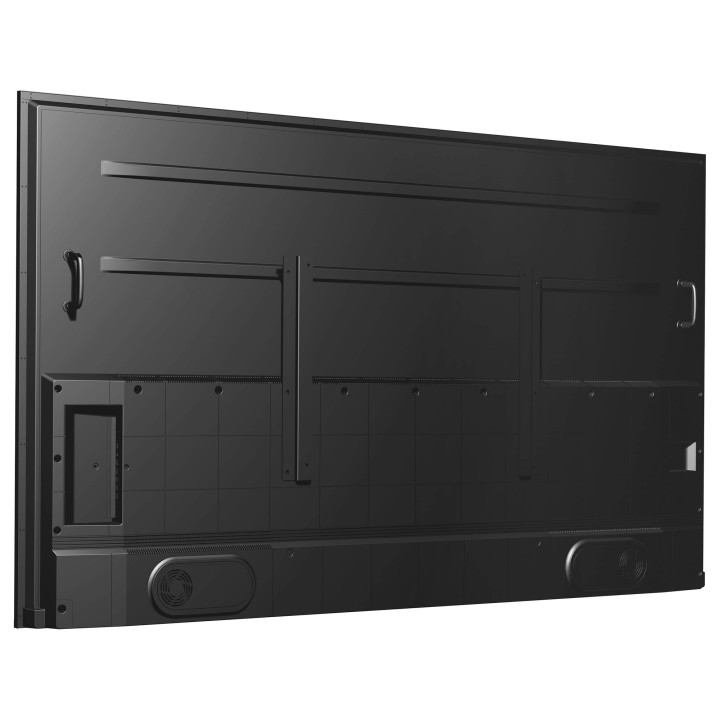
Konstrukcja przewiduje montaż ścienny VESA 700×500 mm, smukłą ramkę o szerokości 20 mm i bezwentylatorową obudowę zwiększającą niezawodność i cichą pracę. Zintegrowane głośniki (2 × 10 W, 20 W RMS) dostarczają dźwięk bez konieczności zewnętrznego nagłośnienia. Urządzenie ma wymiary i wagę dostosowane do instalacji stałych: wymiary bez stojaka oraz parametry zasilania czynią go rozwiązaniem przeznaczonym do zastosowań komercyjnych i digital signage.

Specyfikacja

  • Model: ProLite LE9864UHS-B1AG
  • Producent: IIYAMA
  • Przekątna ekranu: 98" (247.7 cm)
  • Rozdzielczość: 3840 × 2160 (4K UHD)
  • Panel: VA
  • Technologia podświetlenia: LED
  • Jasność: 500 cd/m²
  • Kontrast (typ.): 5000:1
  • Wskaźnik zamglenia (Haze): 25%
  • Kąty widzenia (H/V): 178° / 178°
  • Częstotliwość odświeżania: 60 Hz
  • Czas reakcji (typ.): 6.5 ms
  • Kolory wyświetlacza: 1.07 miliarda kolorów
  • Pixel pitch: 0.487 × 0.487 mm
  • Ilość portów HDMI: 2 (wersja 2.0)
  • Ilość portów USB: 2 (USB 2.0)
  • USB-C: DisplayPort Alt Mode, USB Power Delivery do 15 W
  • Ethernet (LAN): 1 × RJ-45
  • Wi‑Fi: Tak
  • Zdalne IR: Wejście i wyjście IR (1/1)
  • Wbudowane głośniki: 2 × 10 W (20 W RMS)
  • System operacyjny: Android 14
  • Procesor (SoC): ARM Cortex‑A73 (wbudowany)
  • Układ graficzny: ARM Mali‑G52 (on‑board)
  • Pamięć RAM: 4 GB
  • Pamięć wewnętrzna: 32 GB
  • Funkcje sieciowe i CMS: iiSignage², iiControl, iiShare (wireless presentation)
  • Orientacja: Pozioma (landscape)
  • Montaż (VESA): 700 × 500 mm
  • Szerokość ramki (góra/bok/dół): 20 mm / 20 mm / 20 mm
  • Anti‑glare: Tak (powłoka przeciwodblaskowa)
  • Wymiary (szer.) bez stojaka: 220.2 cm
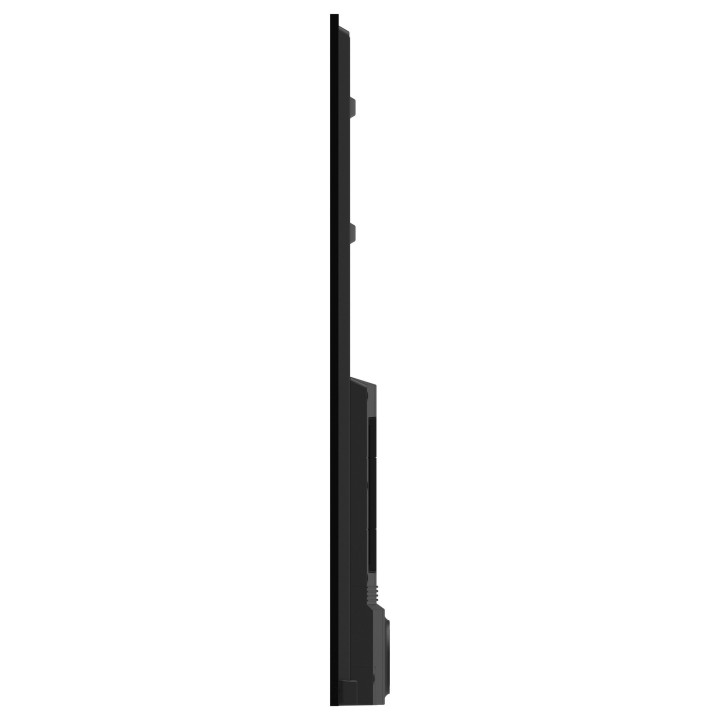
  • Wymiary (gł.) bez stojaka: 11.05 cm
  • Wymiary (wys.) bez stojaka: 125.77 cm
  • Waga: 61 kg
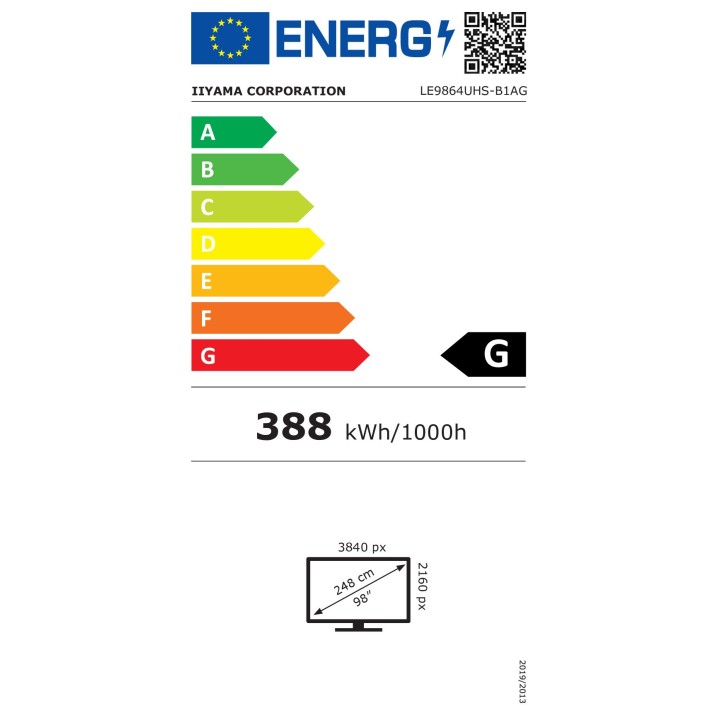
  • Pobór mocy (typ.): 388 W
  • Pobór mocy (czuwanie): 0.5 W
  • Zasilanie (AC): 100 - 240 V, 50/60 Hz
  • Tryb pracy: 24/7 (ciągły)
  • MTBF: 50000 h
  • Certyfikaty zgodności: CE, EAC, REACH, RoHS, TÜV, UKCA, WEEE

Szczegóły produktu

  • Marka IIYAMA
  • Kod produktu 6801b6c3be785def4594c2e3
  • Dostępność 22 Przedmioty
  • EAN13 4948570125227
  • MPN LE9864UHSB1AG

Specyfikacja

  • Przekątna ekranu (cal) 98 cal
  • Rozdzielczość natywna 3840 × 2160
  • Typ matrycy VA
  • Częstotliwość odświeżania (Hz) 60 Hz
  • Moc ładowania USB-C (W) 15 W
  • Standard VESA 700 × 500
  • USB-C z obrazem Tak

Producent

Producent

IIYAMA International Corporate Headquarters

Wijkermeerstraat 8, 2131 HA Hoofddorp 2131 HA Hoofddorp Netherlands

Formularz kontaktowy: https://iiyama.com/gl_en/support#product-support

Telefon: +31 20 446 0404

Bezpieczeństwo

Informacje o bezpieczeństwie

List of computer monitor safety warnings based on the requirements of General Product Safety Regulation (EU) 2023/988 (GPSR): * Risk to vision: Long-term gazing at the monitor screen may cause eye strain, dry eyes or headaches. * Limit the working time with the monitor. * Take regular breaks. * Maintain proper distance from the screen. * Ensure proper lighting in the room. * Set the brightness and contrast of the monitor to a comfortable level. * Ergonomics: Incorrect position when working with the monitor can lead to back, neck, and shoulder pain. * Set the monitor to the correct height so that the top edge of the screen is at eye level or slightly below. * Use an adjustable chair and desk to ensure an ergonomic position. * Maintain proper posture while sitting. * Risk of electric shock: Improper use or damage to the monitor can lead to electric shock. * Do not use the monitor in humid environments. * Do not touch the monitor with wet hands. * Do not put any items inside the monitor. * If the power cable is damaged, replace it with a new one. * Disconnect the monitor from power before cleaning. * Fire risk: Overheating or short circuiting in the monitor can cause a fire. * Do not cover the ventilation holes of the monitor. * Do not place the monitor near heat sources. * Use only the original power supply that came with your monitor. * If the monitor overheats, disconnect it from power immediately. * Mechanical damage: The fall of the monitor can cause damage and pose a threat to the user. * Set the monitor on a stable surface. * Secure cables to avoid accidental tripping. * For monitor transport, use appropriate protective packaging. * Cleaning: Improper cleaning of the monitor can damage the screen or cause other problems. * Use only a soft, dry cloth to clean the screen. * Do not use cleaning products containing alcohol, ammonia or other corrosive substances. * Disconnect the monitor from power before cleaning. * Disposal: Incorrect disposal of the monitor can pose a threat to the environment. * Return the used monitor to the e-waste collection point. * Do not throw the monitor in a regular trash can. * Children: The monitor is not a toy and should not be used by children without supervision. * Make sure children do not touch the power cables. * Make sure kids don't play around with the monitor packaging. * Repairs: Do not try to repair the monitor yourself. * Any repairs should be done by qualified personnel. * Monitor portability: Be careful when moving your monitor. * Disconnect all cables before moving. * Use appropriate packaging. * Weather conditions: Do not expose the monitor to extreme temperatures or moisture. * Protect your monitor from direct sunlight. * Adjustable settings: Do not use extreme brightness or contrast settings. * These can cause faster eye strain. * Noise: If the monitor makes disturbing noises, turn it off immediately. * Contact the technical service. * Environmental protection: Be sure to turn off the monitor when not in use. * You save energy this way. * Software: Use only the software provided by the manufacturer. * You will avoid compatibility issues.

Ładowanie...
Wróć na górę