- Nowy
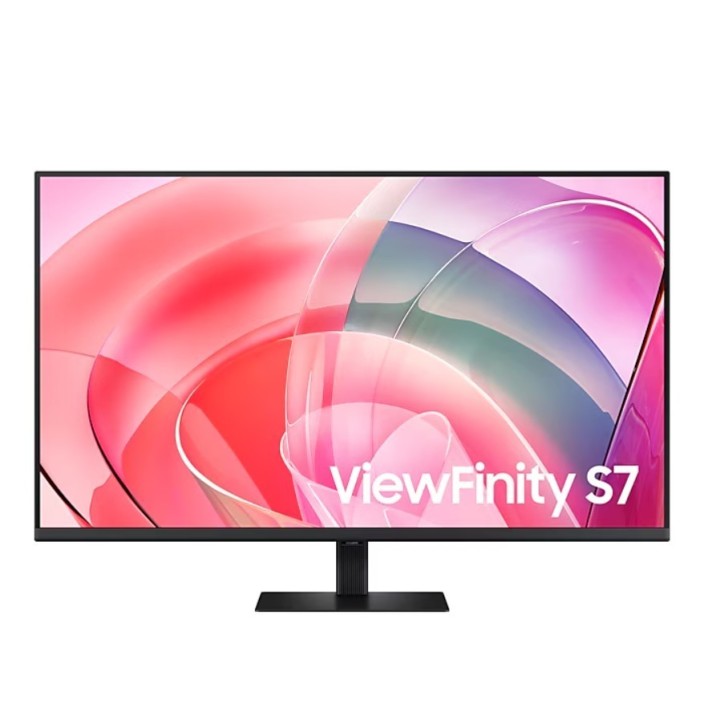
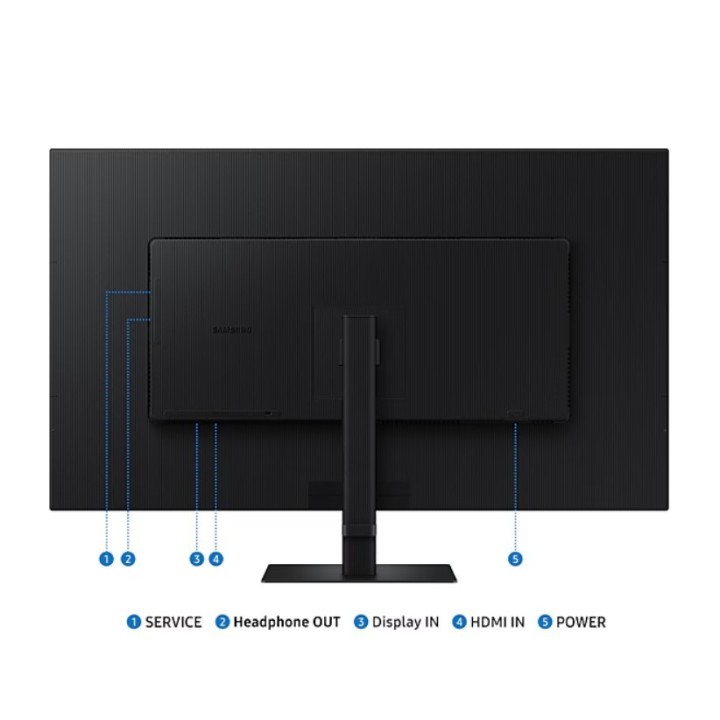
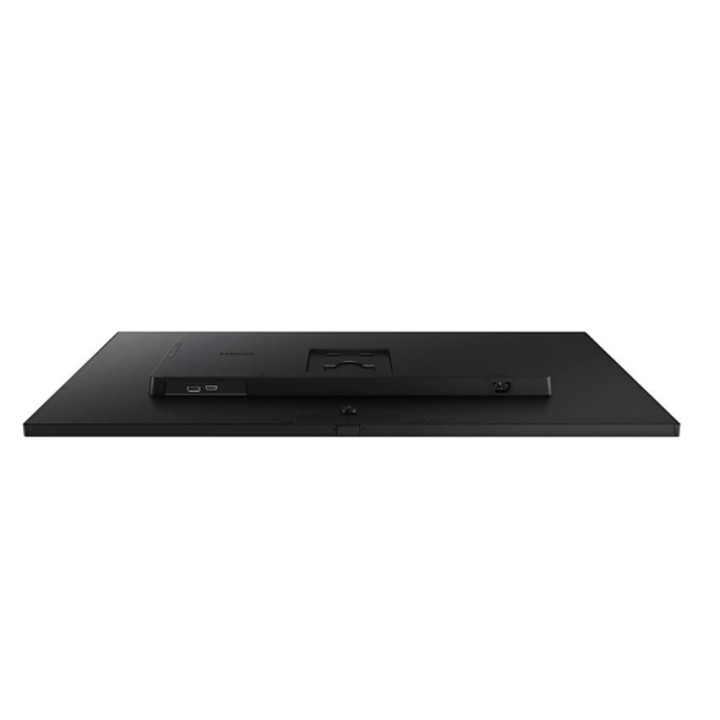
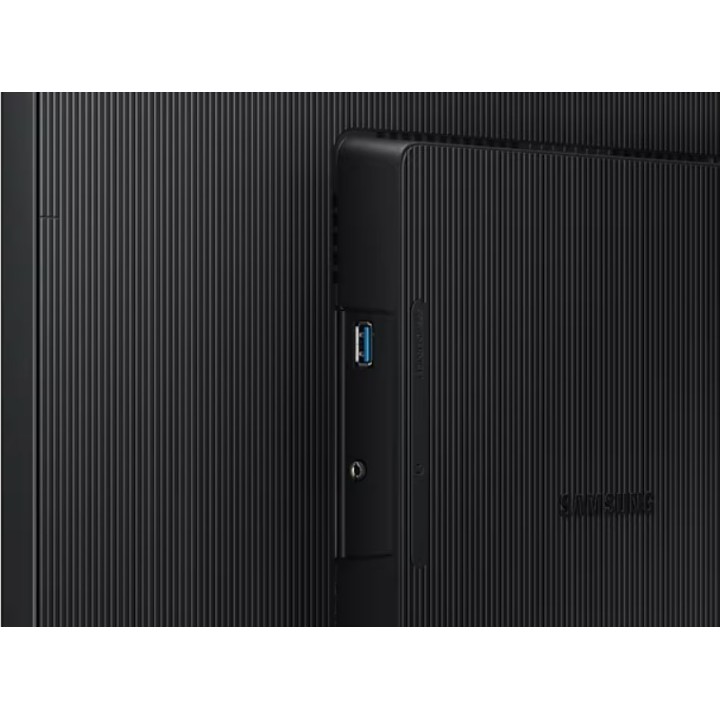
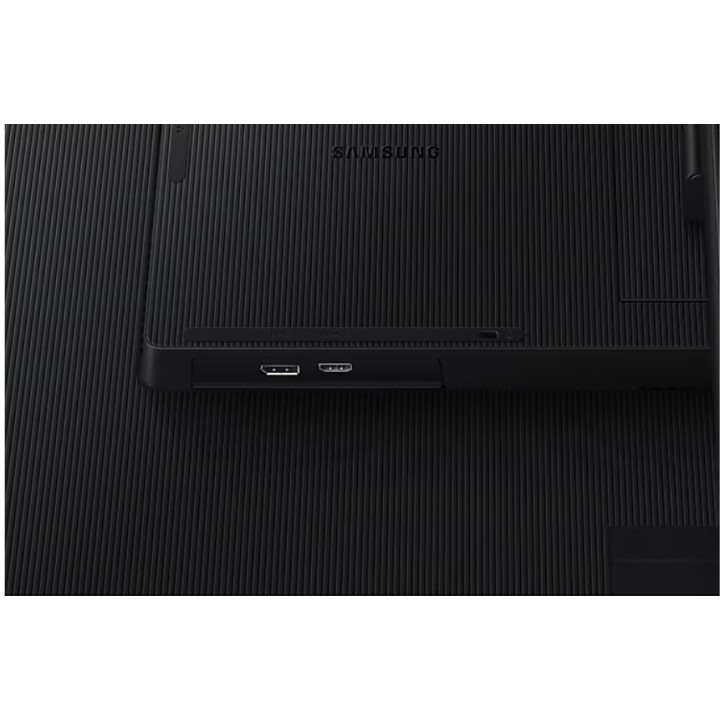
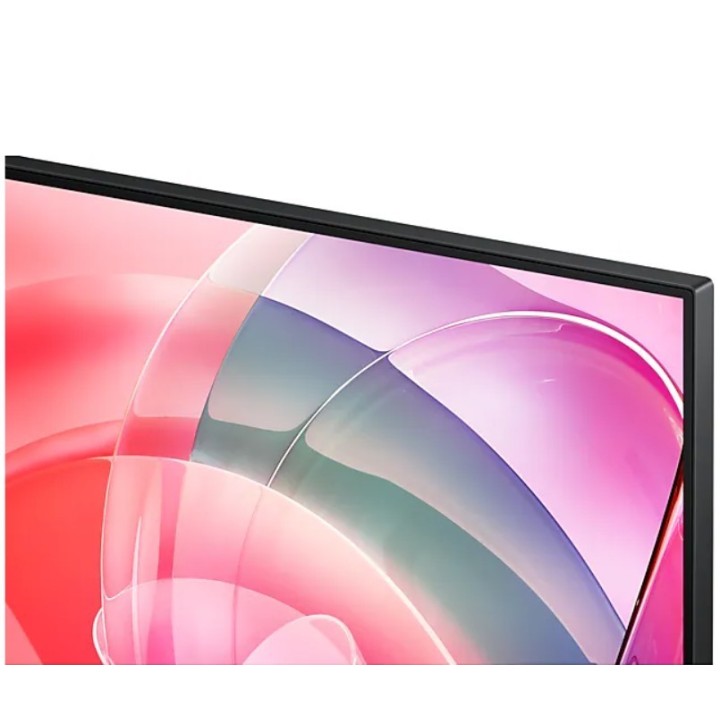
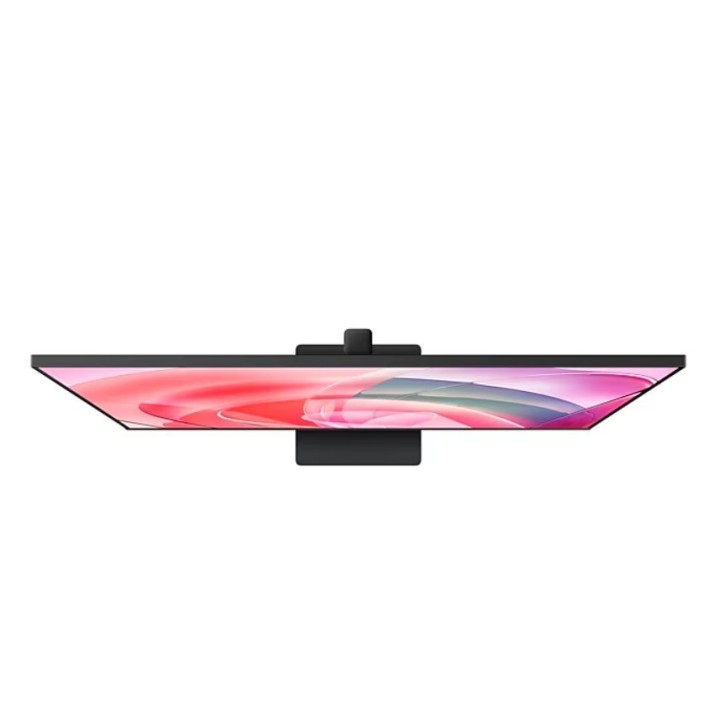
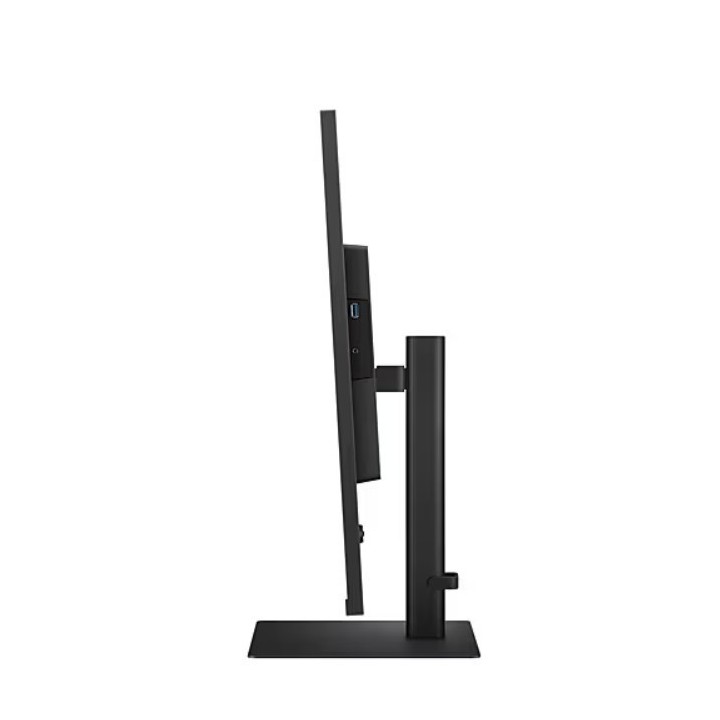
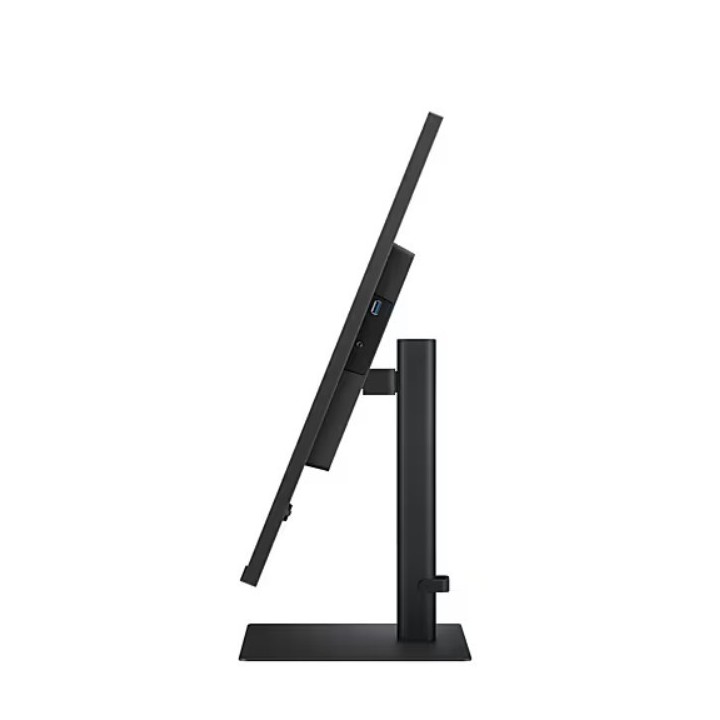
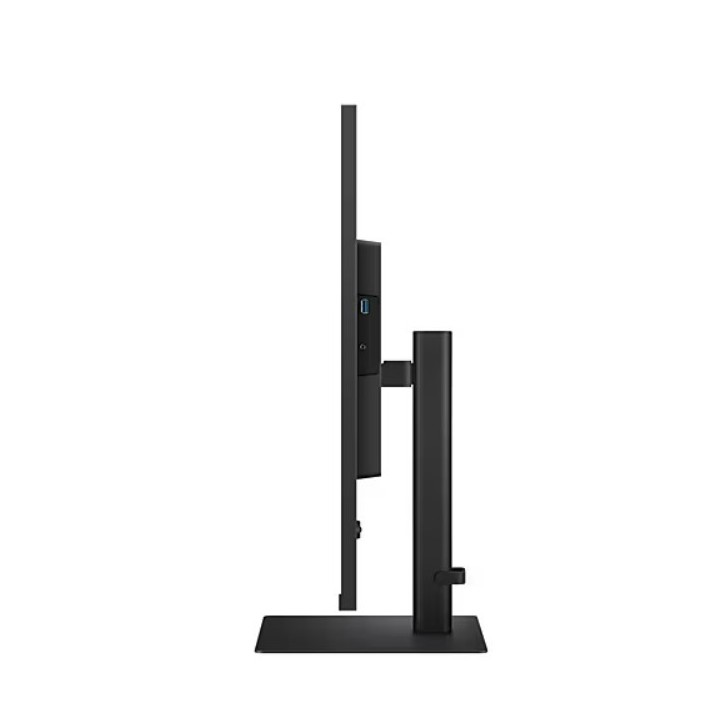
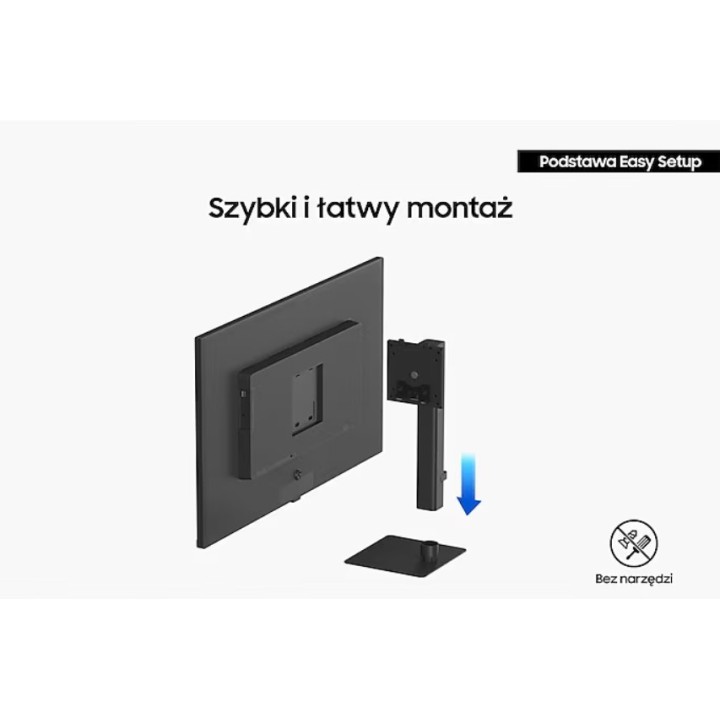
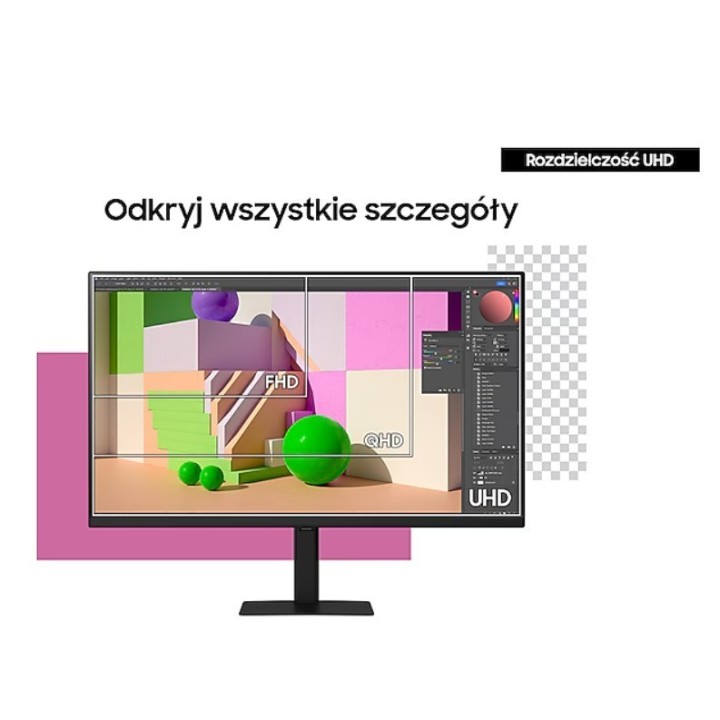
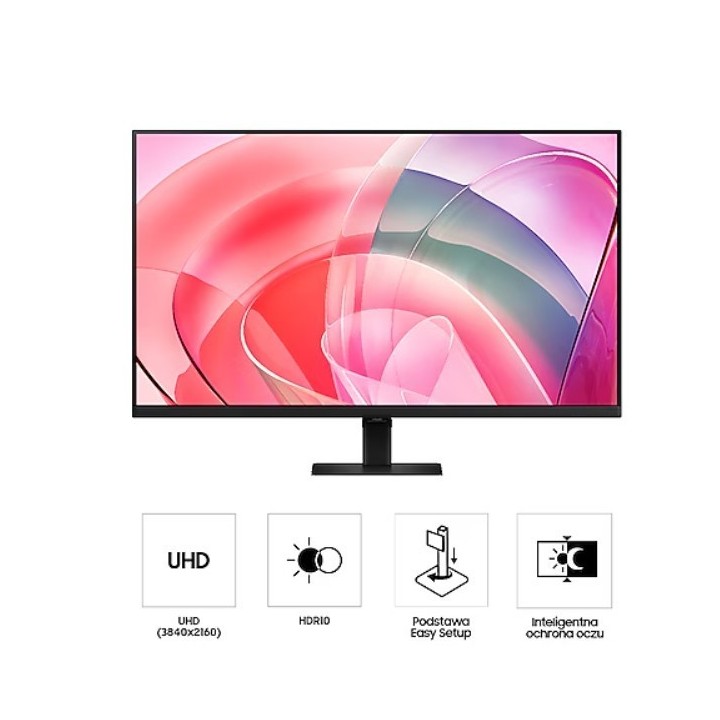
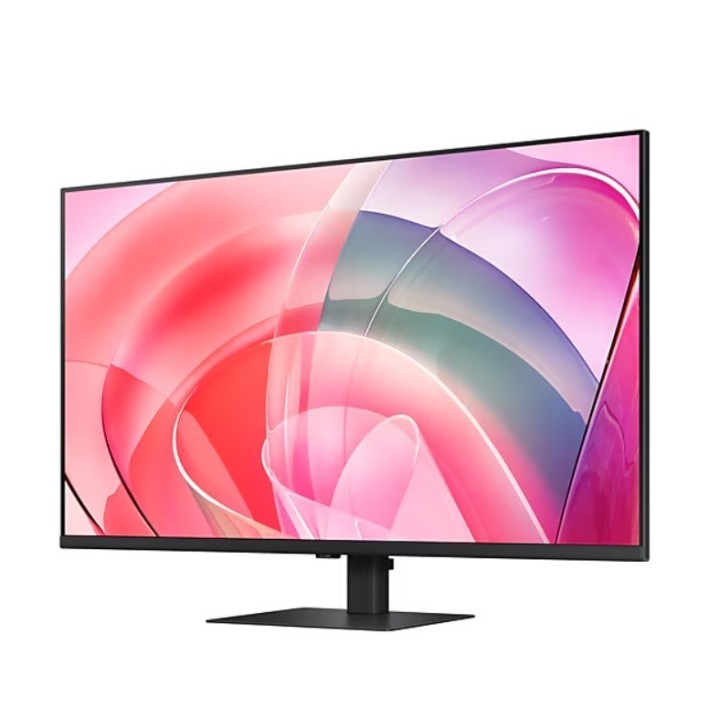
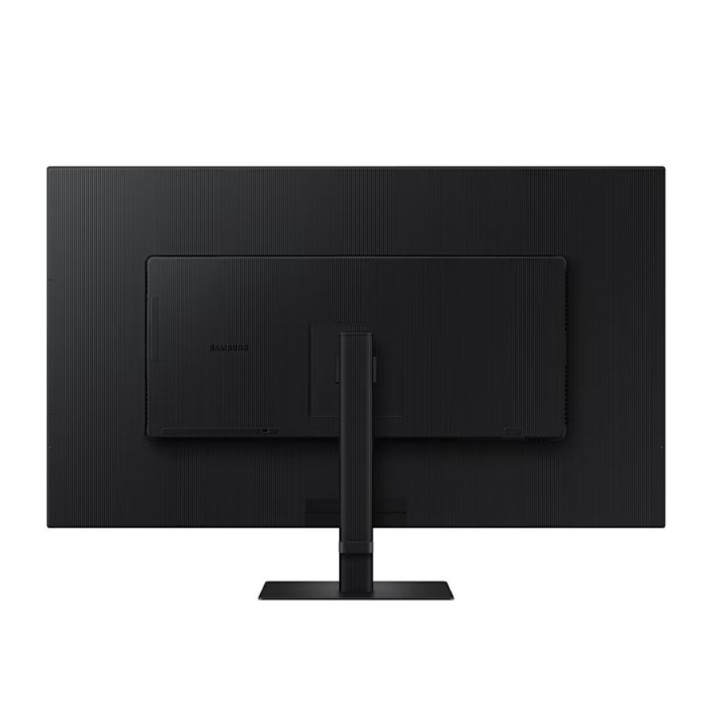
Monitor Samsung 37" ViewFinity S7 LS37D700EAUXEN VA 4K UHD 60Hz HDMI DP USB obrazki
Monitor Samsung 37" ViewFinity S7 LS37D700EAUXEN VA 4K UHD 60Hz HDMI DP USB
Opis produktu
Monitor Samsung 37" ViewFinity S7 LS37D700EAUXEN VA 4K UHD 60Hz HDMI DP USB
Specyfikacja
- Przekątna ekranu: 37.00 cali
- Typ matrycy: VA
- Technologia podświetlania: LED
- Format obrazu: 16:9
- Touch: Nie
- Czas reakcji matrycy: 5.000 ms
- Jasność matrycy: 350 cd/m2
- Kontrast statyczny: 3000 :1
- Rozdzielczość maksymalna: 3840 x 2160 (4K UHD)
- Częst. odśw. przy rozdzielczości optymalnej (Hz): 60
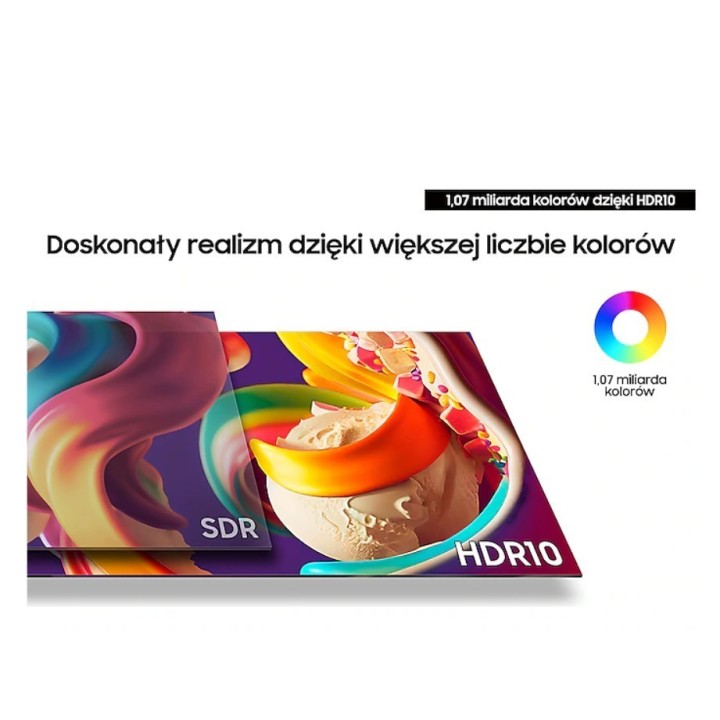
- Ilość wyświetlanych kolorów: 1,07 B (10-bitowy)
- Kąt widzenia pionowy (V): 178.00 stopni
- Kąt widzenia poziomy (H): 178.00 stopni
- Zakrzywiony ekran: Nie
- Normy spełniane przez monitor: TCO
- Złącza zewn.: DisplayPort
- Zgodność z technologią HDCP: Tak
- Redukcja migotania [FlickerFree/Safe]: Tak
- Regulacja kąta nachylenia [Tilt]: -5° / +25°
- Montaż VESA: 100x100
- Nasycenie kolorów: 100% (sRGB)
- Pobór energii (podczas pracy): 35.40 W
- Pobór energii (tryb czuwania): 0.50 W
- Klasa energetyczna: F
- Kolor obudowy: Czarny (Black)
- Wymiary z podstawą [S x W x G] (mm): 823,9 x 565 x 250
- Wymiary bez podstawy [S x W x G] (mm): 823,9 x 486,5 x 41,8
- Waga z podstawą (kg): 8.10
- Waga bez podstawy (kg): 5.80
- Zawiera baterię / akumulator: Nie
- Informacje dodatkowe: Kalibracja fabryczna
- Gwarancja producenta [mies.]: 24
Szczegóły produktu
- Marka Samsung
- Kod produktu 6801b82abe785def45980632
- Dostępność 2 Przedmioty
- EAN13 8806095970998
- MPN LS37D700EAUXEN
Specyfikacja
- Przekątna ekranu (cal) 37 cal
- Rozdzielczość natywna 3840 × 2160
- Typ matrycy VA
- Częstotliwość odświeżania (Hz) 60 Hz
- Ekran dotykowy Nie
- Zakrzywiony ekran Nie
- Standard VESA 100 × 100
- Pivot Nie
Producent
Producent
SAMSUNG
PO Box 12987 D01F5P Dublin Ireland
Formularz kontaktowy: https://www.samsung.com/pl/support/
Bezpieczeństwo
Informacje o bezpieczeństwie
List of computer monitor safety warnings based on the requirements of General Product Safety Regulation (EU) 2023/988 (GPSR): * Risk to vision: Long-term gazing at the monitor screen may cause eye strain, dry eyes or headaches. * Limit the working time with the monitor. * Take regular breaks. * Maintain proper distance from the screen. * Ensure proper lighting in the room. * Set the brightness and contrast of the monitor to a comfortable level. * Ergonomics: Incorrect position when working with the monitor can lead to back, neck, and shoulder pain. * Set the monitor to the correct height so that the top edge of the screen is at eye level or slightly below. * Use an adjustable chair and desk to ensure an ergonomic position. * Maintain proper posture while sitting. * Risk of electric shock: Improper use or damage to the monitor can lead to electric shock. * Do not use the monitor in humid environments. * Do not touch the monitor with wet hands. * Do not put any items inside the monitor. * If the power cable is damaged, replace it with a new one. * Disconnect the monitor from power before cleaning. * Fire risk: Overheating or short circuiting in the monitor can cause a fire. * Do not cover the ventilation holes of the monitor. * Do not place the monitor near heat sources. * Use only the original power supply that came with your monitor. * If the monitor overheats, disconnect it from power immediately. * Mechanical damage: The fall of the monitor can cause damage and pose a threat to the user. * Set the monitor on a stable surface. * Secure cables to avoid accidental tripping. * For monitor transport, use appropriate protective packaging. * Cleaning: Improper cleaning of the monitor can damage the screen or cause other problems. * Use only a soft, dry cloth to clean the screen. * Do not use cleaning products containing alcohol, ammonia or other corrosive substances. * Disconnect the monitor from power before cleaning. * Disposal: Incorrect disposal of the monitor can pose a threat to the environment. * Return the used monitor to the e-waste collection point. * Do not throw the monitor in a regular trash can. * Children: The monitor is not a toy and should not be used by children without supervision. * Make sure children do not touch the power cables. * Make sure kids don't play around with the monitor packaging. * Repairs: Do not try to repair the monitor yourself. * Any repairs should be done by qualified personnel. * Monitor portability: Be careful when moving your monitor. * Disconnect all cables before moving. * Use appropriate packaging. * Weather conditions: Do not expose the monitor to extreme temperatures or moisture. * Protect your monitor from direct sunlight. * Adjustable settings: Do not use extreme brightness or contrast settings. * These can cause faster eye strain. * Noise: If the monitor makes disturbing noises, turn it off immediately. * Contact the technical service. * Environmental protection: Be sure to turn off the monitor when not in use. * You save energy this way. * Software: Use only the software provided by the manufacturer. * You will avoid compatibility issues.
Monitory
- Nowy
- Nowy
- Nowy
- Nowy
- Nowy
- Nowy
- Nowy
- Nowy
- Nowy
- Nowy
Ostatnio oglądane
Produkty, które ostatnio zwróciły Twoją uwagę.
- Nowy
- Nowy