- Nowy
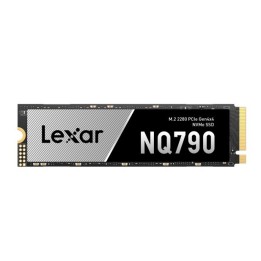
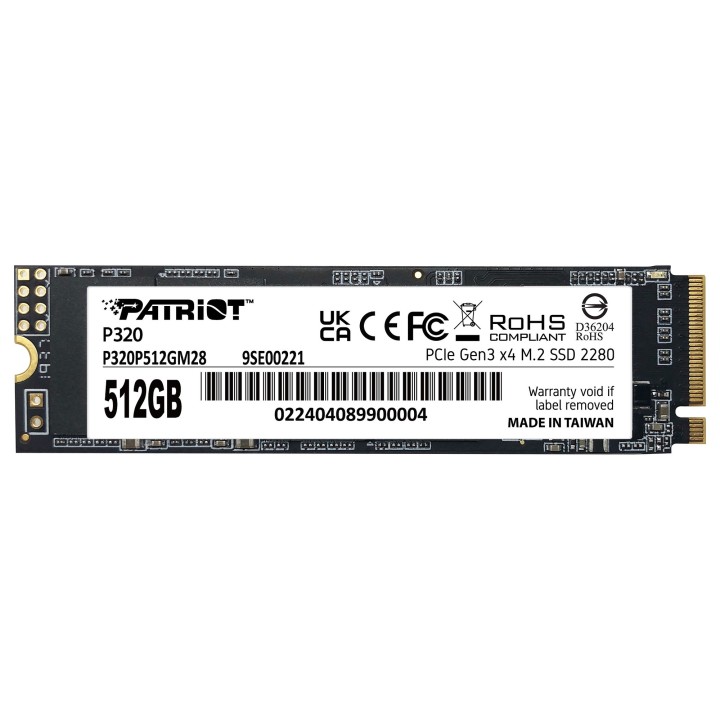
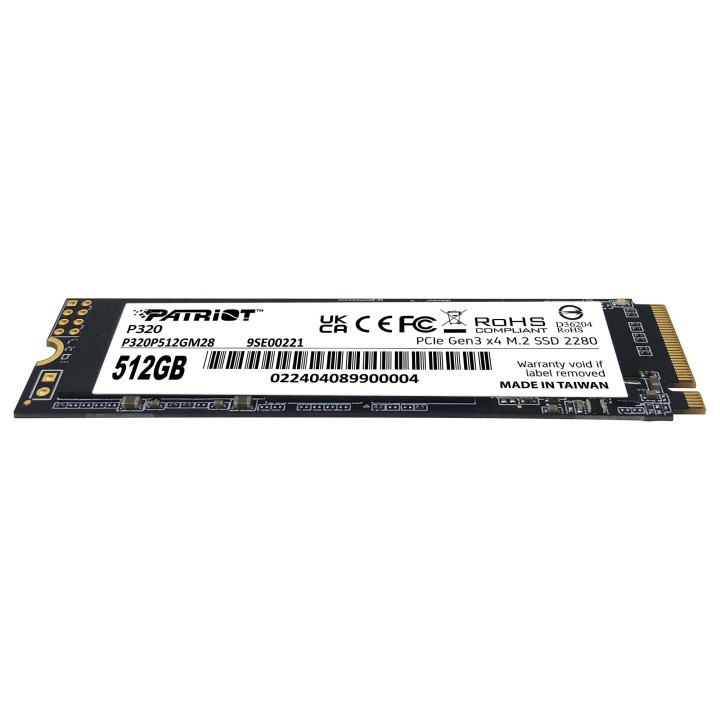
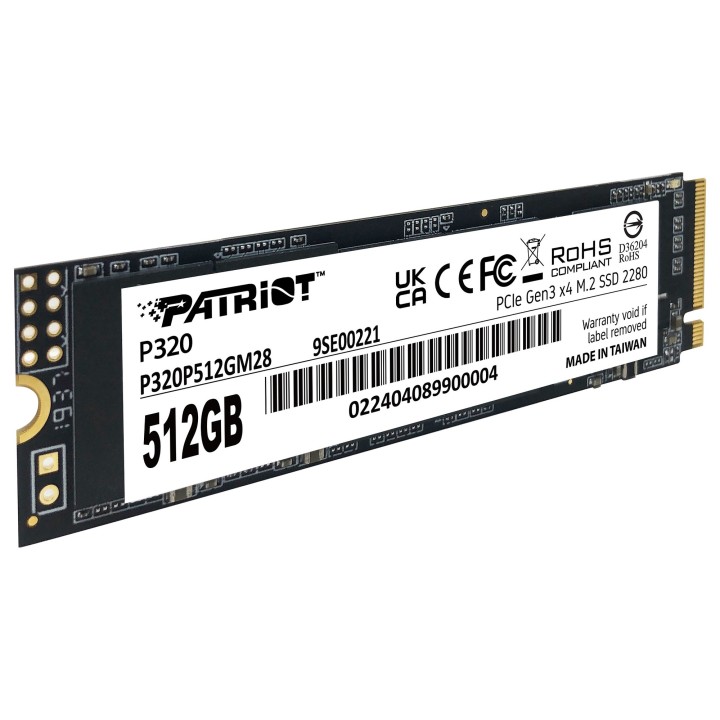
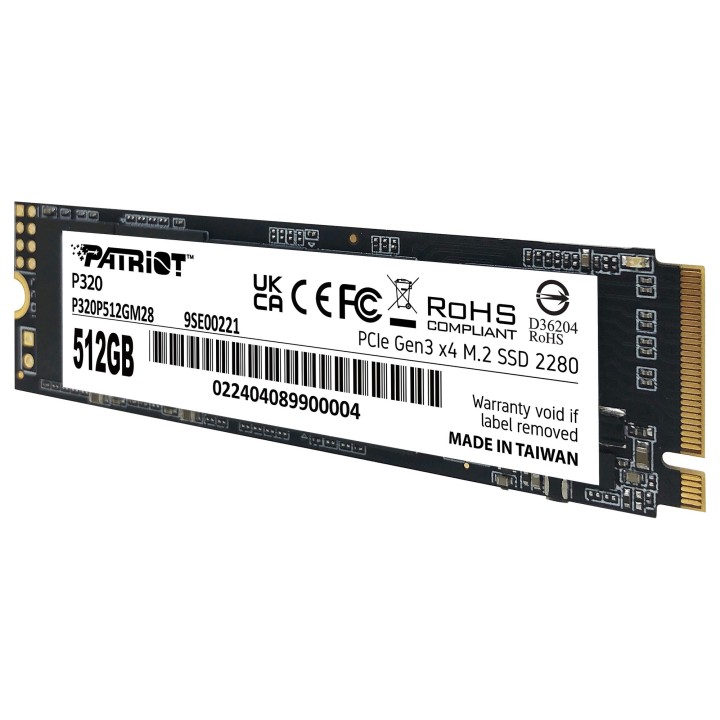
Dysk SSD Patriot P320 wykorzystuje interfejs PCIe 3.0 x4, który zapewnia o 25% wyższe prędkości transferu danych oraz lepsze współczynniki IOPS w porównaniu do standardowych rozwiązań PCIe 3.0 x2. Dzięki temu możesz cieszyć się szybszym uruchamianiem systemu, błyskawicznym ładowaniem aplikacji oraz przesyłaniem danych, co jest znaczącą przewagą nad tradycyjnymi dyskami twardymi. Dysk stanowi doskonałą opcję dla osób poszukujących szybkiego i efektywnego nośnika danych, który poprawi ogólną wydajność ich komputera. Kompaktowa obudowa dysku SSD M.2 2280, zaprojektowana z myślą o łatwej instalacji, umożliwia bezproblemowe umieszczenie go w większości komputerów stacjonarnych i laptopów. Niskie zużycie energii dysku SSD Patriot P320 przyczynia się do dłuższej pracy na baterii w laptopach, co jest szczególnie ważne dla użytkowników mobilnych
Patriot Memory B.V.
Innsbruckweg 190-192 3047 AH Rotterdam Netherlands
E-mail: EUsales@patriotmemory.com
Formularz kontaktowy: https://www.patriotmemory.com/contact-us
Telefon: +31 (0)10-2931-250
List of SSD security warnings based on General Product Safety Regulation (GPSR) 2023/988 requirements: * Before installing or disassembling an SSD, make sure your computer is turned off and disconnected from power. * When installing an SSD, use the appropriate tools and screws to avoid damaging your drive or computer. * Do not open the SSD enclosure as this may result in loss of warranty and damage to the drive. * Protect your SSD from moisture, dust, and extreme temperatures. * Use SSD management software according to the manufacturer's instructions to monitor its health and performance. * Regularly back up data from your SSD to avoid data loss in the event of a drive failure. * Do not disassemble the SSD while writing or reading data, this can lead to data loss. * Do not expose your SSD to shocks, drops, or other mechanical damage. * Once usage is complete, delete data from the SSD securely to prevent unauthorized access to the data. * Follow the rules for the safe handling of electronic waste when disposing of an SSD.
Produkty, które ostatnio zwróciły Twoją uwagę.