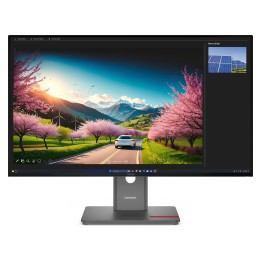
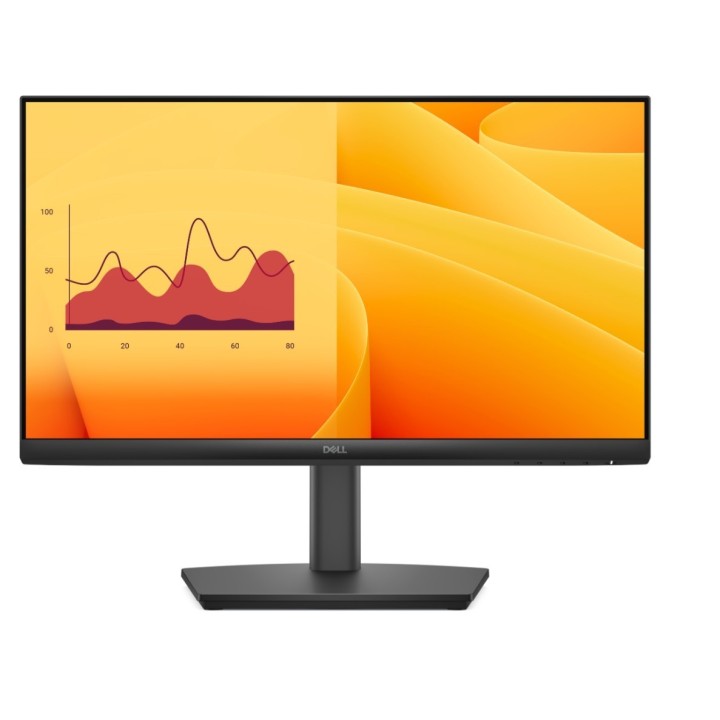
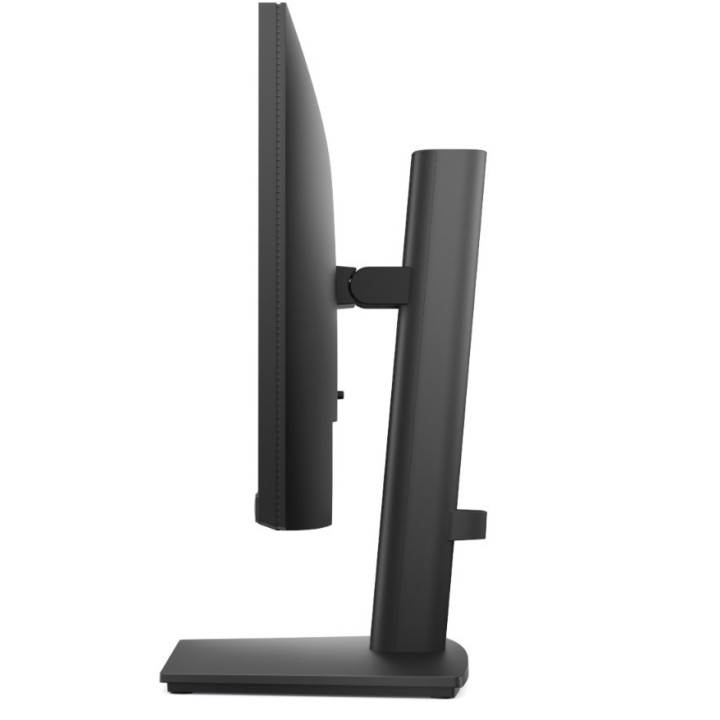
Dell Pro 22 Adjustable Stand Monitor - E2225HSM
Opis produktu
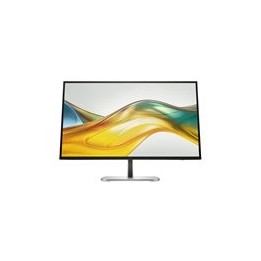
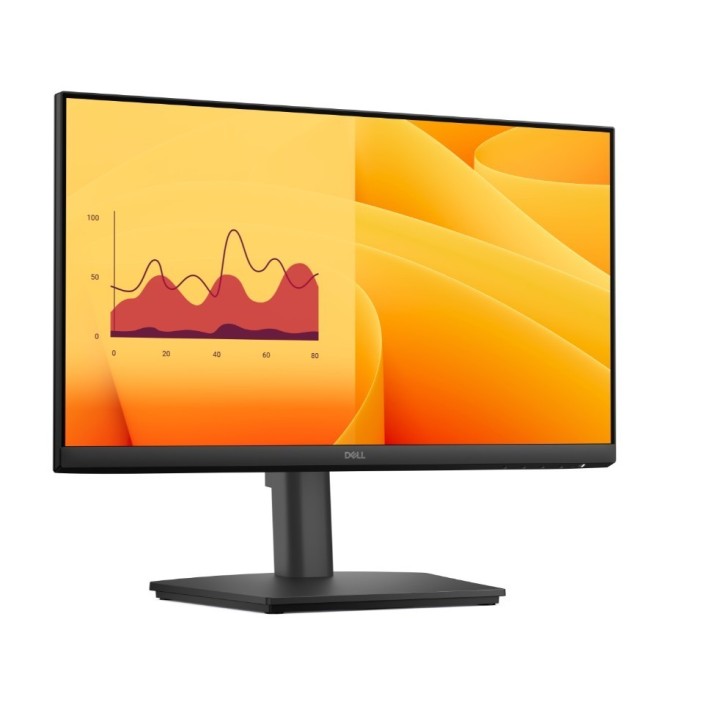
Get the essentials to enhance productivity with this 21.5-inch height-adjustable monitor certified by TÜV Rheinland® for 3-star eye comfort.
Specyfikacja
- Display diagonal: 21.5 "
- Display resolution: 1920 x 1080 pixels
- HD type: Full HD
- Touchscreen: No
- Viewing angle, vertical: 178 °
- Viewing angle, horizontal: 178 °
- Response time: 8 ms
- Panel type: VA
- Contrast ratio (typical): 3000:1
- Display number of colours: 16.7 million colours
- Pixel pitch: 0.2493 x 0.241 mm
- Native aspect ratio: 16:9
- Screen shape: Flat
- LED backlight: Yes
- Display technology: LCD
- Supported graphics resolutions: 640 x 480 (VGA),720 x 400,800 x 600 (SVGA),1024 x 768 (XGA),1152 x 864 (XGA+),1280 x 1024 (SXGA),1280 x 720 (HD 720),1600 x 900,1920 x 1080 (HD 1080)
- Horizontal scan range: 30 - 110 kHz
- Vertical scan range: 48 - 100 Hz
- Supported video modes: 480p,576p,720p,1080p
- Surface hardness: 3H
- Anti-glare screen: Yes
- Maximum refresh rate: 100 Hz
- Display brightness (typical): 250 cd/m²
- Viewable size, vertical: 260.28 mm
- Viewable size, horizontal: 478.66 mm
- Pixel density: 103 ppi
- Response time (fast): 5 ms
- Viewable size diagonal: 544.9 mm
- NTSC coverage (typical): 72 %
- Response time measurement type: GTG (Gray to Gray)
- Dell ComfortView technology: Yes
- AMD FreeSync: No
- NVIDIA G-SYNC: No
- Flicker-free technology: Yes
- Windows operating systems supported: Windows 10,Windows 11,Y
- Built-in speaker(s): Yes
- RMS rated power: 4 W
- Number of speakers: 2
- Built-in camera: No
- Market positioning: Office
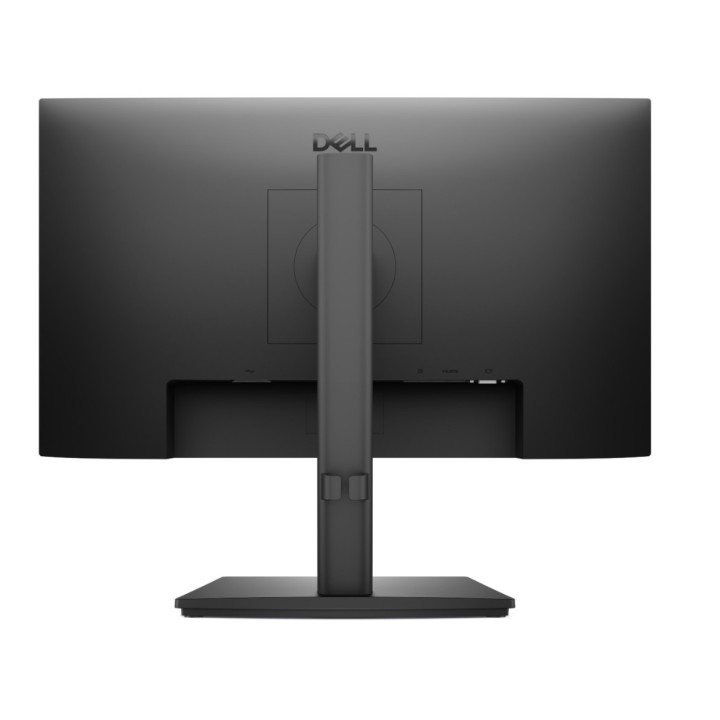
- Feet colour: Black
- Front bezel colour: Black
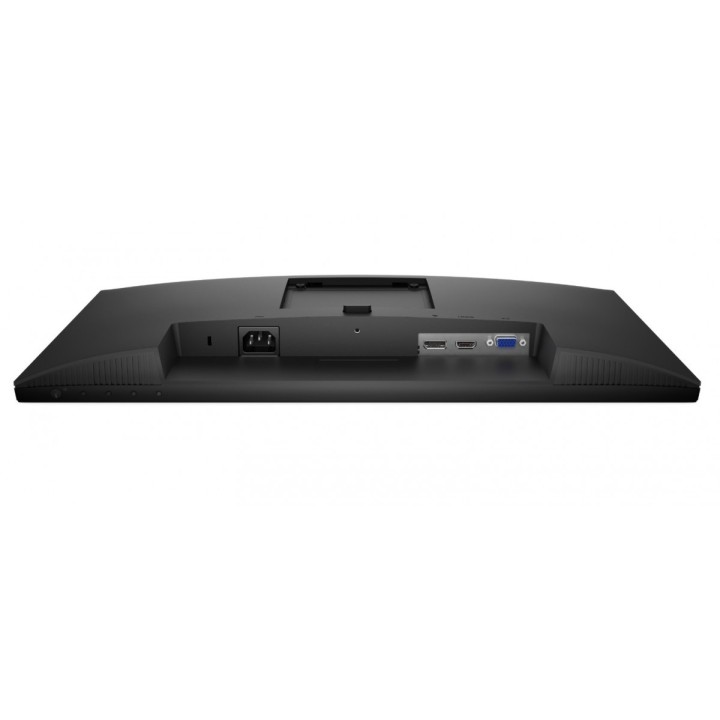
- DisplayPorts quantity: 1
- HDMI version: 1.4
- DisplayPort version: 1.2
- HDCP: Yes
- HDCP version: 1.4
- VGA (D-Sub) ports quantity: 1
- Built-in USB hub: No
- HDMI: Yes
- Headphone out: No
- VESA mounting: Yes
- Cable lock slot type: Kensington
- Plug and Play: Yes
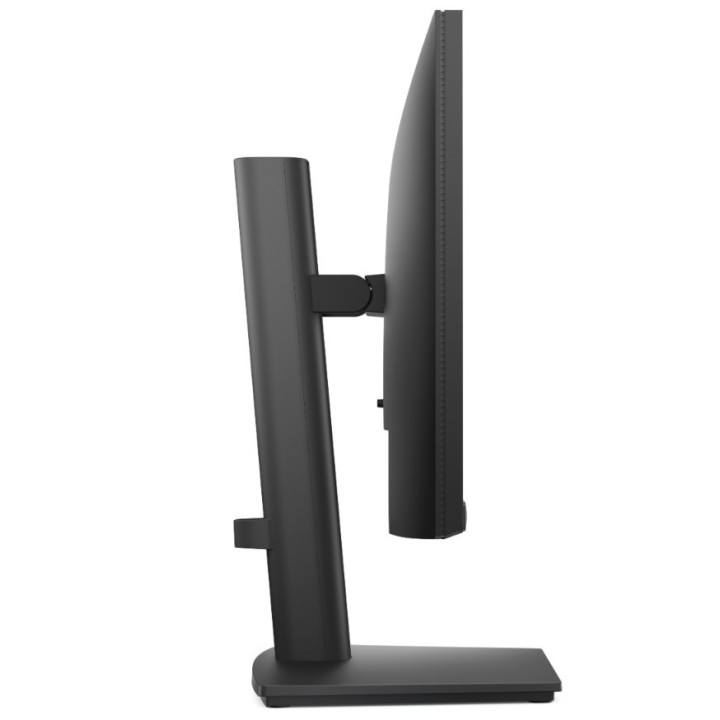
- Tilt angle range: -5 - 21 °
- Panel mounting interface: 100 x 100 mm
- LED indicators: Yes
- On Screen Display (OSD): Yes
- Cable lock slot: Yes
- Height adjustment: Yes
- Tilt adjustment: Yes
- Swivelling: Yes
- Pivot: Yes
- Swivel angle range: -173 - 173 °
- Pivot angle: -90 - 90 °
- Cable management: Yes
- Adjustable height (max): 130 mm
- AC input voltage: 100 - 240 V
- AC input frequency: 50/60 Hz
- Power supply type: Internal
- Input current: 0.7 A
- Power consumption (max): 25 W
- Power consumption (standby): 0.3 W
- Power consumption (typical): 11.4 W
- Energy efficiency class (SDR): D
- Energy consumption (SDR) per 1000 hours: 11 kWh
- Energy efficiency scale: A to G
- Energy efficiency class (HDR): Not available
- Operating temperature (T-T): 0 - 40 °C
- Operating relative humidity (H-H): 10 - 80 %
- Storage temperature (T-T): -20 - 60 °C
- Storage relative humidity (H-H): 5 - 90 %
- Operating altitude: 0 - 5000 m
- Non-operating altitude: 0 - 12192 m
- Cables included: HDMI
- Quick start guide: Yes
- Stand included: Yes
- HDMI cable length: 1.8 m
- Bezel width (side): 6.7 mm
- Bezel width (top): 6.7 mm
- Bezel width (bottom): 17.15 mm
- Width (without stand): 492.06 mm
- Height (without stand): 288.93 mm
- Depth (without stand): 54.33 mm
- Width (with stand): 492.06 mm
- Depth (with stand): 211.6 mm
- Weight (with stand): 3770 g
- Height (with stand): 468.59 mm
- Weight (without stand): 2260 g
- Package weight: 5920 g
- Warranty card: Yes
- Sustainability certificates: ENERGY STAR,EPEAT Climate +,EPEAT Gold,TCO
- Doesn't contain: Arsenic,Mercury (element),PVC/BFR
- Carbon emissions, energy usage (kg of CO2e): 56.444
- Carbon emissions, manufacturing (kg of CO2e): 66.993
- Carbon emissions, logistics (kg of CO2e): 11.097
- Carbon emissions, end-of-life (kg of CO2e): 2.466
- Total carbon footprint (kg of CO2e): 137
- PAIA version: GaBi version 1, 2024
- Dell Display Manager (DDM) compatibility: Yes
- Compliance certificates: RoHS
Szczegóły produktu
- Marka Dell
- Kod produktu 682607ff3cc164a5e6698405
- Dostępność 30 Przedmioty
- EAN13 5397184962411
- MPN 210-BRDT
Specyfikacja
- Przekątna ekranu (cal) 21,5 cal
- Czas reakcji GtG (ms) 8 ms
- Rozdzielczość natywna 1920 × 1080
- Typ matrycy VA
- Częstotliwość odświeżania (Hz) 100 Hz
- Ekran dotykowy Nie
- Zakrzywiony ekran Nie
- Standard VESA 100 × 100
- Pivot Tak
Producent
Producent
Dell Sp. z o.o.
ul. Inflancka 4A 00-189 Warszawa Poland
E-mail: regulatory.compliance@dell.com
Telefon: 15 123 381 551
Bezpieczeństwo
Informacje o bezpieczeństwie
List of computer monitor safety warnings based on the requirements of General Product Safety Regulation (EU) 2023/988 (GPSR): * Risk to vision: Long-term gazing at the monitor screen may cause eye strain, dry eyes or headaches. * Limit the working time with the monitor. * Take regular breaks. * Maintain proper distance from the screen. * Ensure proper lighting in the room. * Set the brightness and contrast of the monitor to a comfortable level. * Ergonomics: Incorrect position when working with the monitor can lead to back, neck, and shoulder pain. * Set the monitor to the correct height so that the top edge of the screen is at eye level or slightly below. * Use an adjustable chair and desk to ensure an ergonomic position. * Maintain proper posture while sitting. * Risk of electric shock: Improper use or damage to the monitor can lead to electric shock. * Do not use the monitor in humid environments. * Do not touch the monitor with wet hands. * Do not put any items inside the monitor. * If the power cable is damaged, replace it with a new one. * Disconnect the monitor from power before cleaning. * Fire risk: Overheating or short circuiting in the monitor can cause a fire. * Do not cover the ventilation holes of the monitor. * Do not place the monitor near heat sources. * Use only the original power supply that came with your monitor. * If the monitor overheats, disconnect it from power immediately. * Mechanical damage: The fall of the monitor can cause damage and pose a threat to the user. * Set the monitor on a stable surface. * Secure cables to avoid accidental tripping. * For monitor transport, use appropriate protective packaging. * Cleaning: Improper cleaning of the monitor can damage the screen or cause other problems. * Use only a soft, dry cloth to clean the screen. * Do not use cleaning products containing alcohol, ammonia or other corrosive substances. * Disconnect the monitor from power before cleaning. * Disposal: Incorrect disposal of the monitor can pose a threat to the environment. * Return the used monitor to the e-waste collection point. * Do not throw the monitor in a regular trash can. * Children: The monitor is not a toy and should not be used by children without supervision. * Make sure children do not touch the power cables. * Make sure kids don't play around with the monitor packaging. * Repairs: Do not try to repair the monitor yourself. * Any repairs should be done by qualified personnel. * Monitor portability: Be careful when moving your monitor. * Disconnect all cables before moving. * Use appropriate packaging. * Weather conditions: Do not expose the monitor to extreme temperatures or moisture. * Protect your monitor from direct sunlight. * Adjustable settings: Do not use extreme brightness or contrast settings. * These can cause faster eye strain. * Noise: If the monitor makes disturbing noises, turn it off immediately. * Contact the technical service. * Environmental protection: Be sure to turn off the monitor when not in use. * You save energy this way. * Software: Use only the software provided by the manufacturer. * You will avoid compatibility issues.
Monitory
Ostatnio oglądane
Produkty, które ostatnio zwróciły Twoją uwagę.