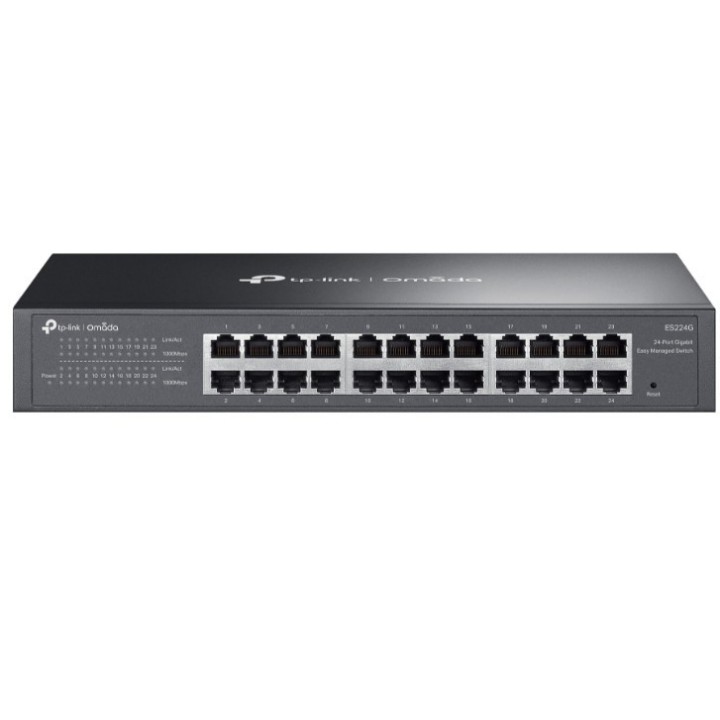
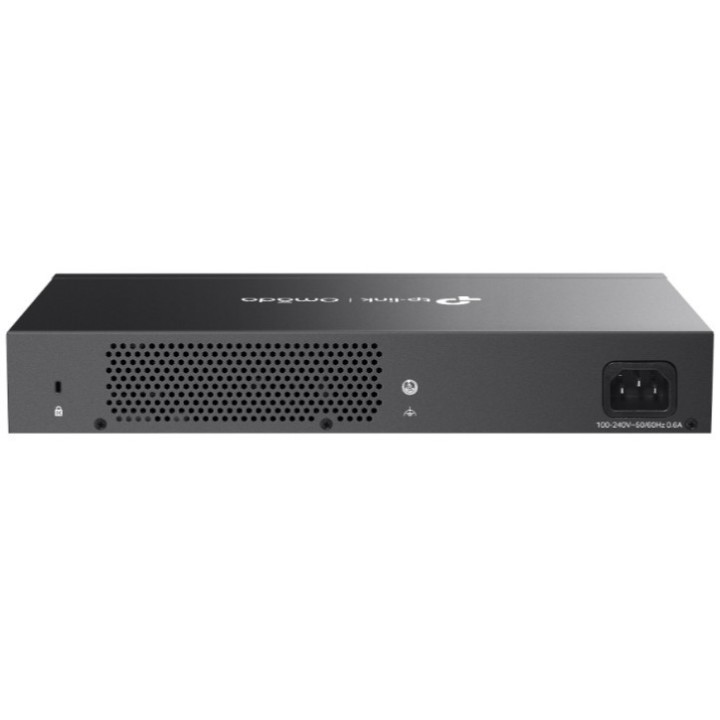
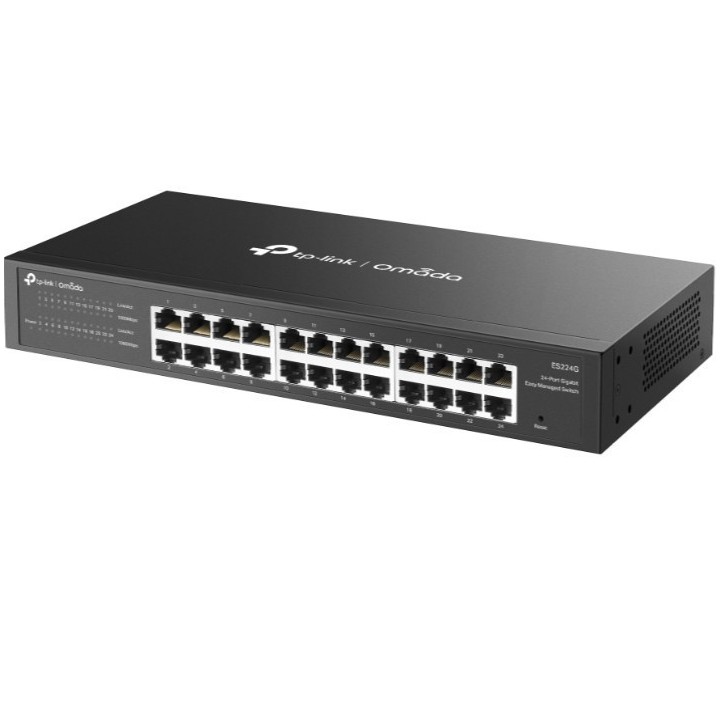
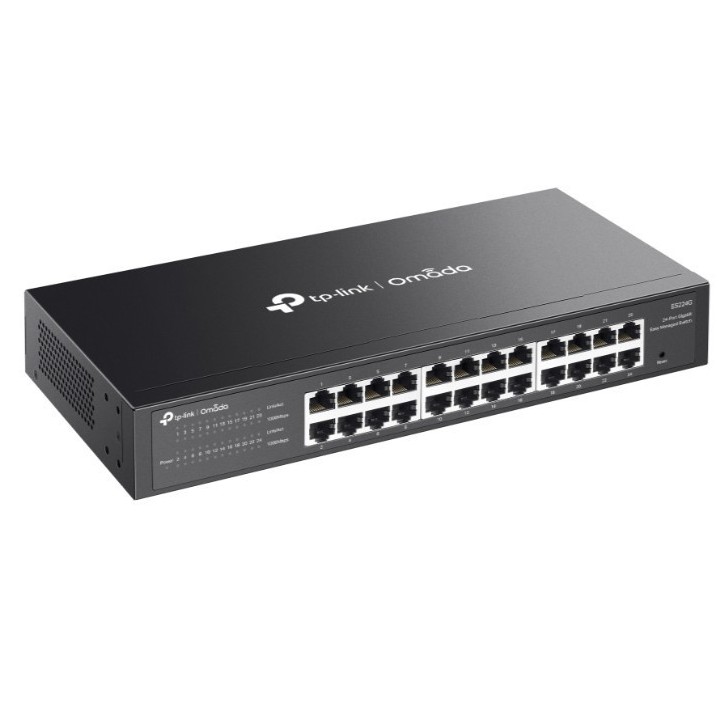
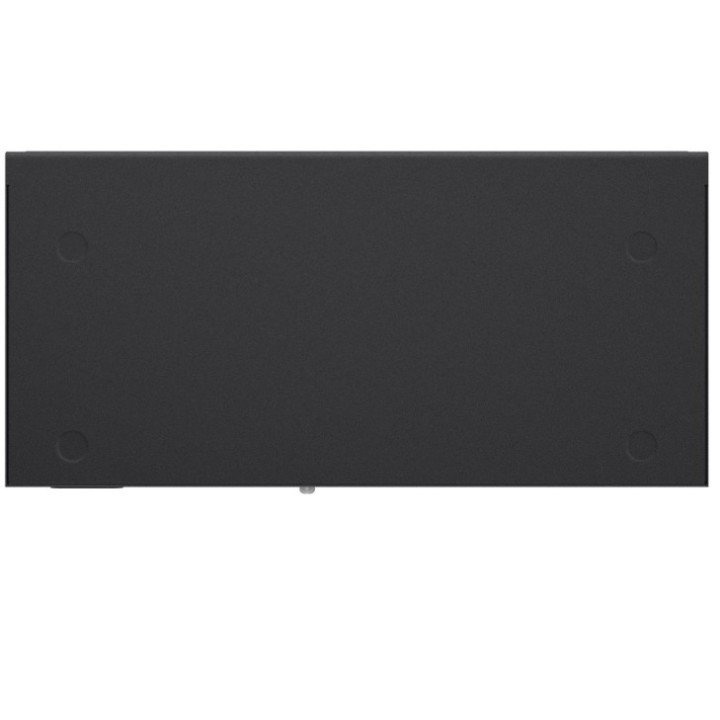
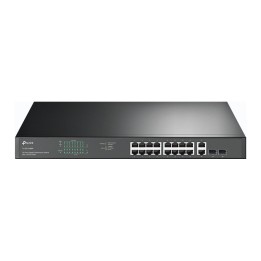
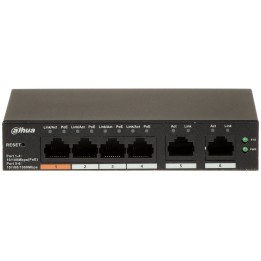
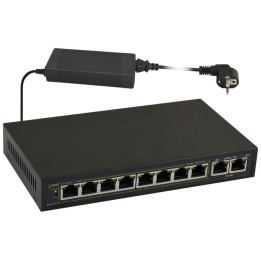
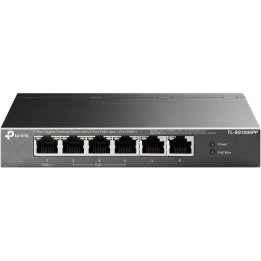
24-PORT 1G EASY MANAGED SWITCH/MANAGED SWITCH

Cena: 587,99 zł
Brutto
Dostępność produktu: Dostępny 7 szt.
Czas dostawy Wysyłka w ciągu 3 dni roboczych
Koszt dostawy Bezpłatna dostawa od 250 zł.

Opis produktu

Omada Cloud Essentials — A Free and Easy Cloud-Based Network Management

Omada Cloud Essentials is a free, easy-to-use version of the Omada Cloud-based Controller. It provides cloud-based centralized management and monitoring for the Omada networking system, covering access points, switches, and gateways, ideal for surveillance networks and small businesses.

Specyfikacja

  • Quality of Service (QoS) support: Yes
  • Web-based management: Yes
  • Switch layer: L2
  • Switch type: Managed
  • Cloud-managed: Yes
  • Unified static configuration: Yes
  • Gigabit Ethernet (copper) ports quantity: 24
  • Installed SFP modules quantity: 0
  • Installed SFP+ modules quantity: 0
  • Basic switching RJ-45 Ethernet ports type: Gigabit Ethernet (10/100/1000)
  • Basic switching RJ-45 Ethernet ports quantity: 24
  • Flow control support: Yes
  • Auto-negotiation: Yes
  • VLAN support: Yes
  • Number of VLANs: 32
  • Link aggregation: Yes
  • Auto MDI/MDI-X: Yes
  • Virtual LAN features: MTU VLAN,Port-based VLAN
  • Broadcast storm control: Yes
  • Port mirroring: Yes
  • Fast leave: Yes
  • MAC address table: 8000 entries
  • Switching capacity: 48 Gbit/s
  • Jumbo frames support: Yes
  • Forwarding rate: 35.7 Mpps
  • Jumbo frames: 15000
  • Packet buffer memory: 4 MB
  • Store-and-forward: Yes
  • IGMP snooping: Yes
  • DHCP features: DHCP client
  • Queue scheduling algorithms: Weighted Round Robin (WRR)
  • Multicast support: Yes
  • Product colour: Black
  • Rack mounting: Yes
  • Firmware upgradeable: Yes
  • Fanless: Yes
  • Compliance certificates: CE,Federal Communications Commission (FCC),RoHS
  • AC input frequency: 50/60 Hz
  • AC input voltage: 100 - 240 V
  • Power source: AC
  • Power supply included: Yes
  • Surge protection voltage: 6 kV
  • Surge protection: Yes
  • Operating temperature (T-T): -5 - 50 °C
  • Operating relative humidity (H-H): 10 - 90 %
  • Storage temperature (T-T): -40 - 70 °C
  • Storage relative humidity (H-H): 5 - 90 %
  • Width: 294 mm
  • Height: 44 mm
  • Depth: 140 mm
  • Cables included: AC
  • Rack mount kit: No
  • User guide: Yes

Szczegóły produktu

  • Marka TP-LINK
  • Kod produktu 6826092b3cc164a5e66e1625
  • Dostępność 7 Przedmioty
  • EAN13 1210002600705
  • MPN ES224G

Specyfikacja

  • Liczba portów (szt.) 24 szt.
  • Rodzaj zarządzania Zarządzalny
  • Montaż Rack Tak
  • Bez wentylatora Tak
  • Liczba portów SFP (szt.) 0 szt.
  • Typ obudowy sieciowej Rack (Switche/UPS)

Producent

Producent

TP-Link Polska Sp. z o.o.

Ożarowska 40/42 05-850 Duchnice Polska

E-mail: info.pl@tp-link.com

Telefon: +48 22 360 63 63

Osoba odpowiedzialna w UE

TP-Link

Ożarowska 40/42 05-850 Duchnice Polska

E-mail: office.poland@tp-link.com

Telefon: +48 22 360 63 00

Bezpieczeństwo

Informacje o bezpieczeństwie

List of safety warnings for network equipment based on the requirements of General Product Safety Regulation (GPSR) 2023/988: 1. Risk of electric shock: * Make sure that the device is connected to a working socket with grounding. * Do not touch the plug or cable with wet hands. * Avoid using the device in places with high humidity. 2. Risk of overheating: * Provide adequate ventilation while maintaining at least 5 cm of free space around the device. * Do not block ventilation openings and avoid putting network equipment on soft surfaces such as blankets or pillows. 3. Fire risk: * Use only original power supplies and accessories recommended by the manufacturer. * Do not leave the device on unattended near flammable materials. 4. Risk of bodily injury: * Use the device on a stable surface to minimize the risk of falling. 5. Hazards in humid environments: * Do not use network equipment outdoors in rain or in places with high humidity. * If the device is flooded, immediately disconnect it from the power source and contact the service. 6. Hazards at high temperatures: * Do not expose the device to direct sunlight. * Avoid using network equipment at temperatures above the recommended range (usually 5-35°C). 7. Risk of damage during cleaning: * Before cleaning, disconnect the device from the power supply and use a soft, slightly damp cloth. * Avoid using strong detergents that can damage the surface of the device. 8. Caution when replacing accessories: * Use only the accessories recommended by the manufacturer. * When replacing batteries, follow the manufacturer's instructions and do not expose the battery to high temperatures. 9. Risks associated with battery use: * Avoid damage to the battery by impact or puncture. * If the battery overheats or swells, stop using the device immediately. 10. Warnings for children: * Keep power cables out of reach of children. * Make sure that children do not play with the device or accessories that can be dangerous. 11. Electromagnetic interference: * Using network equipment near medical devices such as pacemakers can cause electromagnetic interference. * Maintain a distance of at least 15 cm between network equipment and medical devices. 12. Fire hazard: * Storing network equipment near flammable materials or using non-original power supplies may increase the risk of fire. * Use your smartphone away from fabrics, paper, and other flammable materials. 13. Regular maintenance: * Failure to regularly clean ports and sockets can lead to damage or failure. * Clean ports and sockets regularly using a dry and clean cloth, avoiding moisture input.

Ładowanie...
Wróć na górę