- Nowy
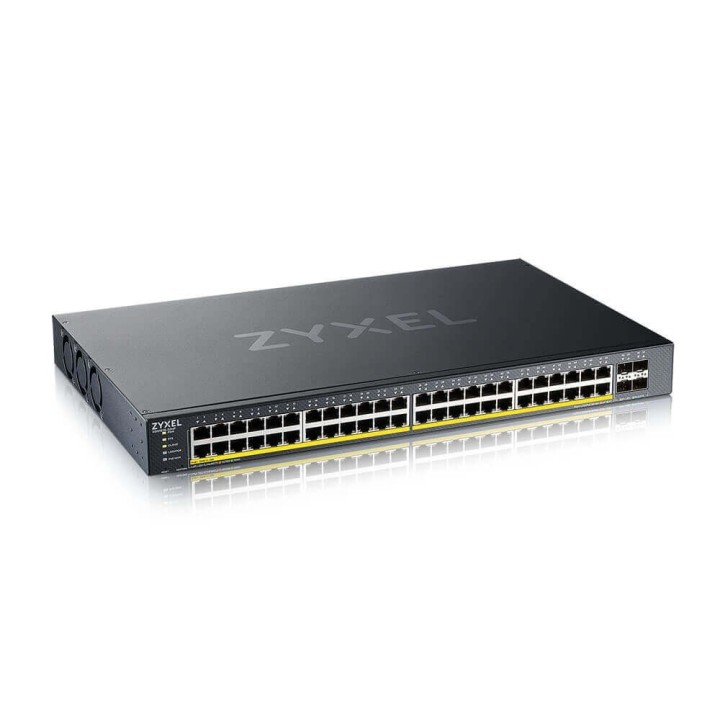
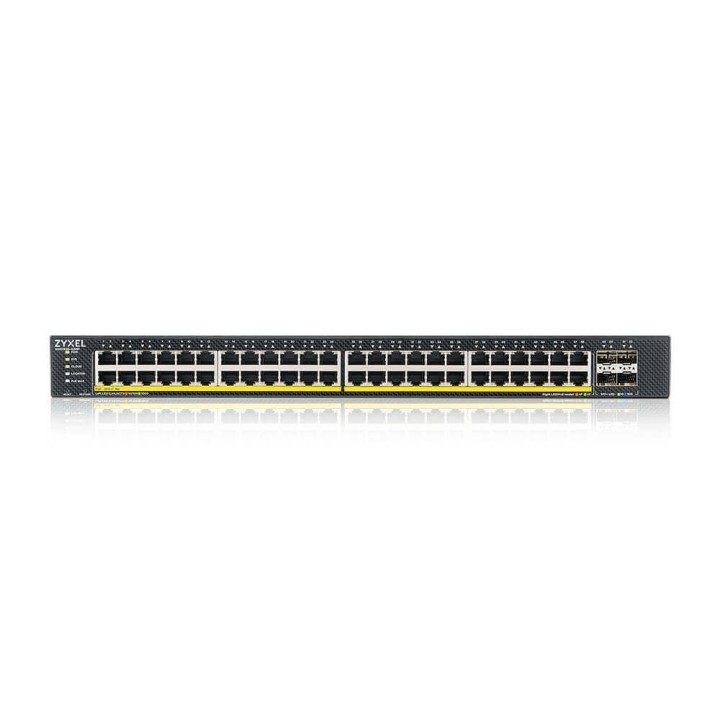
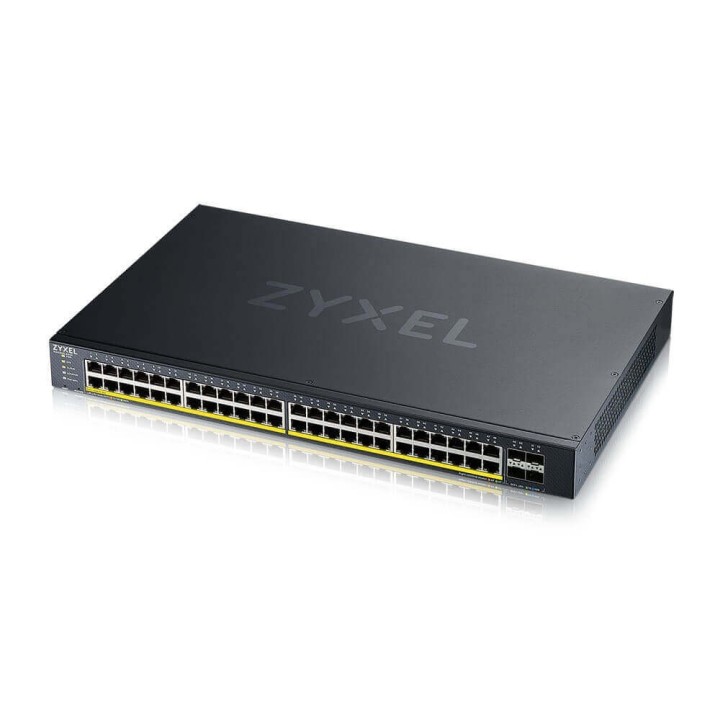
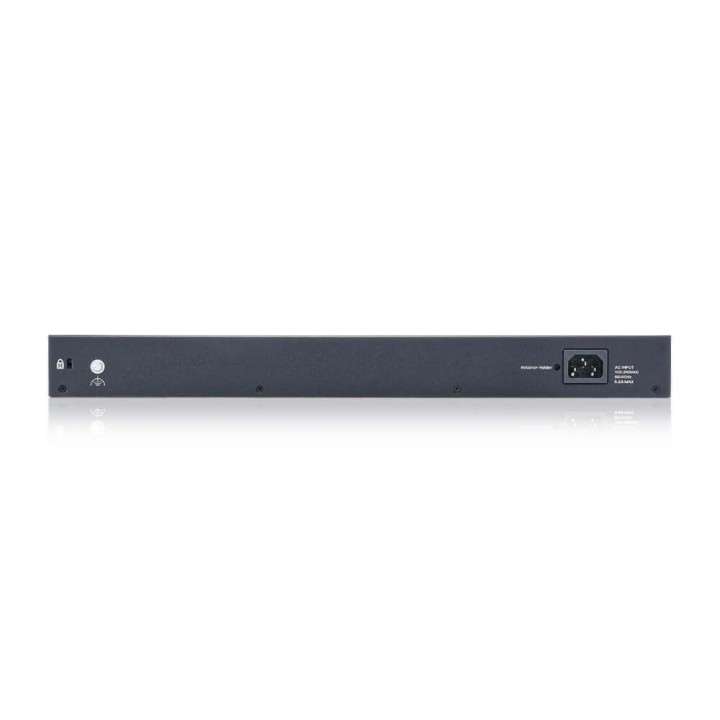
Profesjonalny przełącznik sieciowy dla firm, instytucji i integratorów – Zyxel XGS1935-52HP łączy wysoką wydajność, zaawansowane funkcje zarządzania i solidną obsługę PoE+, idealnie wpisując się w potrzeby nowoczesnych środowisk LAN.

Zyxel XGS1935-52HP oferuje aż 48 portów 100/1000 Mbps z pełną obsługą PoE+ (IEEE 802.3at) i łącznym budżetem 375 W. Pozwala to na zasilanie punktów dostępowych, kamer IP, telefonów VoIP i innych urządzeń bezpośrednio przez kabel Ethernet, co ogranicza koszty instalacyjne.
Dzięki czterem uplinkom 10G, przełącznik gwarantuje błyskawiczne połączenie z rdzeniem sieci lub serwerami, zapewniając brak wąskich gardeł w transmisji danych.
Switch wspiera podstawowe funkcje warstwy trzeciej, w tym routing statyczny IPv4/IPv6 oraz trasowanie między VLAN-ami – kluczowe w segmentowanych i rozbudowanych sieciach firmowych.
Dzięki przepustowości 176 Gbps i prędkości przekazywania pakietów 130,9 Mpps, XGS1935-52HP radzi sobie z intensywnym ruchem sieciowym. Wbudowane zabezpieczenia ESD i ochrony przepięciowe chronią inwestycję nawet w wymagających warunkach.
Zoptymalizowana konstrukcja i wsparcie dla Energy-Efficient Ethernet (EEE) gwarantują niskie zużycie energii oraz redukcję hałasu, co czyni go idealnym do pracy w biurze czy serwerowni.

Urządzenie o wymiarach 440 x 270 x 43 mm i wadze 4,1 kg dostarczane jest z kompletem akcesoriów montażowych. Przystosowane do instalacji rack 1U, gotowe do pracy zaraz po wyjęciu z opakowania.
Zyxel Communications A/S
Generatorvej 8D 2860 Søborg Dania
E-mail: sales@zyxel.eu
Formularz kontaktowy: https://www.zyxel.com/service-provider/global/en/contact-us
Zyxel Networks A/S
Gladsaxevej 378 2860 Søborg Denmark
E-mail: sales@zyxel.dk
Formularz kontaktowy: https://www.zyxel.com/global/en/contact
Telefon: +45 39550700
List of safety warnings for network equipment based on the requirements of General Product Safety Regulation (GPSR) 2023/988: 1. Risk of electric shock: * Make sure that the device is connected to a working socket with grounding. * Do not touch the plug or cable with wet hands. * Avoid using the device in places with high humidity. 2. Risk of overheating: * Provide adequate ventilation while maintaining at least 5 cm of free space around the device. * Do not block ventilation openings and avoid putting network equipment on soft surfaces such as blankets or pillows. 3. Fire risk: * Use only original power supplies and accessories recommended by the manufacturer. * Do not leave the device on unattended near flammable materials. 4. Risk of bodily injury: * Use the device on a stable surface to minimize the risk of falling. 5. Hazards in humid environments: * Do not use network equipment outdoors in rain or in places with high humidity. * If the device is flooded, immediately disconnect it from the power source and contact the service. 6. Hazards at high temperatures: * Do not expose the device to direct sunlight. * Avoid using network equipment at temperatures above the recommended range (usually 5-35°C). 7. Risk of damage during cleaning: * Before cleaning, disconnect the device from the power supply and use a soft, slightly damp cloth. * Avoid using strong detergents that can damage the surface of the device. 8. Caution when replacing accessories: * Use only the accessories recommended by the manufacturer. * When replacing batteries, follow the manufacturer's instructions and do not expose the battery to high temperatures. 9. Risks associated with battery use: * Avoid damage to the battery by impact or puncture. * If the battery overheats or swells, stop using the device immediately. 10. Warnings for children: * Keep power cables out of reach of children. * Make sure that children do not play with the device or accessories that can be dangerous. 11. Electromagnetic interference: * Using network equipment near medical devices such as pacemakers can cause electromagnetic interference. * Maintain a distance of at least 15 cm between network equipment and medical devices. 12. Fire hazard: * Storing network equipment near flammable materials or using non-original power supplies may increase the risk of fire. * Use your smartphone away from fabrics, paper, and other flammable materials. 13. Regular maintenance: * Failure to regularly clean ports and sockets can lead to damage or failure. * Clean ports and sockets regularly using a dry and clean cloth, avoiding moisture input.
Produkty, które ostatnio zwróciły Twoją uwagę.