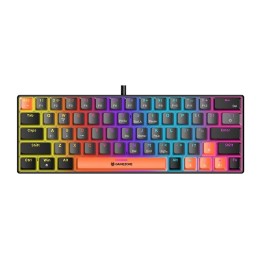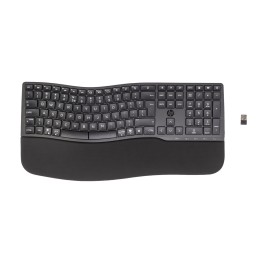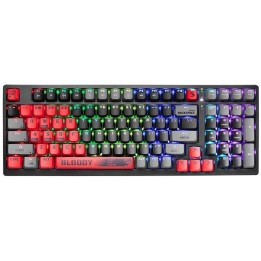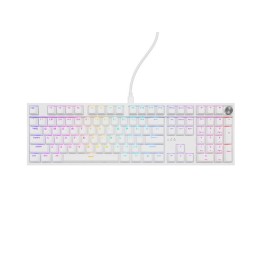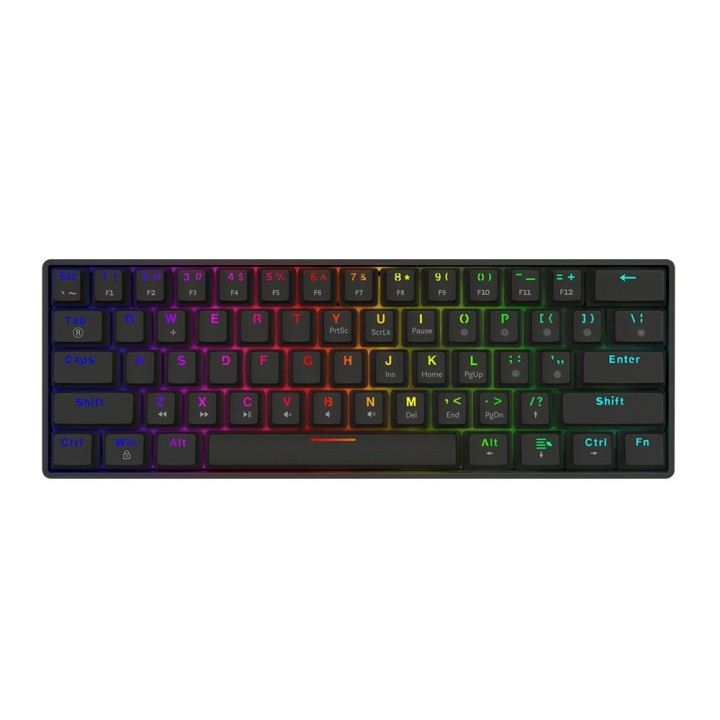
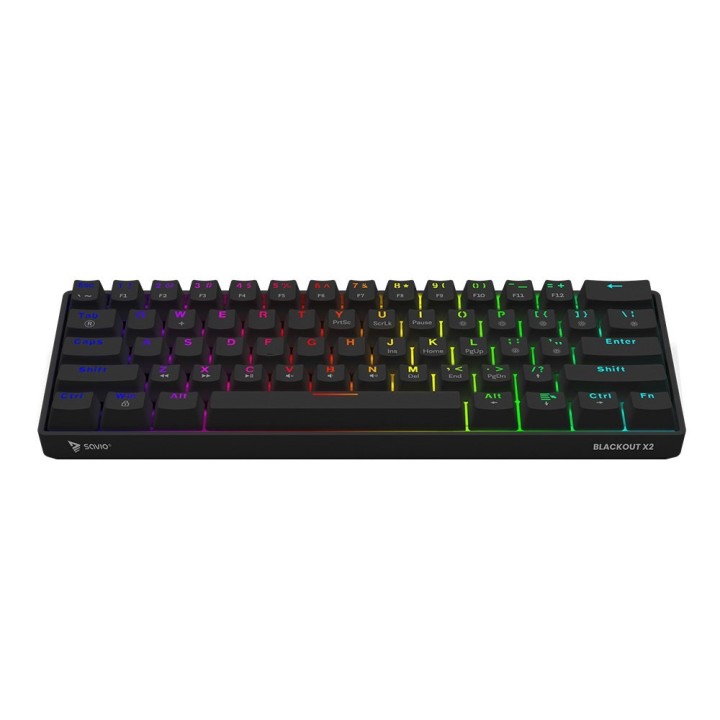
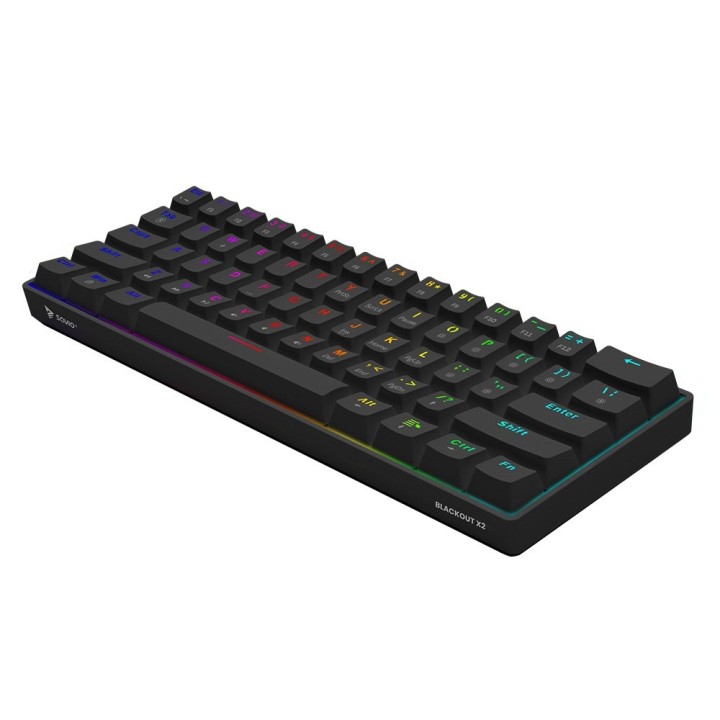
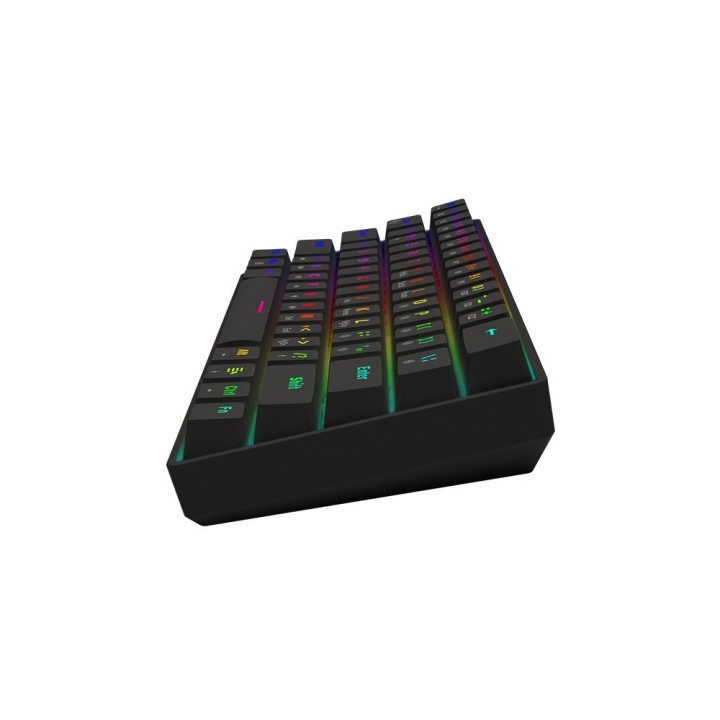
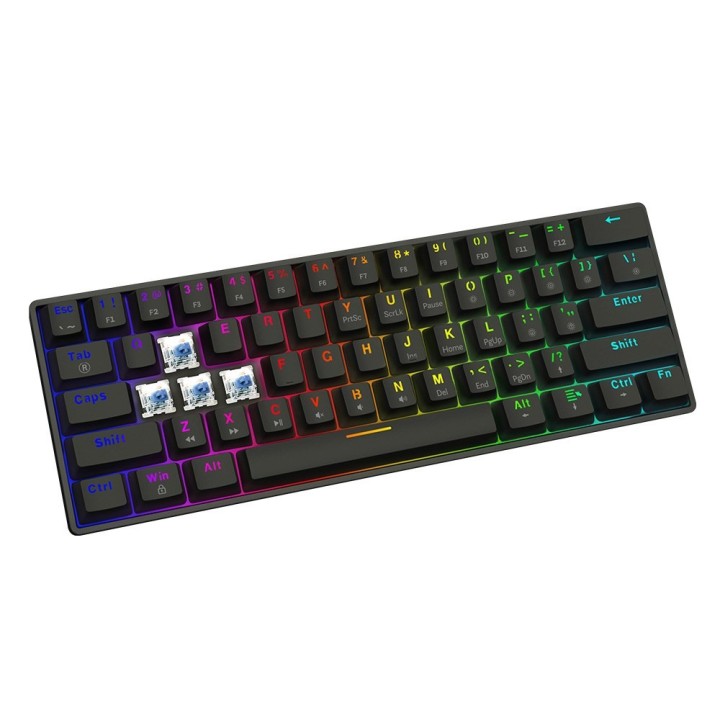
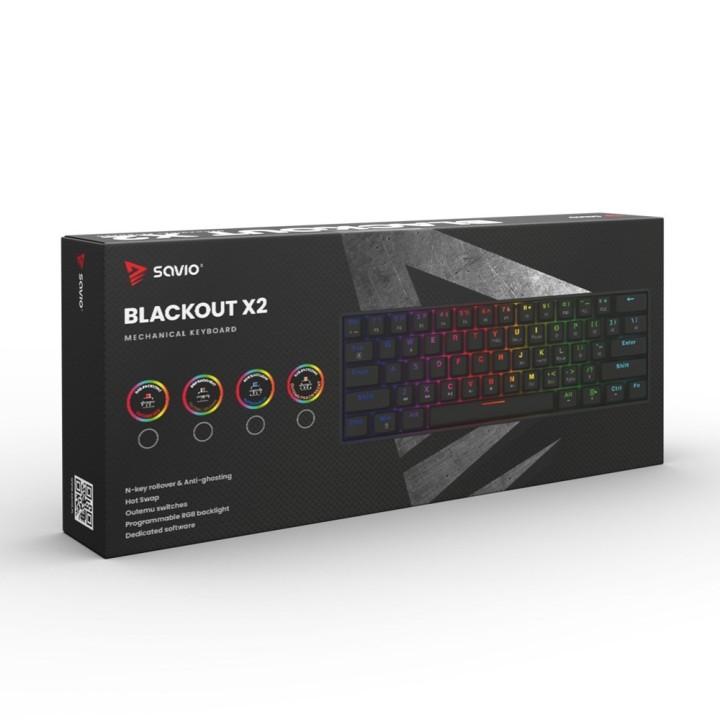
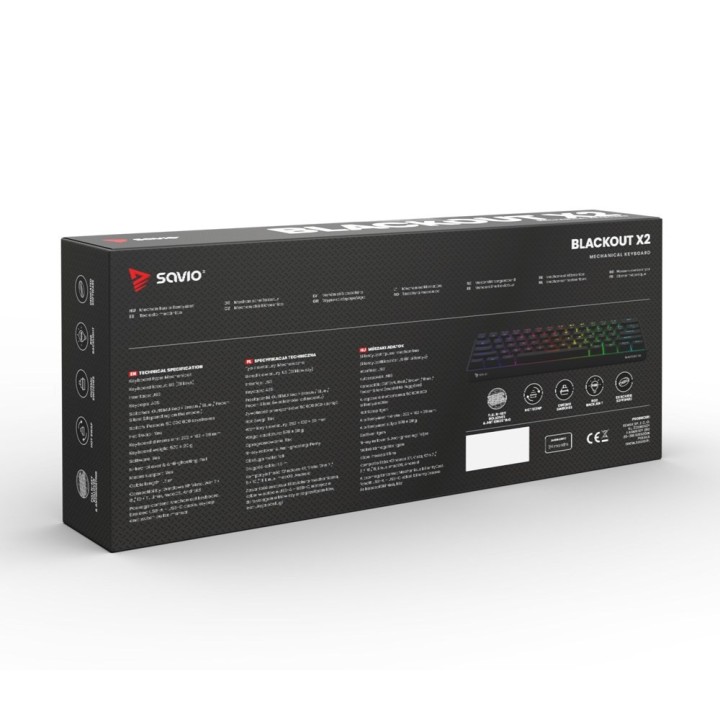
SAVIO KLAWIATURA MECHANICZNA BLACKOUT X2 OUTEMU BLUE HOT SWAP

Cena: 185,49 zł
Brutto
Dostępność produktu: Dostępny 1 szt.
Czas dostawy Wysyłka w ciągu 2 dni roboczych
Koszt dostawy Bezpłatna dostawa od 250 zł.

Opis produktu

SAVIO KLAWIATURA MECHANICZNA BLACKOUT X2 OUTEMU BLUE HOT SWAP

Savio

  • przełączniki: Outemu Blue
  • funkcja hot swap: Tak
  • typ złącza: USB-A do USB-C
  • kompatybilne systemy: Windows XP, Vista, Win 7/8/10/11, Linux, macOS, Android
  • akcesoria w zestawie: klucz do zdejmowania klawiszy i przełączników

Specyfikacja

  • Ostrzeganie: 12. Safety conditions: • Use the product in accordance with its intended use, as improper use may damage the product. • Do not expose the device to moisture, heat or sunlight, do not use the product in a dusty environment. • The device should be cleaned only with a dry cloth. • Independent repairs and modification result automatic loss of the warranty. • Hitting or dropping may damage the product.
  • Zawartość opakowania: • Mechanical keyboard • User manual • USB-A – USB-C cable • Keycap and switch puller
  • Certyfikaty: Information of the utilization of electrical and electronic equipment This symbol indicates that electrical appliances should not be discarded with other household waste. Used equipment should be handed over to a local collection point for this type of waste or to a recycling center. Please contact your local authorities for information about disposal methods available in your area. Waste electrical equipment may contain hazardous substances (e.g. mercury, lead, cadmium, chromium, phthaltes) which can get into air, soil and groundwater when leaking from used appliances. Environmental pollution with these substances leads to their bioaccumulation, causing lesion of disease in living organisms, which would pose a risk to human and animal health or life. Households may contribute to environmental protecion by proper waste collection. In such way, hazardous substances from the equipment are neutralized and valuable secondary raw materials are reused for production of new equipment.
  • System operacyjny: Windows XP, Vista, Win 7 / 8 / 10 / 11, Linux, macOS, Android

Szczegóły produktu

  • Marka Savio
  • Kod produktu 6837c464087d864ecd426ca3
  • Dostępność 1 Przedmiot
  • EAN13 5901986049470
  • MPN BLACKOUTX2BLUE

Producent

Producent

Elmak Sp. z o.o.

Al. Żołnierzy I Armii Wojska Polskiego 20B 35-301 Rzeszów Polska

E-mail: handlowy@savio.net.pl

Formularz kontaktowy: https://elmak.pl/kontakt/

Telefon: +48 17 777 95 99

Bezpieczeństwo

Informacje o bezpieczeństwie

List of keyboard safety warnings based on the requirements of General Product Safety Regulation (EU) 2023/988 (GPSR): * Make sure you use the keyboard as intended, avoid over-pressing or hitting the keys. * Protect your keyboard from flooding with liquids, as this can damage your electronics. * If you are using a wireless keyboard, be sure to replace the batteries regularly and dispose of them as per your regulations. * Keep your keyboard clean, vacuum it regularly, and clean with gentle agents to prevent dust and dirt buildup. * If the keyboard has LED backlighting, avoid staring at intense light for a long time, especially in dark environments. * Store your keyboard in a dry place, away from direct sunlight and heat sources. * Make sure that the keyboard cable is not an obstacle and does not threaten to trip. * If the keyboard has sharp edges, be careful to avoid cuts. * If you experience skin allergies to the materials from which the keyboard is made, stop using it and consult your doctor. * Do not use a damaged keyboard where the keys are loose or missing. * Keep your workstation organized to avoid accidental damage to your keyboard. * Avoid using the keyboard in conditions of high humidity or dustiness, as this can negatively affect its operation. * If you notice the keyboard overheating, disconnect it from the power source immediately. * If the keyboard is equipped with a USB receiver, store it in a safe place to avoid being swallowed by children. * Make sure that children do not play with the keyboard or its elements. * Do not try to repair the keyboard yourself if you are not qualified. * Pay attention to the ergonomics of the work to avoid problems with the wrists and hands during prolonged use of the keyboard.

Ładowanie...
Wróć na górę