- Nowy
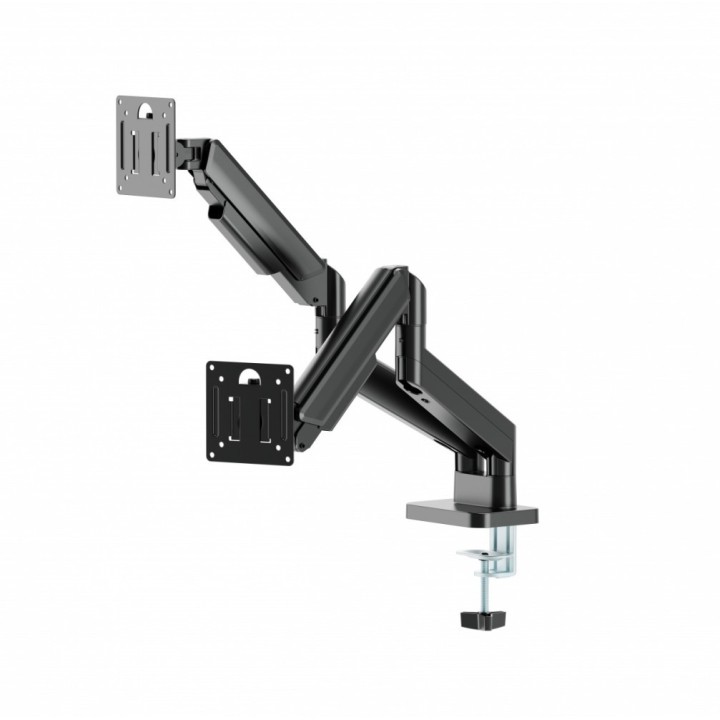

GEMBIRD Biurkowe ramię na dwa monitory regulowane od 17 do 32cal obciążenie do 10kg kolor czarny obrazki
GEMBIRD Biurkowe ramię na dwa monitory regulowane od 17 do 32cal obciążenie do 10kg kolor czarny
Opis produktu
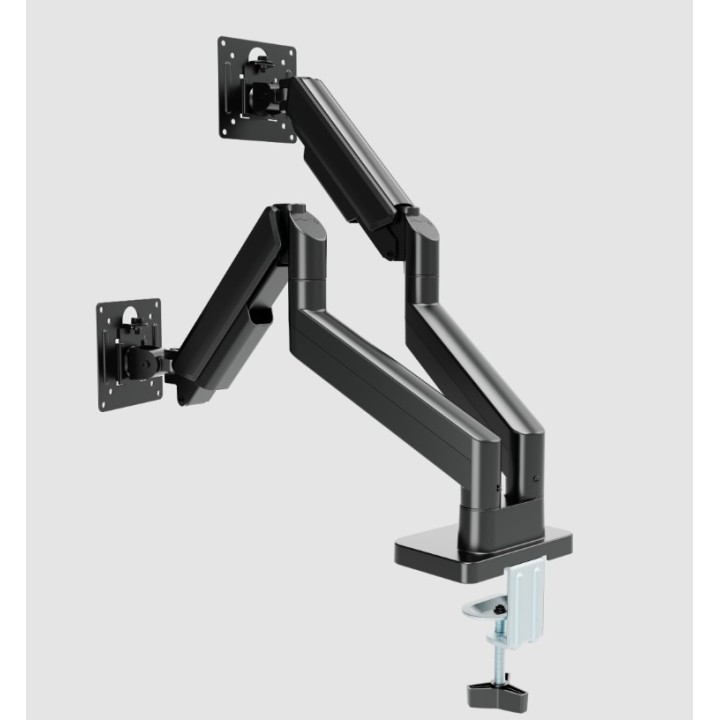
- Uchwyt na monitor z podwójnymi ramionami
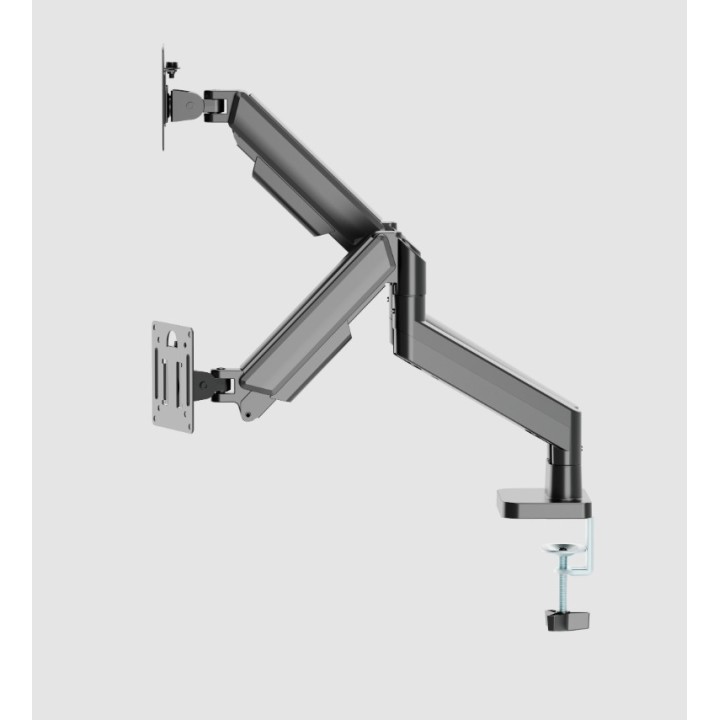
- Ramiona obracają się, wysuwają i chowają, przechylają się, aby zmienić kąt czytania, a także umożliwiają obracanie wyświetlaczy z trybu poziomego do pionowego itp.
- Umożliwia łatwe, ergonomiczne pozycjonowanie w celu zmniejszenia obciążenia
- Działa z prawie każdym monitorem LCD (maks. 32")
- Trwałe, regulowane sprężyny gazowe odpowiednie do monitorów o wadze do 10 kg
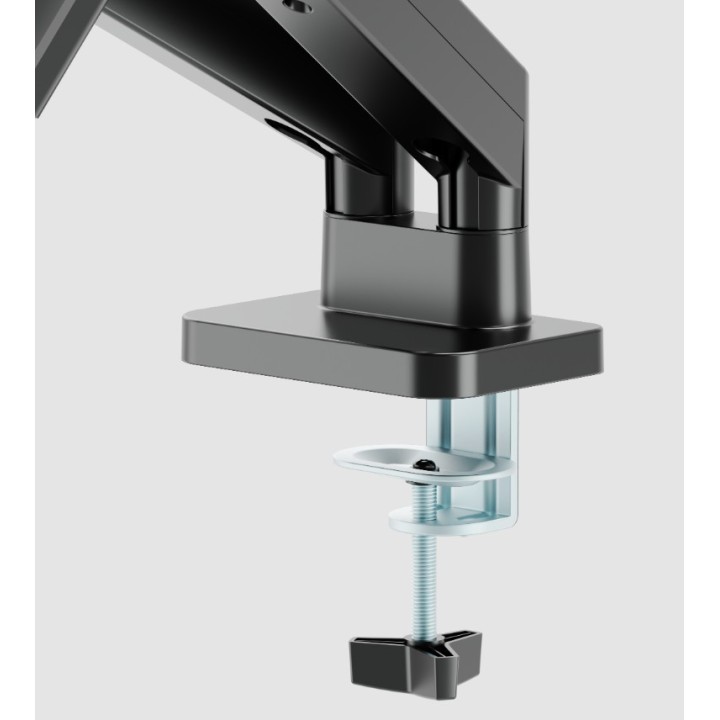
- Silny zacisk biurkowy zapewniający łatwe i bezpieczne mocowanie na biurku
- Odłączana płyta VESA umożliwia łatwą instalację
- Wbudowane zarządzanie kablami zapewniające uporządkowane i schludne miejsce pracy
- Zgodny ze standardem VESA, maks. 100 x 100 mm
Szczegóły produktu
- Marka Gembird
- Kod produktu 6869db811e98e26081bbed5c
- Dostępność 5 Przedmioty
- EAN13 8716309135443
- MPN MA-DA2-06
Specyfikacja
- Kolor Czarny
- Rodzaj mocowania Biurkowy
- Minimalna przekątna ekranu (cal) 17 cal
- Liczba ekranów (szt.) 2 szt.
- Maksymalna przekątna ekranu (cal) 32 cal
-
Standardy VESA
100 × 100
75 × 75
Producent
Producent
Gembird Europe B.V.
Wittevrouwen 56 1358 CD Almere Netherlands
E-mail: postmaster@gmb.nl
Telefon: +31-(0)36-5211588
Bezpieczeństwo
Informacje o bezpieczeństwie
List of safety warnings Computer monitor parts and accessories based on the requirements of General Product Safety Regulation (GPSR) 2023/988: 1. Risk of electric shock: * Make sure the accessories are compatible with the voltage and current in your country. * Do not use damaged power cables or plugs. * Disconnect accessories from power before cleaning or maintenance. * Do not touch accessories with wet hands. * Avoid using accessories in damp places. 2. Fire risk: * Use only accessories approved by the monitor manufacturer. * Do not cover accessories (e.g. power supply) during use to prevent overheating. * Do not use accessories near heat sources or open fire. 3. Risk of damage to monitor and accessories: * Make sure accessories are firmly fastened to avoid falling and damage. * Do not overload monitor ports with too many connected accessories. * Use accessories according to their purpose and instruction manual. 4. Health Risks: * Avoid prolonged staring at the monitor screen to prevent eye strain. * Maintain proper distance from the monitor and adjust screen brightness. * Ensure proper posture when working with your monitor. 5. Child safety: * Small accessory components (e.g. screws, end caps) may pose a choking hazard. Keep them out of reach of children. * Do not allow children to play with computer accessories. 6. Disposal: * Dispose of used electronic accessories in accordance with local environmental regulations. * Do not throw away accessories in ordinary garbage. 7. Cleaning: * Disconnect the accessories from the power supply before cleaning. * Use a soft, dry cloth to clean your accessories. * Do not use cleaning products containing alcohol, ammonia or abrasives. 8. Storage: * Store accessories in a dry and cool place, away from direct sunlight. * Protect accessories from moisture and extreme temperatures.
Uchwyty i podstawki
- Nowy
- Nowy
- Nowy
- Nowy
- Nowy
Ostatnio oglądane
Produkty, które ostatnio zwróciły Twoją uwagę.