- Nowy
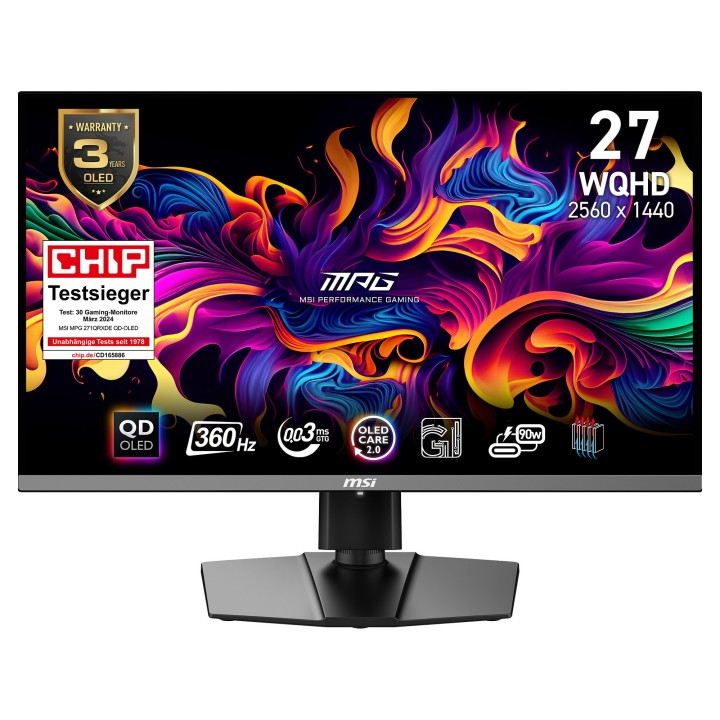
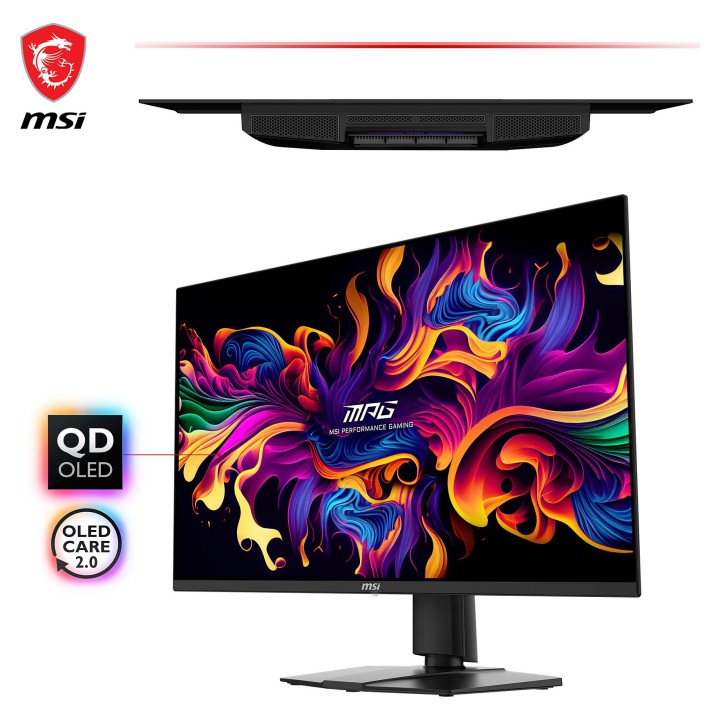
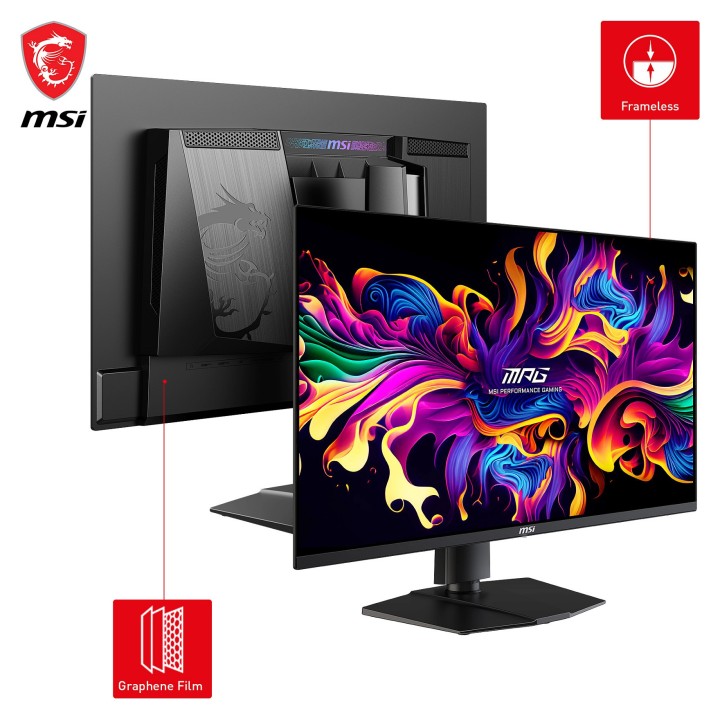
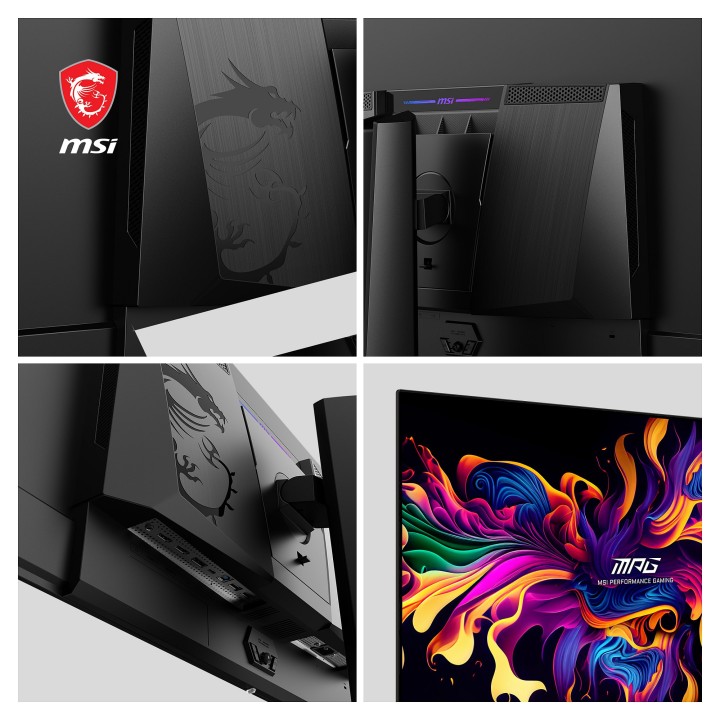
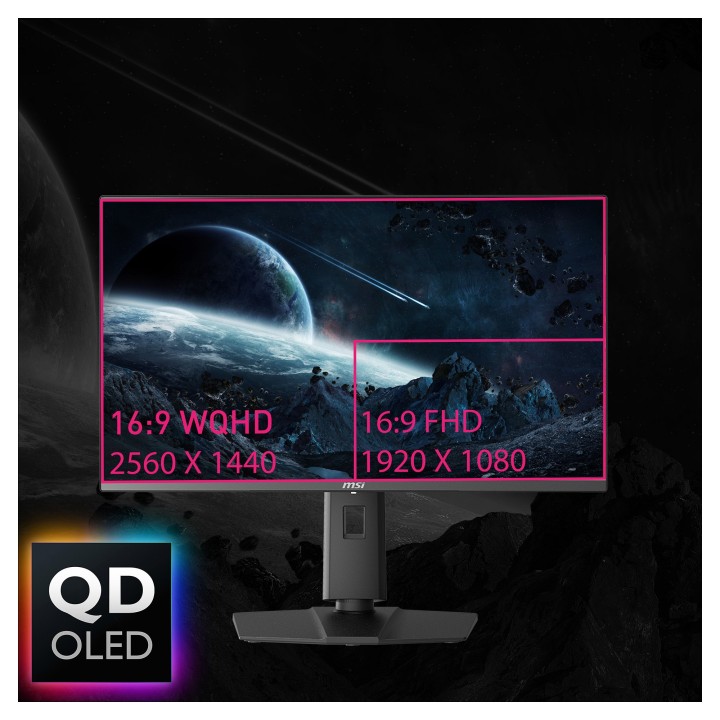
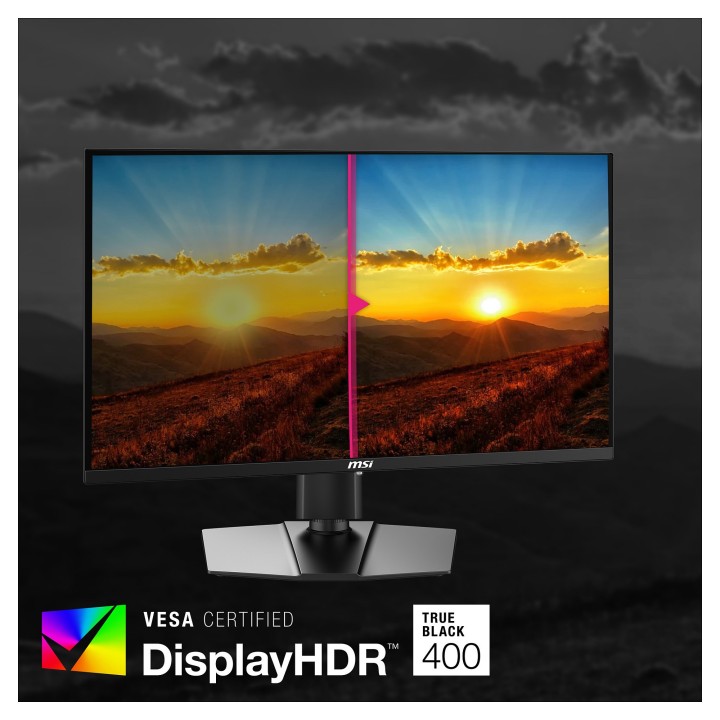
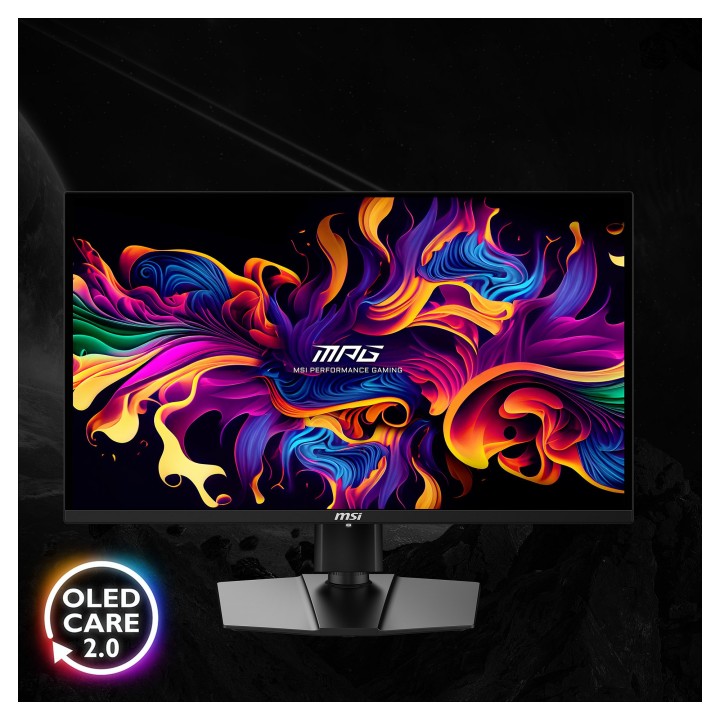
MSI MPG 271QRXDE to 26,5-calowy monitor QD-OLED o rozdzielczości WQHD (2560 × 1440), łączący wysoki kontrast i głęboką czerń technologii OLED z rozszerzoną paletą barw QD. Panel obsługuje standard DisplayHDR 400 True Black i oferuje reprodukcję szerokiej gamy kolorów DCI‑P3 przy 99% pokrycia, wyświetlając do 1,07 miliarda kolorów przy jasności typowej 250 cd/m².
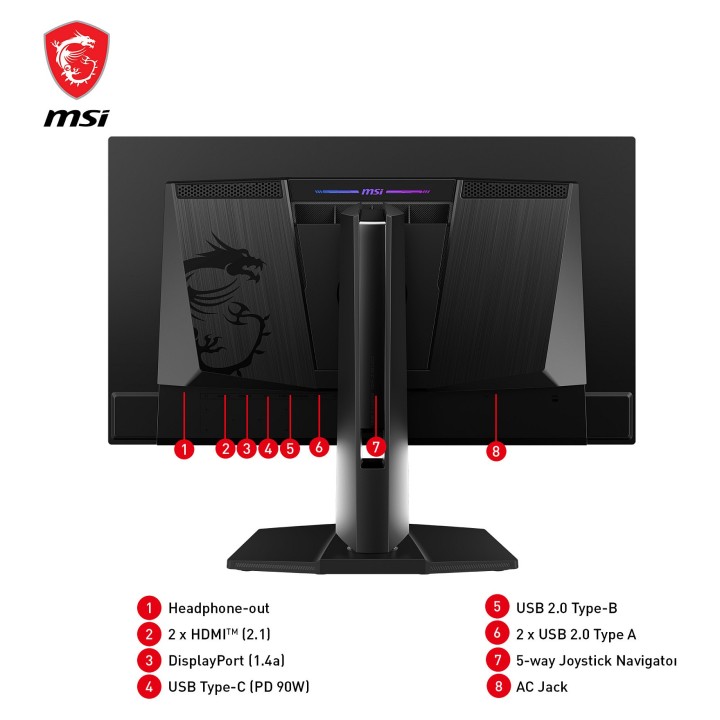
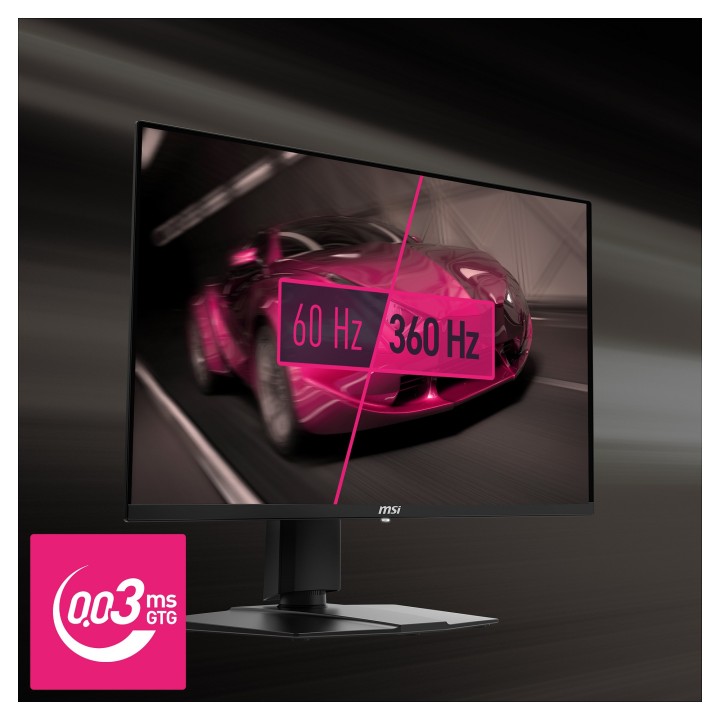
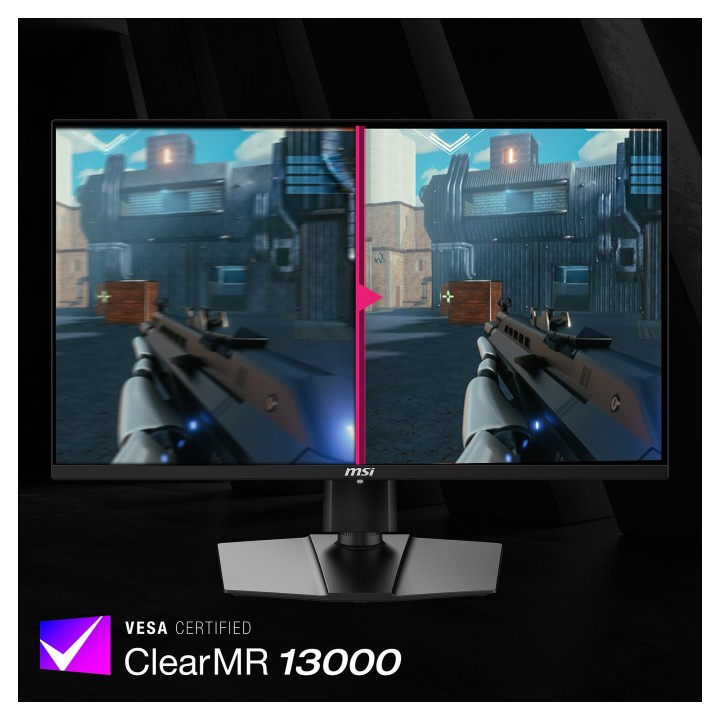
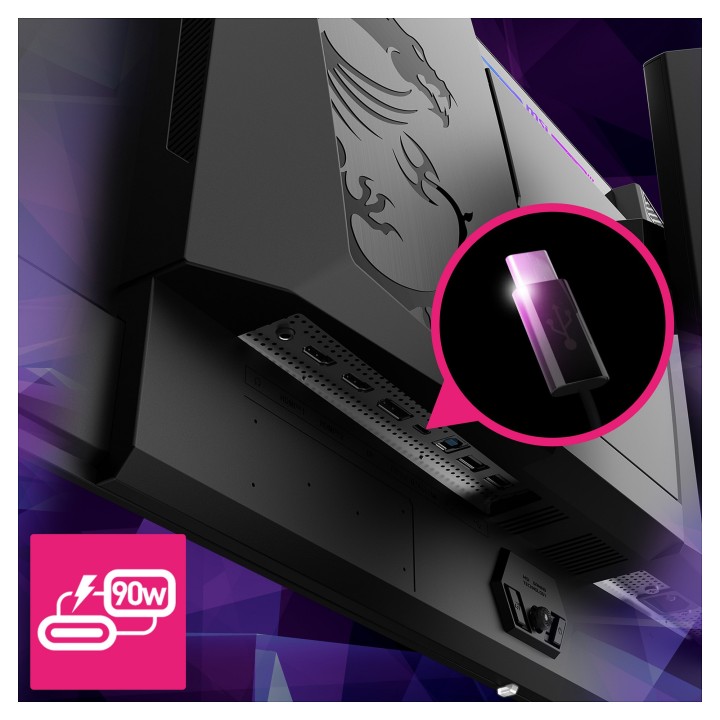
Doskonałe parametry dla dynamicznej rozgrywki: typowy czas reakcji 1 ms oraz maksymalna częstotliwość odświeżania do 360 Hz zapewniają płynny obraz i minimalne smużenie. Monitor wyposażono w złącza HDMI 2.1 (2 szt.), DisplayPort 1.4a (1 szt.) oraz rozbudowany hub USB 2.0 z jednym portem upstream (USB Typ B), dwoma portami downstream USB Typ A i jednym portem USB Typ C. Obecne jest również wyjście słuchawkowe.
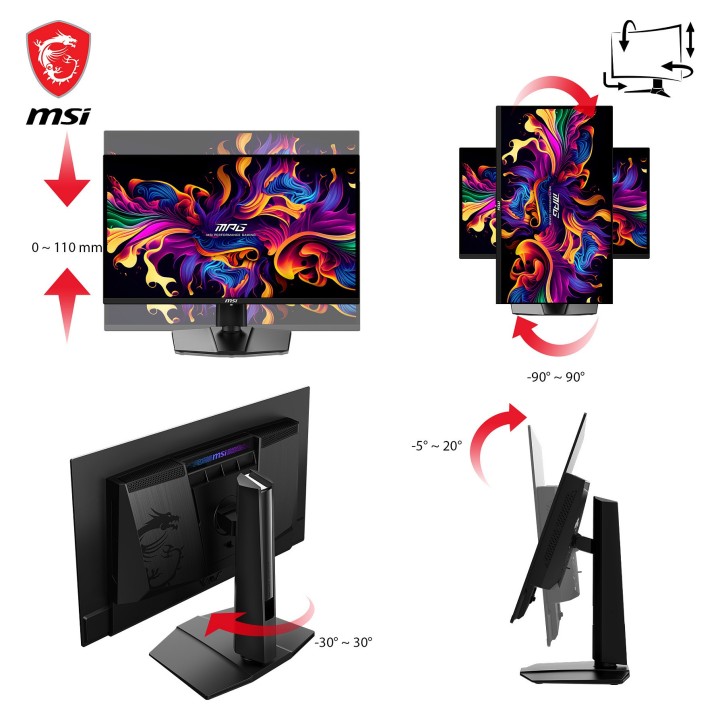
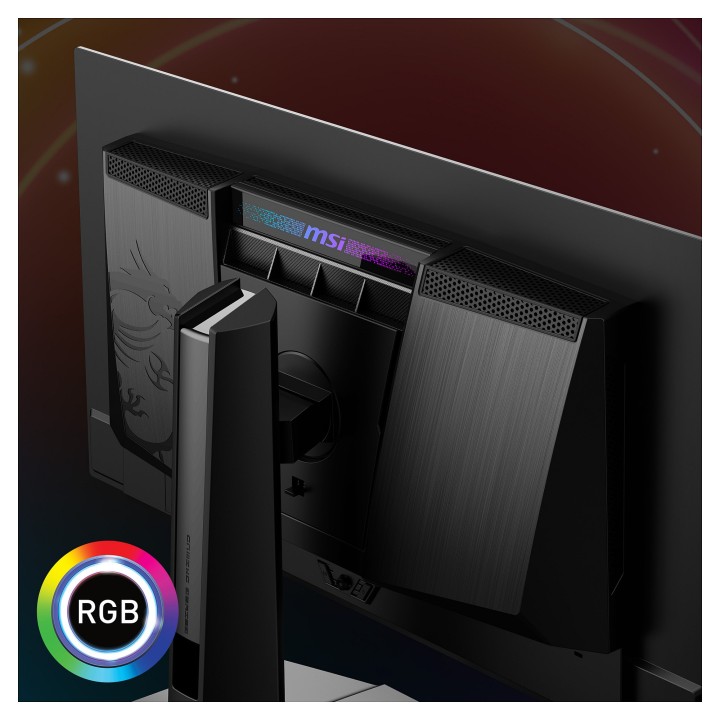
Konstrukcja koncentruje się na ergonomii i montażu: stopka umożliwia regulację wysokości do 11 cm, regulację nachylenia w zakresie -5° do 15°, obrót w zakresie -30° do 30° oraz obrót wokół osi -90° do 90°. Monitor posiada otwory montażowe VESA 100 × 100 mm oraz gniazdo zabezpieczenia Kensington. Obudowa ma czarne wykończenie.
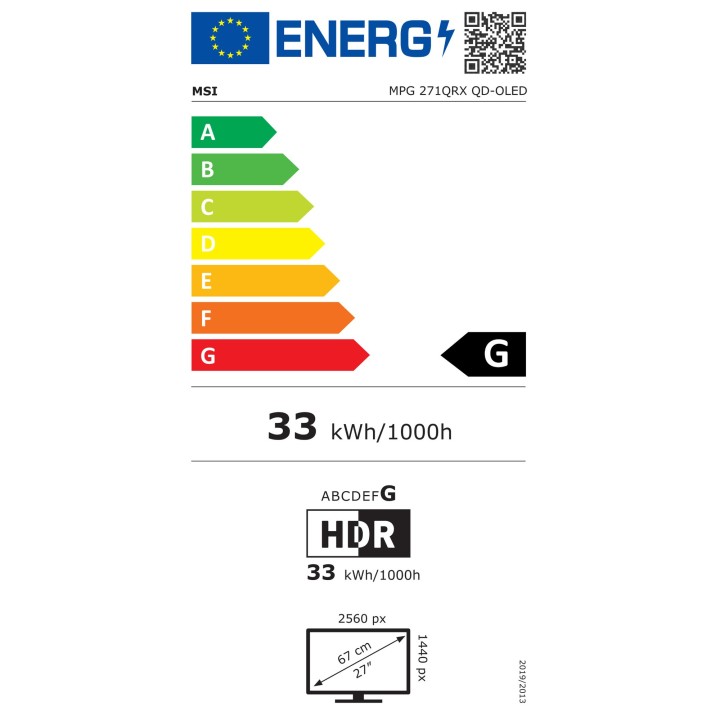
Parametry energetyczne i wymiary: klasa efektywności energetycznej SDR i HDR: G; zużycie energii (SDR/HDR) na 1000 godzin: 33 kWh. Wymiary urządzenia z podstawą: 610 × 242 × 422 mm (szer. × gł. × wys.), masa z podstawą: 8,3 kg; bez podstawy: 610 × 69 × 356 mm, masa bez podstawy: 5,4 kg.
MSI Polska SP. z o. o.
Magazynowa 1 55-040 Kobierzyce Polska
E-mail: info.pl@msi.com
MSI Computer Europe B.V.
Science Park 5706 5692ER Son Eindhoven Netherlands
E-mail: GPSR@msi.com
Telefon: +31-40-267-6100
List of computer monitor safety warnings based on the requirements of General Product Safety Regulation (EU) 2023/988 (GPSR): * Risk to vision: Long-term gazing at the monitor screen may cause eye strain, dry eyes or headaches. * Limit the working time with the monitor. * Take regular breaks. * Maintain proper distance from the screen. * Ensure proper lighting in the room. * Set the brightness and contrast of the monitor to a comfortable level. * Ergonomics: Incorrect position when working with the monitor can lead to back, neck, and shoulder pain. * Set the monitor to the correct height so that the top edge of the screen is at eye level or slightly below. * Use an adjustable chair and desk to ensure an ergonomic position. * Maintain proper posture while sitting. * Risk of electric shock: Improper use or damage to the monitor can lead to electric shock. * Do not use the monitor in humid environments. * Do not touch the monitor with wet hands. * Do not put any items inside the monitor. * If the power cable is damaged, replace it with a new one. * Disconnect the monitor from power before cleaning. * Fire risk: Overheating or short circuiting in the monitor can cause a fire. * Do not cover the ventilation holes of the monitor. * Do not place the monitor near heat sources. * Use only the original power supply that came with your monitor. * If the monitor overheats, disconnect it from power immediately. * Mechanical damage: The fall of the monitor can cause damage and pose a threat to the user. * Set the monitor on a stable surface. * Secure cables to avoid accidental tripping. * For monitor transport, use appropriate protective packaging. * Cleaning: Improper cleaning of the monitor can damage the screen or cause other problems. * Use only a soft, dry cloth to clean the screen. * Do not use cleaning products containing alcohol, ammonia or other corrosive substances. * Disconnect the monitor from power before cleaning. * Disposal: Incorrect disposal of the monitor can pose a threat to the environment. * Return the used monitor to the e-waste collection point. * Do not throw the monitor in a regular trash can. * Children: The monitor is not a toy and should not be used by children without supervision. * Make sure children do not touch the power cables. * Make sure kids don't play around with the monitor packaging. * Repairs: Do not try to repair the monitor yourself. * Any repairs should be done by qualified personnel. * Monitor portability: Be careful when moving your monitor. * Disconnect all cables before moving. * Use appropriate packaging. * Weather conditions: Do not expose the monitor to extreme temperatures or moisture. * Protect your monitor from direct sunlight. * Adjustable settings: Do not use extreme brightness or contrast settings. * These can cause faster eye strain. * Noise: If the monitor makes disturbing noises, turn it off immediately. * Contact the technical service. * Environmental protection: Be sure to turn off the monitor when not in use. * You save energy this way. * Software: Use only the software provided by the manufacturer. * You will avoid compatibility issues.

Produkty, które ostatnio zwróciły Twoją uwagę.