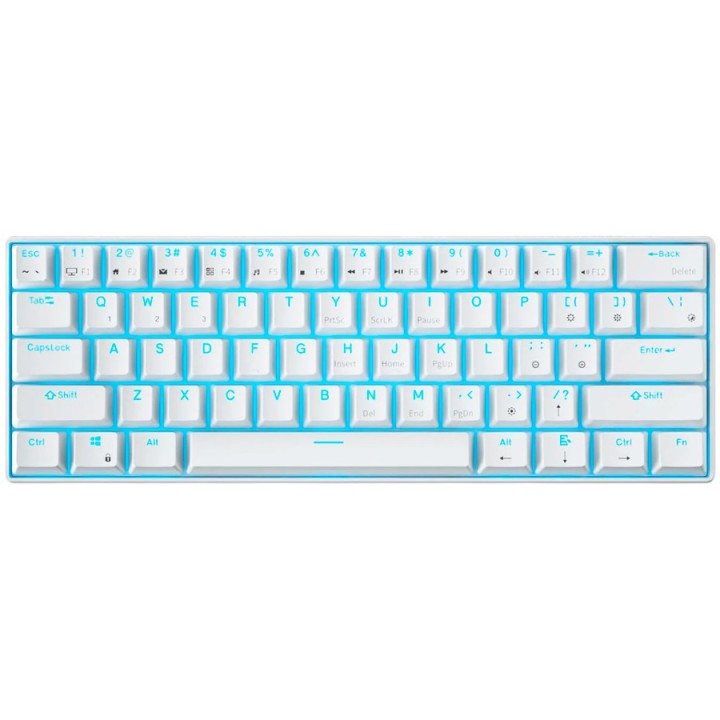
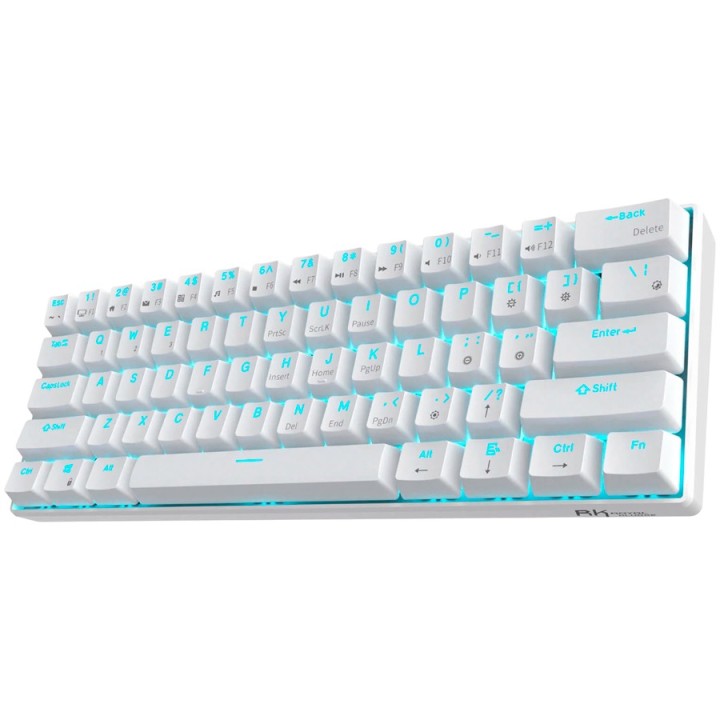
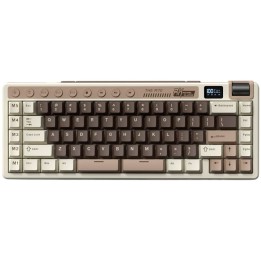
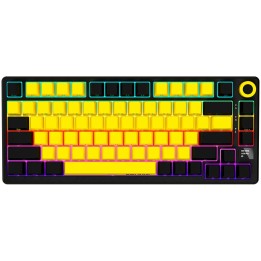
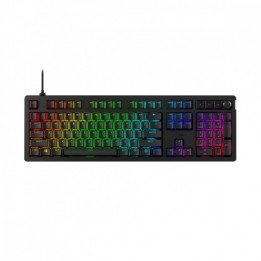
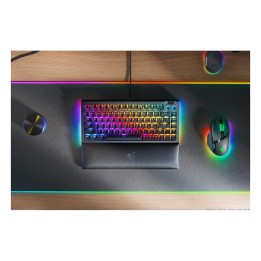
ROYAL KLUDGE RK61 White Gaming Keyboard Red switch

Cena: 257,99 zł
Brutto
Dostępność produktu: Dostępny 10 szt.
Czas dostawy Wysyłka w ciągu 2 dni roboczych
Koszt dostawy Bezpłatna dostawa od 250 zł.

Opis produktu

ROYAL KLUDGE RK61 White Gaming Keyboard Red switch

Specyfikacja

  • Przeznaczenie urządzenia: Zewnętrzny
  • Technologia łączności: Przewodowa i bezprzewodowe
  • Technologia bezprzewodowa: BluetoothRF
  • Interfejs: USB
  • Format: Compact
  • Liczba klawiszy: 61
  • Układ klawiatury: QWERTY
  • Typ klawiszy: Mechaniczne
  • Funkcje: Red Switches Podświetlenie RGB
  • System operacyjny: Apple Mac OS Android iOS Windows
  • Urządzenie peryferyjne: USB portPołączenie internetowe w celu pobrania opcjonalnego oprogramowaia
  • Maksymalna szczytowa pojemność prądowa: 1450 mAh
  • Średni czas pracy baterii: up to 10 h
  • Kolor: Biały
  • Dołączone akcesoria: Skrócona Instrukcja Obsługi
  • Załączone kable: Kabel USB typu C
  • Zgodne urządzenia: PC
  • Szerokość (mm): 103 mm
  • Wysokość (mm): 39 mm
  • Głębokość (mm): 289 mm
  • Waga nominalna: 0.5 kg
  • Głębokość Opakowania (mm): 291.3 mm
  • Szerokość Opakowania (mm): 101.3 mm
  • Wysokość Opakowania (mm): 40 mm
  • Waga brutto opakowania (kg): 0.58 kg
  • Waga netto opakowania (kg): 0.5 kg
  • Ilość sztuk w opakowaniu: 1
  • Głębokość opakowania zbiorczego (mm): 331 mm
  • Szerokość opakowania zbiorczego (mm): 153 mm
  • Wysokość opakowania zbiorczego (mm): 45 mm
  • Waga brutto opakowania zbiorczego (kg): 15.8 kg
  • Ilość sztuk w kartonie zbiorczym: 20
  • Rodzaj opakowania: Box
  • EAN Kod: 6935280805622
Szczegóły produktu

  • Marka Royal Kludge
  • Kod produktu 68ae828443035d79503b5278
  • Dostępność 10 Przedmioty
  • EAN13 6935280805622
  • MPN RK61WHREDSWUS

Producent

Producent

SUCCESS COURIER SL

Río Tormes 3 28947 Fuenlabrada Hiszpania

E-mail: successservice2@hotmail.com

Bezpieczeństwo

Informacje o bezpieczeństwie

List of keyboard safety warnings based on the requirements of General Product Safety Regulation (EU) 2023/988 (GPSR): * Make sure you use the keyboard as intended, avoid over-pressing or hitting the keys. * Protect your keyboard from flooding with liquids, as this can damage your electronics. * If you are using a wireless keyboard, be sure to replace the batteries regularly and dispose of them as per your regulations. * Keep your keyboard clean, vacuum it regularly, and clean with gentle agents to prevent dust and dirt buildup. * If the keyboard has LED backlighting, avoid staring at intense light for a long time, especially in dark environments. * Store your keyboard in a dry place, away from direct sunlight and heat sources. * Make sure that the keyboard cable is not an obstacle and does not threaten to trip. * If the keyboard has sharp edges, be careful to avoid cuts. * If you experience skin allergies to the materials from which the keyboard is made, stop using it and consult your doctor. * Do not use a damaged keyboard where the keys are loose or missing. * Keep your workstation organized to avoid accidental damage to your keyboard. * Avoid using the keyboard in conditions of high humidity or dustiness, as this can negatively affect its operation. * If you notice the keyboard overheating, disconnect it from the power source immediately. * If the keyboard is equipped with a USB receiver, store it in a safe place to avoid being swallowed by children. * Make sure that children do not play with the keyboard or its elements. * Do not try to repair the keyboard yourself if you are not qualified. * Pay attention to the ergonomics of the work to avoid problems with the wrists and hands during prolonged use of the keyboard.

Ładowanie...
Wróć na górę