- Nowy
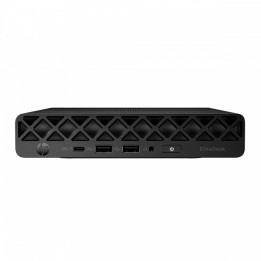
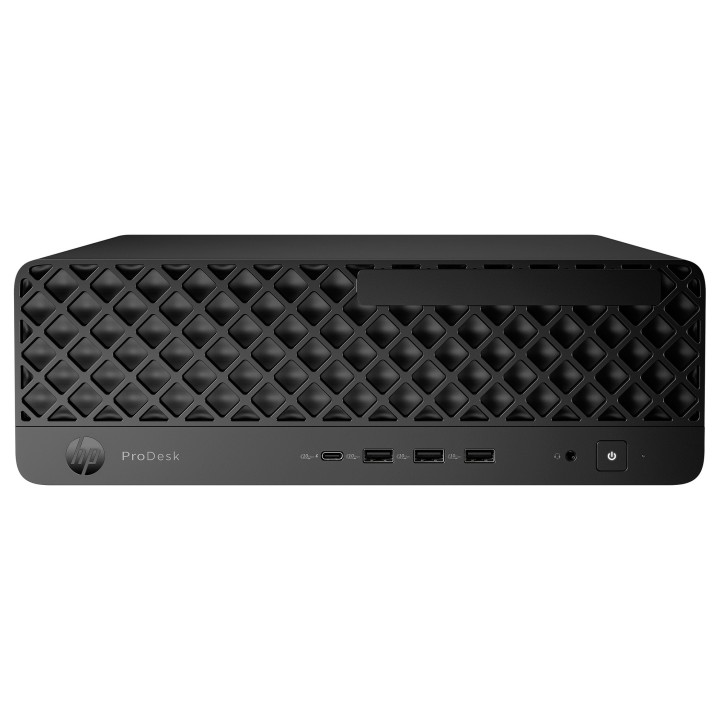
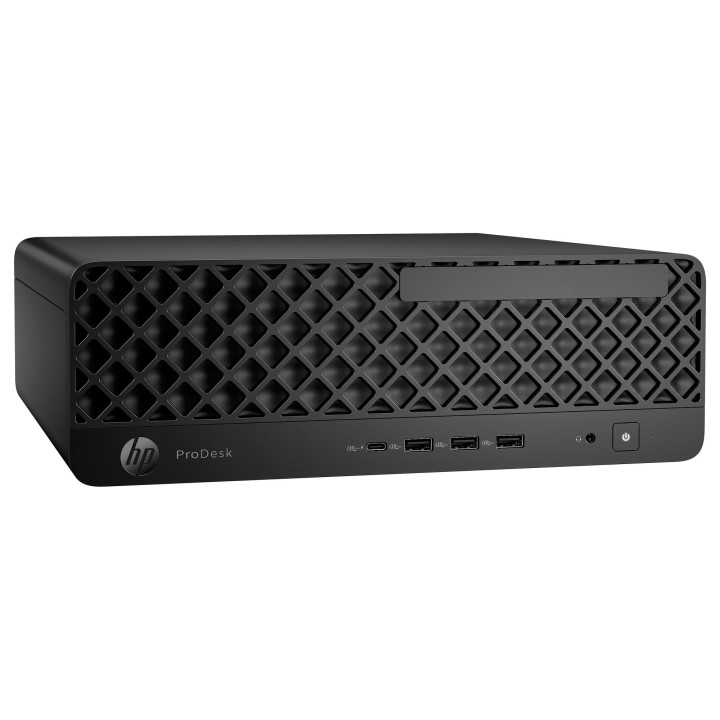
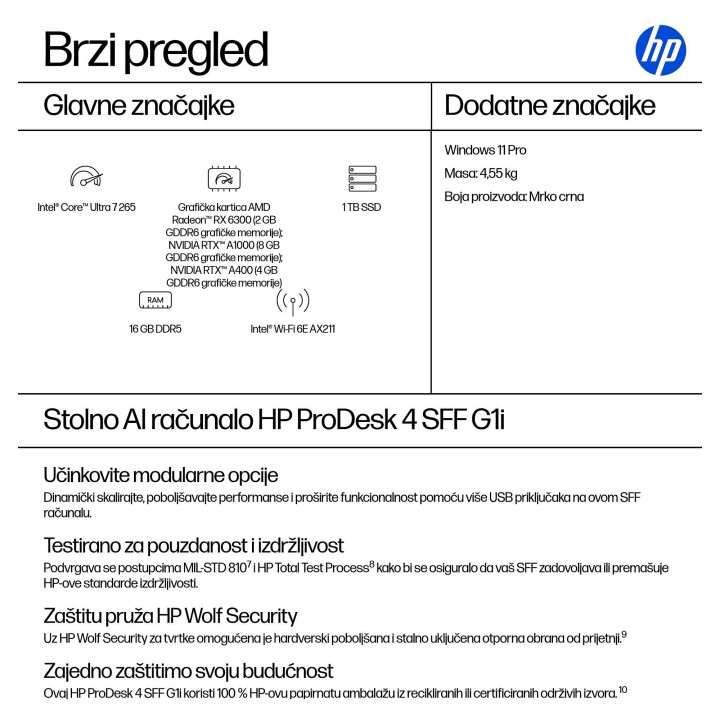
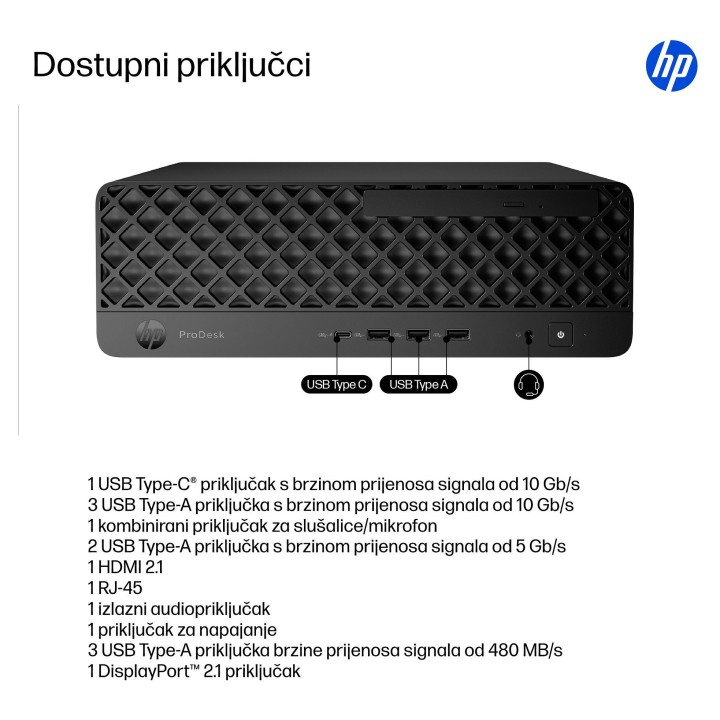
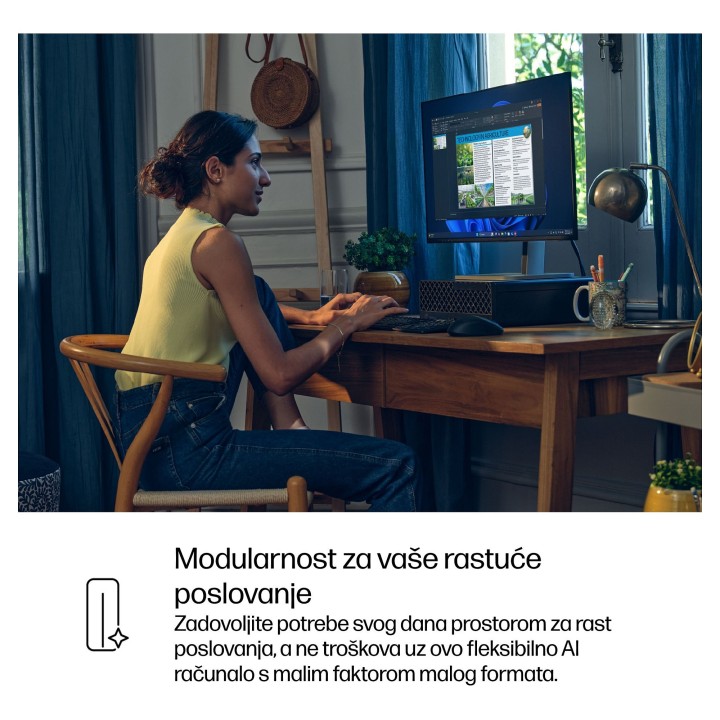



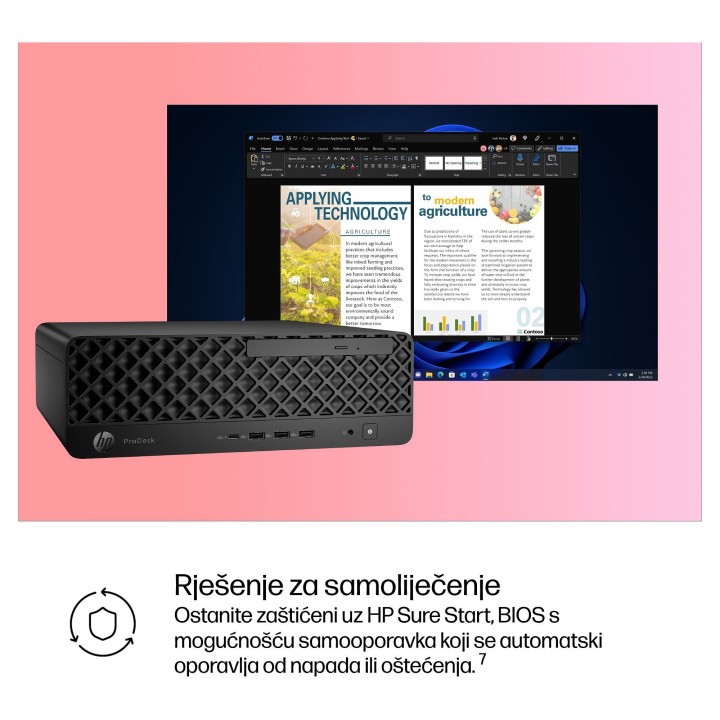


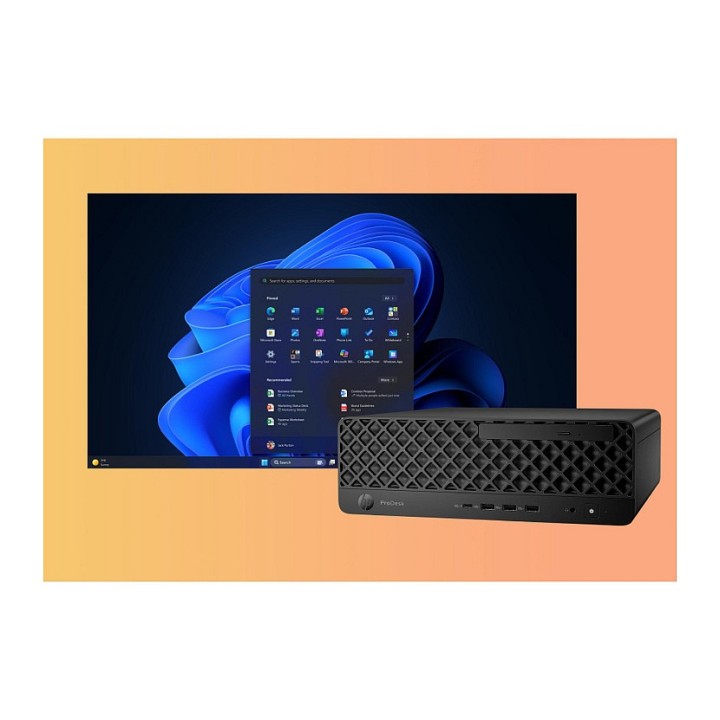
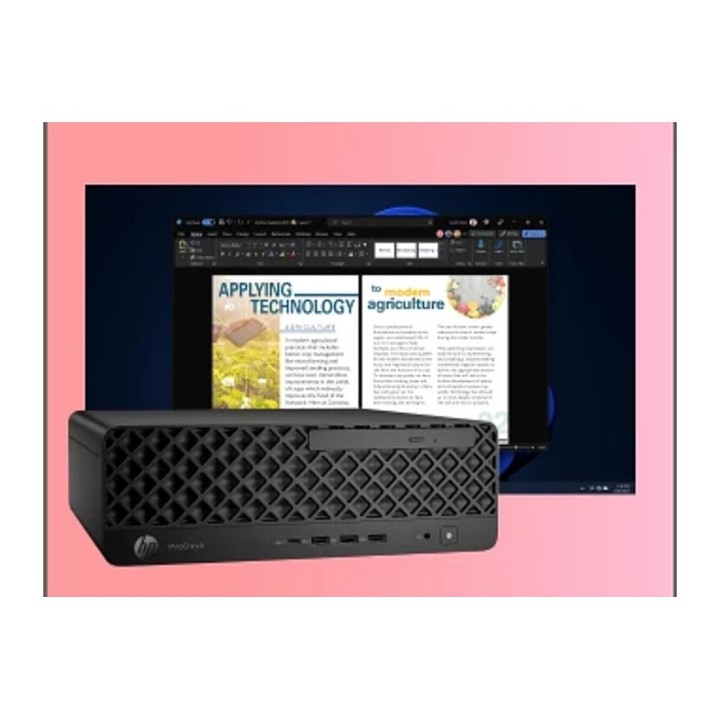
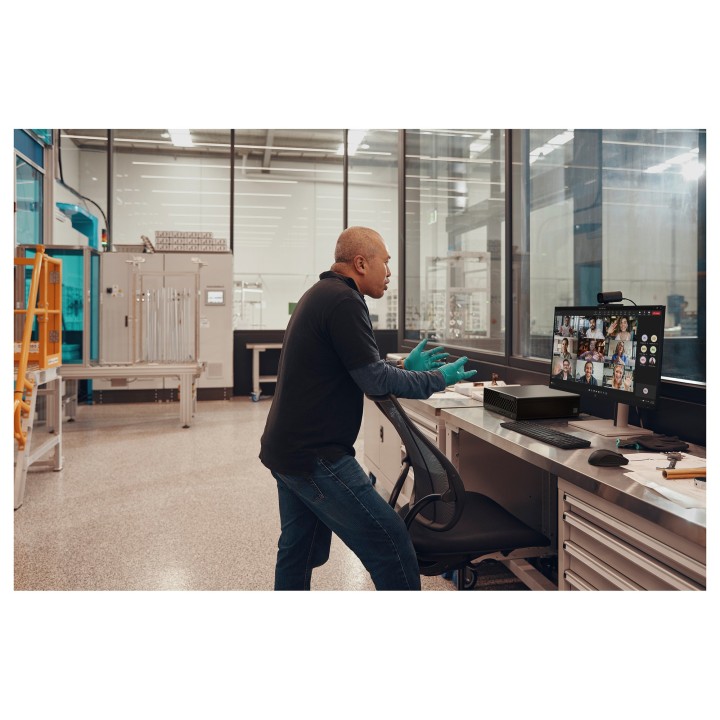
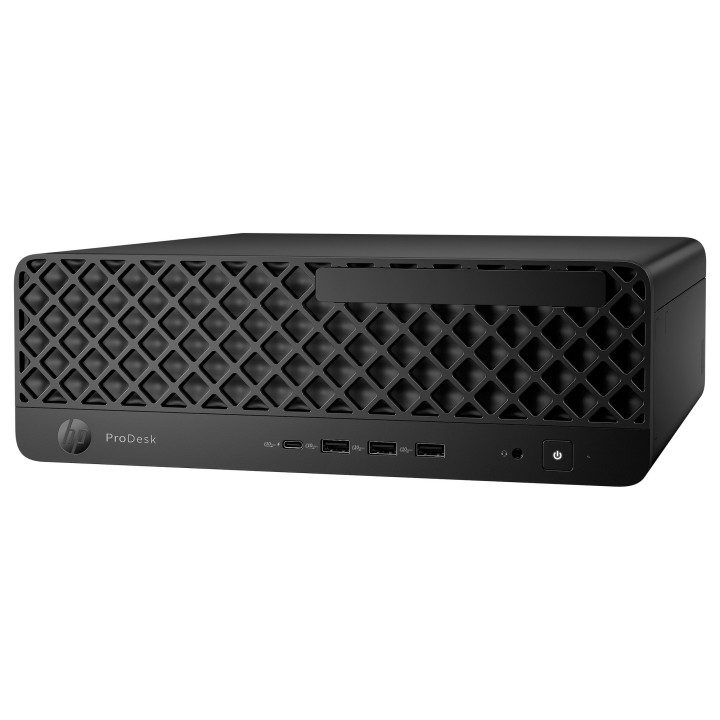
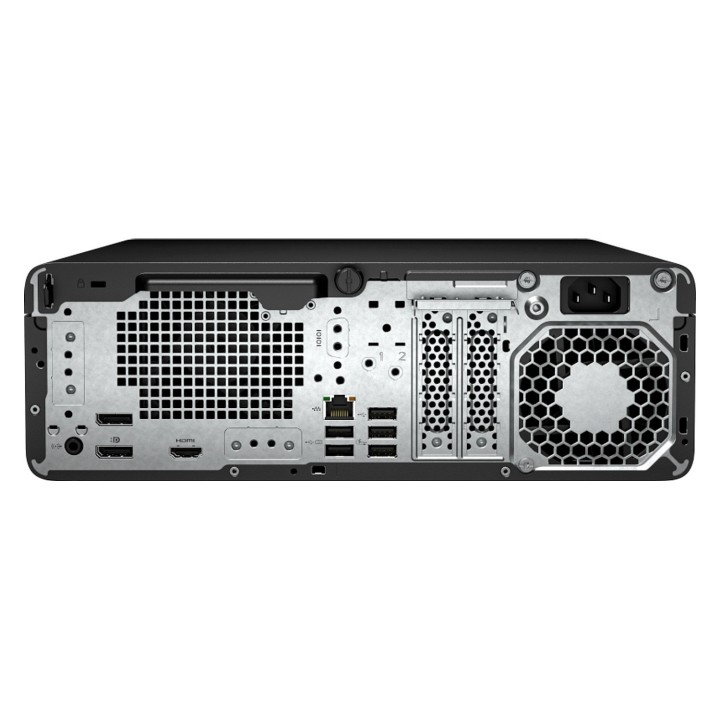
HP ProDesk 4 G1i AI - SFF Core Ultra 7 265 / do 5.3 GHz - RAM 16 GB - SSD 1 TB - NVMe - Intel Graphics - Gigabit Ethernet, IEEE 802.11ax (Wi-Fi 6E), Bluetooth 5.3 - Win 11 Pro - monitor: brak - czarny jack - Smart Buy - z HP 3 lata Next Business Day Onsite Hardware Support for Desktops
HP Inc Polska Sp. z o.o.
ul. Szturmowa 2a 02-678 Warszawa Polska
E-mail: support@hp.com
Formularz kontaktowy: https://www.hp.com/us-en/contact-hp/contact.html
Telefon: +1 650-857-1501
HP Inc Polska sp. z o.o
Plac marsz. Józefa Piłsudskiego 1 00-078 Warszawa Polska
E-mail: support@hp.com
List of desktop safety warnings based on the requirements of General Product Safety Regulation (EU) 2023/988 (GPSR) * Risk of electric shock: * Make sure your computer is connected to an efficient grounded outlet. * Do not touch the plug or cable with wet hands. * Avoid using your computer in areas with high humidity. * Risk of overheating: * Provide adequate ventilation while maintaining at least 5 cm of free space around your computer. * Do not block ventilation openings. * Fire risk: * Use only original chargers and accessories recommended by the manufacturer. * Do not leave your computer on unattended near flammable materials. * Risk of bodily injury: * Use your computer on a stable surface to minimize the risk of falling. * Hazards in humid environments: * Do not use your computer outdoors in rain or in areas with high humidity. * If your computer is flooded, disconnect it from the power source immediately and contact the service. * Hazards at high temperatures: * Do not expose your computer to direct sunlight. * Avoid using your computer at temperatures above the recommended range (usually 5-35°C). * Risk of damage during cleaning: * Before cleaning, disconnect the computer from power and use a soft, slightly damp cloth. * Avoid using strong detergents that can damage the surface of your computer. * Caution when replacing accessories: * Use only accessories recommended by the manufacturer. * When replacing batteries, follow the manufacturer's instructions and do not expose the battery to high temperatures. * Battery Use Hazards: * Avoid damaging the battery by impact or puncture. * If the battery overheats or swells, stop using the computer immediately. * Child warnings: * Keep power cables out of reach of children. * Make sure children don’t play with computers or accessories that can be dangerous.

Produkty, które ostatnio zwróciły Twoją uwagę.