- Nowy
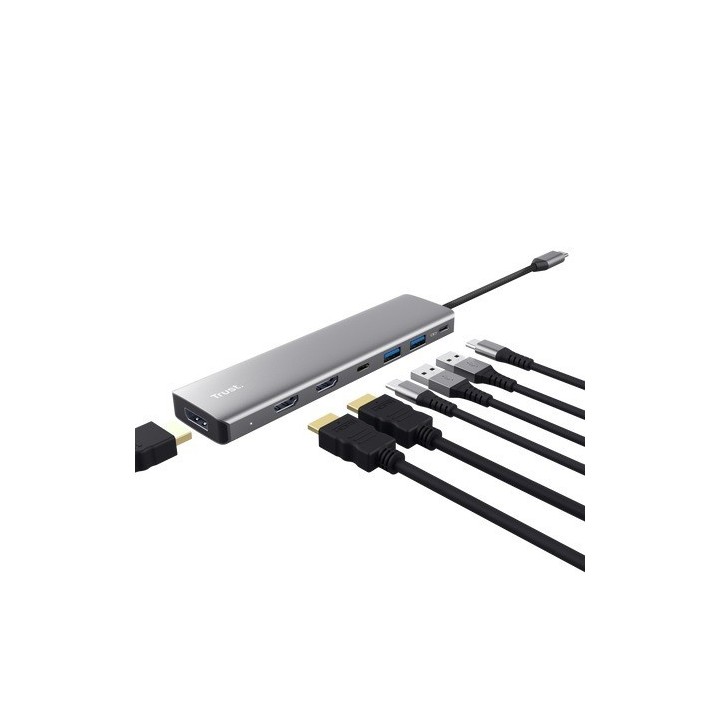
Adapter DALYX 7-w-1 Multiport obrazki
Adapter DALYX 7-w-1 Multiport
Opis produktu
Adapter wieloportowy Dalyx 7 w 1
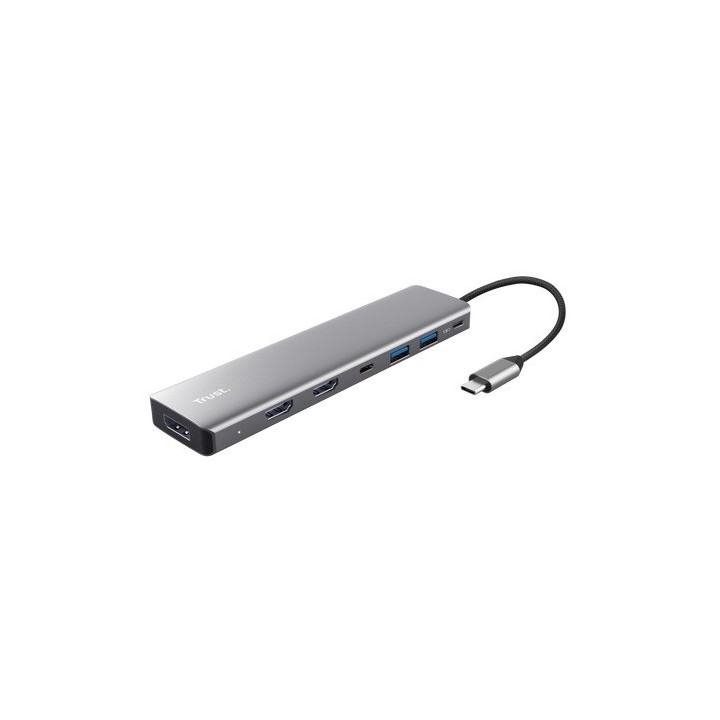
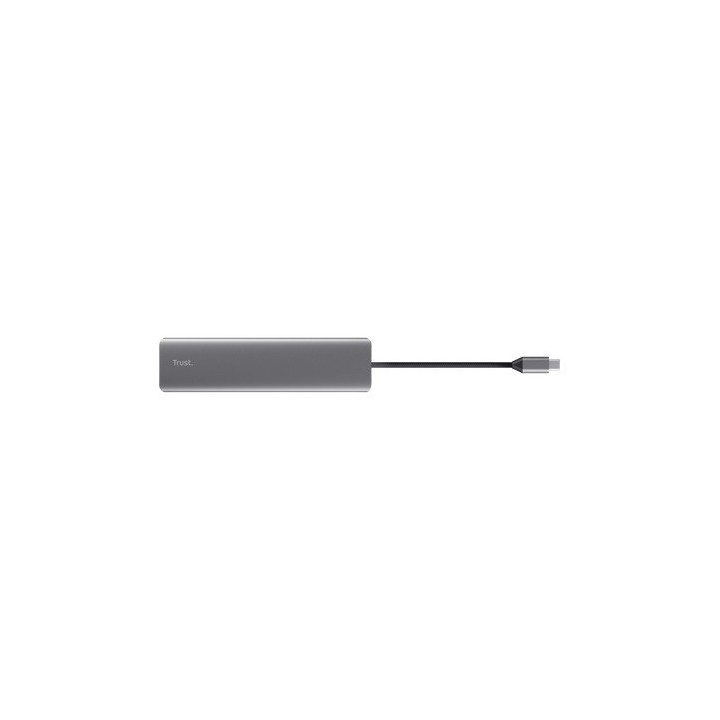
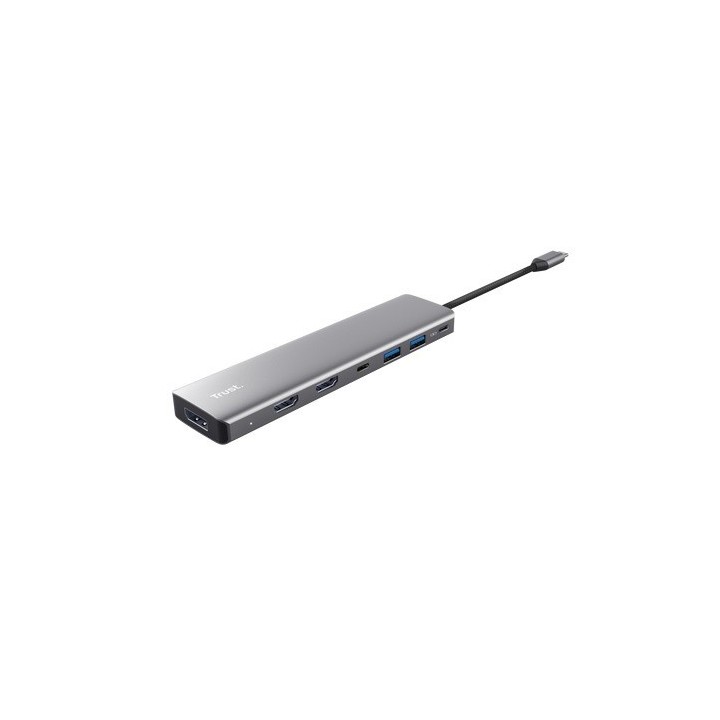
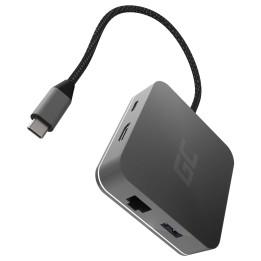
Stylowy aluminiowy adapter wieloportowy do podłączania 3 monitorów i akcesoriów do laptopa za pomocą jednego połączenia USB-C.
Triumf potrójnego ekranu
Przekształć swojego laptopa w wielomonitorową potęgę dzięki adapterowi wieloportowemu Dalyx 7 w 1. Podłącz do trzech monitorów przez dwa złącza HDMI i jeden Display Port i zacznij cieszyć się obrazami o ultrawysokiej rozdzielczości (do 4k60Hz*) w mgnieniu oka.
*Aby obsługiwać wielomonitorową rozdzielczość 4K przy 60 Hz, port USB-C musi być zgodny z Thunderbolt 4 lub USB 4.
Więcej portów, więcej mocy
Dzięki dwóm portom USB-A i jednemu portowi USB-C możesz łatwo podłączyć wszystkie niezbędne urządzenia, takie jak klawiatura, mysz i dysk zewnętrzny. Dzięki szybkiemu transferowi danych, mocy ładowania 100 W oraz wytrzymałej i stylowej obudowie aluminiowej; ten adapter wieloportowy jest równie wydajny, co fajny.
Specyfikacja
- Liczba portów: 7
- Standard USB: USB 3.0/USB 3.1 gen 1/USB 3.2 gen 1
- Ładowanie urządzeń: Tak
- Porty (koncentratory USB): 1 x DisplayPort Żeński
- Zasilanie (lista): USB 5V
- Obsługiwane systemy operacyjne: Chrome OS
- Kolor (wyliczeniowy): Szary
- Wymiary: 15 x 160 x 40 mm
- Waga: 87 g
- Uwaga: CE+WEEE
Szczegóły produktu
- Marka Trust
- Kod produktu 68db3e046e41792f7b643bef
- Dostępność 30 Przedmioty
- EAN13 8713439256611
- MPN 25661
Specyfikacja
- Standard USB USB 3.2 Gen 1
Producent
Producent
Trust International B.V.
Laan van Barcelona 600, 3317 DD Dordrecht, Netherlands 3317 DD Dordrecht Netherlands
Formularz kontaktowy: https://www.trust.com/en/support/contact
Bezpieczeństwo
Informacje o bezpieczeństwie
List of safety warnings for USB hubs based on the requirements of General Product Safety Regulation (EU) 2023/988 (GPSR): * Risk of electric shock: * Do not use damaged USB cables. * Do not touch the USB hub with wet hands. * Avoid contact with water and moisture. * Risk of overheating: * Do not cover the USB hub during use. * Make sure the USB hub has adequate ventilation. * Do not place the USB hub near heat sources. * Risk of short circuit and damage to devices: * Do not connect devices with too high power consumption. * Use a power supply with the appropriate parameters (if required). * Disconnect unused devices. * Risk of data corruption: * Securely disconnect USB devices before removing the plug from the hub port. * Avoid sudden power disconnection. * Restrictions on use: * Do not use the USB hub as intended. * Do not modify or repair the device yourself. * Child-related hazards: * Keep your USB hub and small accessories out of reach of children. * Do not allow children to play with the USB hub. * Maintenance and cleaning: * Clean the USB hub regularly with a dry cloth. * Do not use aggressive cleaners. * When connecting peripherals, especially external drives: * Use dedicated power supply for the USB hub to provide enough power.
Huby USB i przełączniki KVM
- Nowy
- Nowy
- Nowy
- Nowy
- Nowy
Ostatnio oglądane
Produkty, które ostatnio zwróciły Twoją uwagę.
- Nowy
- Nowy
- Nowy
- Nowy
- Nowy
- Nowy