- Nowy
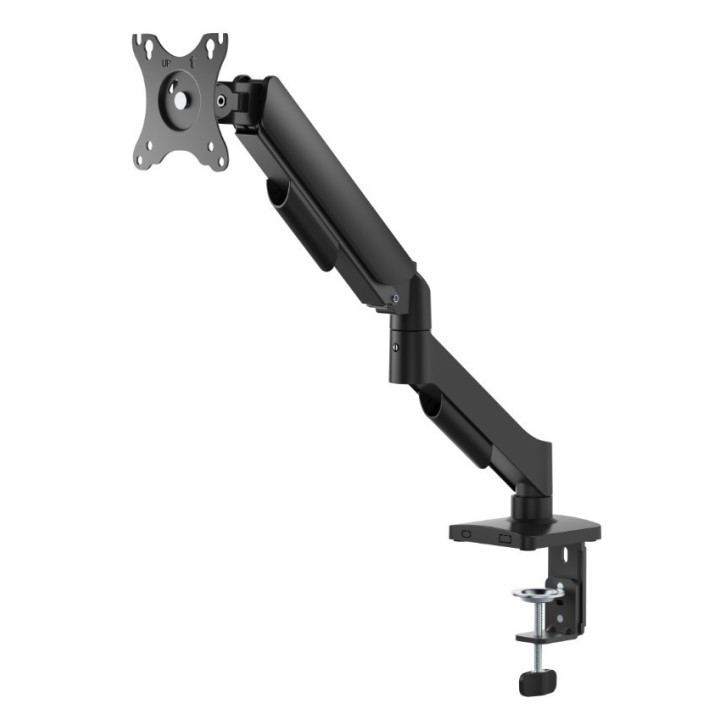
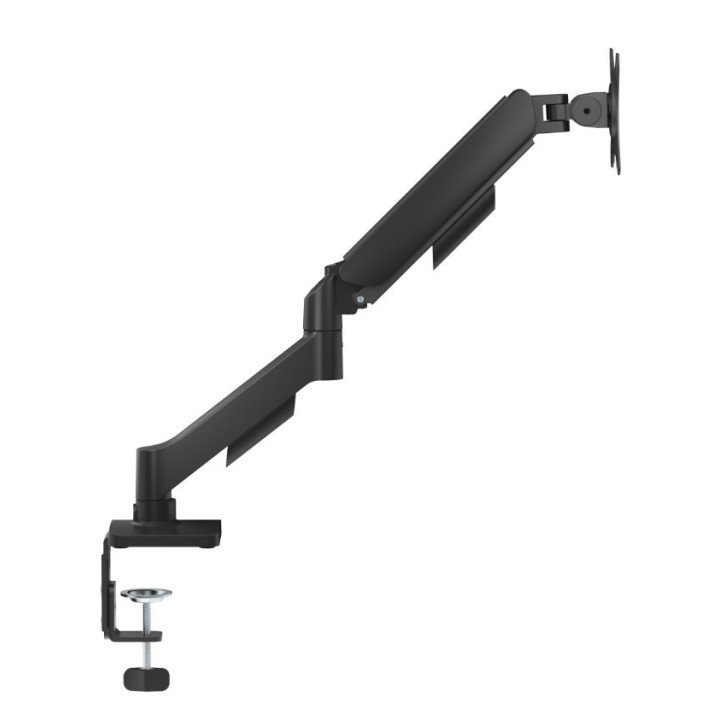
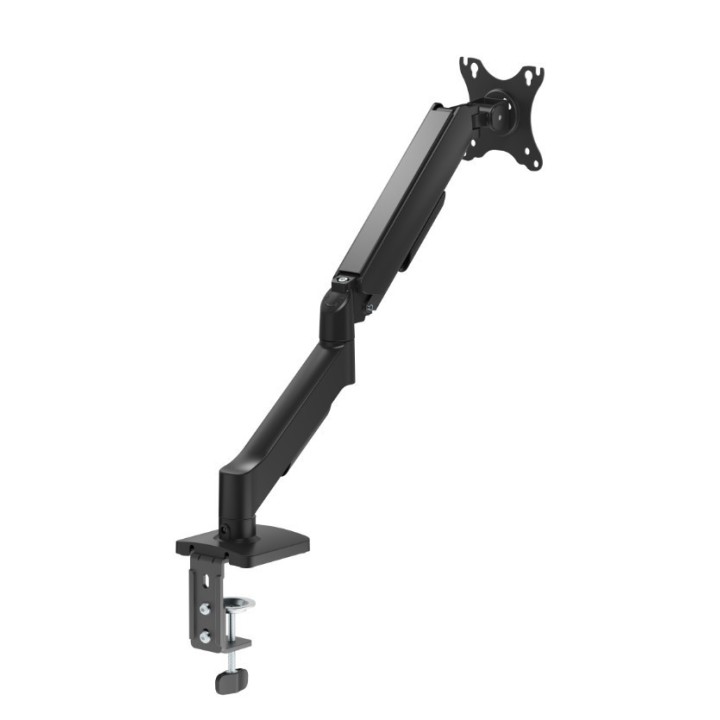
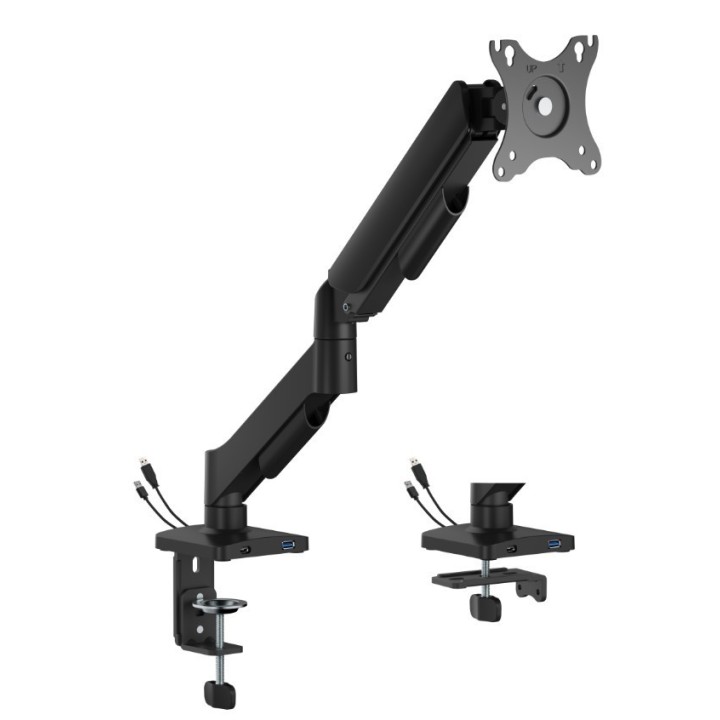
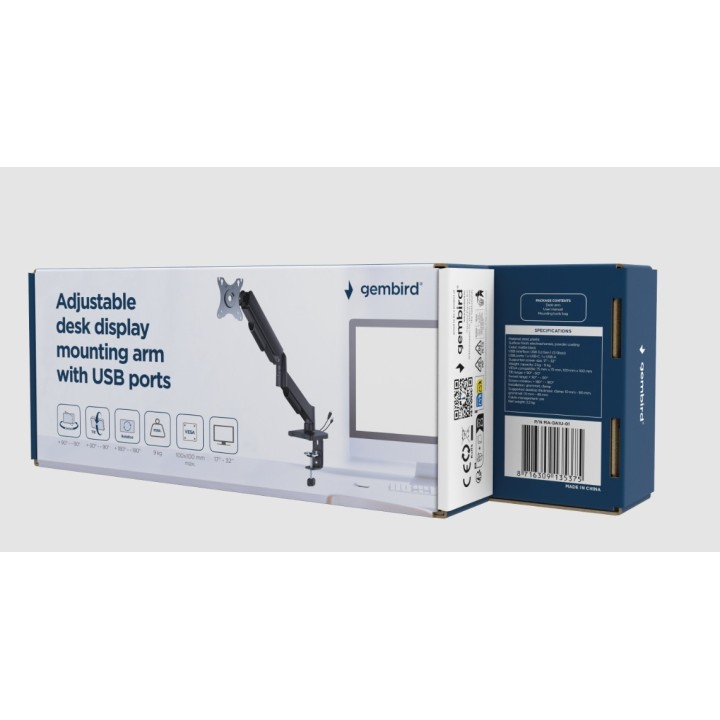
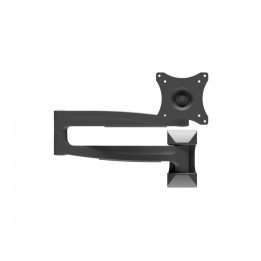
Ten zaawansowany uchwyt na monitor z pojedynczym ramieniem i zintegrowanymi portami USB został zaprojektowany, aby zapewnić pełną swobodę ergonomicznego pozycjonowania ekranu, jednocześnie redukując obciążenie pleców i szyi podczas długich godzin pracy. Dzięki lekkiej i ruchomej konstrukcji opartej na trwałej, regulowanej sprężynie gazowej, ramię umożliwia płynne obracanie, wysuwanie, chowanie, przechylanie oraz obrót wyświetlacza z trybu poziomego na pionowy, dostosowując kąt czytania do indywidualnych potrzeb, a wszystko to przy zachowaniu stabilności i bezpieczeństwa dla monitorów LCD o przekątnej do 32 cali i wadze do 9 kg. Praktyczne, zintegrowane w podstawie porty USB pozwalają na wygodne ładowanie urządzeń lub przesyłanie danych bez konieczności sięgania do komputera, a wbudowane zarządzanie kablami oraz solidny zacisk biurkowy lub opcja montażu przez przelotkę gwarantują zorganizowane, schludne i bezpieczne miejsce pracy. Płyta montażowa zgodna ze standardem VESA (maks. 100 x 100 mm) z otworami na klucz dodatkowo ułatwia błyskawiczną instalację monitora.
Gembird Europe B.V.
Wittevrouwen 56 1358 CD Almere Netherlands
E-mail: postmaster@gmb.nl
Telefon: +31-(0)36-5211588
List of safety warnings Computer monitor parts and accessories based on the requirements of General Product Safety Regulation (GPSR) 2023/988: 1. Risk of electric shock: * Make sure the accessories are compatible with the voltage and current in your country. * Do not use damaged power cables or plugs. * Disconnect accessories from power before cleaning or maintenance. * Do not touch accessories with wet hands. * Avoid using accessories in damp places. 2. Fire risk: * Use only accessories approved by the monitor manufacturer. * Do not cover accessories (e.g. power supply) during use to prevent overheating. * Do not use accessories near heat sources or open fire. 3. Risk of damage to monitor and accessories: * Make sure accessories are firmly fastened to avoid falling and damage. * Do not overload monitor ports with too many connected accessories. * Use accessories according to their purpose and instruction manual. 4. Health Risks: * Avoid prolonged staring at the monitor screen to prevent eye strain. * Maintain proper distance from the monitor and adjust screen brightness. * Ensure proper posture when working with your monitor. 5. Child safety: * Small accessory components (e.g. screws, end caps) may pose a choking hazard. Keep them out of reach of children. * Do not allow children to play with computer accessories. 6. Disposal: * Dispose of used electronic accessories in accordance with local environmental regulations. * Do not throw away accessories in ordinary garbage. 7. Cleaning: * Disconnect the accessories from the power supply before cleaning. * Use a soft, dry cloth to clean your accessories. * Do not use cleaning products containing alcohol, ammonia or abrasives. 8. Storage: * Store accessories in a dry and cool place, away from direct sunlight. * Protect accessories from moisture and extreme temperatures.