- Nowy
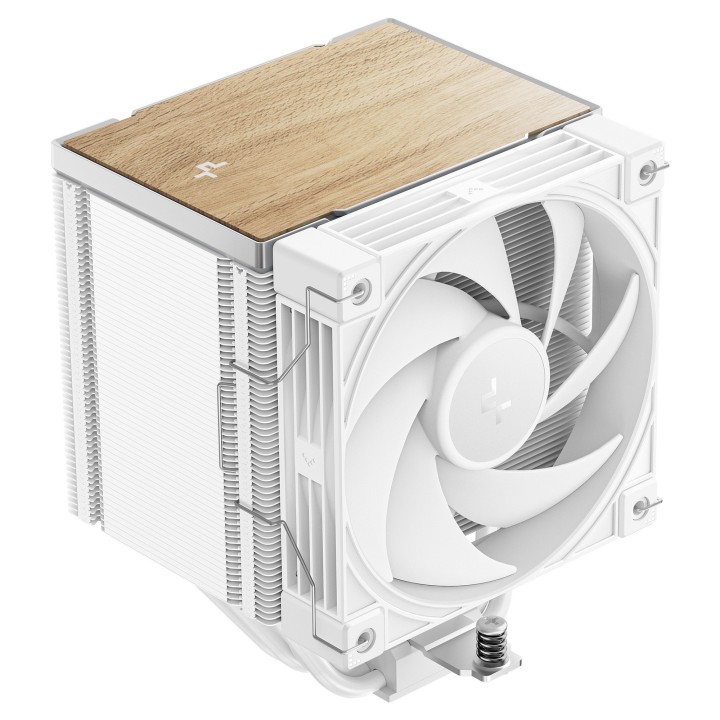
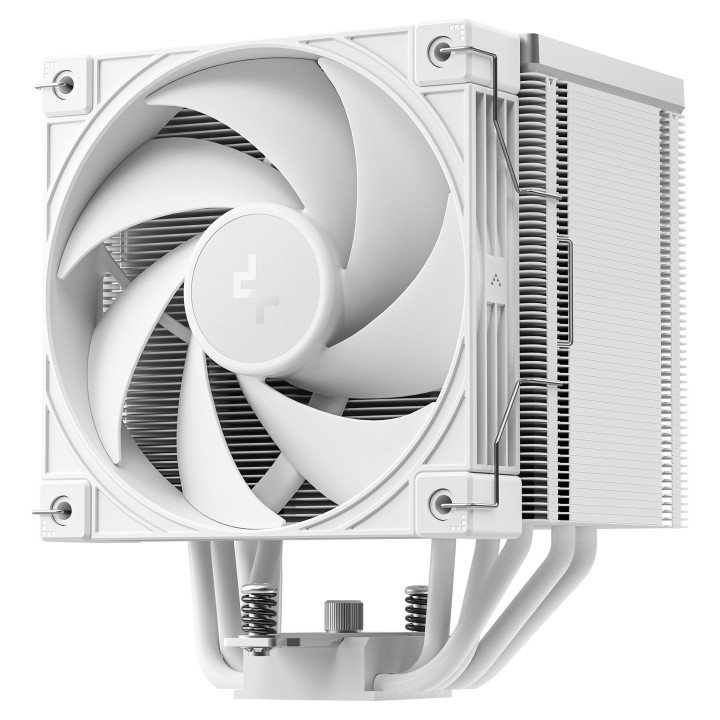
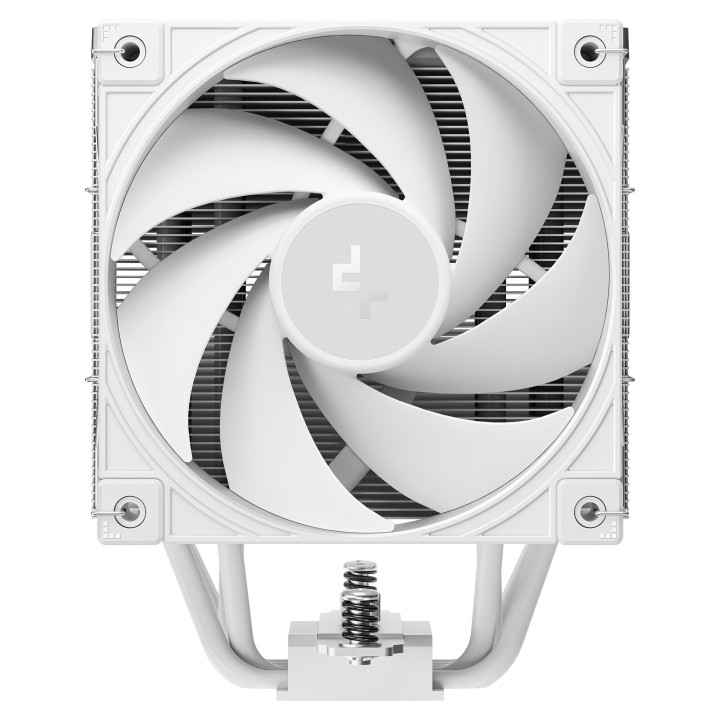
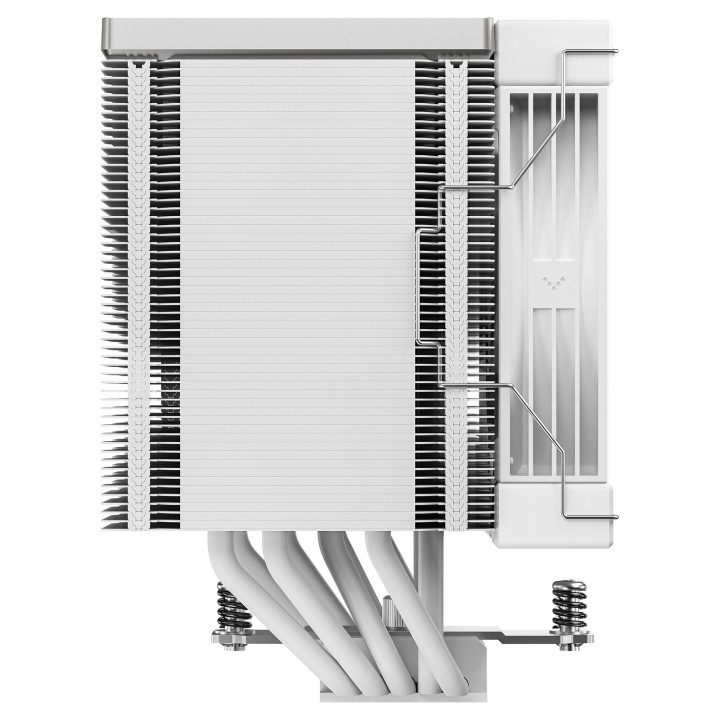
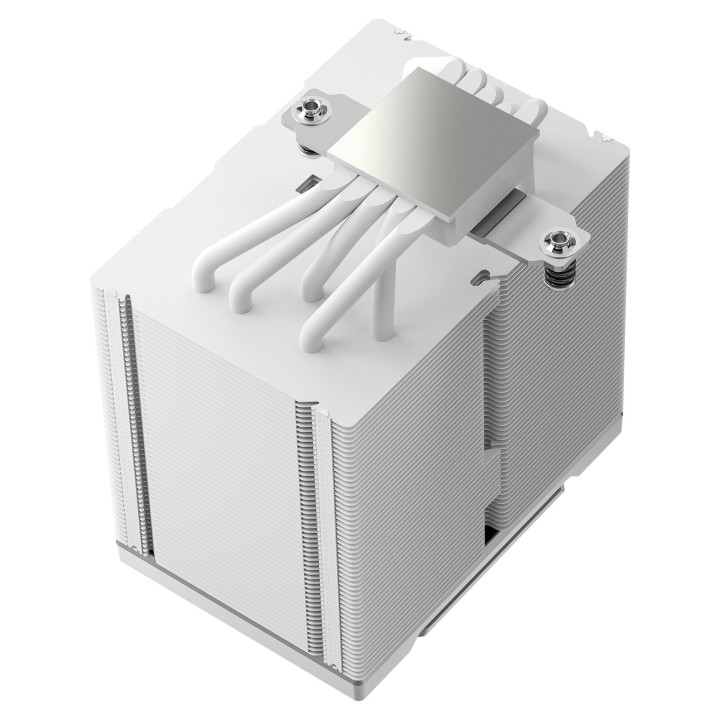
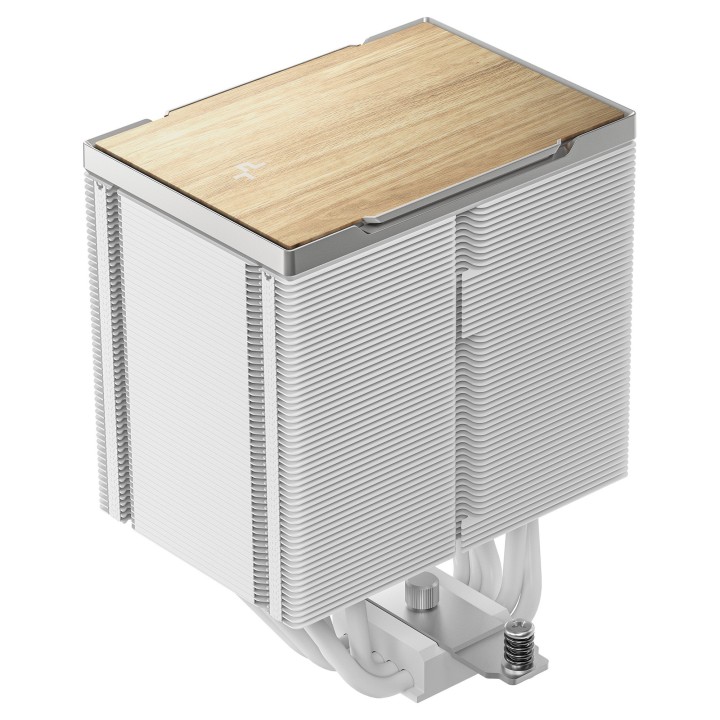
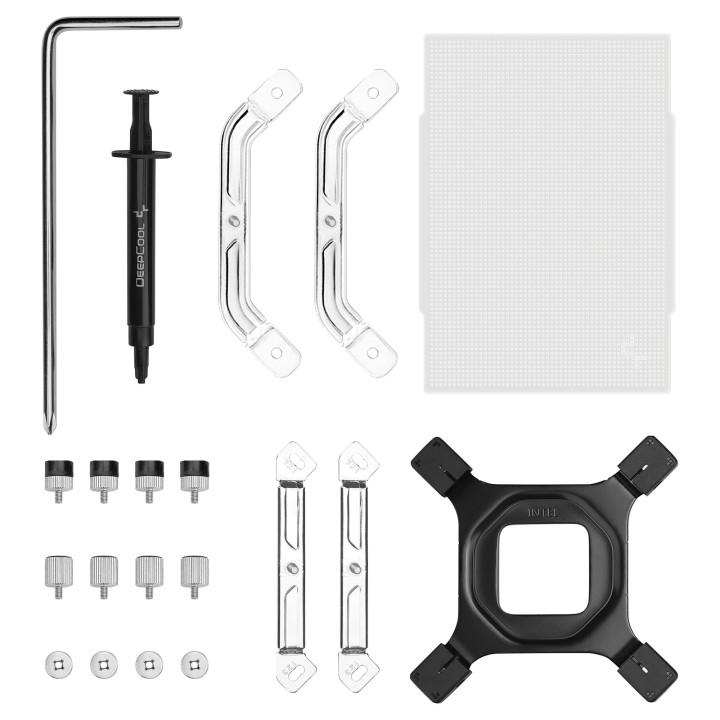
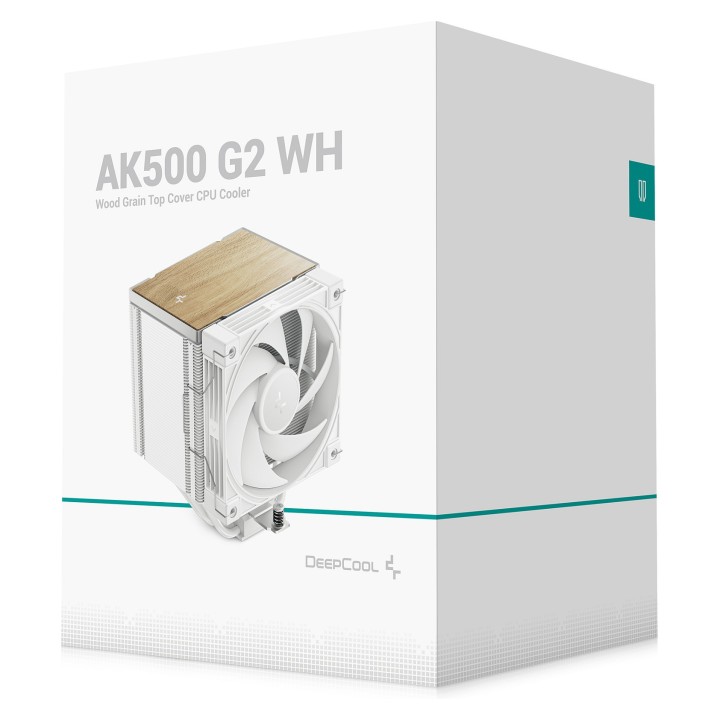
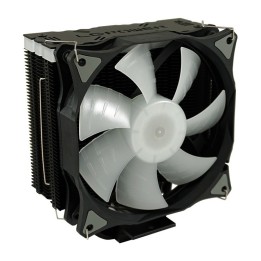
Deepcool AK500 G2 WH to wydajna chłodnica powietrzna w eleganckim białym wykończeniu, zaprojektowana do skutecznego odprowadzania ciepła z procesora. Konstrukcja opiera się na aluminiowym radiatorze oraz pięciu ciepłowodach o średnicy 6 mm, które szybko rozpraszają ciepło na powierzchni żeber.
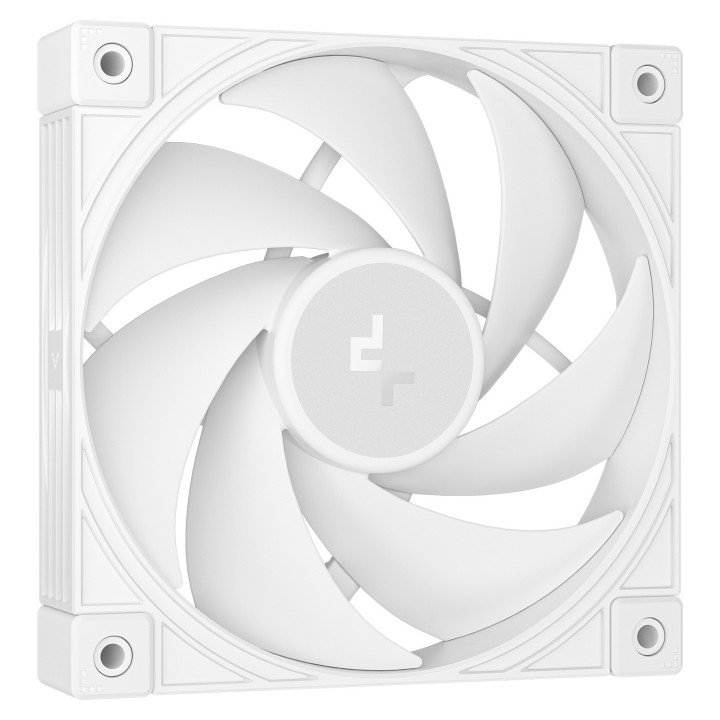
Chłodnica wyposażona jest w pojedynczy wentylator o średnicy 120 mm z siedmioma łopatkami i łożyskiem hydrodynamicznym (HDB). Wentylator osiąga maksymalną prędkość 2200 RPM, generując maksymalny przepływ powietrza 63.4 ft³/min przy maksymalnym ciśnieniu 3.33 mmH2O, przy czym poziom hałasu nie przekracza 31.45 dB. Złącze wentylatora to 4-pin, a pobór mocy wynosi 3 W (prąd 0.25 A).
Kompaktowe wymiary i stosunkowo niska masa ułatwiają montaż w obudowach o umiarkowanej przestrzeni. Produkt ma wymiary produktu 117 x 129 x 159 mm (szer. x głęb. x wys.) oraz wagę 1.35 kg, a same wymiary radiatora wynoszą 8.9 x 12.7 x 15.3 cm.
Action S.A.
Dawidowska 10 05-500 Zamienie Polska
E-mail: safety@action.pl
List of computer cooling and tuning safety warnings based on the requirements of General Product Safety Regulation (EU) 2023/988 (GPSR): 1. Risk of electric shock: * Before assembly or disassembly, make sure your computer is disconnected from power. * Do not touch the power cords with wet hands. * Use only power supplies and cables that comply with safety standards. 2. Fire risk: * Make sure the cooling system is compatible with your central unit and power supply. * Regularly check the condition of wires and fittings for damage or overheating. * Do not block ventilation holes in the computer case. * Use only non-flammable coolants designed for liquid cooling systems. 3. Risk of physical injury: * Use protective gloves during assembly to avoid cuts to the sharp edges of the components. * Beware of heavy elements such as heat sinks to avoid dropping them on your feet or other body parts. * Secure tuning components such as fans so they don't cause injury while your computer is running. * Take special care when working with liquids - avoid contact with eyes and skin. 4. Risk of damage to equipment: * Before installation, make sure that all components are compatible with your computer. * Follow assembly and disassembly instructions to avoid damage to components. * Do not exceed the recommended voltage and current values to avoid overheating and damage to components. * Clean cooling elements regularly to ensure efficient heat transfer. 5. Coolant Hazards: * In case of coolant leakage, disconnect the computer from power immediately. * Cooling liquid can cause corrosion - it should be removed from the surface of the elements. * Avoid inhaling coolant fumes. 6. Hazards for children: * Keep small items (screws, fittings) out of reach of children. * Do not allow children to assemble or disassemble computer components themselves. 7. Noise: * Fans can generate noise - use headphones or limit the time spent near a loud computer. 8. Electronics hazards: * Use antistatic mats during operation to protect components from electrostatic discharge. * Do not repair damaged items yourself - return them to service. 9. Overheating: * Regularly monitor the temperature of components to avoid overheating. * Make sure your cooling system is working properly and is sufficient for your computer. 10. Fire safety: * Use only certified power supplies and cooling systems. * Regularly check that no dust accumulates inside the housing, which can be flammable.
Produkty, które ostatnio zwróciły Twoją uwagę.