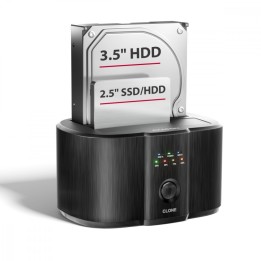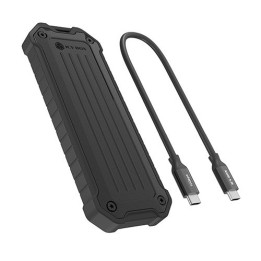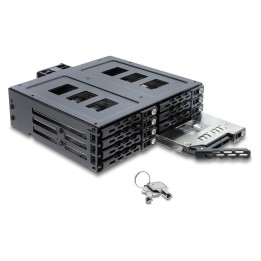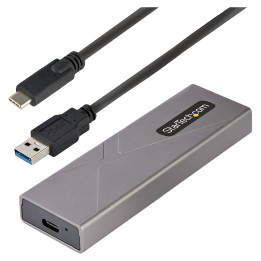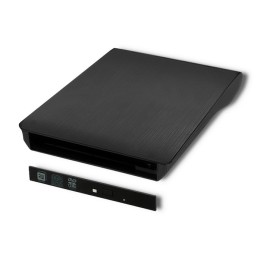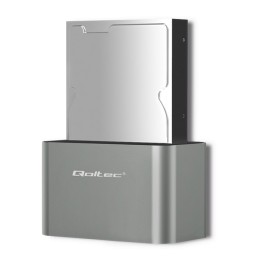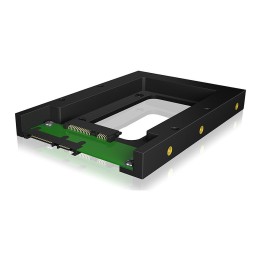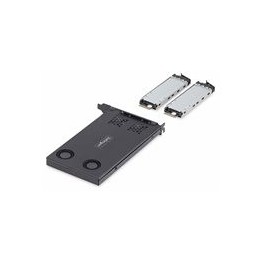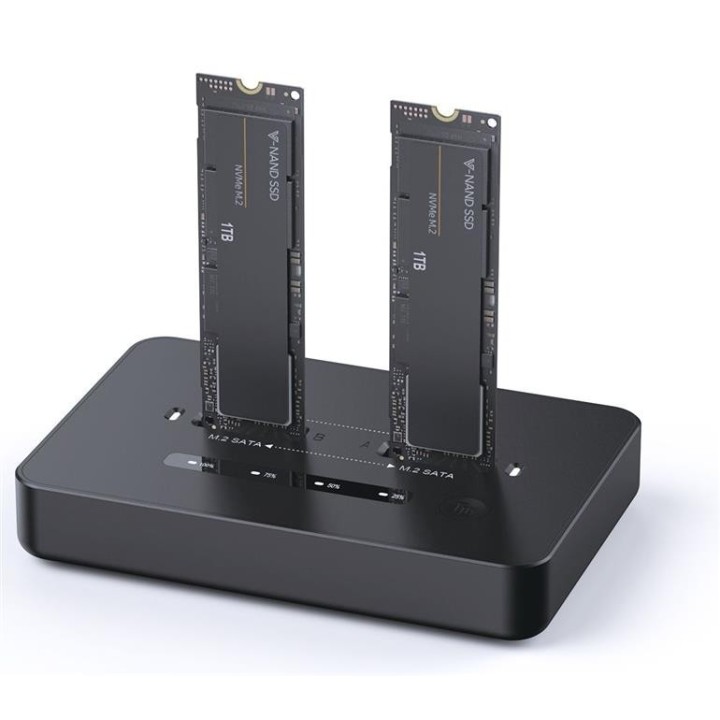
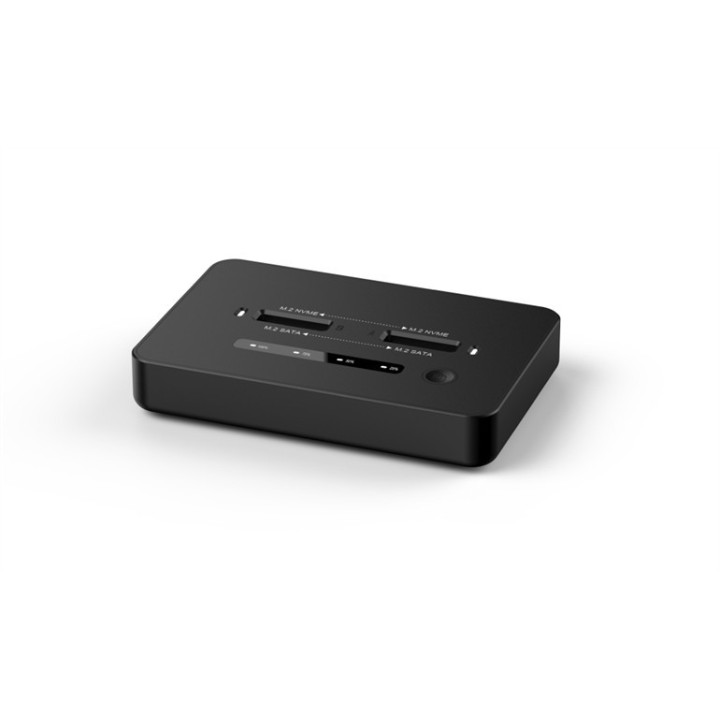
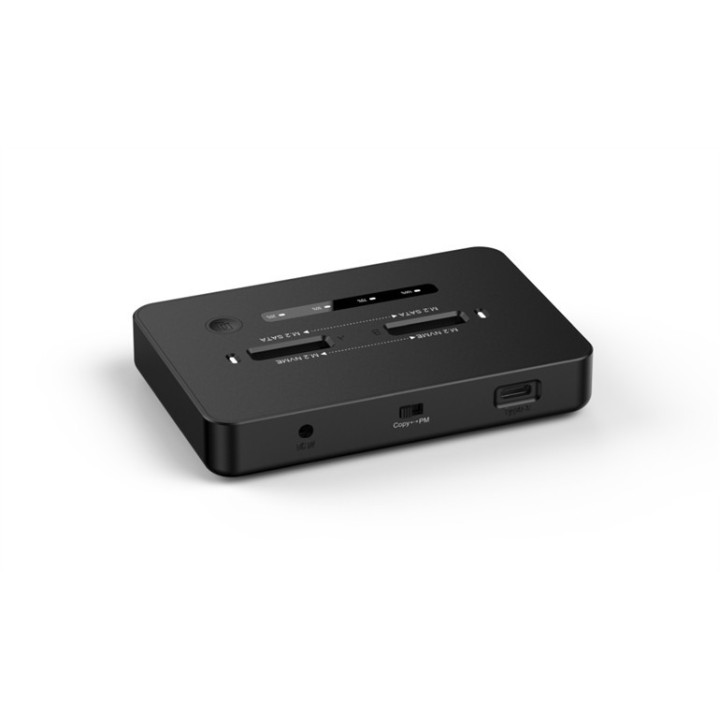
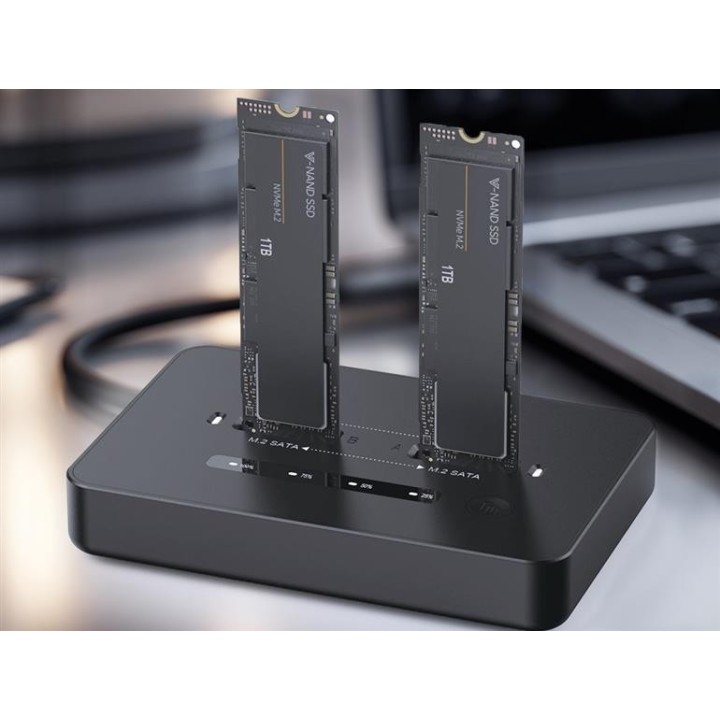
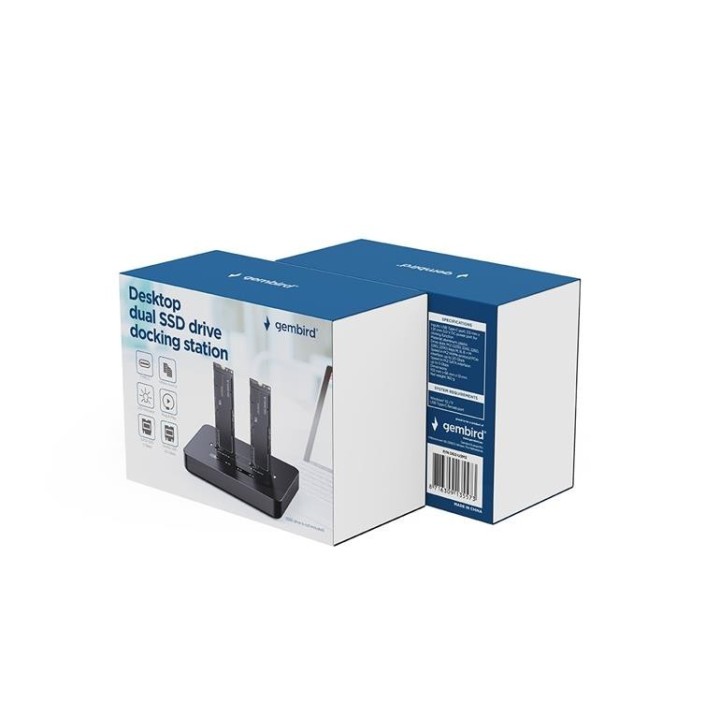

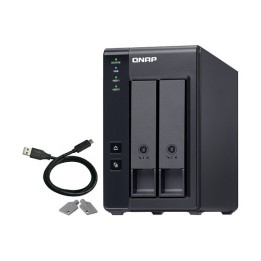
GEMBIRD Stacja dokująca do komputerów stacjonarnych z dwoma dyskami SSD USB typu C M.2 NVME i SATA czarna

Cena: 311,49 zł
Brutto
Dostępność produktu: Dostępny 3 szt.
Czas dostawy Wysyłka w ciągu 2 dni roboczych
Koszt dostawy Bezpłatna dostawa od 250 zł.

Opis produktu

Stacjonarna stacja dokująca do dysków SSD M.2

Obsługuje każdy dysk ze złączem M.2 ze specyfikacją SATA i NVME, poleceniami UASP i TRIM. Nie wymaga sterownika, ani zewnętrznego źródła zasilania. Urządzenie jest wyposażone w interfejs USB typu C, z adapterem USB Typu A. Nadaje się zarówno dla komputerów stacjonarnych, laptopów jak i telefonów.

Specyfikacja

  • Opis produktu: Gembird stacja dokująca SSD M.2 Card (PCIe NVMe SATA) USBC 3.2 (Gen 2x2)
  • Rodzaj urządzenia: Stacja dokująca SSD zewnętrzna
  • Wnęki: 2
  • Typ magistrali: USBC 3.2 (Gen 2x2)
  • Kolor: Czarny
  • Dodatkowe wnęki: 2 x dostęp od góry M.2 223022422260228022110
  • Zgodne obudowy dysku twardego: M.2
  • Interfejs: M.2 Card (PCIe NVMe SATA)
  • Szybkość transmisji danych: 20 Gbits
  • Obsługiwane urządzenia: Dysk SSD
  • Maksymalna ilość urządzeń pamięci: 2
  • Rodzaj opakowania: Kolorowe pudełko
  • Tworzywo produktu: Aluminium, plastik
  • Wymagania systemowe: Microsoft Windows 10 11, Microsoft Windows
  • Wymiary (szer.głęb.wys.): 10.2 cm x 6.6 cm x 1.3 cm
  • Waga: 160 g

Szczegóły produktu

  • Marka Gembird
  • Kod produktu 6902de59f9e89dce1d4e26b9
  • Dostępność 3 Przedmioty
  • EAN13 8716309135573
  • MPN DD2-U3M2

Producent

Producent

Gembird Europe B.V.

Wittevrouwen 56 1358 CD Almere Netherlands

E-mail: postmaster@gmb.nl

Telefon: +31-(0)36-5211588

Bezpieczeństwo

Informacje o bezpieczeństwie

List of safety warnings Enclosures and pockets based on the requirements of General Product Safety Regulation (GPSR) 2023/988: 1. Risk of electric shock: Before opening the case, make sure your computer is disconnected from power. Do not touch electronic components with wet hands. 2. Risk of hardware damage: Be careful when installing drives to avoid damaging them or the enclosure. Use the right tools and screws. 3. Sharp edges: Enclosures may have sharp edges, so be careful when assembling to avoid cuts. Use protective gloves. 4. Overheating: Make sure the housing provides adequate ventilation to prevent the discs from overheating. Do not block ventilation openings. 5. Grounding: The housing should be properly grounded to prevent the accumulation of electrostatic charges. 6. Compatibility: Make sure the case and pocket are compatible with the drive type (e.g. SATA, NVMe) and computer interface (e.g. USB, Thunderbolt). 7. Weight: Some enclosures with mounted discs can be heavy, so be careful when moving to avoid injuries. 8. Children: Keep small items (screws, jumpers) away from children to prevent ingestion. Do not allow children to assemble themselves. 9. Moisture: Protect your enclosure and discs from moisture and flooding. 10. Damage: Do not use a damaged case or pocket.

Ładowanie...
Wróć na górę